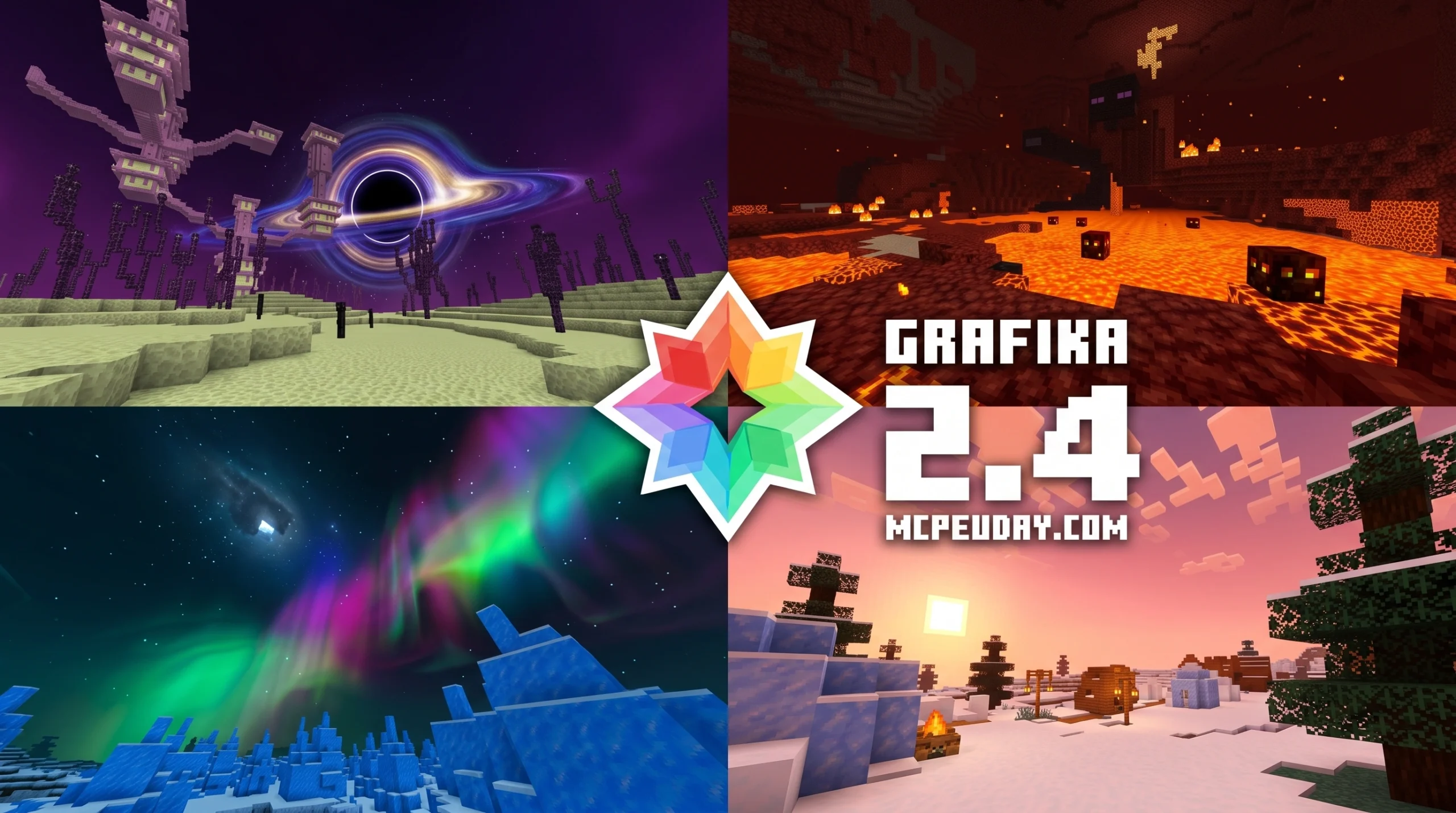
What Grafika Shader Does to Your Minecraft PE World
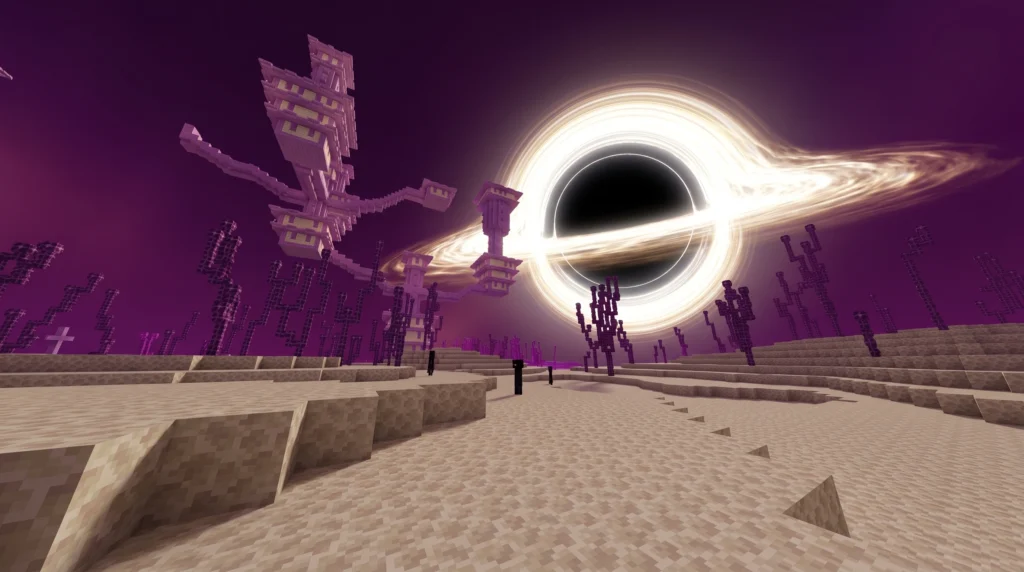
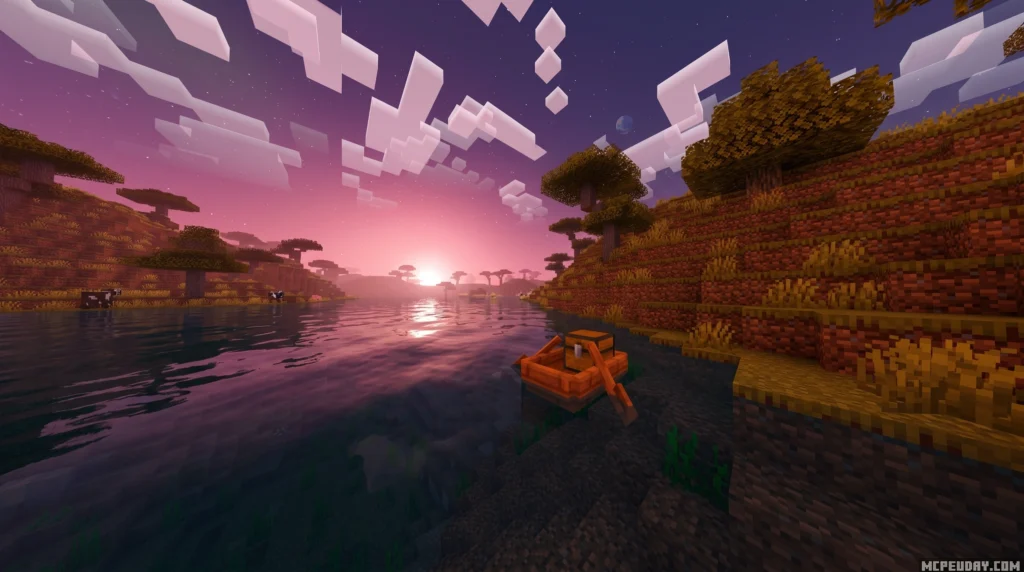
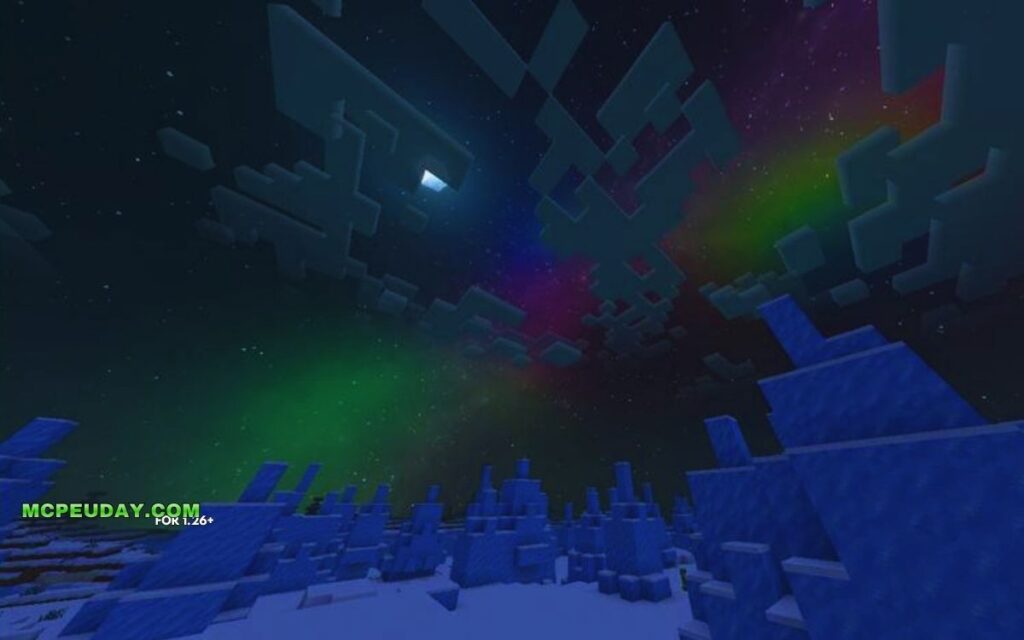
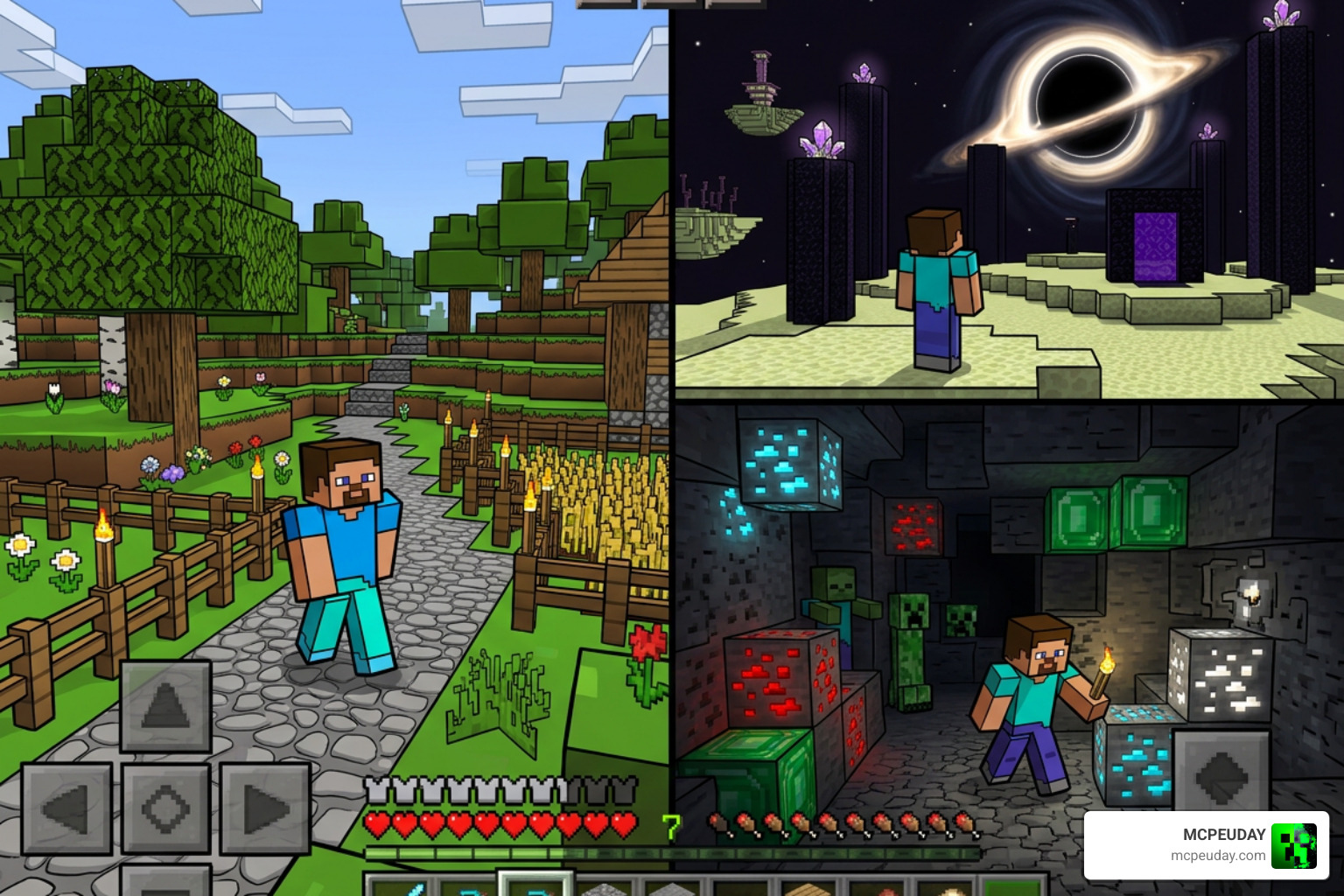
Grafika Shader is a visual overhaul pack for Minecraft PE (Bedrock Edition) that gives the game a bold, cartoon-style look — complete with sharp black outlines around characters and mobs, glowing ores in dark caves, and a dramatic black hole effect in The End dimension.
Quick answer — here’s what Grafika Shader does:
| Feature | What It Does |
|---|---|
| Black outlines | Adds sharp cel-shaded edges around players, mobs, and objects |
| Glowing ores | Makes ores visibly glow so you can spot them in dark dungeons |
| End dimension | Replaces the End skybox with a massive black hole effect |
| Versions | Available for Minecraft Bedrock 1.21 and 26.x |
| File size | Lite version (~799 KB) and Full version (~2 MB) |
| Rating | 4.8 out of 5 stars |
It works on Android, iOS, and Windows and is one of the few shaders that goes for a stylized look rather than trying to make Minecraft look realistic.
If you’ve been bored with vanilla Minecraft’s flat visuals, Grafika gives it a completely different personality — almost like playing inside a hand-drawn comic book.
In this guide, you’ll learn exactly how to install it, what to expect on your device, and how it stacks up against other popular shaders.
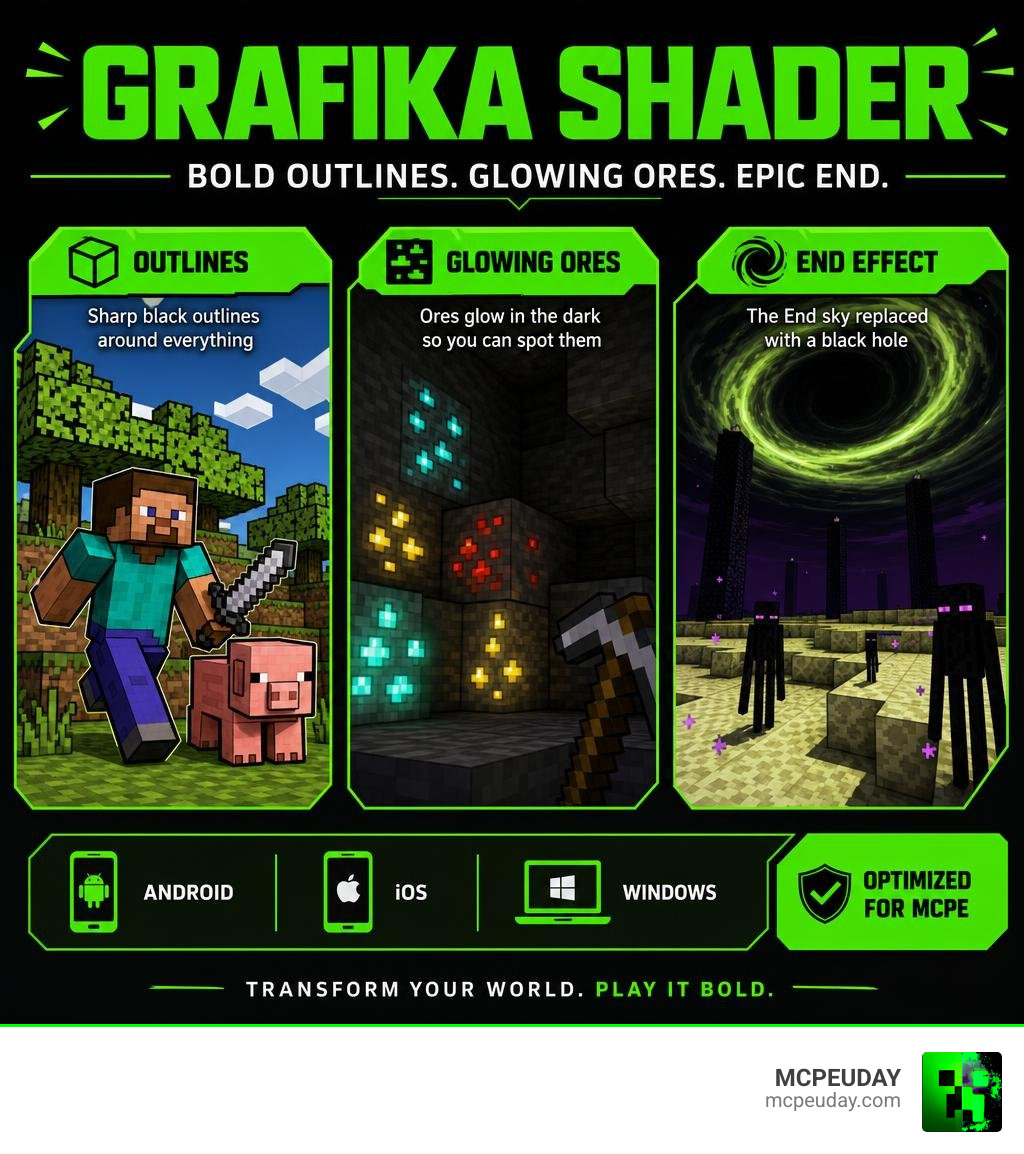
What is Grafika Shader and How Does It Transform Minecraft PE?
When you think of a standard graphics mod, you probably think of realistic water, waving leaves, and blinding sun rays. But Grafika Shader takes a completely different path. Instead of chasing hyper-realism, it transforms your Minecraft Bedrock edition into a beautifully stylized, cel-shaded world.
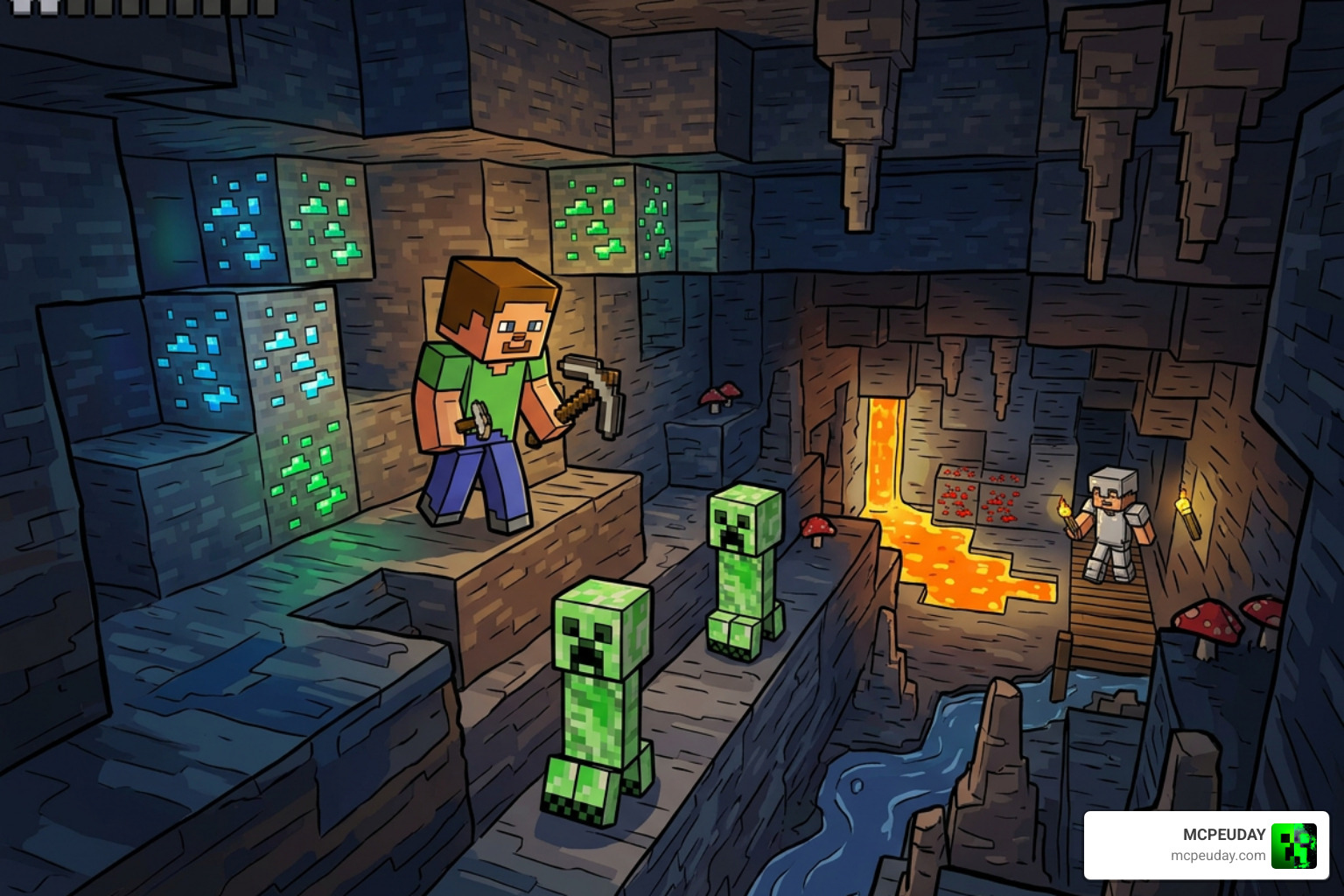
This pack works by injecting custom rendering techniques into the game engine. If you’ve ever wondered what are shaders in games, they are essentially programs that tell the game how to render lighting, shadows, and textures. While most shaders focus on realistic physical lighting, this pack uses edge-detection algorithms to draw thick, comic-book-style black outlines around every mob, block edge, and player.
This pack has been highly rated by Bedrock players, earning an impressive 4.8 out of 5 stars for its unique visual style.
Visual Features of Grafika Shader in the Overworld and The End
Once activated, the visual changes are immediately apparent across all three dimensions of Minecraft:
- The Overworld (Cartoon Aesthetics): Every block, animal, and monster gets a sharp black outline. This cel-shaded look makes objects pop out from the background, giving the game a hand-drawn look reminiscent of games like Borderlands or The Legend of Zelda: The Wind Waker.
- Glowing Ores: Exploring dark caves can be a chore. Grafika solves this by giving ores an emissive, glowing texture. Diamond, iron, coal, and gold ores stand out brightly in pitch-black underground ravines, making mining both highly efficient and visually stunning.
- The End (The Black Hole Effect): The absolute highlight of this pack is the End dimension overhaul. Instead of the boring, static purple static sky, Grafika replaces the skybox with a massive, swirling black hole. It creates an ominous, cinematic atmosphere that makes the final boss fight against the Ender Dragon feel incredibly epic.
Interestingly, the underlying logic of manipulating texture buffers to create distinct outlines and filter effects mirrors real-world graphic development frameworks. For example, Google’s original Android graphics test app, google/grafika shows how developers use custom fragment shaders to apply real-time convolution filters, black-and-white conversions, and OES texture processing. You can see how these low-level rendering mechanics are structured in files like app/src/main/java/com/android/grafika/gles/Texture2dProgram.java at master · google/grafika .
Comparing Grafika Shader Full vs Lite Versions
To accommodate different types of mobile devices and PCs, the creators developed two distinct versions of the shader pack.
- Lite Version (~799 KB): This version is highly optimized for low-end Android and iOS devices. It strips away some of the heavier post-processing effects while keeping the core cartoon outlines and glowing ores intact. It is perfect if you want to keep your frame rate locked at a smooth 60 FPS on older phones.
- Full Version (~2 MB): Designed for mid-to-high-end mobile devices and Windows PCs. This version features higher-quality edge detection, smoother outline transitions, and the complete black hole skybox in The End. It requires slightly more processing power but delivers the ultimate visual experience.
Step-by-Step Guide: How to Install Shaders on Minecraft Bedrock
Installing custom resource packs on Minecraft Bedrock is much easier than it used to be. Whether you are on Android, iOS, or Windows, you can get Grafika running in just a few minutes. If you want a broader overview of the process first, check out our guide on how to get shaders in Minecraft.
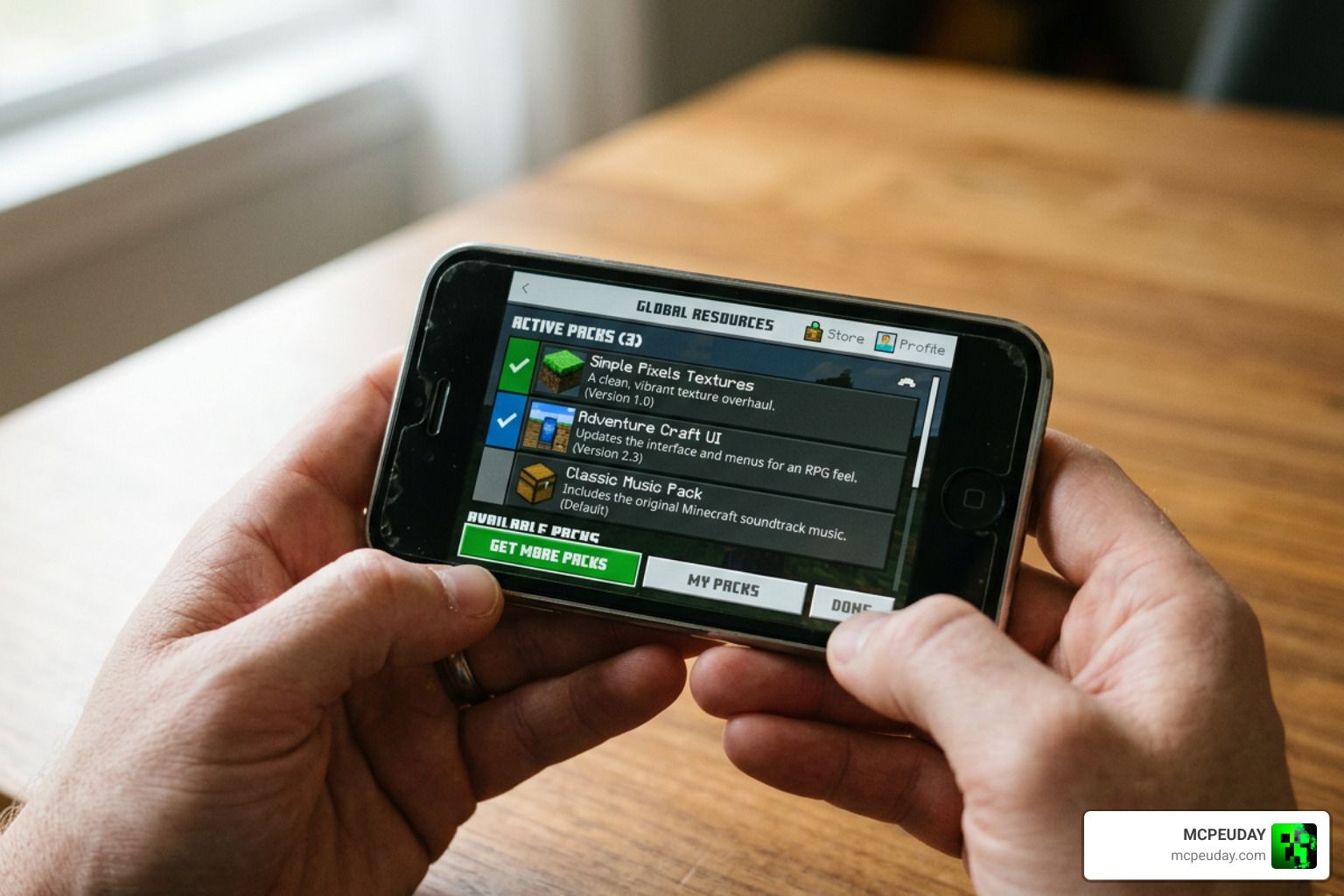
Here is our simple 5-step method to master the installation:
Step 1: Download the Correct Version
Head over to a trusted source or our Minecraft shaders download for Android section and grab either the Full or Lite .mcpack file. Make sure you choose the version that matches your game release (such as 1.21 or 26.x).
Step 2: Import the File to Minecraft
- On Android/iOS: Open your file manager, locate the downloaded
.mcpackfile, and tap on it. Select “Open with Minecraft.” The game will launch automatically and import the pack. - On Windows: Simply double-click the
.mcpackfile, and Minecraft will open and install it in the background.
Step 3: Activate in Global Resources
Once imported, go to the Minecraft main menu, select Settings, scroll down to Global Resources, and click on My Packs. Locate Grafika Shader, click it, and press Activate.
Step 4: Adjust Your Video Settings
For the best visual clarity, go to your in-game Video Settings and ensure that “Fancy Graphics” is toggled on. If you are using the Lite version on a low-end device, you can turn off “Beautiful Skies” to save extra frames.
Step 5: Launch Your World and Enjoy!
Create a new world or load an existing one. Take a walk into a dark cave to see the glowing ores, or step through an End Portal to witness the breathtaking black hole sky!
How This Pack Compares to Other Popular Shaders
In Minecraft Bedrock shaders, most creators try to push the limits of realism. Packs like those found in our Top 5 best realistic shaders for MCPE list focus heavily on realistic water reflections, dynamic lighting, and soft shadows.
Here is how Grafika compares to the heavy hitters:
- Style: While famous Java shaders like BSL or Sildur’s (often showcased in videos like the Top 10 Minecraft Shader Packs [2026] – YouTube ) strive for cinematic, sun-drenched realism, Grafika stands out by embracing its cartoon, cel-shaded identity.
- Performance: Realistic shaders often require powerful devices to run smoothly. On the other hand, Grafika is incredibly lightweight. Even its Full version is only 2 MB, making it far more accessible than packs like Photon. If you want to compare its performance to a highly customizable realistic pack, check out our Photon Minecraft shader how to install 2026 guide best FPS settings guide.
Performance Analysis and Device Compatibility
With Mojang’s modern Render Dragon engine running behind the scenes on Bedrock 1.21 and 26.x, older shader methods no longer work. Grafika has been specifically updated to cooperate with Render Dragon, ensuring you won’t get the dreaded grey-screen or crash-on-launch issues common with outdated packs.
For a deeper dive into how Render Dragon handles these packs on actual mobile hardware, see our Best render dragon shaders for MCPE 1.21 tested on real devices 2026 guide.
Here is a quick breakdown of how Grafika performs across different platforms:
| Platform | Recommended Version | Target FPS | Visual Quality |
|---|---|---|---|
| Low-End Android/iOS | Lite | 50 – 60 FPS | Good (Outlines + Glowing Ores) |
| Mid-Range Phones | Full | 60 FPS | Excellent (Full Effects) |
| Windows PC | Full | 120+ FPS | Flawless (Max Draw Distance) |
Frequently Asked Questions about Minecraft Bedrock Shaders
Is this shader compatible with Minecraft 1.21 and 26.x?
Yes! Grafika Shader is fully compatible with Bedrock versions 1.21 and the 26.x update branches. The developers regularly update the pack to ensure compatibility with Mojang’s Render Dragon engine.
How do I fix black screen issues on mobile devices?
If you experience a black or grey screen upon loading a world, it usually means your device has run out of allocated video memory (VRAM). Try switching from the Full version to the Lite version, restart your Minecraft app, and clear your device’s cache before launching the game again.
Where can I download the official files?
You can safely download the verified, virus-free files directly from trusted community platforms or our dedicated download sections. Always avoid third-party sites that bundle downloads with suspicious installers.
Conclusion
Grafika Shader is a breath of fresh air in the Bedrock modding scene. By trading resource-heavy realism for a gorgeous, comic-book-inspired art style, it gives you a visually stunning game without destroying your device’s frame rate. From the glowing cave ores that make mining a breeze to the jaw-dropping black hole in The End, this pack is a must-have for any Bedrock player in 2026.
If you are looking to explore even more ways to upgrade your game’s graphics, check out our curated list of the Best shaders for MCPE 1.21 2026 top 3 realistic Minecraft PE shaders to find your next favorite pack!