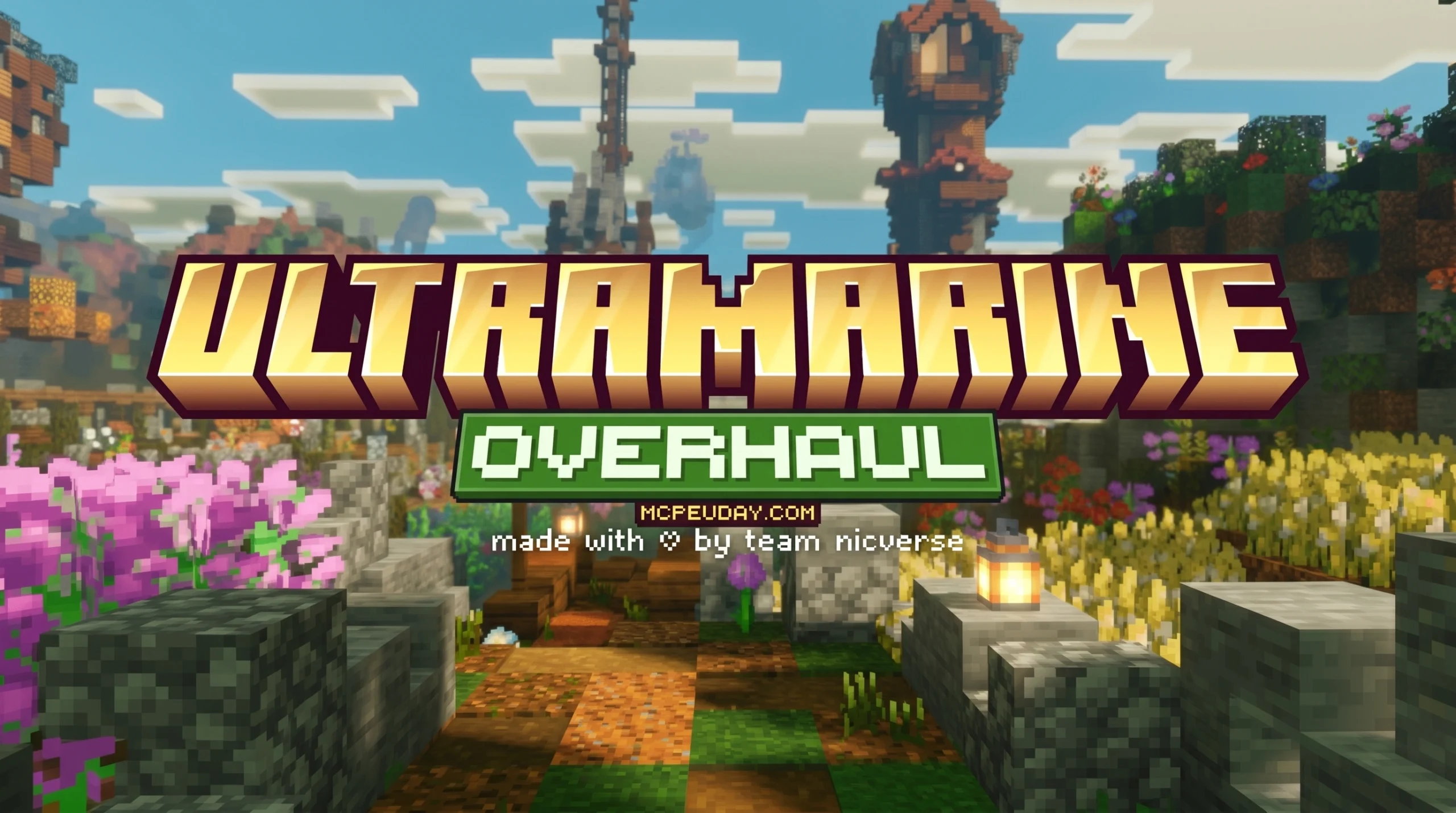
What the Ultramarine Overhaul Texture Pack Is and Where to Get It
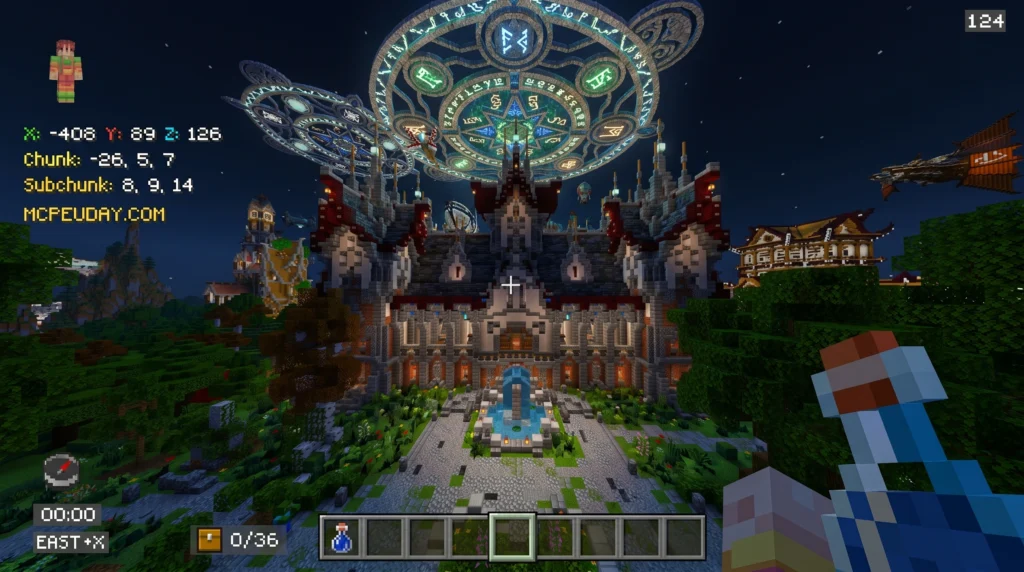
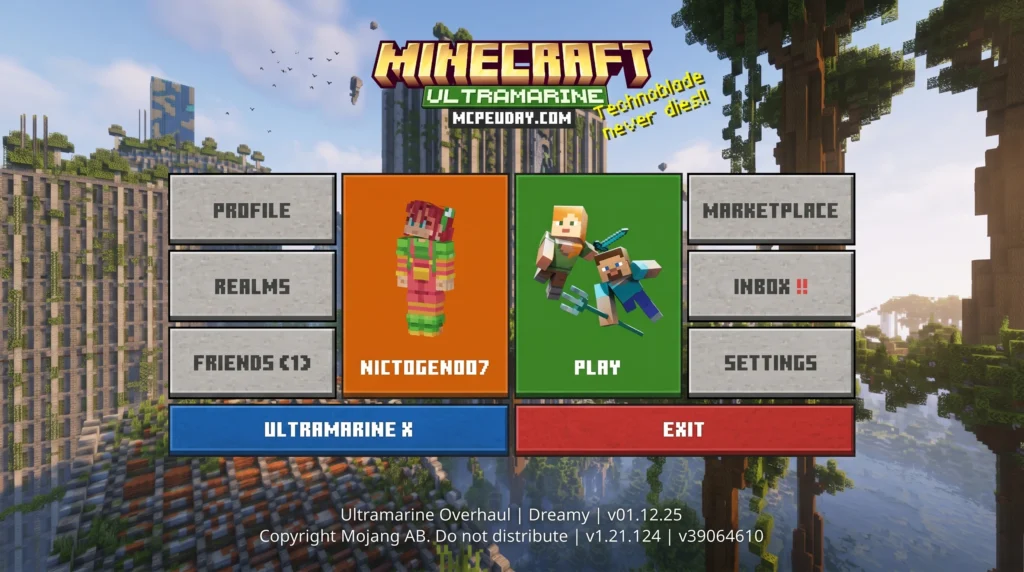
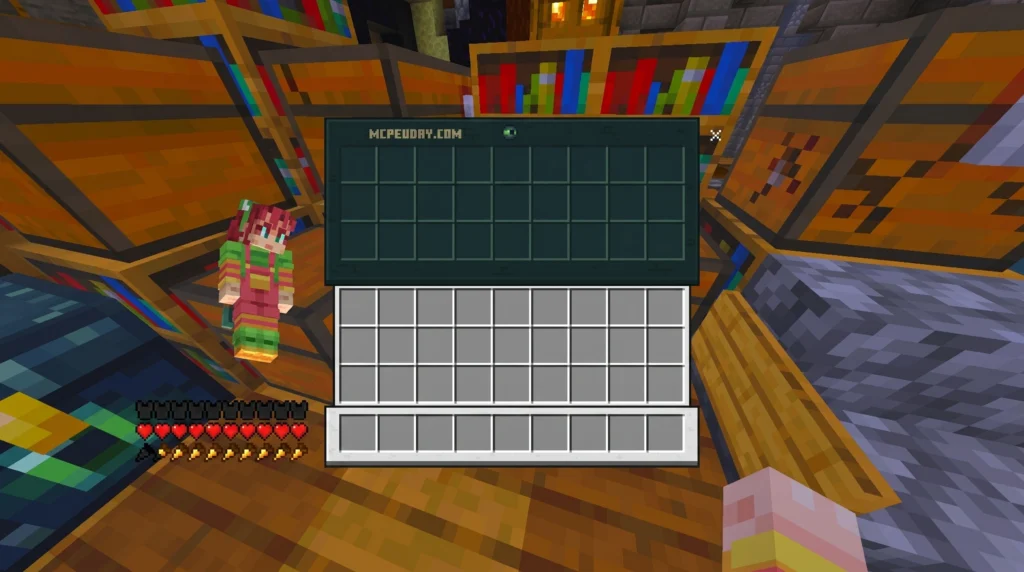
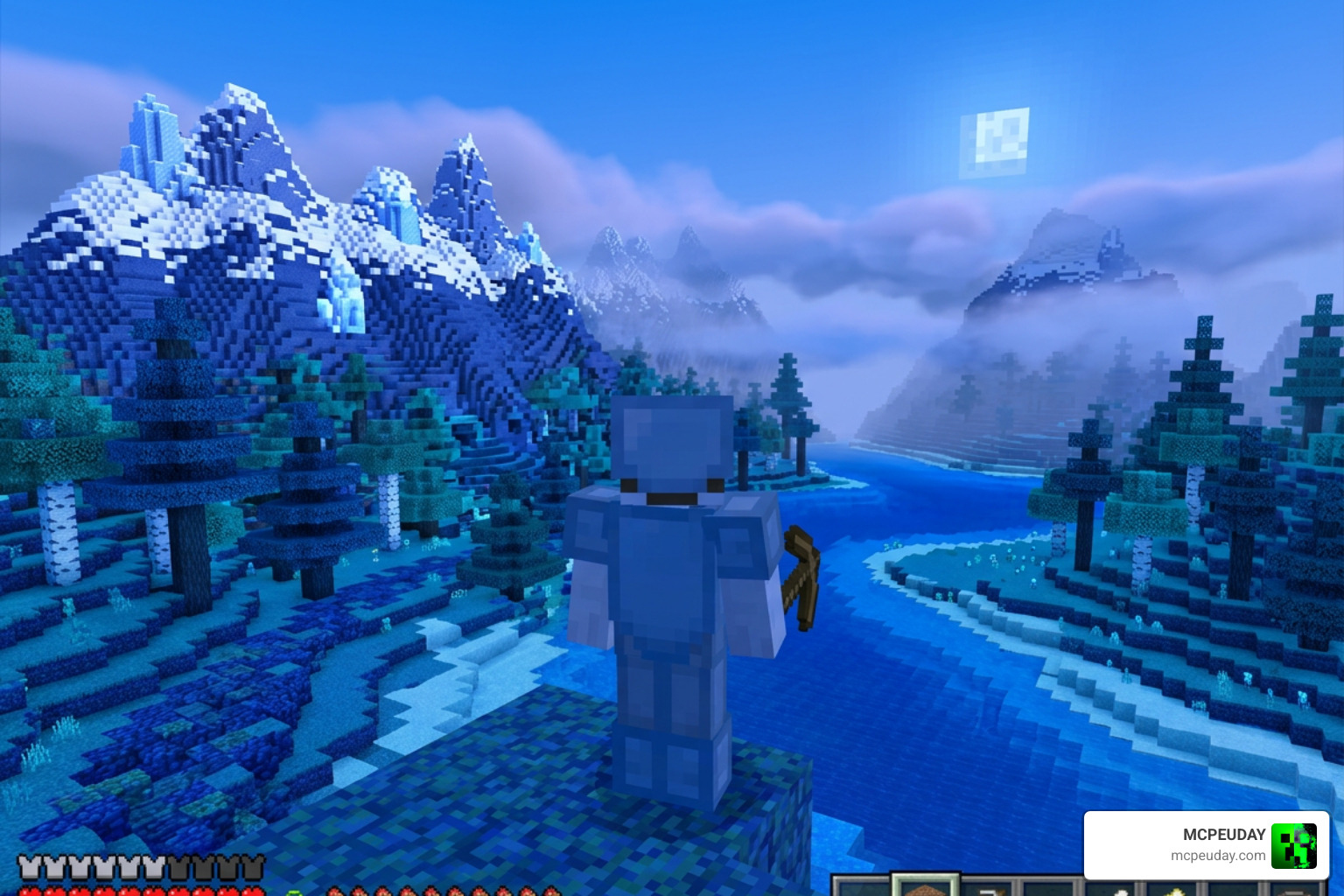
The Ultramarine Overhaul Texture Pack is a free Minecraft Bedrock texture pack that transforms your game’s visuals with a cleaner UI, atmospheric fog effects, and built-in shader support. Here’s the quick version:
- Creator: notnicto (via NicVerse)
- Resolution: 16×16
- Supported versions: Minecraft Bedrock 1.20.40+ and 26.x
- File size: 20.97 MB
- Downloads: 1 million+
- Rating: 4.1/5
- Latest version: v260525 (updated May 21, 2026)
- Safe download: Available on the official NicVerse site and MCPEUDAY
If you just want to download it, head to the official NicVerse page or MCPEUDAY and grab the latest .mcpack file.
Minecraft Bedrock has thousands of texture packs. Most of them change a few block colors and call it a day. Ultramarine Overhaul is different.
It doesn’t just swap textures. It adds biome-dependent fog, a redesigned HUD, gameplay tools like quick loot and a brewing guide, and a built-in Render Dragon shader — all in one 20 MB file. That’s a lot of value packed into a single download.
With over 1 million downloads and two years of active updates, this pack has built a real following among Bedrock players who want a polished, cinematic feel without switching to a whole new game client.
Whether you’re on mobile, console, or PC, this guide covers everything — features, version differences, installation, and where to download safely.
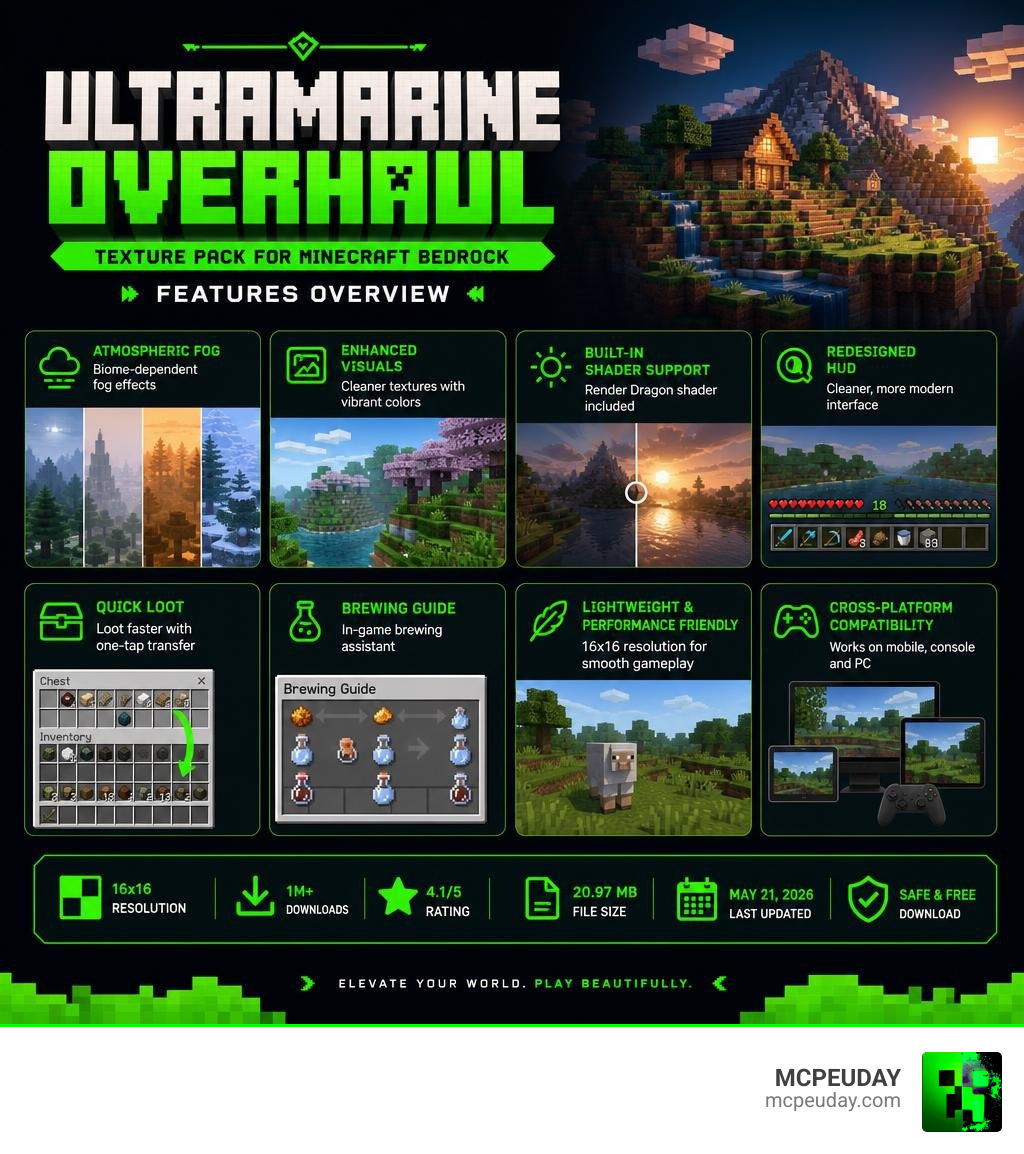
What is the Ultramarine Overhaul Texture Pack?
At its core, the Ultramarine Overhaul Texture Pack is an all-in-one visual and interface upgrade created by the talented developer notnicto, under the NicVerse brand. Unlike heavy high-definition packs that can slow down your device, this pack maintains a lightweight 16×16 resolution. This design choice ensures that the game runs smoothly even on budget mobile devices and older consoles.
Rather than completely rewriting the blocks you see every day, notnicto focused on refining the atmosphere and user experience. It bridges the gap between a standard resource pack and a client mod, bringing features to Bedrock Edition that Java Edition players have enjoyed for years. If you are looking for a massive aesthetic shift that keeps your frame rates high, this pack is designed specifically for you.
Key Features and Visual Enhancements
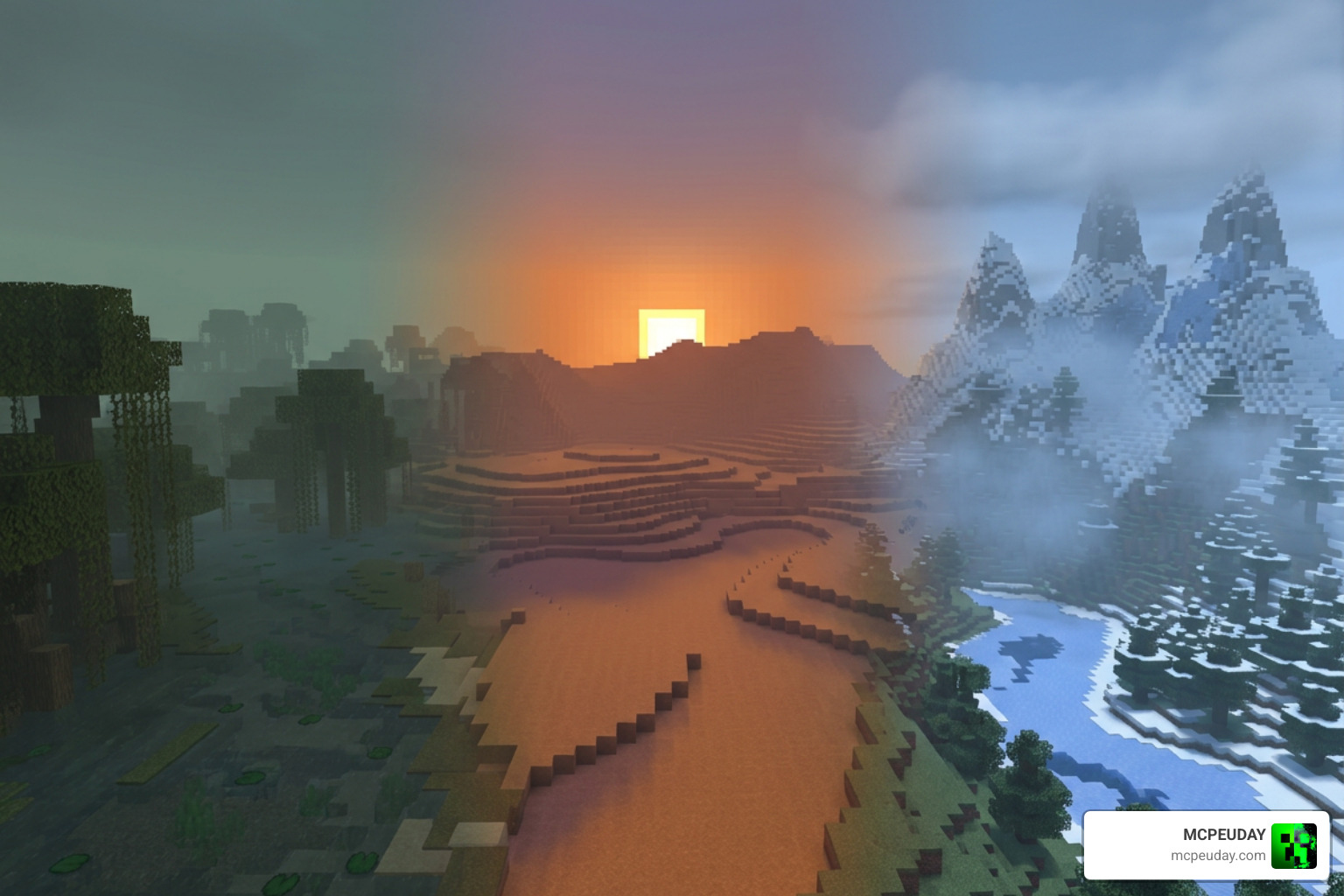
When you first load into a world with this pack active, the changes are immediate. We have tested many resource packs, and few manage to pack this many features into a single installation. Here are the standout visual upgrades:
- UI Redesign: The user interface gets a beautiful, modern facelift. Menus are cleaner, less intrusive, and far easier to navigate.
- Biome-Dependent Fog: This is a game-changer for immersion. Swamps feel damp and mysterious, deserts have a warm haze, and snowy peaks look biting and cold.
- Ore Borders: To make mining much more efficient, ores now feature clear, distinct borders. It is a fantastic alternative to downloading a standalone Visible Ores Texture Pack 26 X 1 21 Mcpe Bedrock Pack.
- Custom Armor Stands: You can access custom armor stand skins, which you can customize further by visiting the creator’s official skin portal.
- Transparent Clouds: The skybox looks incredibly cinematic thanks to soft, transparent cloud layers that blend naturally into the horizon.
- Render Dragon Shader Support: Since Minecraft Bedrock transitioned to the Render Dragon engine, traditional shaders have been difficult to run. Ultramarine Overhaul includes a built-in shader that works natively with Render Dragon, giving you gorgeous lighting and shadows. If you love glowing details, this pairs beautifully with the concepts behind the Glowing Plus Texture Pack Make Your Minecraft World Shine With Brilliant Light Effects.
For players who want to push their hardware to the absolute limit with heavy high-resolution assets, you might also look into the Ultra-HD Texture Overhaul by Oxygendavid. However, for everyday Bedrock gameplay, Ultramarine’s 16×16 optimizations are incredibly hard to beat.
Gameplay Tools in Ultramarine Overhaul Texture Pack
What truly sets the Ultramarine Overhaul Texture Pack apart from standard cosmetic packs is its suite of built-in gameplay tools. It acts like a mini-utility mod, saving you from having to clutter your active list with multiple addons:
- Quick Loot & Quick Craft: Streamlines your inventory management. It is fully compatible with the popular Better Quick Loot system.
- Brewing Guide: No more memorizing recipe charts or looking them up on your phone. The brewing stand interface includes a built-in guide.
- Durability Viewer: See the exact remaining durability of your tools and armor directly on your HUD.
- HUD Clock and Compass: Keep track of the in-game time and your orientation without needing to hold physical items in your hand.
- Chat Helper: Clean up your chat window and access quick commands and text formatting tools with ease.
Ultramarine Overhaul vs. Ultramarine Nightfall
If you have been searching for Bedrock resource packs, you have likely run into both Ultramarine Overhaul and Ultramarine Nightfall. Both are developed by notnicto, but they serve slightly different purposes.
While Overhaul focuses on a bright, atmospheric, and highly functional daytime aesthetic, Nightfall leans heavily into dark-mode user interfaces, starry night skies, and optimizations tailored for players who prefer a darker, sleeker theme.
Here is a quick look at how the two stack up statistically:
| Feature / Stat | Ultramarine Overhaul | Ultramarine Nightfall |
|---|---|---|
| File Size | 20.97 MB | 18.34 MB |
| Downloads | 1 Million+ | 1.1 Million+ |
| Rating | 4.1 / 5 | 4.2 / 5 |
| Primary Focus | Day/Night Atmosphere & Utility | Dark UI & Optimized Night Aesthetics |
| Shader Style | Vibrant & Fog-focused | High-contrast & Sleek |
If you prefer a clean, minimal, almost toy-like look instead of these feature-heavy packs, you might want to look at the classic Bare Bones Texture Pack or its updated version, the Bare Bones Texture Pack 1 21 Mcpe Bedrock Edition Download Now.
Choosing the Right Ultramarine Overhaul Texture Pack Version
Choosing the right version ensures you do not run into compatibility issues.
- v260525 (Latest): This version is fully optimized for Minecraft Bedrock 26.20+. It includes the new transparent clouds, custom armor stand skins, and critical fixes for the Pocket Edition GUI bugs that used to plague mobile players.
- v260410: Released earlier in 2026, this version is famous for introducing advanced creator tools, including an in-game text generator and an item renderer. It also features a hilarious April Fools’ Easter egg that you can unlock by changing your language settings!
How to Install and Use the Pack Safely
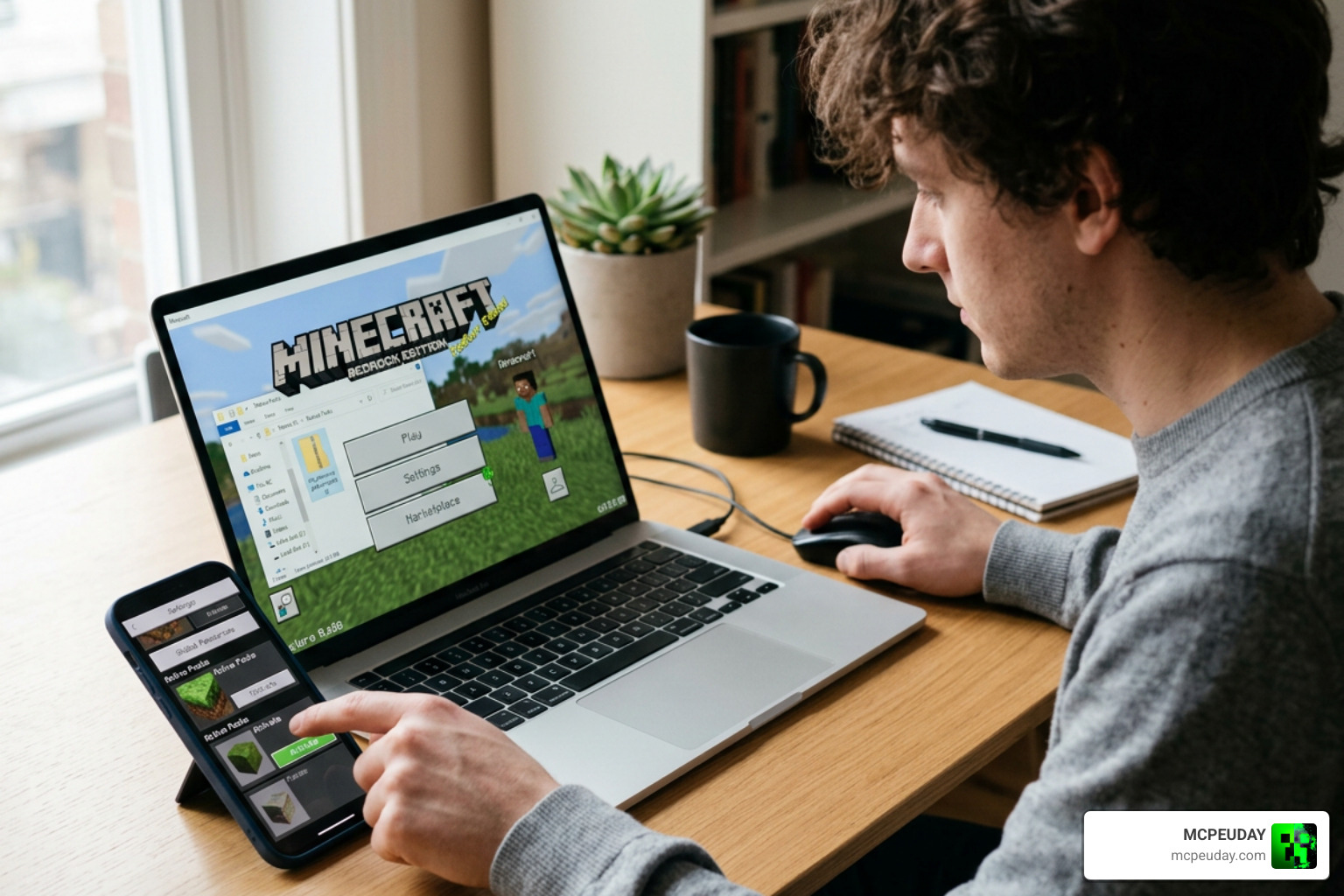
Installing the Ultramarine Overhaul Texture Pack is incredibly simple because it uses the native Bedrock .mcpack format. Follow these quick steps to get it running safely:
- Download the Pack: Download the latest version of the pack. You can find safe download links on the official NicVerse page or directly on MCPEUDAY.
- Import to Minecraft: Once downloaded, tap or double-click the
.mcpackfile. Minecraft Bedrock will open automatically and import the pack. - Activate Globally: Go to the main menu, navigate to Settings > Global Resources > My Packs. Find Ultramarine Overhaul and click Activate.
- Adjust World Settings: If you want the biome-dependent fog and Render Dragon shader features to work perfectly, make sure your game’s brightness is set to a comfortable level and that fancy graphics are enabled.
Note on Terms of Use: The creator, notnicto, allows personal use of this pack. However, you are not allowed to redistribute the files on other websites or claim them as your own. If you showcase the pack in a video, always link back to the official NicVerse page!
If you ever want to swap from this style to a hyper-realistic medieval world, you can explore options like the Patrix Texture Pack 26 X 1 21 Realistic Minecraft Graphics Pack or the gorgeous OvOs Rustic Redemption Texture Pack 1 21 1 20 Best Medieval Minecraft Resource Pack.
Frequently Asked Questions about Ultramarine Overhaul
Which Minecraft Bedrock versions are supported?
The pack officially supports Minecraft Bedrock version 1.20.40 all the way up to the latest 1.21 and 26.x updates. Always download the latest version (like v260525) to ensure compatibility with recent game updates.
Does this pack require external shaders?
No! One of the best things about this pack is that it features built-in shader support designed to work natively with Bedrock’s Render Dragon engine. You do not need to install any external shader clients.
Can I use this pack on mobile devices?
Yes, absolutely. The pack is highly optimized for Android and iOS devices. The developer has even resolved previous Pocket GUI bugs, making the menus incredibly easy to navigate on touchscreens.
Conclusion
At MCPEUDAY, we love finding resource packs that completely change how the game feels without ruining performance. The Ultramarine Overhaul Texture Pack does exactly that. By combining stunning environmental lighting, helpful survival tools, and a gorgeous modern UI, notnicto has created a masterpiece for Bedrock players.
If you are ready to explore more ways to customize your game, check out our extensive collection of Minecraft Texture Packs to find your next favorite upgrade!