The Best Vibrant RTX Visuals Shader Downloads for Minecraft PE in 2026
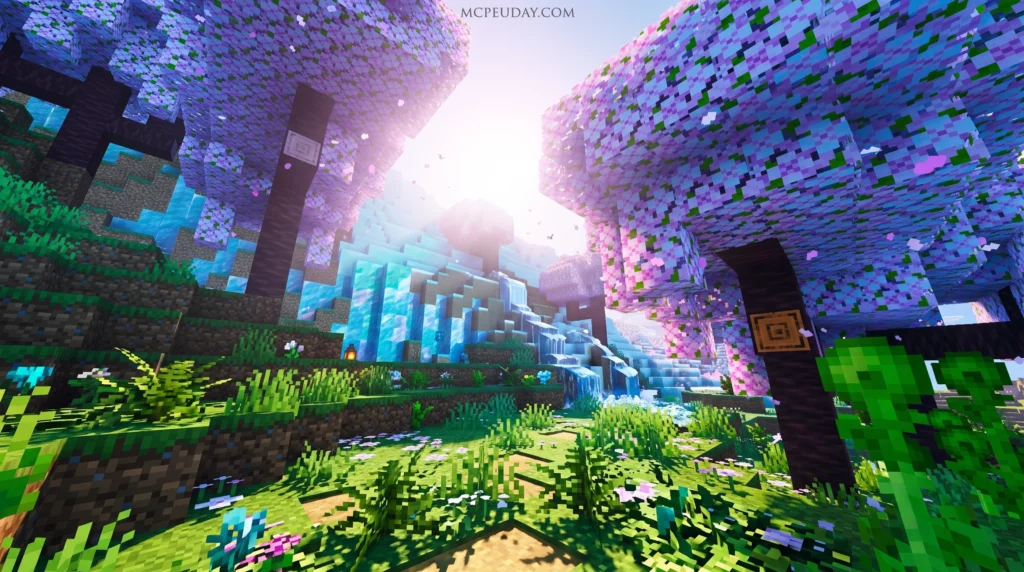
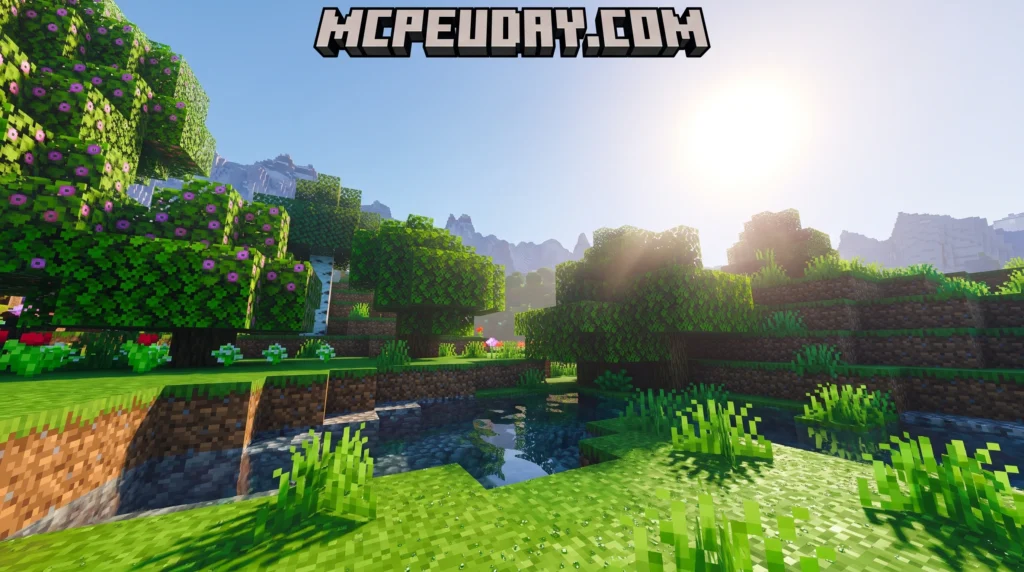
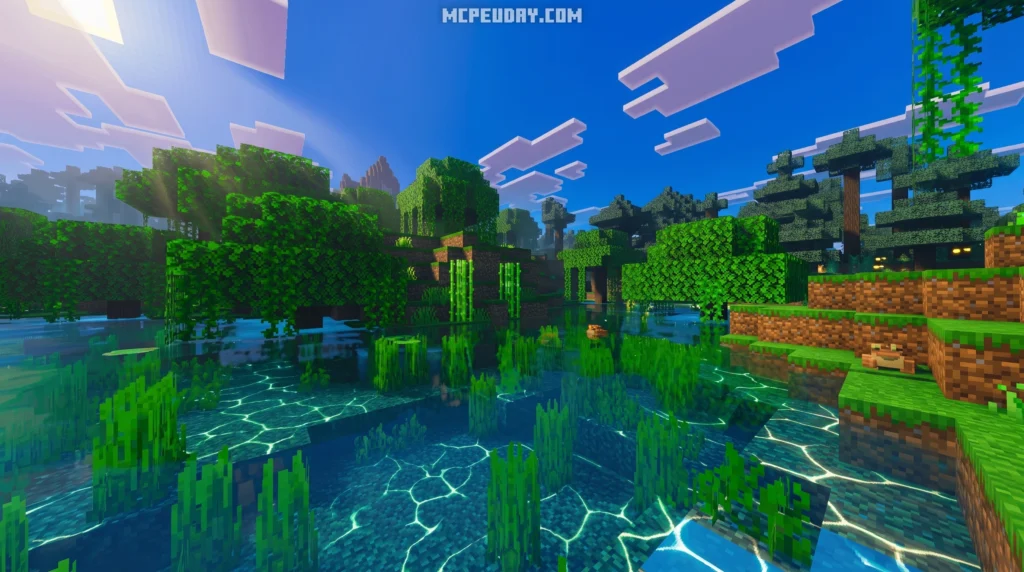
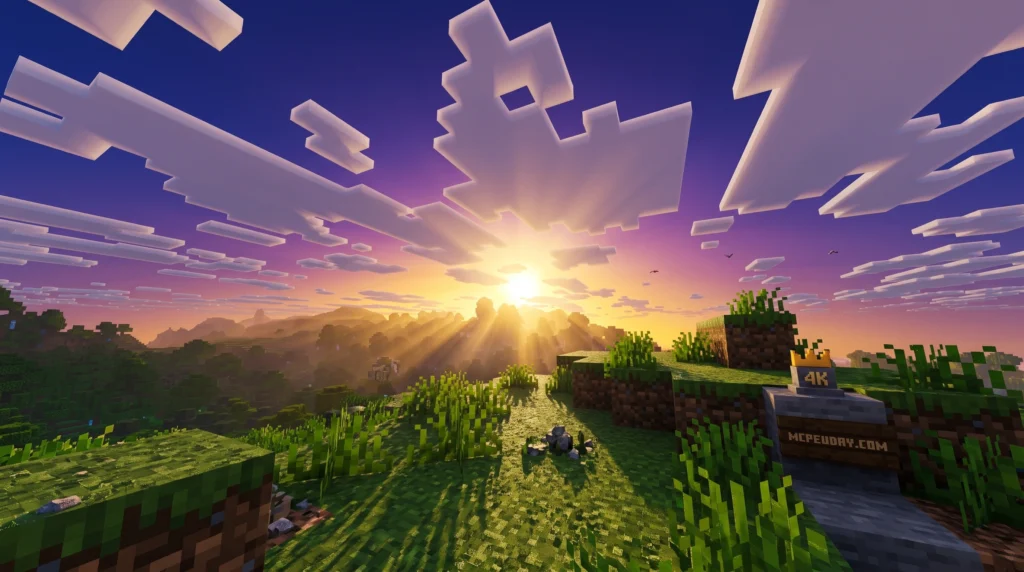
The Vibrant RTX Visuals Shader is one of the most downloaded graphics upgrades for Minecraft Bedrock Edition right now — and for good reason.
Quick answer — top ways to get Vibrant RTX Visuals for Minecraft PE:
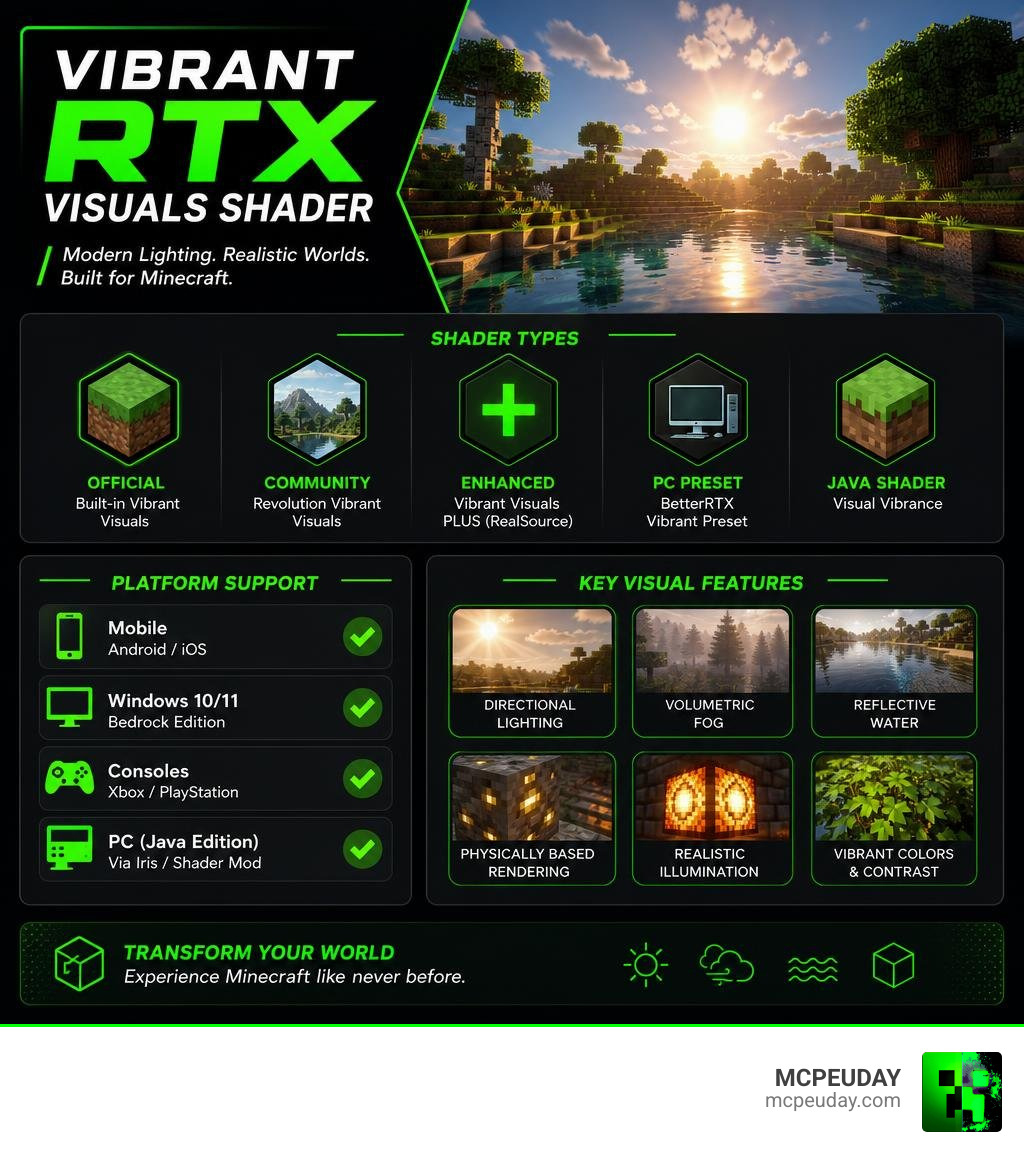
- Revolution Vibrant Visuals — the most popular community shader pack (1.5M+ downloads), with Realistic, Default, and Vanilla versions
- Vibrant Visuals PLUS (RealSource) — a resource pack that maximizes Minecraft’s built-in Vibrant Visuals feature, available in free and premium tiers
- Official Minecraft Vibrant Visuals — built into Minecraft Bedrock Edition, toggle it on via Settings > Video > Graphics Mode
- BetterRTX Vibrant Preset — a recreation of Vibrant Visuals for PC using AGX Golden Tonemapping
- Visual Vibrance — a Java Edition Iris shader that recreates the Vibrant Visuals look (1.29M downloads)
Minecraft’s graphics have come a long way. The official Vibrant Visuals update — described by Mojang as “a dazzling visual refresh that’ll transform the way players experience Minecraft” — uses a brand-new modern graphics pipeline with directional lighting, volumetric fog, reflective water, and physically based rendering (PBR). It runs on the RenderDragon engine and is built right into Bedrock Edition on supported devices.
But the official feature is just one piece of the picture. A thriving community of shader and resource pack creators has built on top of it — adding even more realism, customization, and visual punch.
Whether your device supports the official mode or not, there’s a version of these visuals that can work for you.
What is the Vibrant Rtx Visuals Shader?
When we talk about the Vibrant RTX Visuals Shader, we are looking at a brilliant combination of Minecraft’s official rendering pipeline and community-driven deferred lighting shader packs. Chief among these is the Revolution Vibrant Visuals pack, which has racked up over 1.5 million downloads with a solid 3.8 average rating.
This visual overhaul is built specifically to leverage the RenderDragon engine’s deferred lighting pipeline. Unlike old-school shaders that completely swapped out Minecraft’s rendering files (and broke when RenderDragon was introduced), modern deferred packs work with the game engine.
By utilizing Vibrant Visuals: Enable Enhanced Minecraft Graphics features, these resource packs allow players to experience Java-like graphics directly on Bedrock. If you want a deep dive into how these community packs operate, check out our dedicated guide on the Vibrant Visuals Shader.
Key Features of the Vibrant Rtx Visuals Shader
So, what makes this graphics pack so special? It is all about how it manipulates light and atmosphere. Here are the core features you can expect:
- Static Block Lighting: Light-emitting blocks like torches, lanterns, glowstone, and crying obsidian emit actual, colored light that casts realistic shadows on nearby blocks.
- Volumetric Fog and Godrays: Sunlight and moonlight filter through trees and deep caves, creating dramatic shafts of light.
- Reflective and Transparent Water: Water is no longer a flat blue texture; it features dynamic waves, real-time screen-space reflections, and underwater caustics.
- Dynamic Weather and Biome Temperature: The environment adapts to where you are. Cold biomes feature crisp, freezing fog, while humid jungles boast warm, hazy light rays.
To see how this matches up with other classic shaders, you might want to look at the Vibrant Shader 26 X 1 21 Mcpe Bedrock Shader or the lightweight Vibrant Legacy Simple Shader For Mcpe.
Realistic vs Default vs Vanilla Versions
The Revolution pack comes in three distinct flavors to suit different visual tastes. Here is how they break down:
| Feature | Realistic Version | Default Version | Vanilla Version |
|---|---|---|---|
| Water Waves | Realistic dynamic waves | Realistic dynamic waves | Vanilla flat style |
| Clouds | Custom realistic cubemap | Vanilla blocks | Vanilla blocks |
| Caustics & Water | Realistic reflections | Realistic reflections | Vanilla textures |
| Sun & Moon | Custom photorealistic | Vanilla square | Vanilla square |
Official Vibrant Visuals vs Community Shaders
The official feature released by Mojang, which you can read about on Vibrant Visuals – Minecraft, is a massive step forward. It provides a stable, cross-platform graphics mode that works out of the box on compatible consoles, mobile devices, and PCs.
However, community shaders push the envelope much further. While the official mode keeps shadows pixel-aligned to maintain that classic blocky aesthetic, community packs like the Vibrant Vsl Shader 26 X 1 21 Mcpe Bedrock Shader introduce smoother, higher-fidelity shadows and custom color grading.
For creators, Microsoft provides technical documentation on Vibrant Visuals Resource Packs | Microsoft Learn . This allows us to combine official stability with community artistry. If you want to see how these options rank against other top-tier graphics mods, check out our list of the 3 Best Shaders For Minecraft 1 21 Ultra Realistic Smooth Fps Stunning Graphics.
PBR Support and Texture Pack Compatibility
Physically Based Rendering (PBR) is the secret sauce behind the Vibrant RTX Visuals Shader. Instead of flat textures, PBR uses MERS maps (Metalness, Emissive, Roughness, and Subsurface scattering) to tell the engine how light should interact with each block surface.
With PBR enabled, a copper block will glisten with a metallic sheen, while a block of wood will remain matte and absorb light. Emissive maps make redstone ore and magma blocks glow in the dark, casting a subtle bloom effect around them.
Compatibility and Hardware Requirements
Because the Vibrant RTX Visuals Shader relies on a modern deferred rendering pipeline, it does require decent hardware to run smoothly.
- Android Devices: Requires a GPU equivalent to the Adreno 640 (found in Snapdragon 855), Mali-G68, Mali-G77, Xclipse 530, or higher.
- iOS Devices: Requires an Apple A12 Bionic chip, M1 chip, or higher.
- PC: Requires a DirectX 12 compatible graphics card (feature level 11 minimum).
If you are playing on a mobile device and want to ensure your phone or tablet can handle these graphics, take a look at our Best Render Dragon Shaders For Mcpe 1 21 Tested On Real Devices 2026 Guide.
Free vs Premium Vibrant Visuals PLUS Packs
For those looking to maximize their graphics, the Vibrant Visuals PLUS pack – REALSOURCE RTX PACK is a fantastic option. It works on top of the built-in graphics engine to tweak biome settings, color tones, and sun angles.
- Free Version: Includes the core RealSource PLUS 2.0 package, giving you optimized water waves, improved fog, and enhanced color tones.
- Premium Tier: Unlocks advanced variants like the Vintage and Cinematic presets, alongside experimental beta builds.
How to Download and Install the Shader
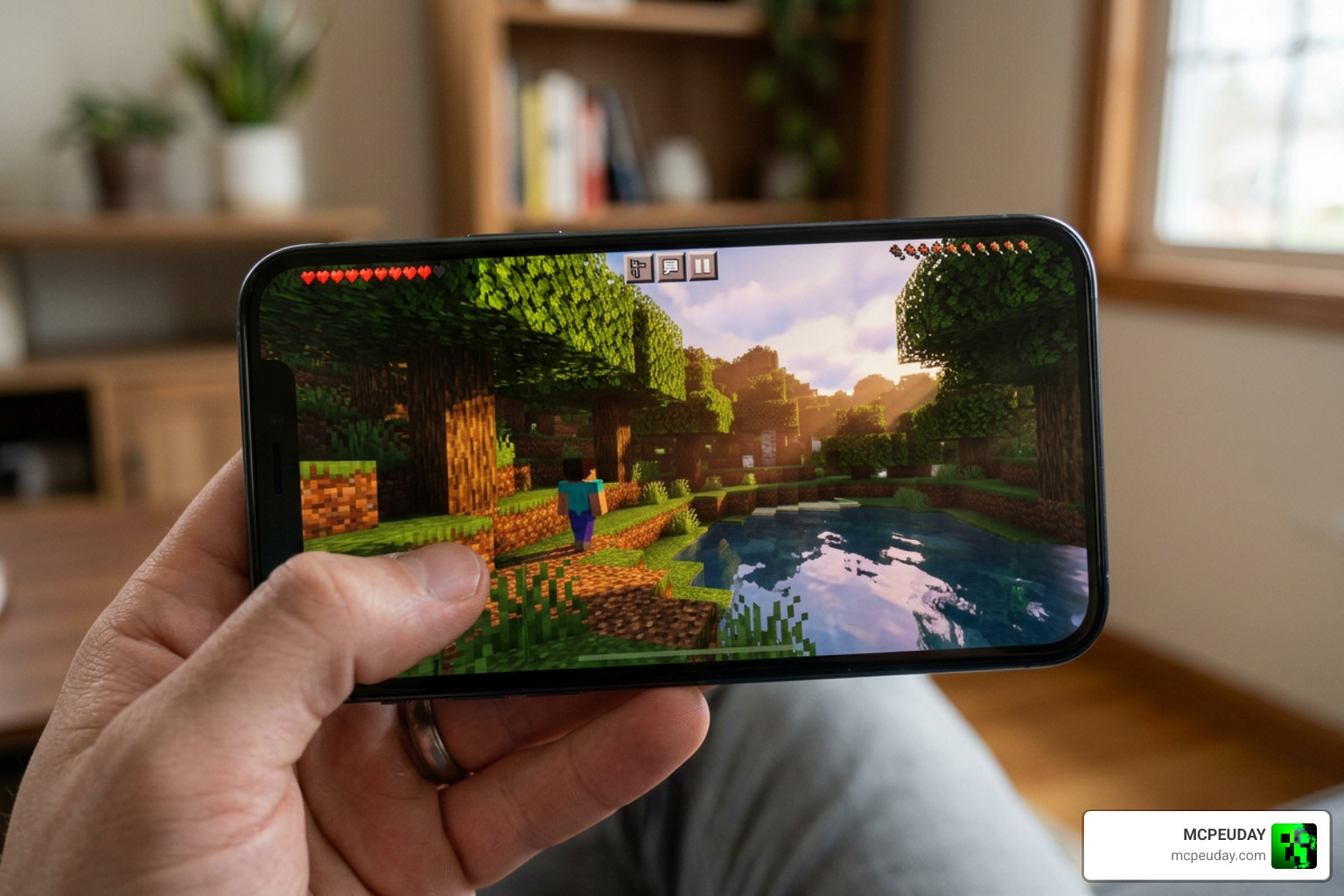
Getting these graphics running on your device is simple, but you do need to follow a few specific steps to make sure RenderDragon activates the deferred pipeline correctly. If you are new to this process, we recommend reading our complete guides on How To Get Shaders In Minecraft and How To Turn On Shaders In Minecraft 2026 Guide Java Bedrock Mcpe Setup Fast Mcpeuday.
How to Install the Vibrant Rtx Visuals Shader
- Download your preferred pack (such as the Revolution Vibrant Visuals | Static Light – CurseForge pack).
- Import the
.mcpackfile into your Minecraft game by double-clicking or opening it with Minecraft. - In your World Settings, scroll down to Experiments and ensure that “Render Dragon Features for Creators” is turned on.
- Go to Resource Packs and activate the imported shader pack.
- Launch your world, open Settings > Video, scroll down to the Graphics Mode drop-down, and select Vibrant Visuals (or deferred rendering).
Troubleshooting Common Shader Issues
- Black Screen: This usually happens if your GPU does not meet the minimum hardware requirements. Double-check your device’s chip specifications.
- Low FPS: Try lowering your Deferred Render Distance slider (which ranges from 2 to 28 chunks) in the Video settings.
- No Shadows/Reflections: Ensure the “Render Dragon Features for Creators” toggle is active in your world settings before loading the map.
- Splitscreen Issues: Splitscreen multiplayer is not supported when using Vibrant Visuals; the game will automatically fall back to classic graphics.
Frequently Asked Questions
Does Vibrant Visuals support multiplayer and Realms?
Yes! The Vibrant RTX Visuals Shader runs entirely on the client side. This means you can play on Realms or multiplayer servers with your friends, even if they are playing with standard vanilla graphics.
What is the difference between RTX ray tracing and Vibrant Visuals?
While RTX ray tracing requires dedicated hardware (like an NVIDIA RTX card) and traces actual rays of light, Vibrant Visuals uses a deferred rendering pipeline. This makes it cross-platform, allowing mobile players and console users to enjoy similar high-end graphical features without needing an expensive gaming PC.
Can I use other resource packs with this shader?
Absolutely. You can stack any standard resource pack underneath your Vibrant Visuals shader pack. The shader will apply its lighting and fog effects over your chosen textures. For the best results, use a pack that includes PBR MERS maps.
Conclusion
Upgrading your graphics with the Vibrant RTX Visuals Shader completely changes how Minecraft feels. Exploring deep caves with volumetric light shafts and watching the sunset reflect off moving water makes the game feel brand new.
Ready to explore more incredible graphical upgrades? Check out our curated lists of the Top 5 Best Realistic Shaders For Mcpe and the Best Shaders For Mcpe 1 21 2026 Top 3 Realistic Minecraft Pe Shaders.
If you are ready to find your next favorite shader download, head over to our ultimate hub:
Get the Best Shaders for MCPE 1.21 (2026)