What the Dreamy Vibrant Visuals Shader Does (and Why Players Love It)
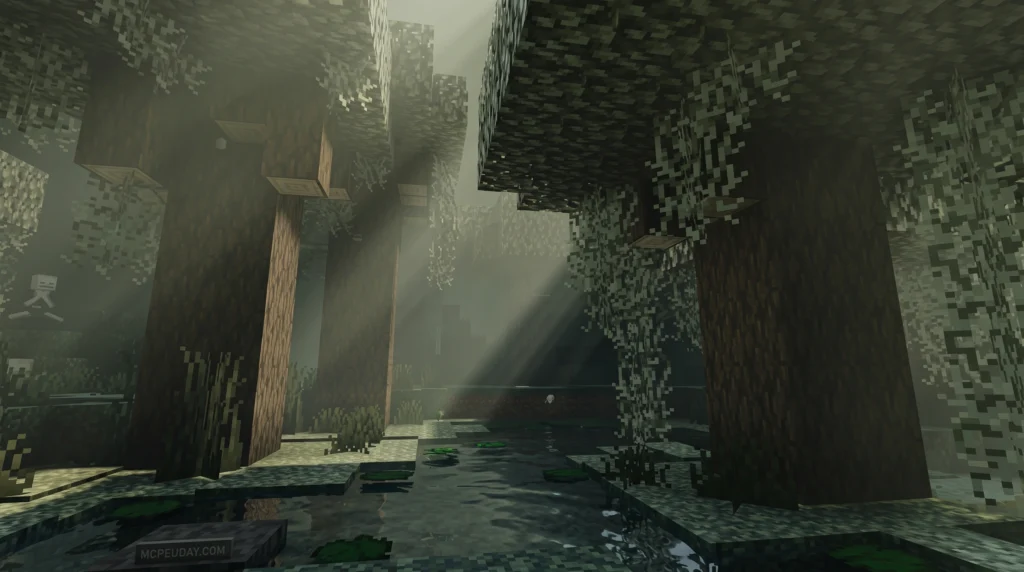
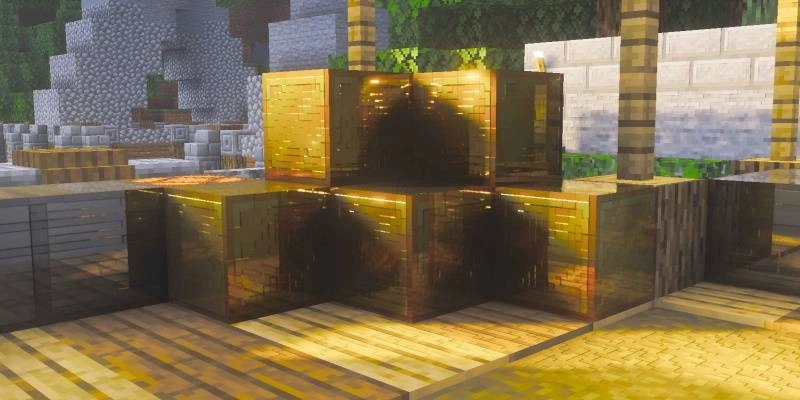
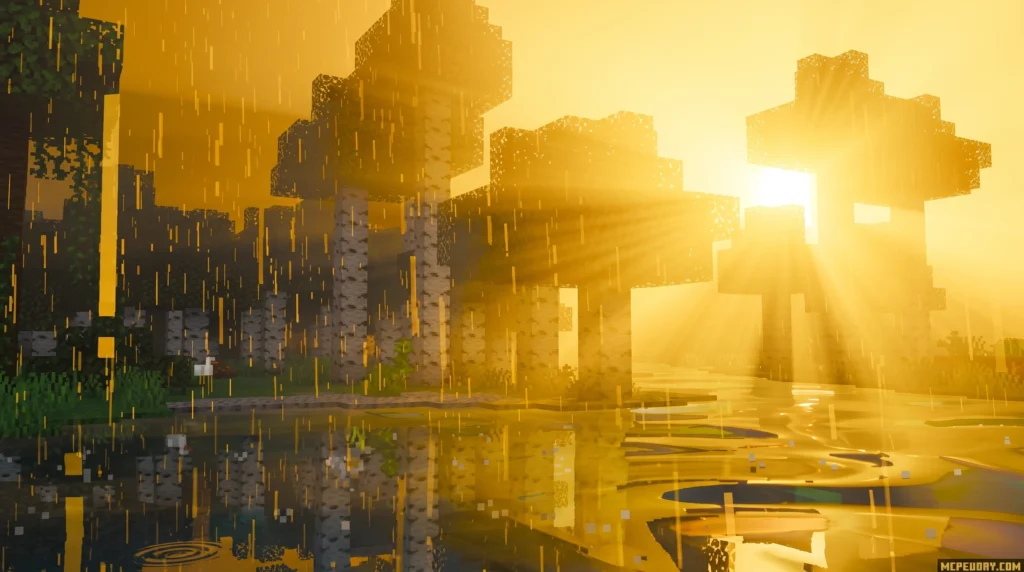
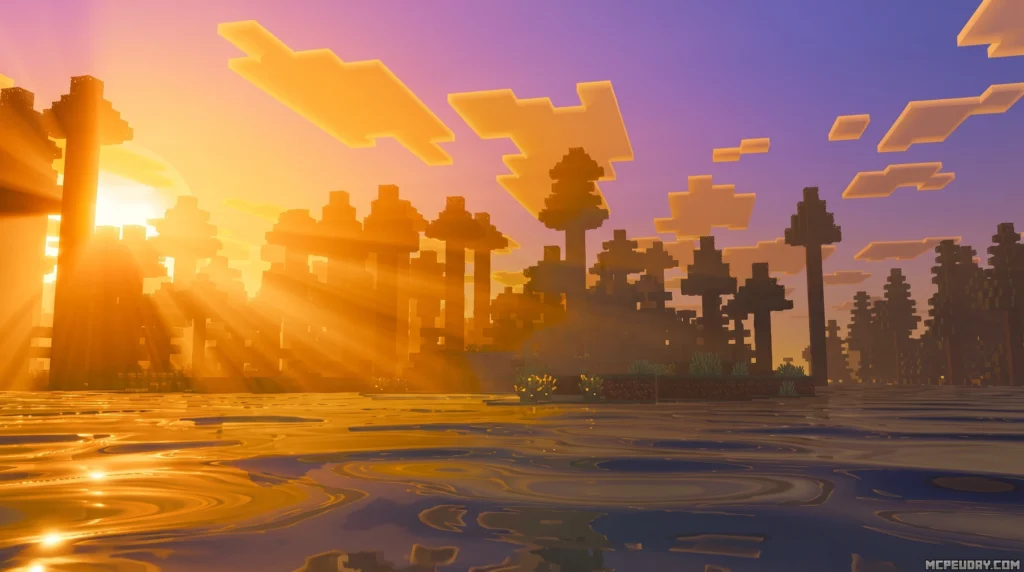
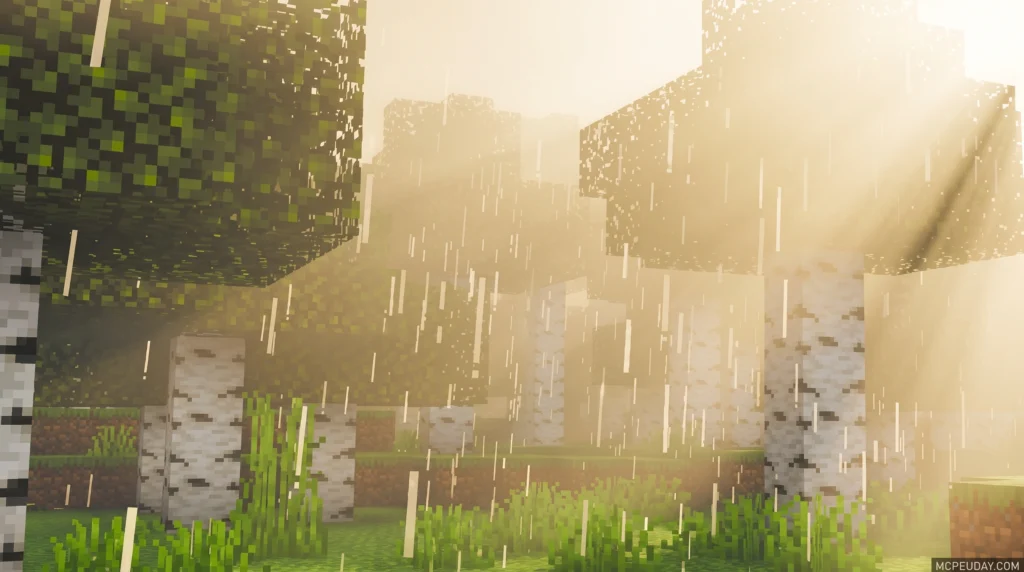
The Dreamy Vibrant Visuals Shader is a visual enhancement pack for Minecraft Bedrock Edition (MCPE) that transforms your world with colorful, dream-inspired lighting and effects. Here’s the quick version:
- What it is: A shader pack built on Bedrock’s Render Dragon engine, compatible with Minecraft versions 1.21.x and 26.x
- What it does: Renders blocks in 3D, adds shimmering minerals, lightens water with streaks of light, and brightens the Nether with vibrant colors
- Who it’s for: MCPE and Bedrock players on Android, iOS, and Windows
- Where to get it: Available as an
.mcpackor.zipfile with 111.6K downloads on CurseForge and a 4.2/5 star rating - GPU needed: Adreno 640 (Snapdragon 855) or Mali GPU (Mediatek 1000 series) for mobile devices
Minecraft’s visuals are great — but they can look so much better. That’s exactly what this shader sets out to prove.
Taking direct inspiration from colorful dreams, the Dreamy Vibrant Visuals Shader doesn’t try to make Minecraft look like a photo. Instead, it leans into bold, saturated colors and soft lighting that feel magical and alive. Sunsets glow warmer. Water sparkles. Even the Nether feels less gloomy.
It works inside Bedrock’s modern Render Dragon graphics pipeline — which means it’s stable, compatible with current Minecraft versions, and won’t break your game on newer updates.
Whether you’re building, exploring, or just want your screenshots to look stunning, this shader is one of the easiest ways to upgrade your Minecraft experience right now.
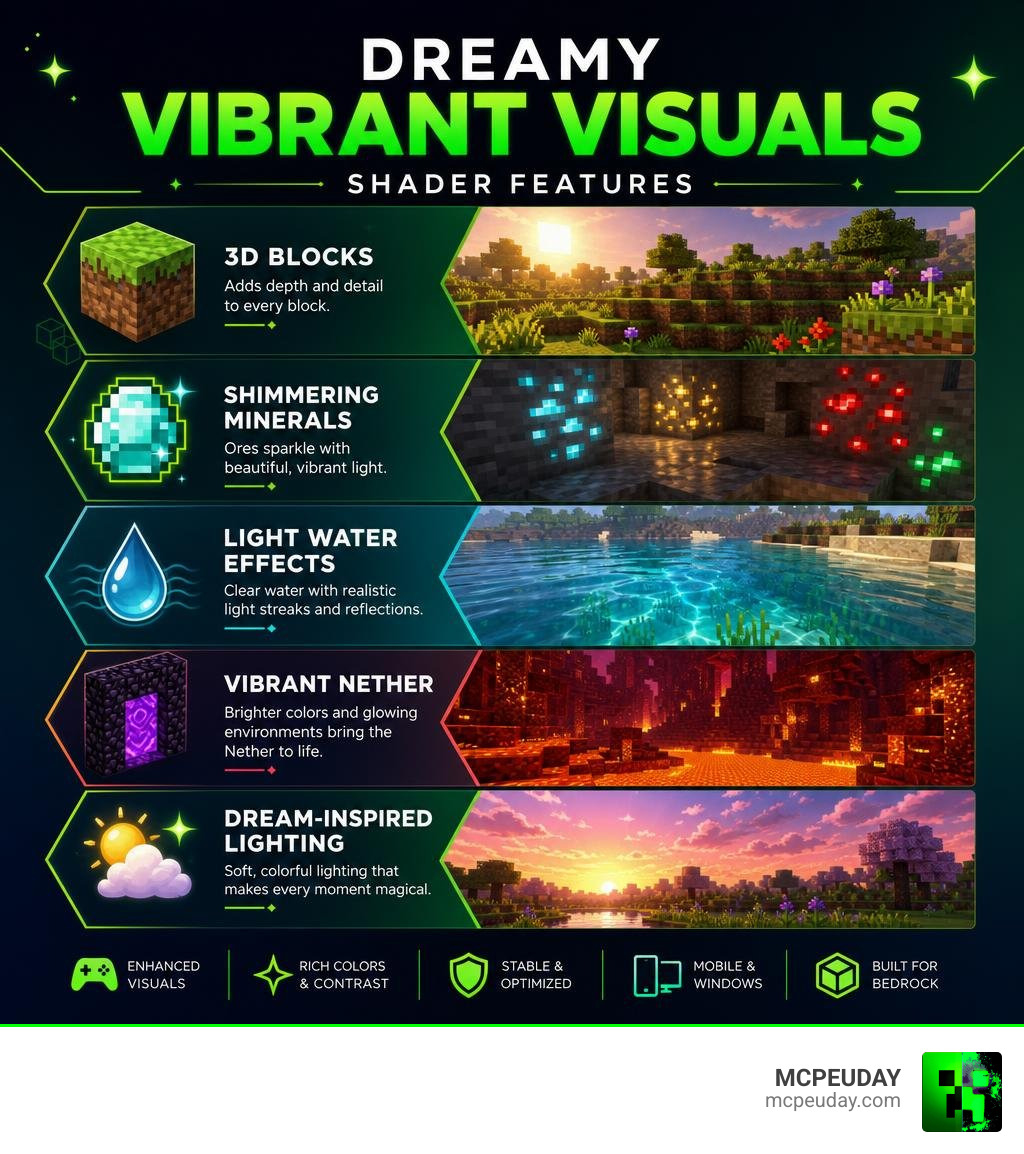
What is the Dreamy Vibrant Visuals Shader?
The Dreamy Vibrant Visuals Shader is a masterclass in stylized lighting. While many graphics packs aim for hyper-realism, this particular pack takes its creative cues from surreal, colorful dreams. The goal isn’t to replicate our real world, but rather to construct an idealized, vivid alternative.
This visual expansion breathes new life into Bedrock Edition, transforming standard biomes into breathtaking landscapes. If you have been searching for a way to make your worlds pop, checking out our dedicated Vibrant Visuals Shader guide is a great place to start.
Additionally, this pack is built specifically to align with the modern graphics standards of Bedrock, making it a stellar companion to the Vibrant Shader 26 X 1 21 Mcpe Bedrock Shader options available to players today.
Core Features of the Dreamy Vibrant Visuals Shader
What makes this shader stand out in a crowded sea of graphics packs? It comes down to several carefully crafted visual updates:
- 3D Block Rendering: Blocks are given subtle depth layers, making surfaces like brick, cobblestone, and wood feel tactile and realistic.
- Shimmering Minerals: Ore blocks are no longer dull. Valuable minerals glint and shimmer, making cave exploration both visually rewarding and physically easier.
- Light Water Effects: Water is rendered with a lighter, more transparent blue hue, complete with gorgeous streaks of dancing sunlight on the surface.
- Vibrant Nether Colors: The Nether is traditionally a dark, gloomy place. This shader brightens the underworld, saturating its reds, blues, and purples to make it look brilliantly hostile.
- Updated Sunlight & Nighttime Lighting: Daytime brings warm, golden rays that stretch across the landscape, while nights feature cool, deep-blue moonlight that maintains excellent visibility without ruining the spooky atmosphere.
Licensing and Distribution Rules
When downloading community-created content, it is always important to respect the creators’ work. The Dreamy Vibrant Visuals Shader is free to download for personal use, but it comes with standard usage restrictions. You should only download it from reputable sources to ensure you get the official, unedited files.
Currently, the shader boasts over 111.6K total downloads on CurseForge and holds a solid 4.2 out of 5 stars based on 18 user ratings. It is primarily distributed in two easy-to-use file formats: .mcpack (for automatic one-click installation on mobile and Windows devices) and standard .zip archives.
System Requirements and Device Compatibility
Because the Render Dragon engine has changed how Minecraft renders graphics, shaders require specific hardware capabilities to run smoothly.
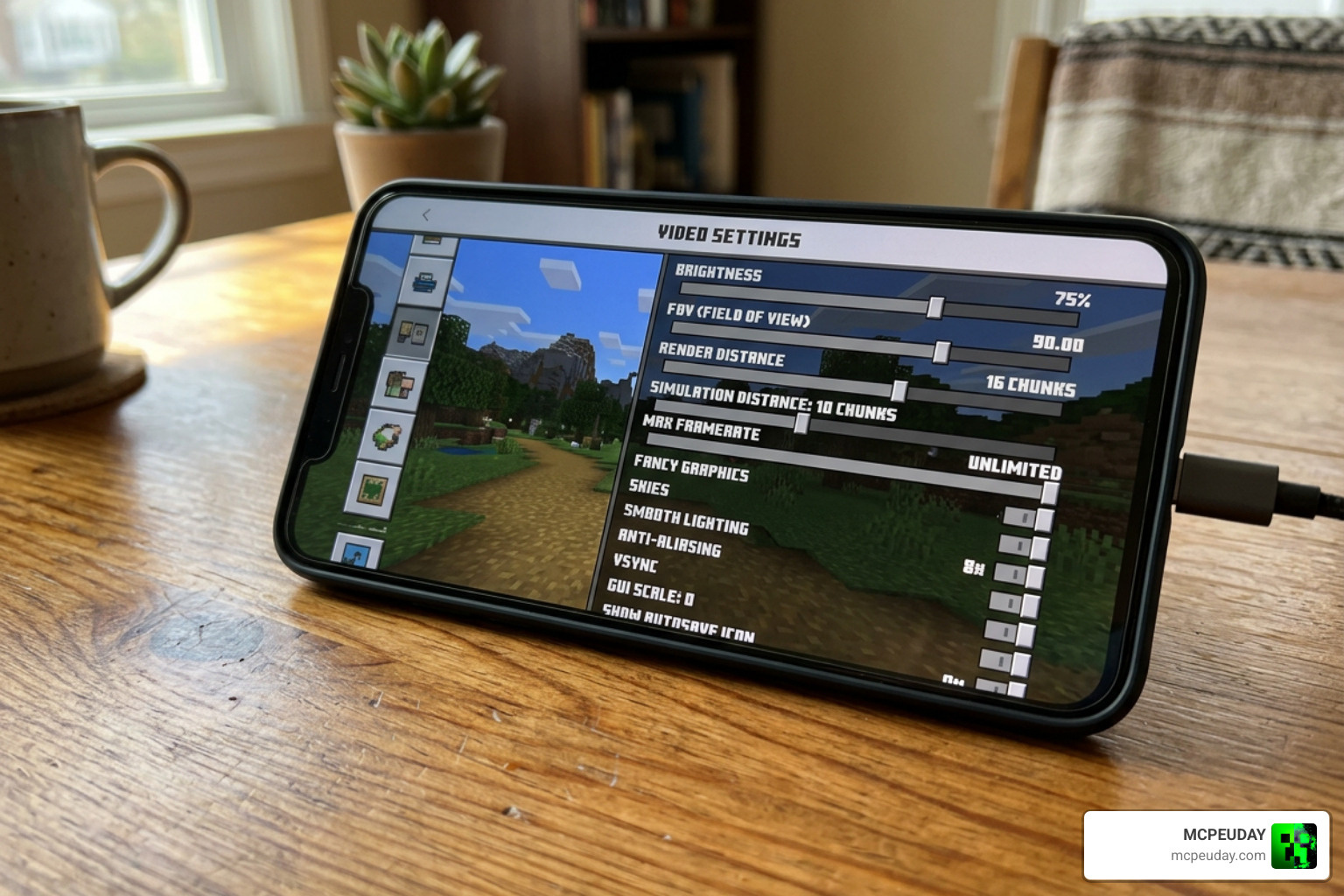
To run this shader on Minecraft Bedrock 1.21 or version 26.x, your mobile device needs to meet the following hardware requirements:
- Android GPU: Adreno 640 (found in Snapdragon 855 processors or newer) or a Mali GPU (from the Mediatek 1000 series or newer).
- iOS Devices: Apple A12 Bionic chip or newer (iPhone XS/XR and above).
- PC Requirements: A graphics card supporting DirectX 12 (FL11).
Performance Impact and Optimization Settings
We know what you are thinking: “Will this turn my phone into a pocket-sized furnace?”
Thankfully, the shader is highly optimized. While it does demand more power than the vanilla game, players can customize their experience through the game’s official video settings. By navigating to the video options, you can toggle between two primary performance presets:
- Favor Visuals: This turns on all the bells and whistles, including high-quality reflections, complex volumetric fog, and maximum light refraction. Best for high-end phones, tablets, and PCs.
- Favor Performance: This keeps the core color grading, shimmering ores, and 3D block effects active while scaling down heavy water reflections and fog layers. This ensures a stable, lag-free 60 FPS on mid-range devices.
For a deeper look into how Minecraft handles these modern rendering pipelines, you can read the official Vibrant Visuals – Minecraft documentation.
How to Install and Activate the Shader on MCPE
Installing shaders on mobile devices used to require complex file-management tools, but the process is now incredibly straightforward. You can download the shader as an .mcpack file for automatic importing, or use a .zip file if you prefer manual installation.
If you ever get stuck or want to learn more about the technical side of things, check out our comprehensive How To Turn On Shaders In Minecraft 2026 Guide Java Bedrock Mcpe Setup Fast Mcpeuday. You can also browse other incredible packs in our Category Shaders section.
Step-by-Step Mobile Installation Guide
- Download the File: Grab the official
.mcpackfile of the Dreamy Vibrant Visuals Shader from our safe download servers. - Open with Minecraft: Tap on the downloaded file. Your mobile device should prompt you to choose an app to open it. Select Minecraft.
- Wait for Import: Minecraft will launch and display a message at the top of the screen saying “Import Started,” followed by “Successfully Imported.”
- Activate Global Resources: Go to the main menu, select Settings, scroll down to Global Resources, click on My Packs, locate the shader, and click Activate.
- Configure Video Settings: Start a world, head to Settings -> Video, and ensure your “Graphics Mode” is set to support the deferred rendering pipeline.
Comparing Dreamy Vibrant Visuals to Other Shaders
To help you decide if this is the perfect pack for your playstyle, we have put together a quick comparison table showing how it stacks up against other popular visual upgrades.
| Shader Pack | Primary Visual Style | Target Platform | Key Strength |
|---|---|---|---|
| Dreamy Vibrant Visuals | Dream-like, saturated, artistic | Bedrock / MCPE | Beautiful warm lighting and shimmering ores |
| Definitive Vibrant Visuals | Clean, performance-focused | Bedrock / MCPE | Exceptional FPS stability on older devices |
| Revolution Vibrant Visuals | Realistic, dynamic weather | Bedrock / PC | High-end godrays and biome-specific climates |
If you want to see these visual differences in action, you can watch gameplay demonstrations on YouTube, such as The best Minecraft shaders you can use…including Vibrant Visuals. For Java players looking to replicate this aesthetic using Iris, the v0.3.2a – Visual Vibrance project offers a fantastic alternative.
Why Choose the Dreamy Vibrant Visuals Shader?
The biggest reason to choose this shader over others is its unique aesthetic. While other packs try to turn Minecraft into a completely different, hyper-realistic game, the Dreamy Vibrant Visuals Shader simply amplifies the game’s natural charm. It feels cozy, warm, and magical.
It is designed for players who want to build beautiful bases, explore colorful biomes, and enjoy a soft, dream-like atmosphere. For those interested in cutting-edge post-processing pipelines that push mobile and PC hardware to their absolute limits, checking out projects like the DreamVision 1.0 Release – NGD Shader Installer – Platinum Early Access | Patreon can show you just how far modern shader technology has come.
Frequently Asked Questions about Dreamy Vibrant Visuals
Does the Dreamy Vibrant Visuals Shader work on Minecraft Bedrock 1.21?
Yes! The shader is fully compatible with Minecraft Bedrock versions 1.21.x and 26.x. It utilizes the modern Render Dragon engine to ensure stability and compatibility with all recent gameplay updates.
Will this shader cause lag on low-end mobile devices?
If your device does not meet the minimum GPU requirements (Adreno 640 / Mali Mediatek 1000), you may experience a drop in frame rates. However, by switching the in-game settings to “Favor Performance,” you can disable heavy features like dynamic water reflections while keeping the beautiful color grading active.
Where can I download the official mcpack or ZIP files?
We provide safe, fast, and verified download links right here on MCPEUDAY. We make sure all our files are malware-free and ready to import directly into your game.
Conclusion
Upgrading your Minecraft Bedrock graphics doesn’t have to be a headache. With the Dreamy Vibrant Visuals Shader, you get a gorgeous, dream-inspired world filled with shimmering minerals, realistic 3D blocks, and warm, magical lighting. It is highly optimized, easy to install, and fully compatible with version 1.21.
If you are ready to explore more top-tier graphics packs, be sure to check out our curated list of the Best Shaders For Mcpe 1 21 2026 Top 3 Realistic Minecraft Pe Shaders.
Happy building, and may your Minecraft dreams be vibrant!
3 thoughts on “Dreamy Vibrant Visuals Shader (26.x, 1.21) – MCPE/Bedrock Shader”