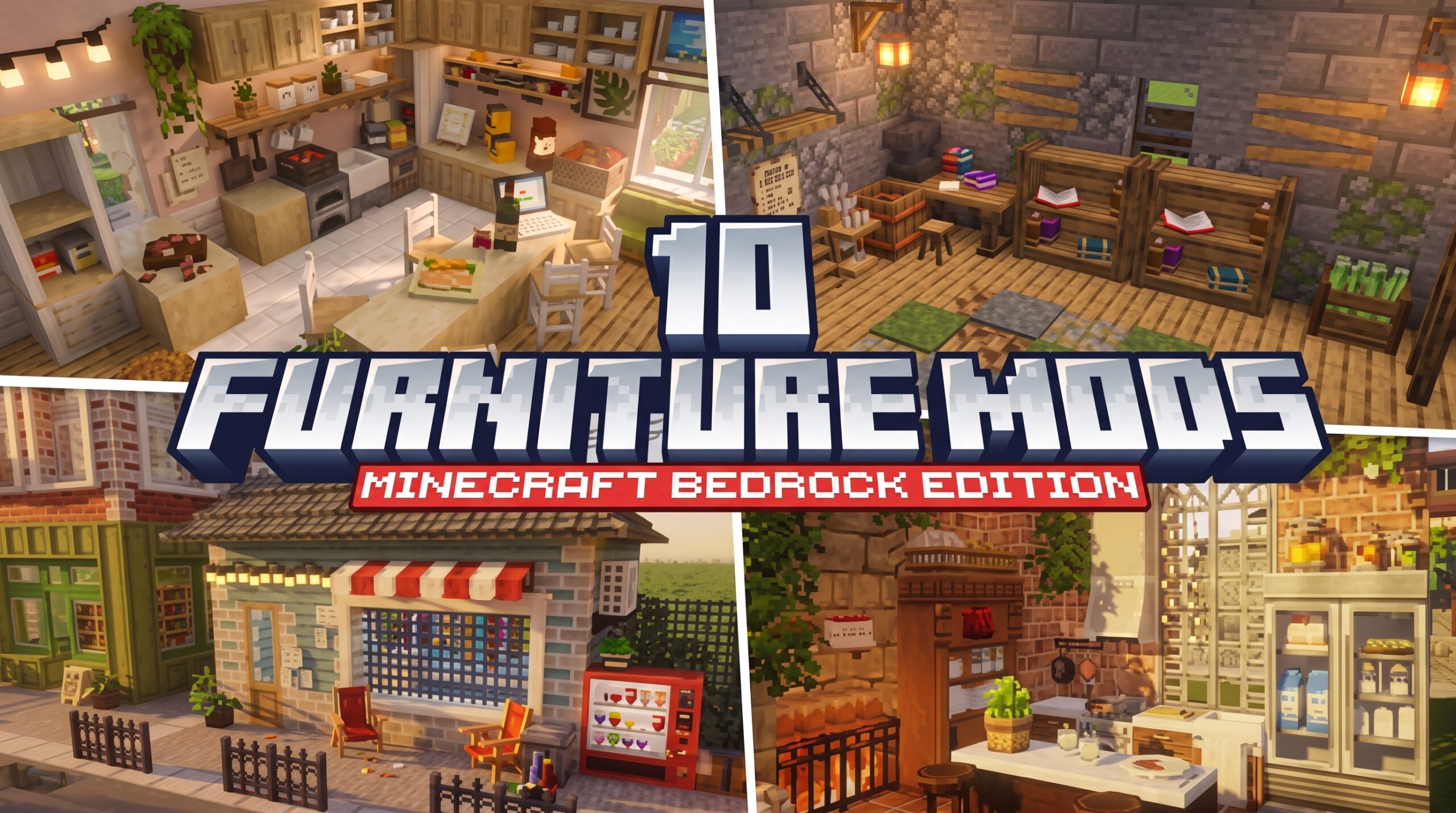
Why Finding the Best Furniture Addon for Minecraft Bedrock/PE (26.x) Matters
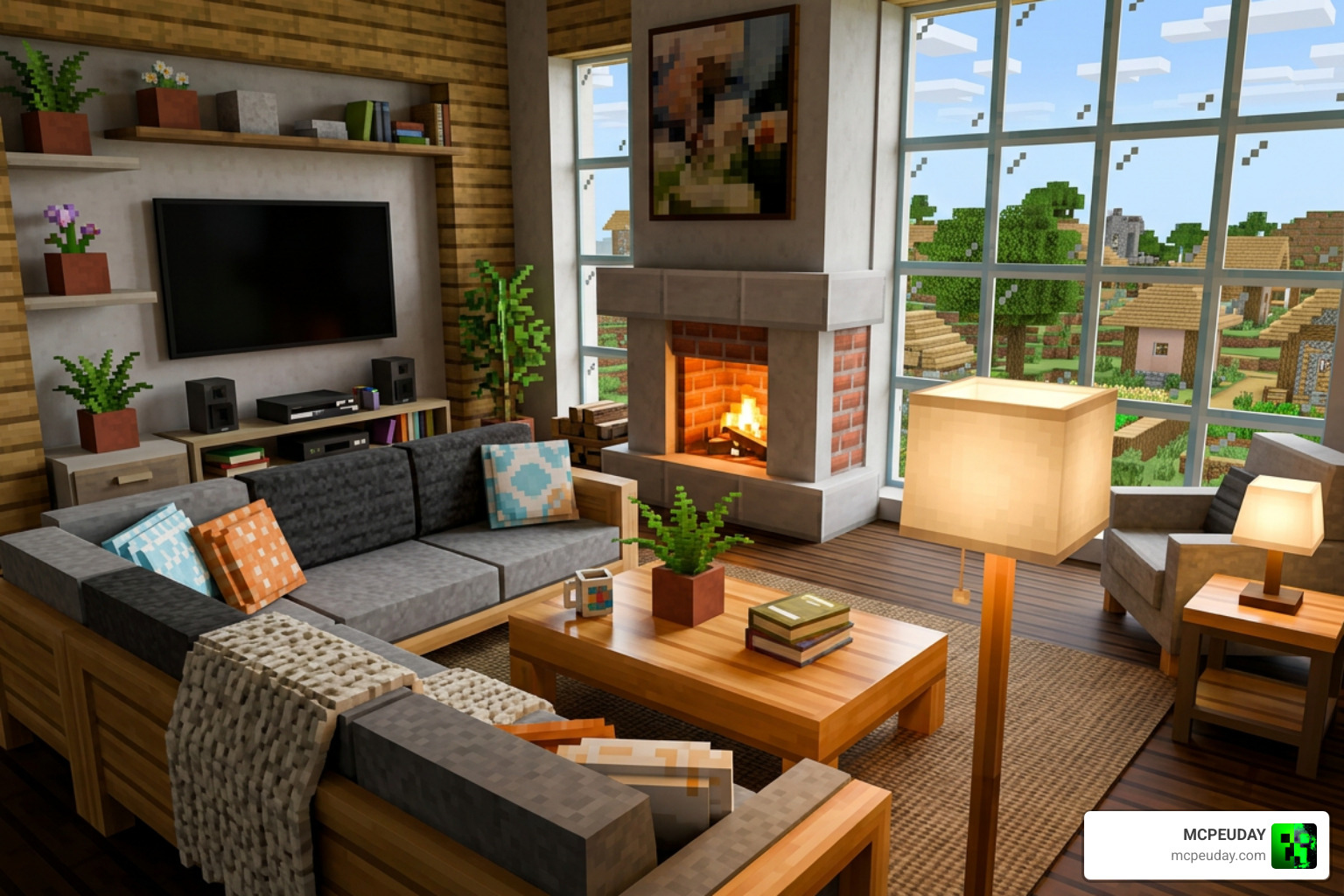
The best furniture addon for Minecraft Bedrock/PE (26.x) can completely transform your world — turning empty stone boxes into cozy cabins, modern lofts, or medieval castle halls. If you just want the quick answer, here it is:
Top Furniture Addons for Minecraft Bedrock/PE 26.x (2026):
- Modern Furniture Addon — 750+ blocks, 800+ pieces, sit-able chairs, openable curtains, garage doors
- Feudal Furniture Addon — 800+ medieval blocks, 12 wood variants, working fireplaces
- Faramir’s Furniture Addon — 250+ pieces, 700+ variations, RTX/PBR support, achievements enabled
- BZF Furniture’s Addon — 450+ customizable vanilla-style pieces, seasonal decor
- MrCrayfish’s Furniture Addon — 400 pieces, faithful Java port, vanilla aesthetic
All of these work in survival mode, use a stonecutter-based crafting system, and are compatible with Realms and multiplayer servers.
Most Minecraft Bedrock worlds look great on the outside but feel totally empty inside. No chairs. No kitchen. No lighting that actually makes sense. That’s the problem furniture addons solve — and in 2026, the options for Bedrock 26.x are better than ever, with some packs offering over 800 pieces in a single download.
Best Furniture Addon for Minecraft Bedrock/PE
10. DecoDrop Furniture Addon
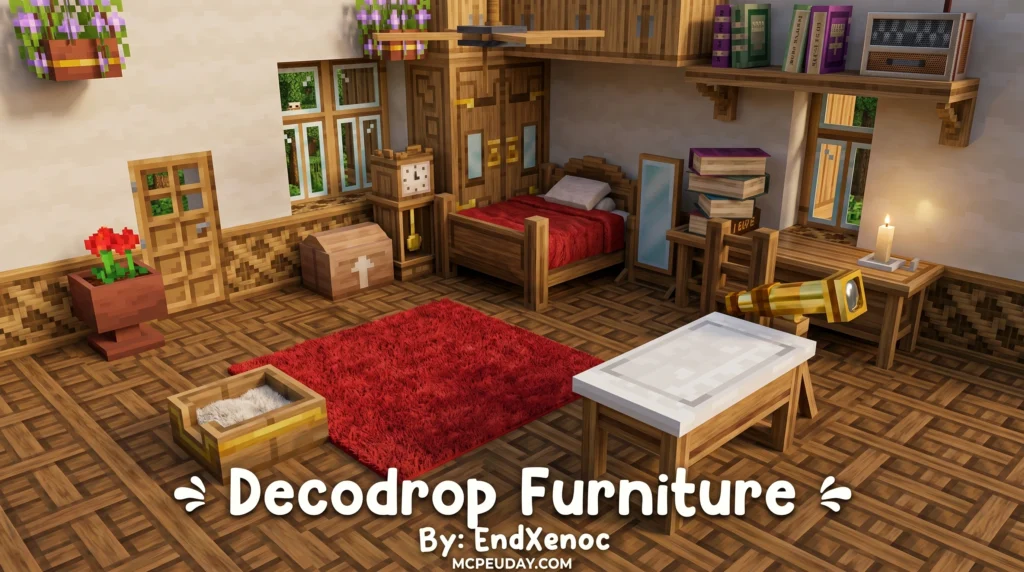
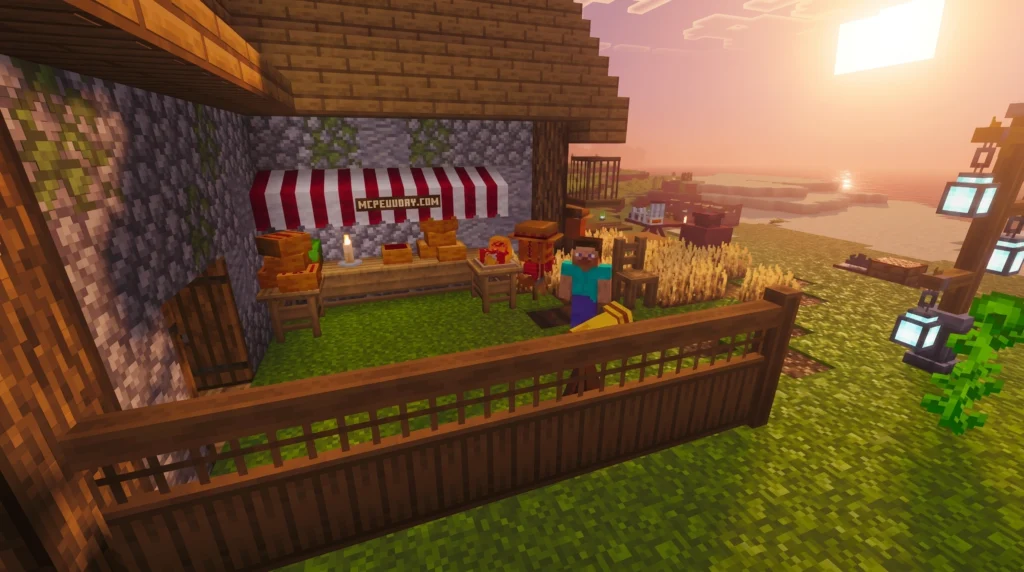
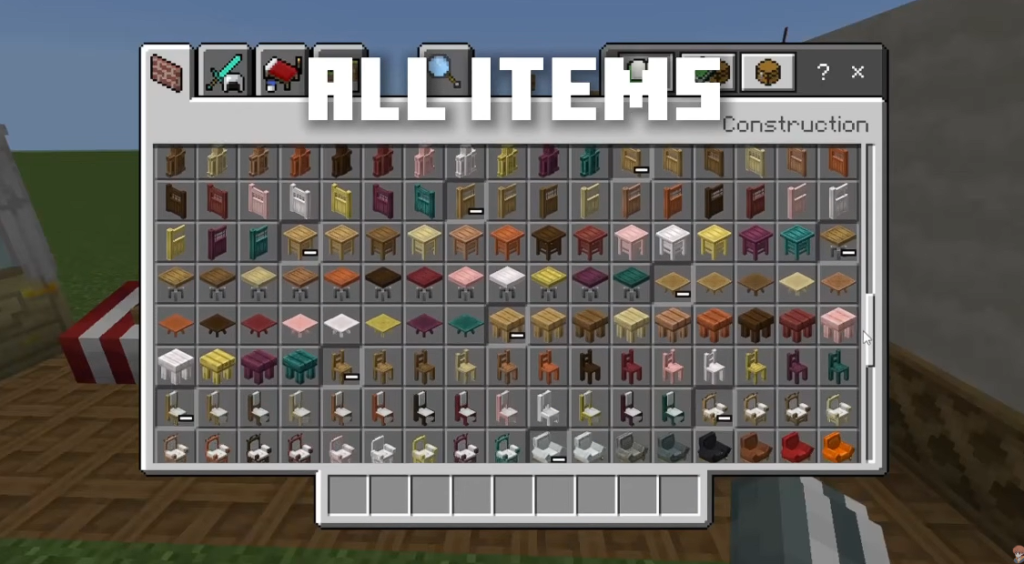
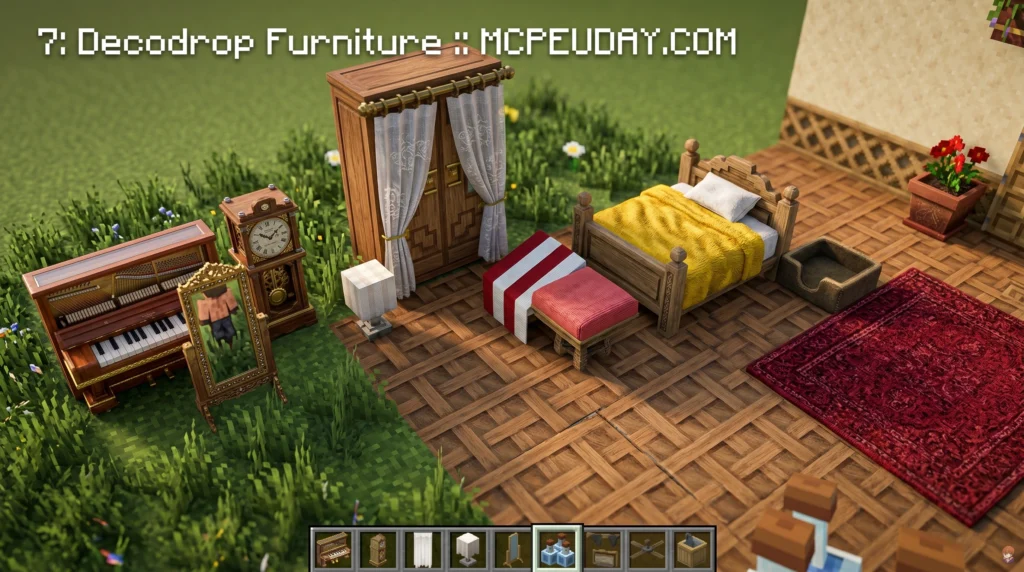
The DecoDrop Furniture Addon is one of the most content-rich decoration mods available for Minecraft Bedrock Edition right now. Here’s a quick overview:
- What it is: A Minecraft Bedrock addon that adds furniture, decorative blocks, and functional cooking items
- Latest version: V6.0 — nearly 2,000 blocks total
- Works on: Minecraft 1.21.80 and later (also supports 1.20)
- Highlights: Chairs, tables, cabinets, a full cooking system, a ceramics station, and a painting system
- Modes supported: Both Creative and Survival
- Multiplayer: Yes, works on servers
- Requires: Experimental gameplay toggled on in world settings
If your Minecraft builds feel empty inside, DecoDrop is the fix. Most furniture addons give you a few chairs and call it a day. DecoDrop goes much further — it adds interactive systems like cooking pots, rustic ovens, and a ceramics station where you craft clay items and bake them into terracotta.
MORE ADDONS – MCPE/Bedrock
9. Ghoulcraft Furniture Addon
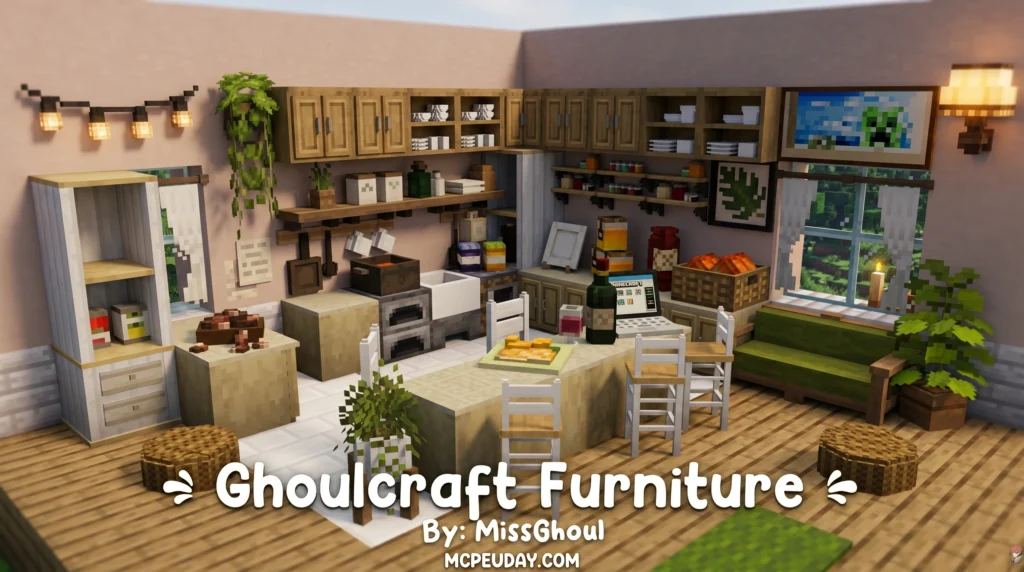
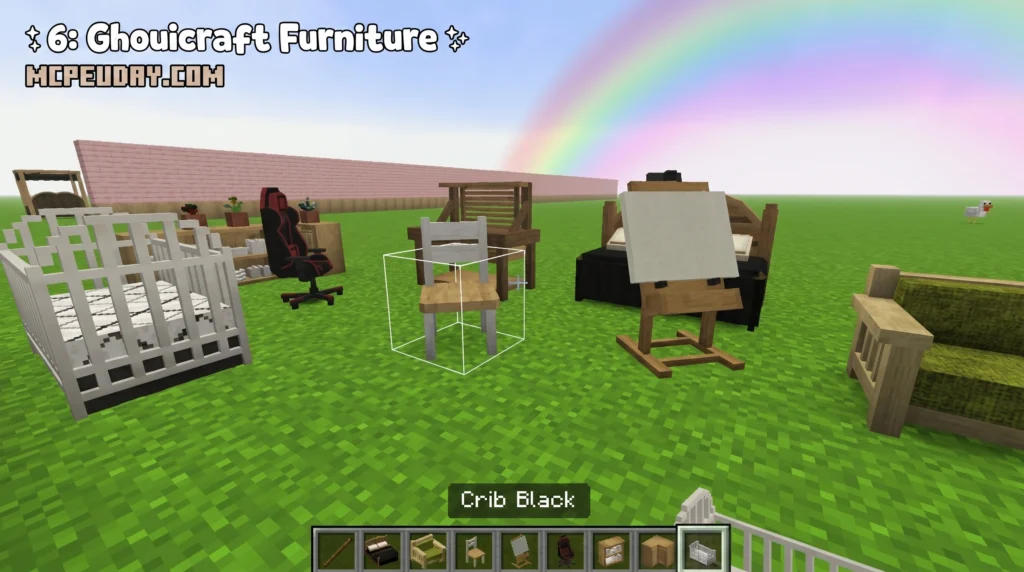
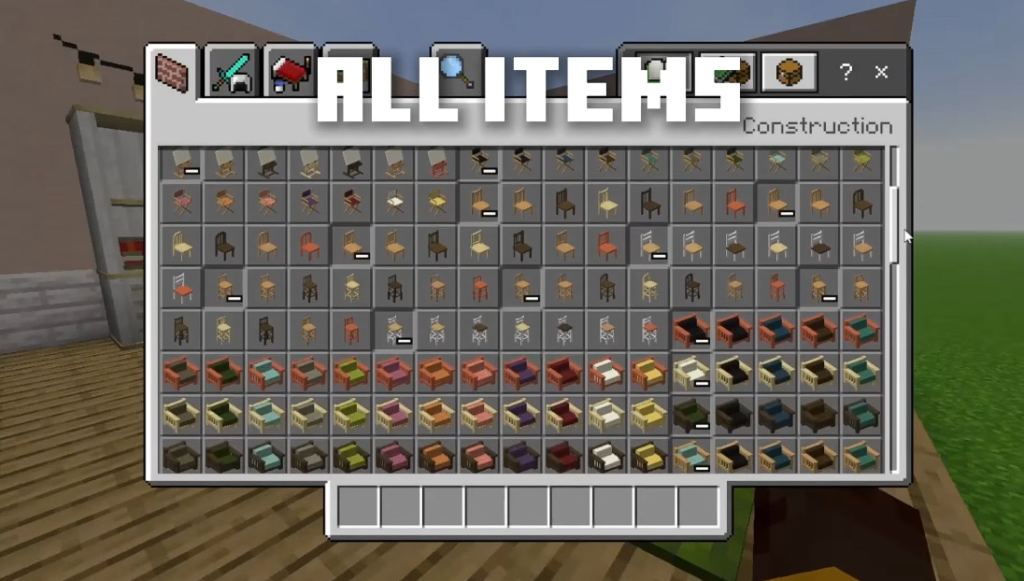
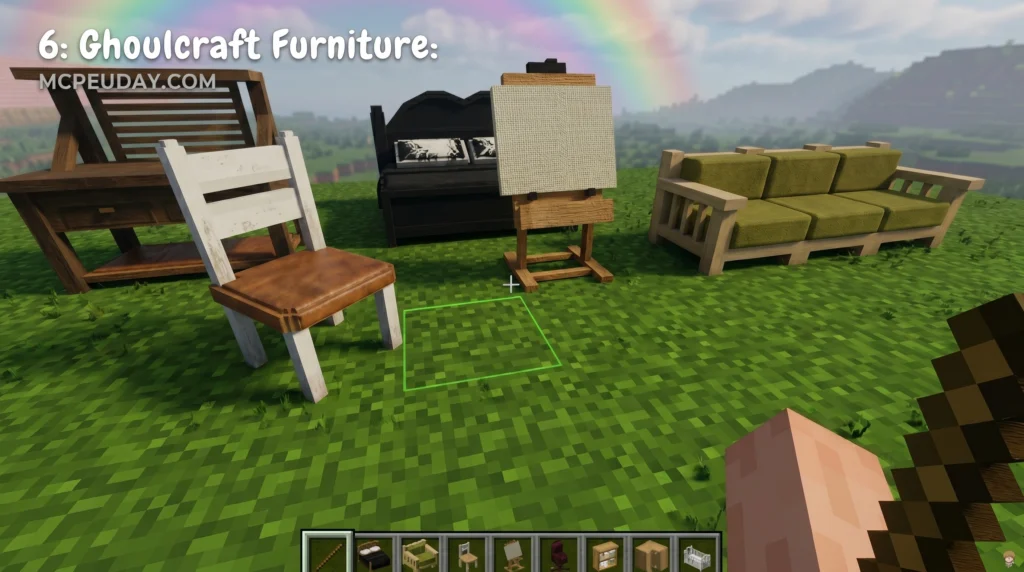
The Ghoulcraft Furniture Addon is a decoration pack for Minecraft that turns ordinary blocks into detailed furniture pieces — chairs, sofas, cabinets, beds, and much more.
Here’s what you need to know fast:
How it works: Rename specific vanilla blocks and place them to trigger custom 3D models
MORE ADDONS – MCPE/Bedrock
8. Faramir’s Furniture Addon
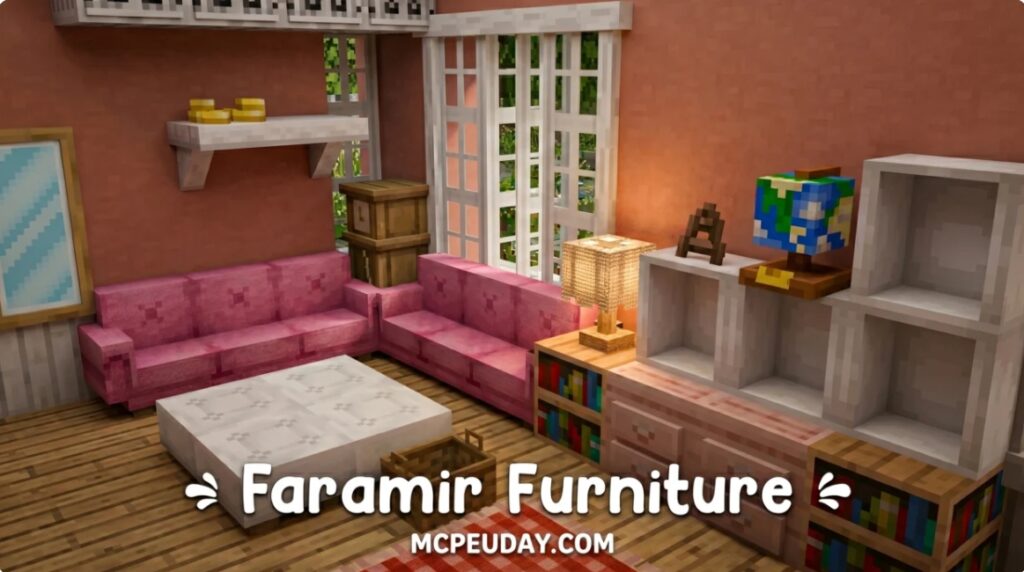

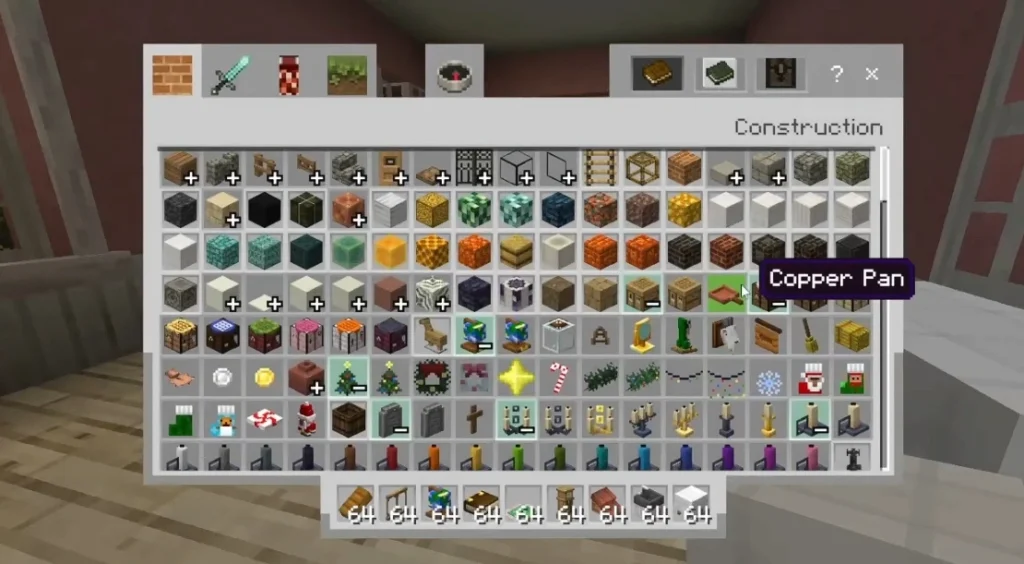
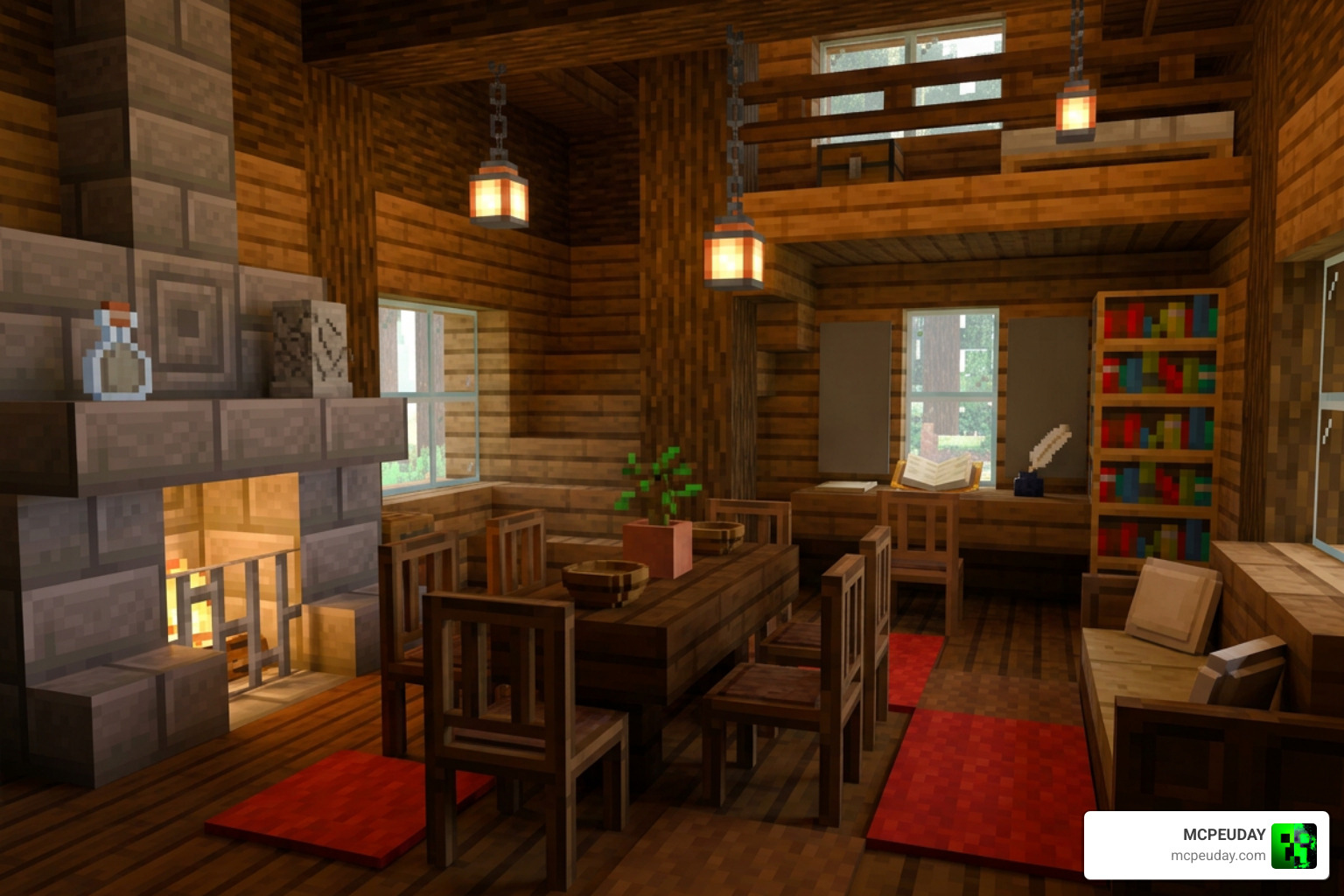
Faramir’s Furniture Addon is one of the best decoration addons available for Minecraft Bedrock Edition right now. Here’s a quick snapshot of what it offers:
Available as a single 11.35 MB .mcaddon file — easy to install
250+ furniture pieces with 700+ variations
Works in survival mode with achievements still enabled
Supports RTX, PBR, and Vibrant Visuals for enhanced lighting
Compatible with other furniture addons and Realms servers
7. Mizuno’s 16 CIT Addon
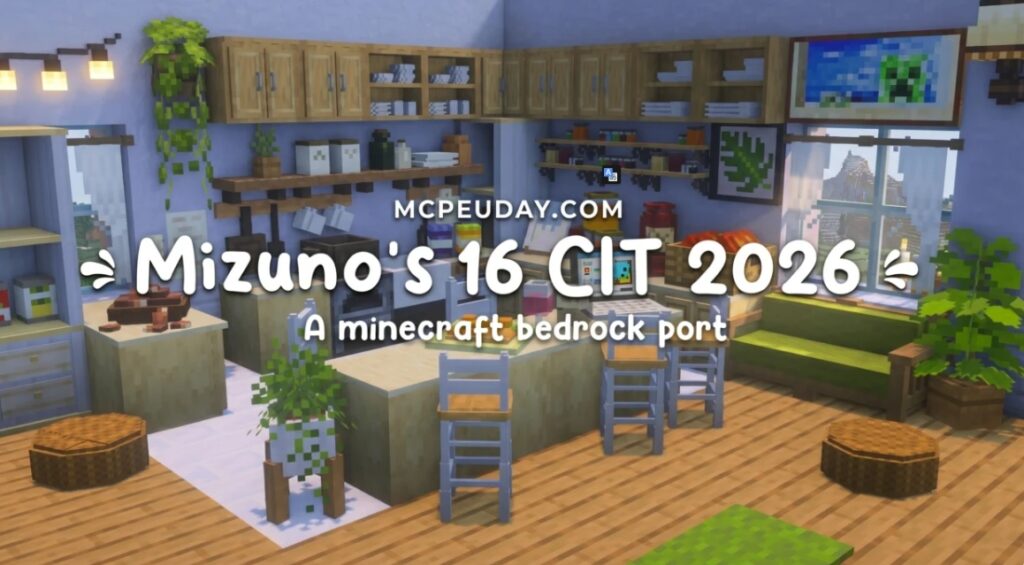
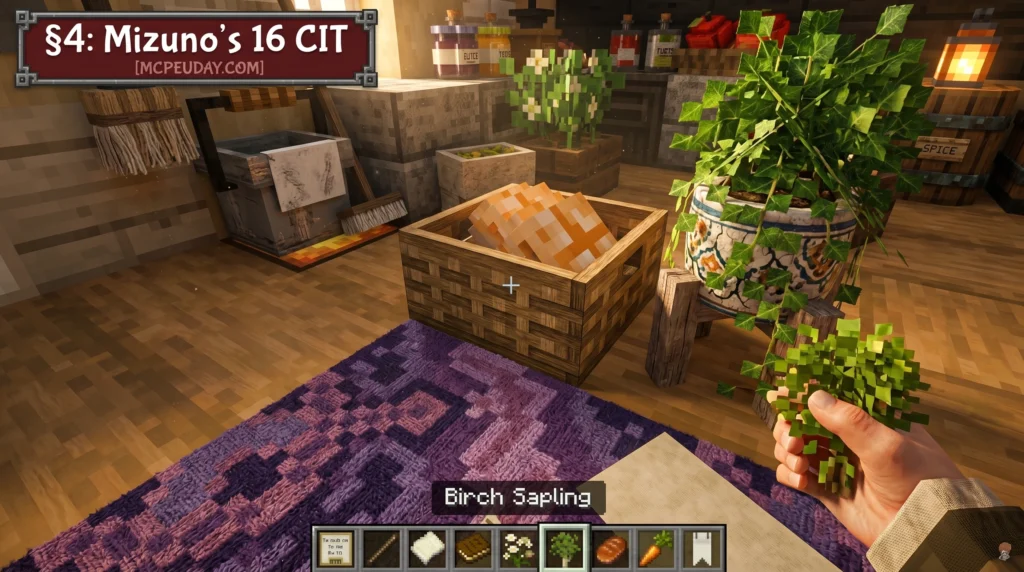
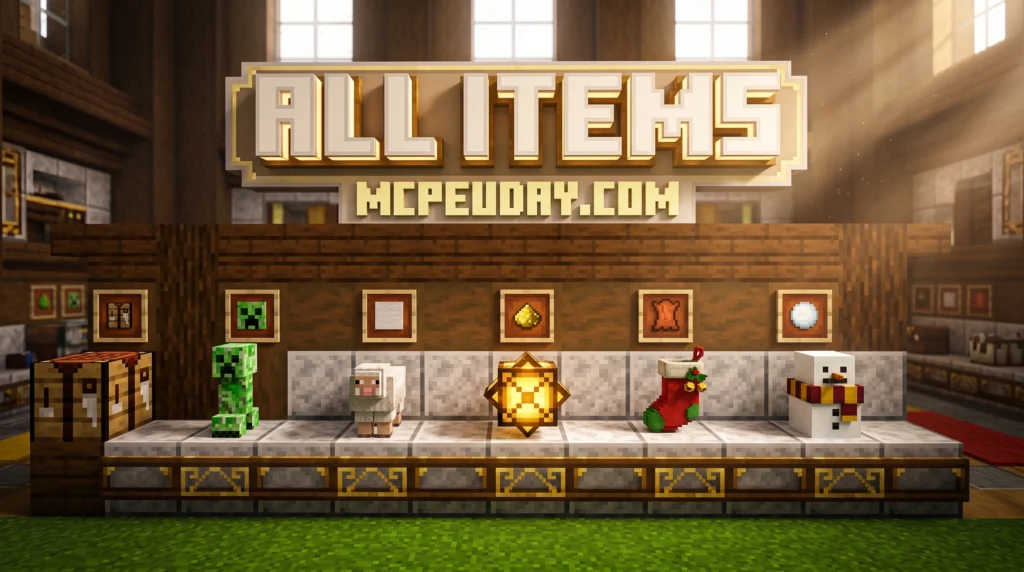
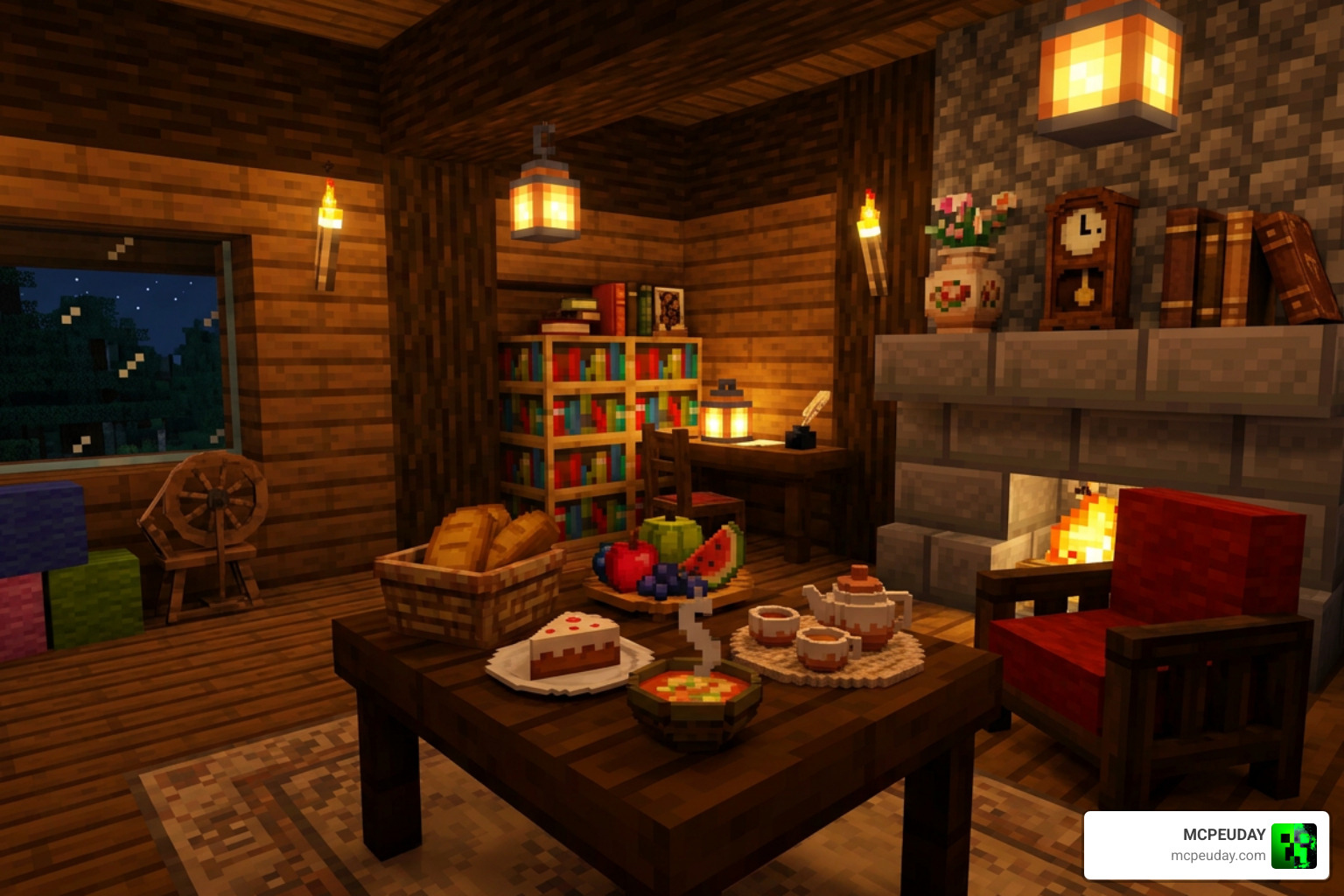
The Mizuno’s 16 CIT Addon is an add-on pack for the popular Mizuno’s 16 Craft resource pack that lets you turn ordinary Minecraft items into decorative 3D models — furniture, food displays, plants, paintings, and more — simply by renaming them and placing them in item frames.
Quick answer:
How it works: Rename an item in an anvil using a specific name from the CIT catalog, then place it in an item frame to display the custom model
What it is: A Custom Item Texture (CIT) pack that adds hundreds of decorative models to Minecraft Java Edition (and a Bedrock port exists too)
6. MiniaTuria Creative Addon
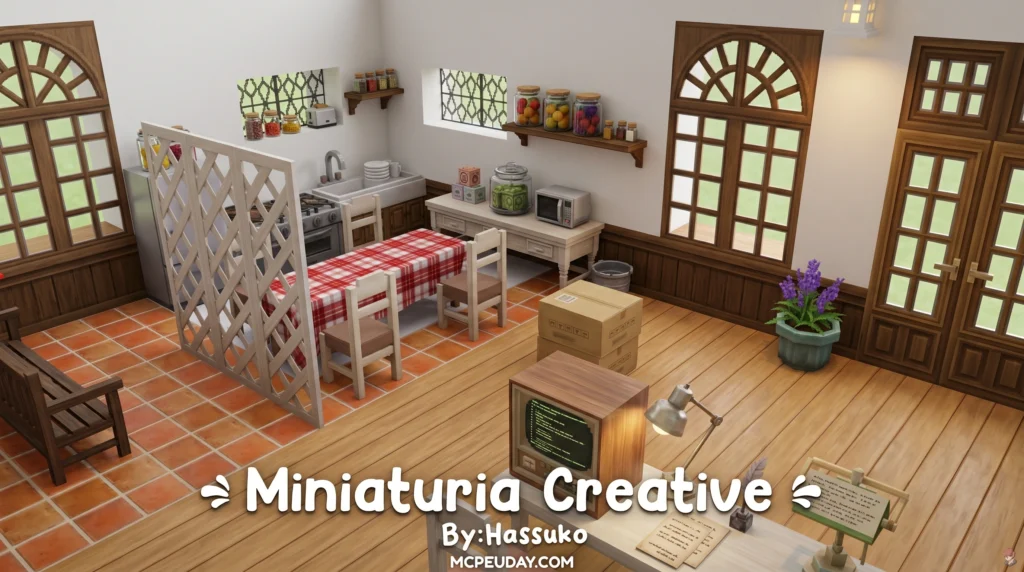
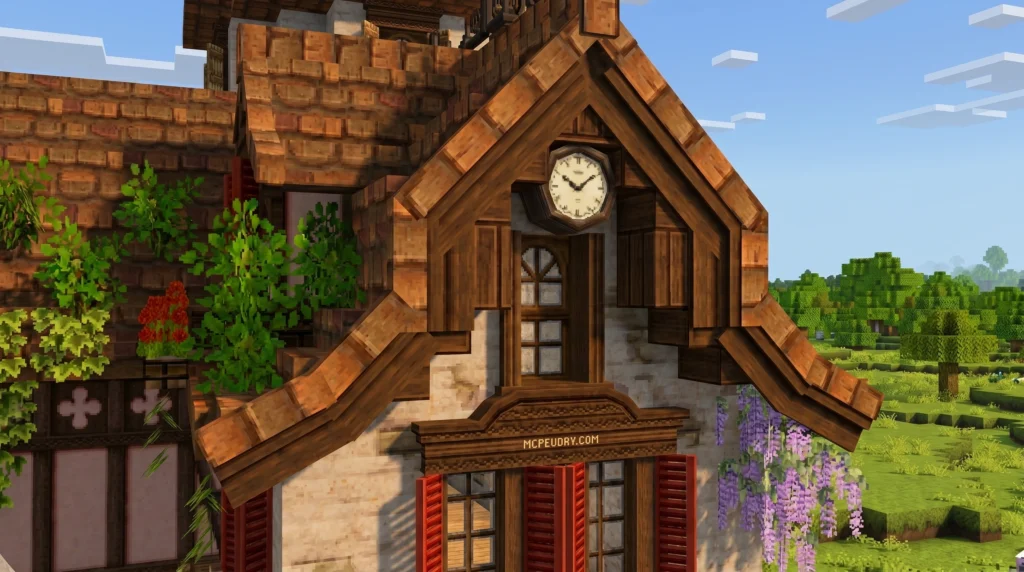
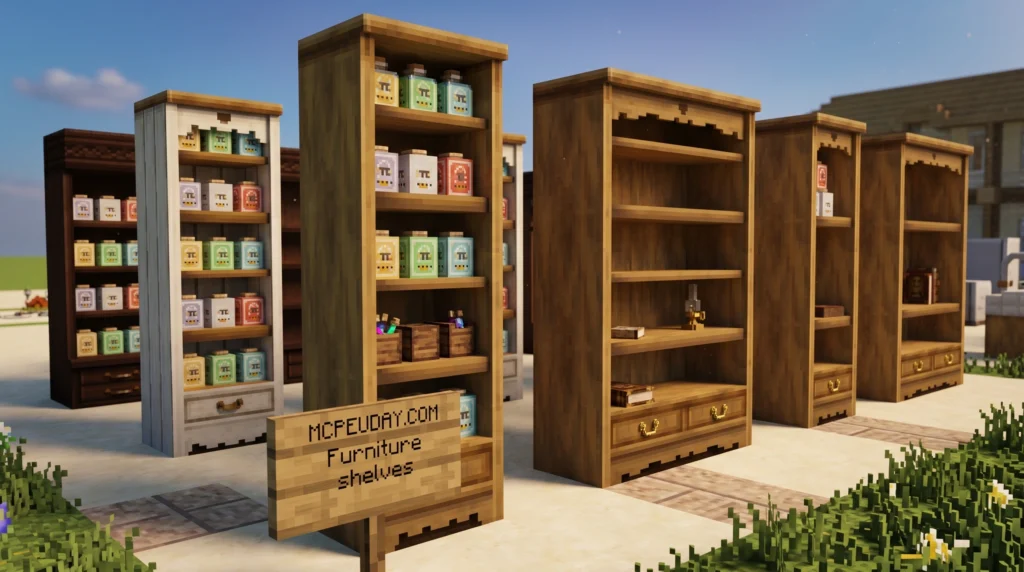
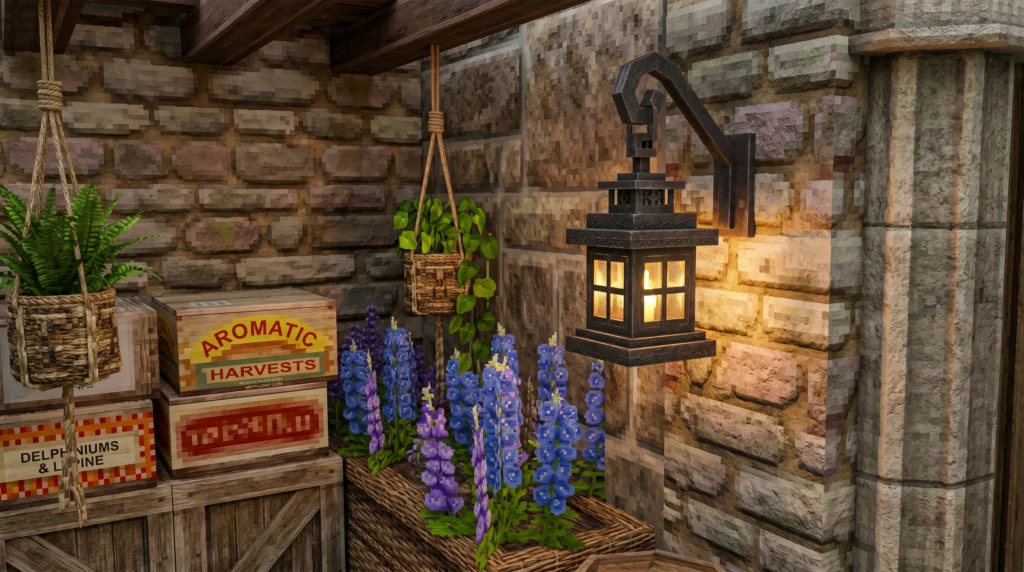
The MiniaTuria Creative Addon is a free Minecraft Bedrock Edition add-on that ports over 400 detailed 3D decorative blocks and building materials from the Java Edition MiniaTuria mod — designed exclusively for Creative Mode building.
Here’s a quick summary:
Who it’s for: Creative Mode builders on Windows 10/11, iOS, and Android
What it is: A full-scale Bedrock port of the Java Edition MiniaTuria mod, bringing 3D furniture, building blocks, and decor to Bedrock/PE
MORE ADDONS – MCPE/Bedrock
5. Lily Furniture Addon
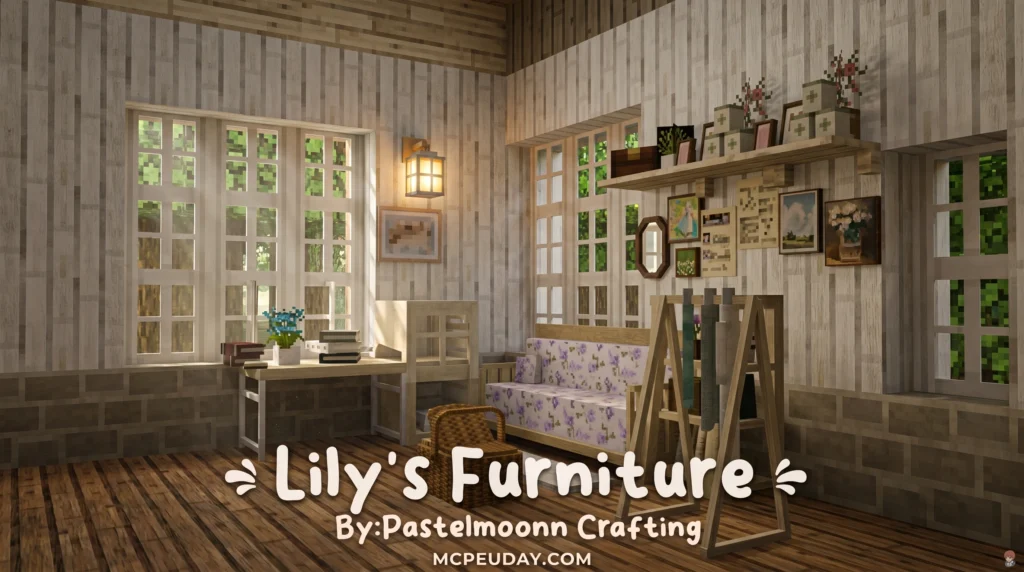
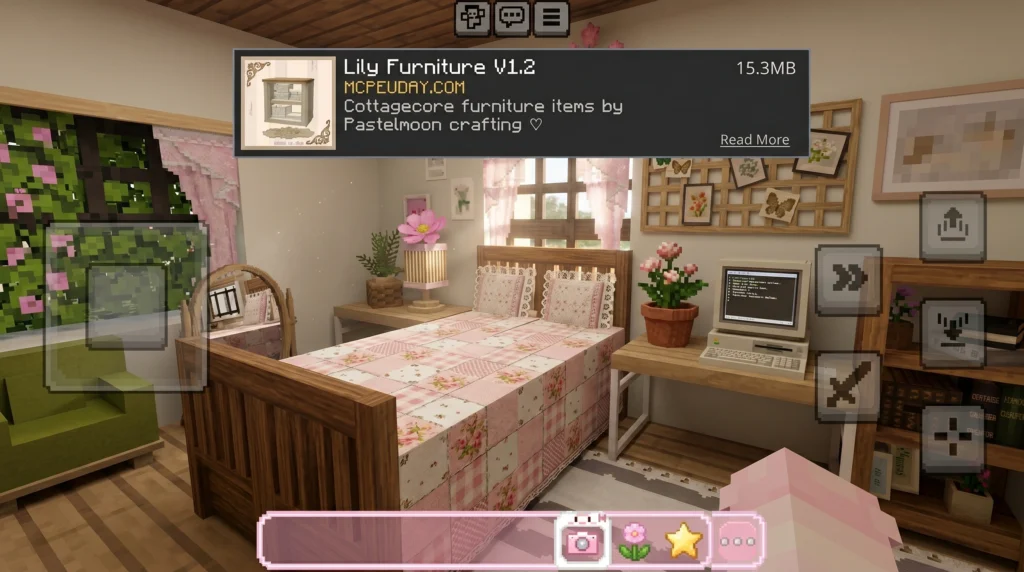
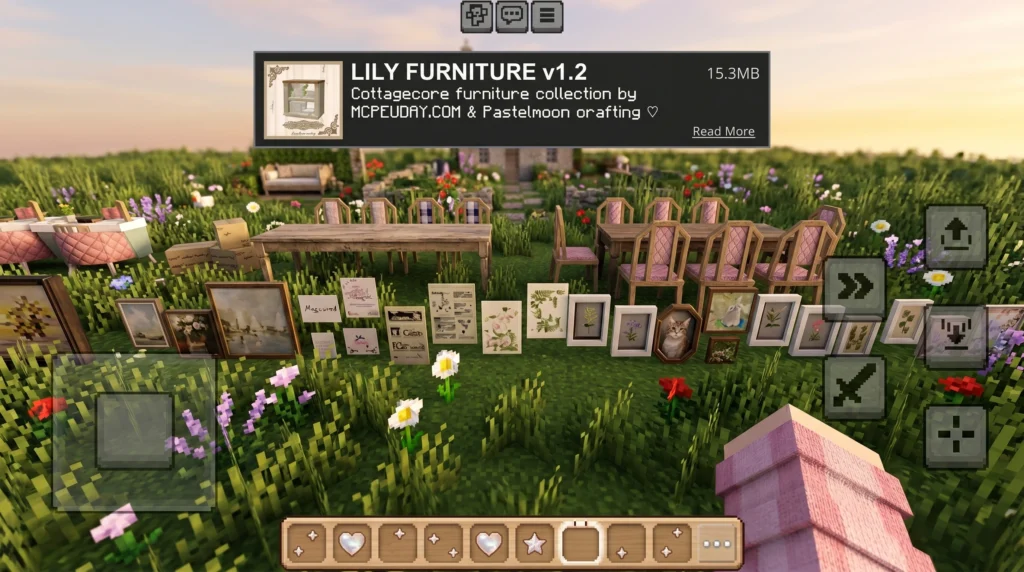
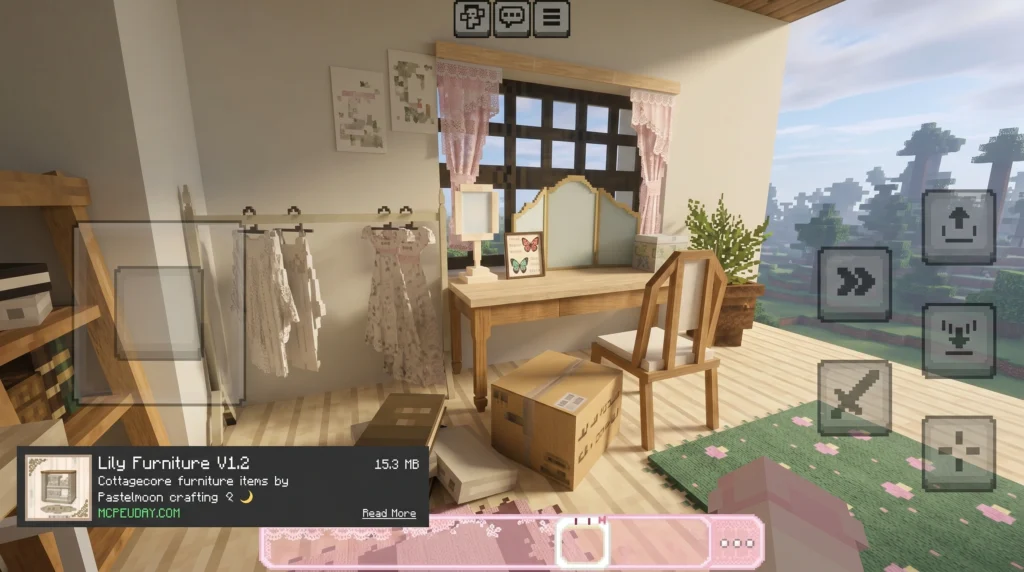
The Lily Furniture Addon is one of the most popular decoration addons for Minecraft Bedrock Edition, adding 170+ cozy, pastel-tinted furniture items to your game — from kitchen sets and wool sofas to wall décor and potted plants.
Here’s a quick snapshot of what you need to know:
How many items: 170+ furniture pieces (with the 2026 update pushing closer to 200+)
What it is: A Minecraft Bedrock addon focused on cottagecore and aesthetic interior design
4. Ghoulcraft Garden BE Addon
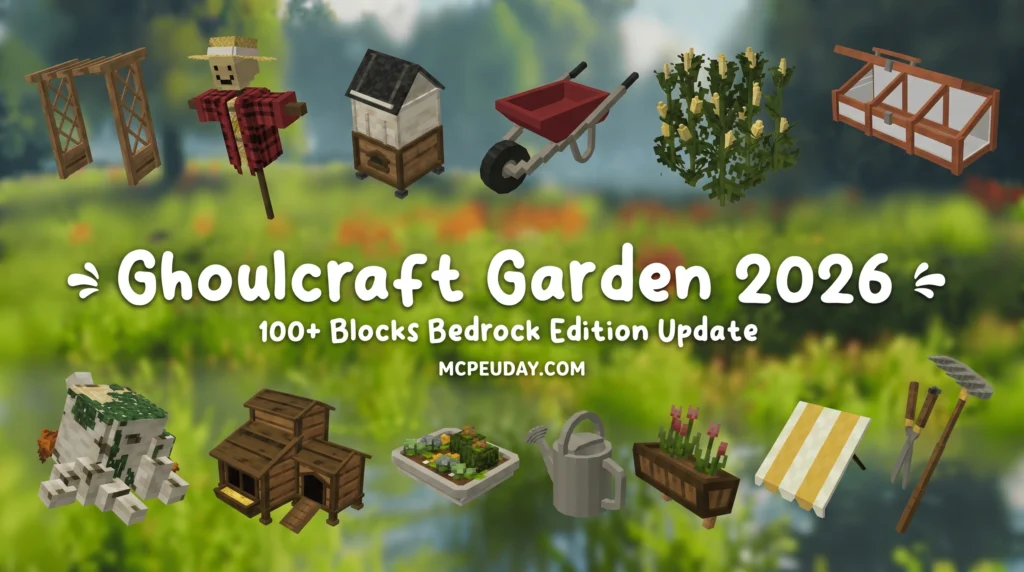
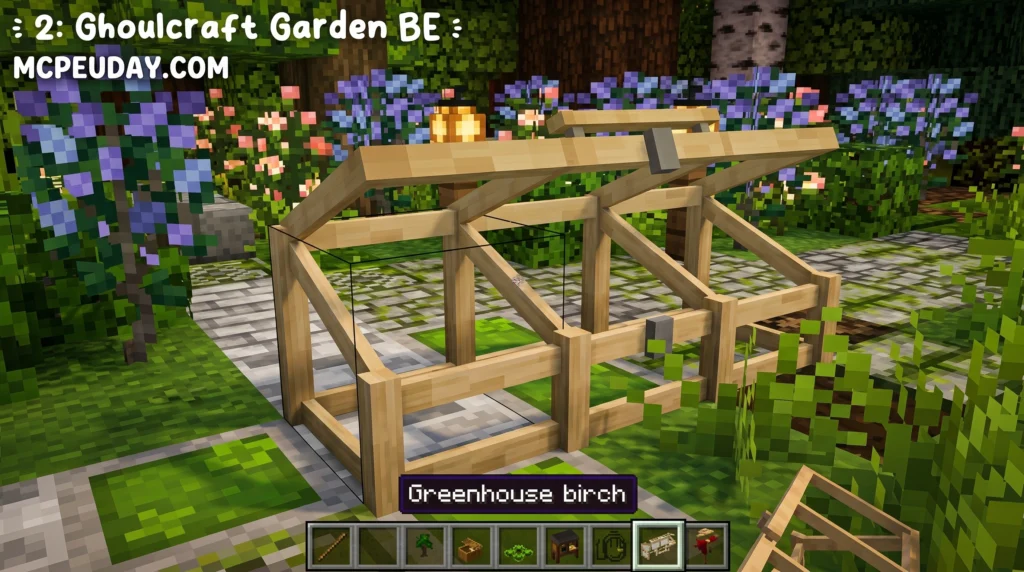
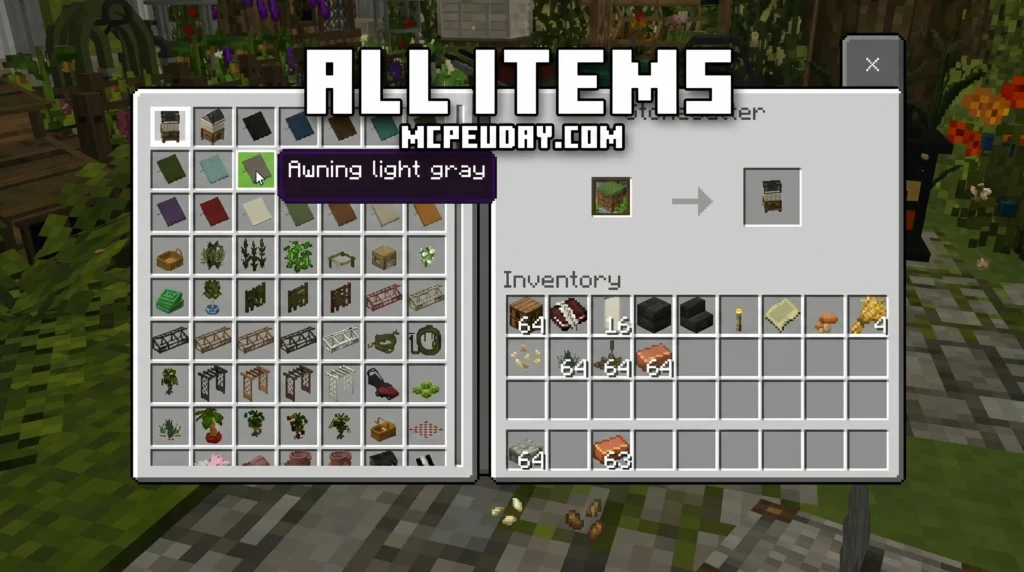
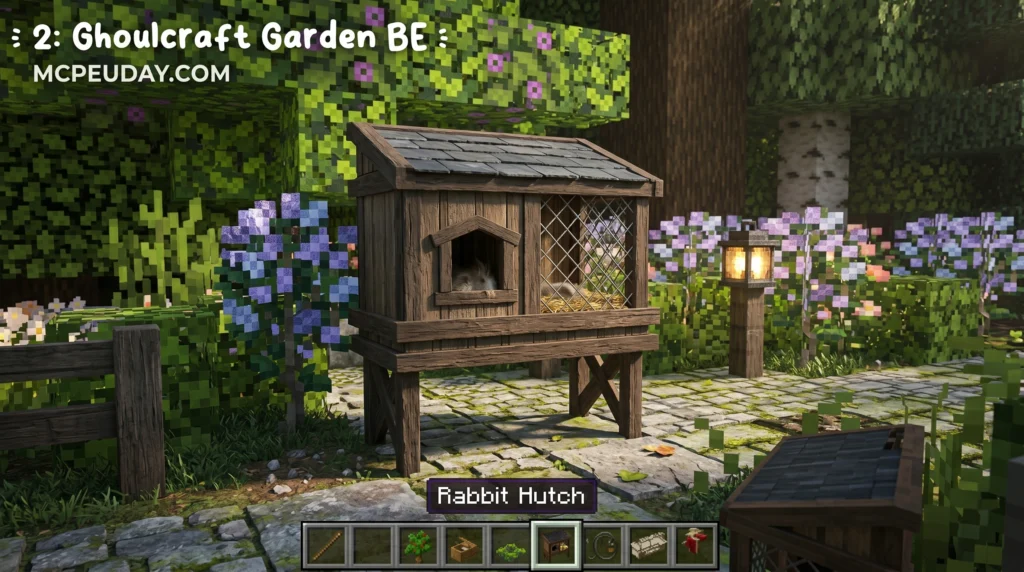
The Ghoulcraft Garden BE Addon is an official Bedrock Edition port of a popular Java resource pack that adds decorative outdoor and garden-themed items to Minecraft PE — think plants, lattices, awnings, animal coops, garden tools, and more.
Here’s what you need to know at a glance:
Who it’s for: Creative mode builders who want realistic outdoor and garden aesthetics
3. Fabulous Furniture Addon
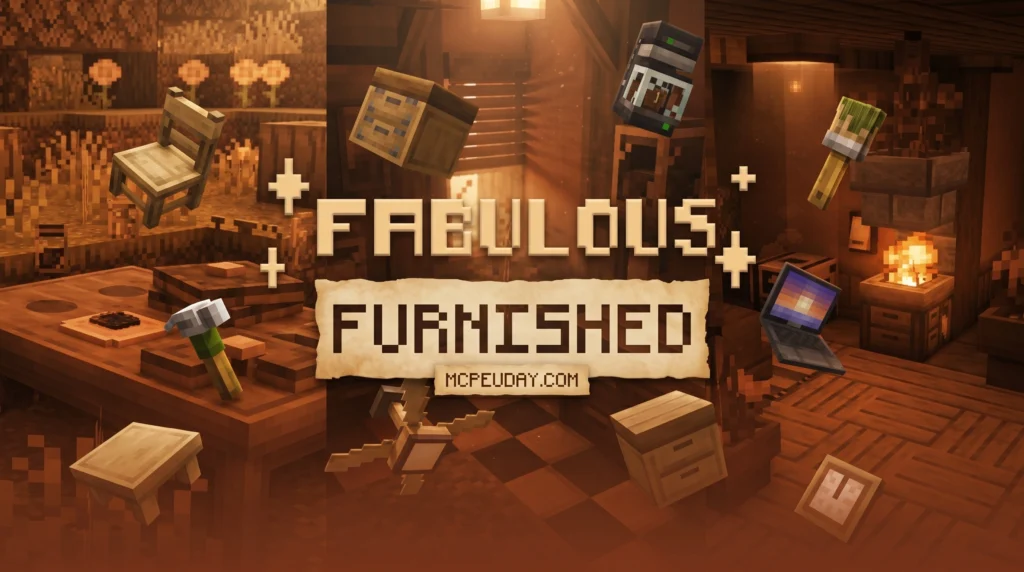
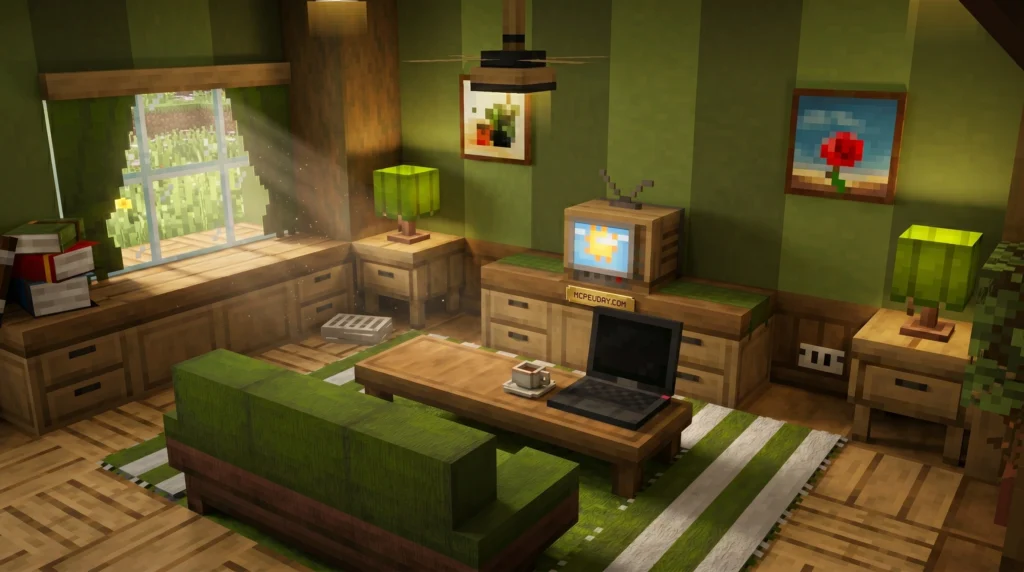
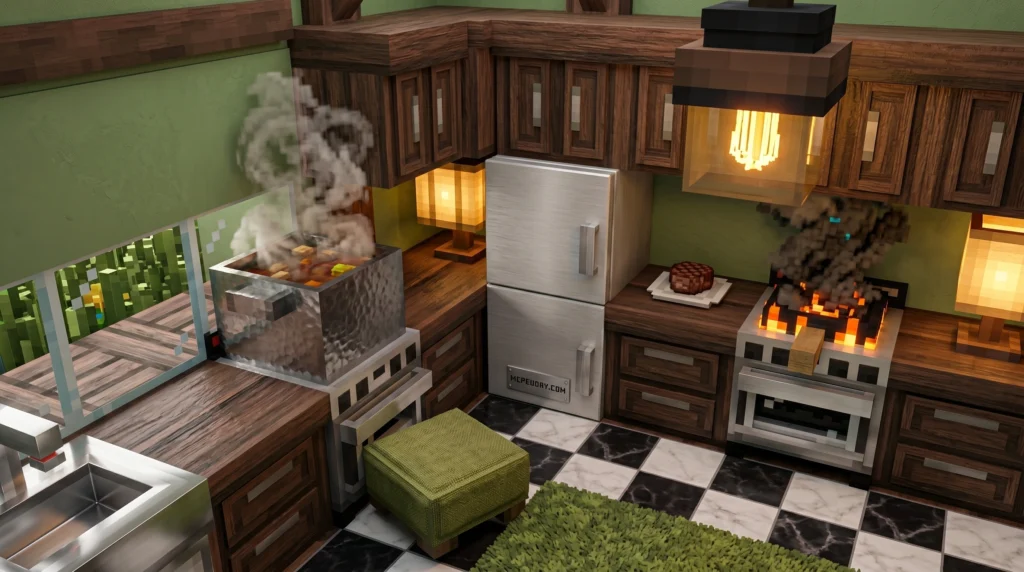
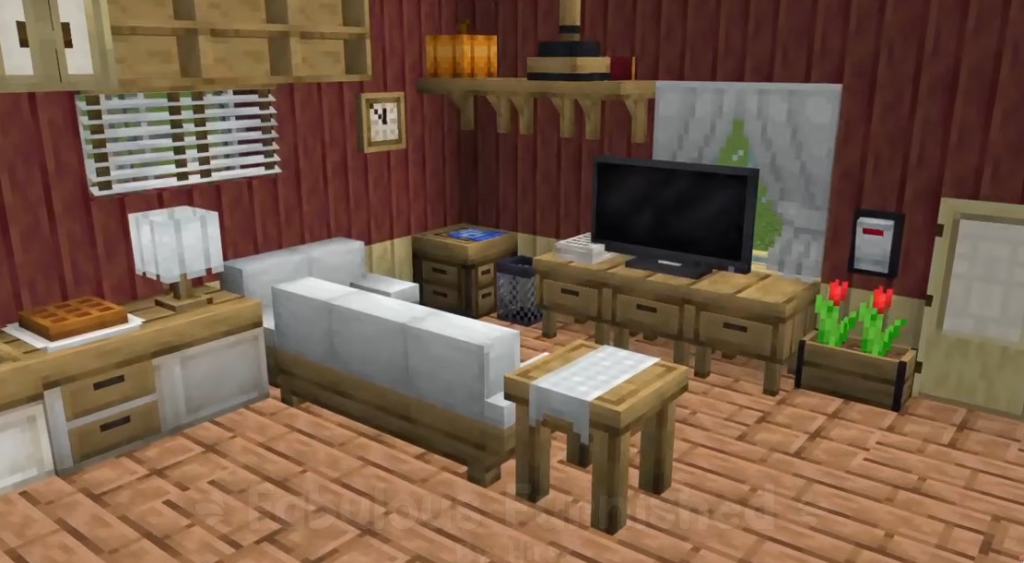
The Fabulous Furniture Addon is a free Minecraft Bedrock addon that adds over 150 blocks and 250+ variations to help you decorate your survival or creative base with stylish, functional furniture — no experimental features required.
Quick answer for what it includes:
Interactive blocks like a fridge, blender, coffee machine, and generator
150+ blocks with 250+ design variations
16 vanilla dye colors for full furniture customization
2. Gooblideco Addon

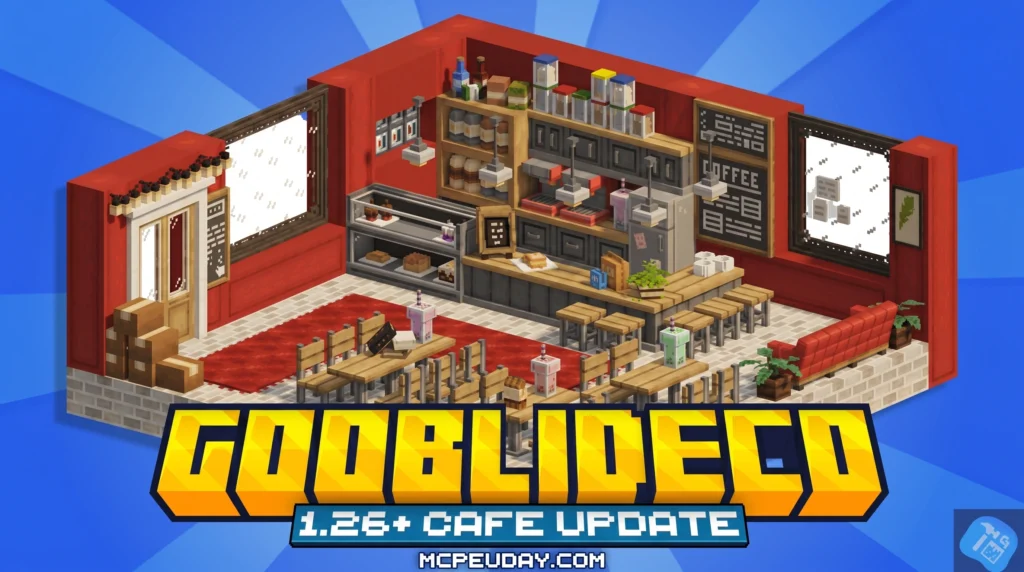
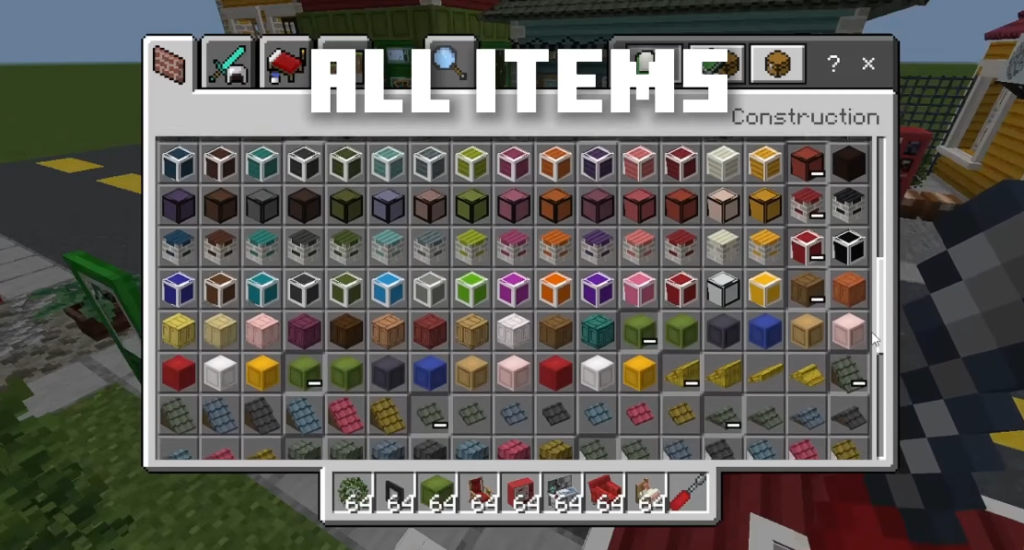
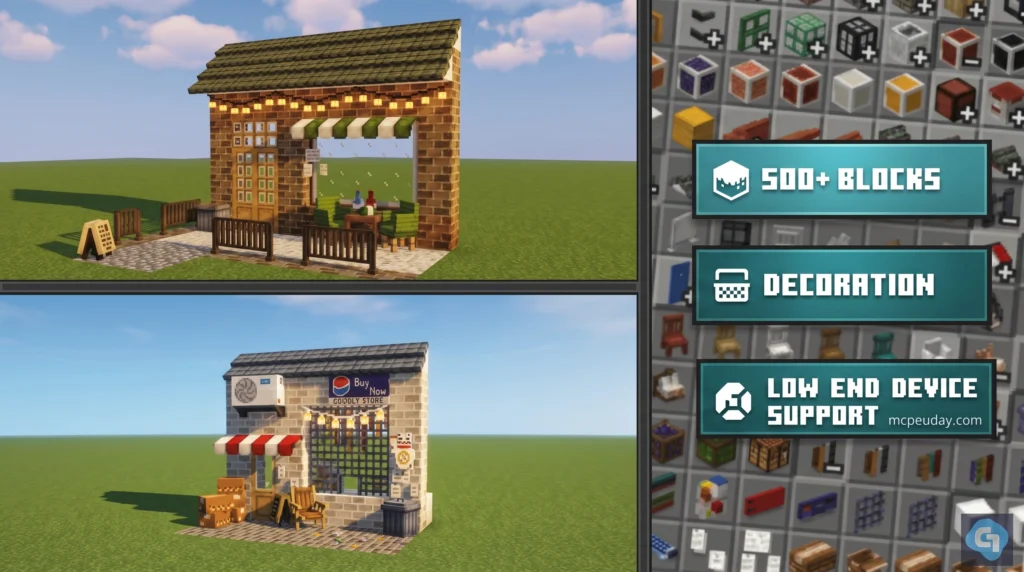
The Gooblideco Addon is one of the most exciting decorative mods available for Minecraft Bedrock Edition right now. It adds over 500 new blocks and furniture items, all without needing experimental features or a high-end device. This makes it an absolute game-changer for builders who want to elevate their worlds to a whole new level of detail and realism.
Quick answer for what you need to know:
Who it’s for: Builders who want Java-style aesthetics like Yuushya Townscape or Cocricot
What it is: A Bedrock Edition addon that adds 500+ decorative blocks and furniture
1. Feudal Furniture Addon
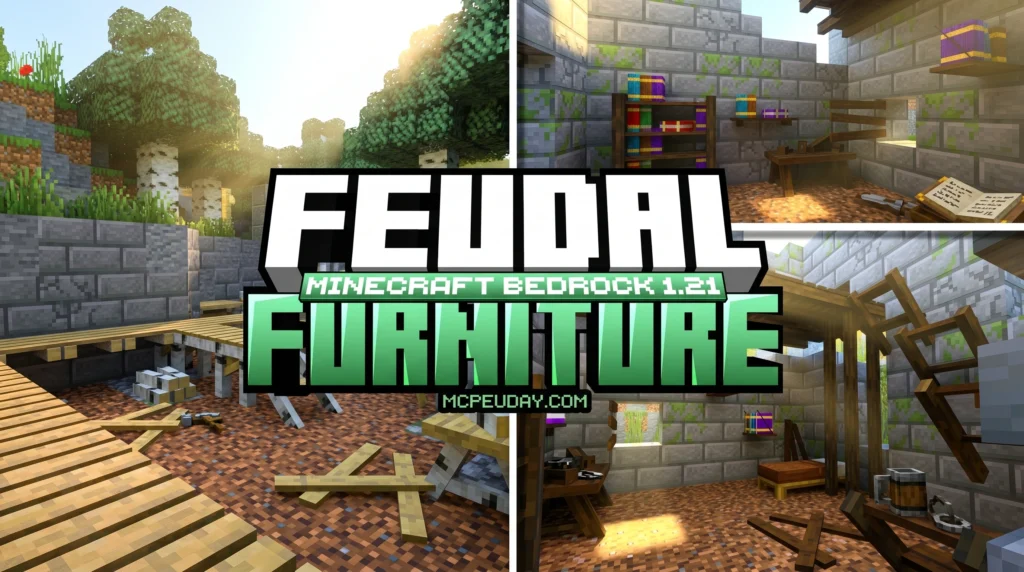
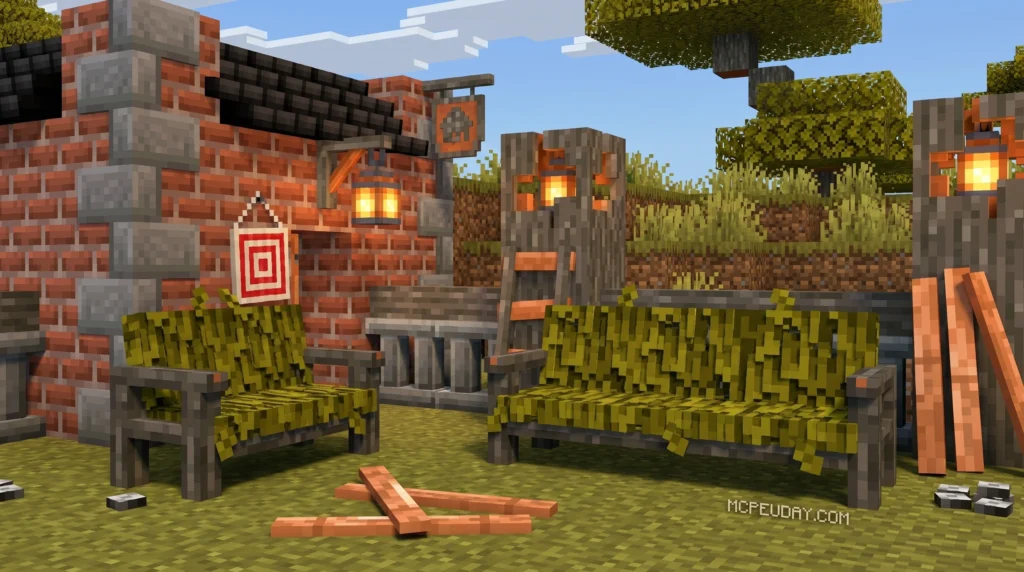
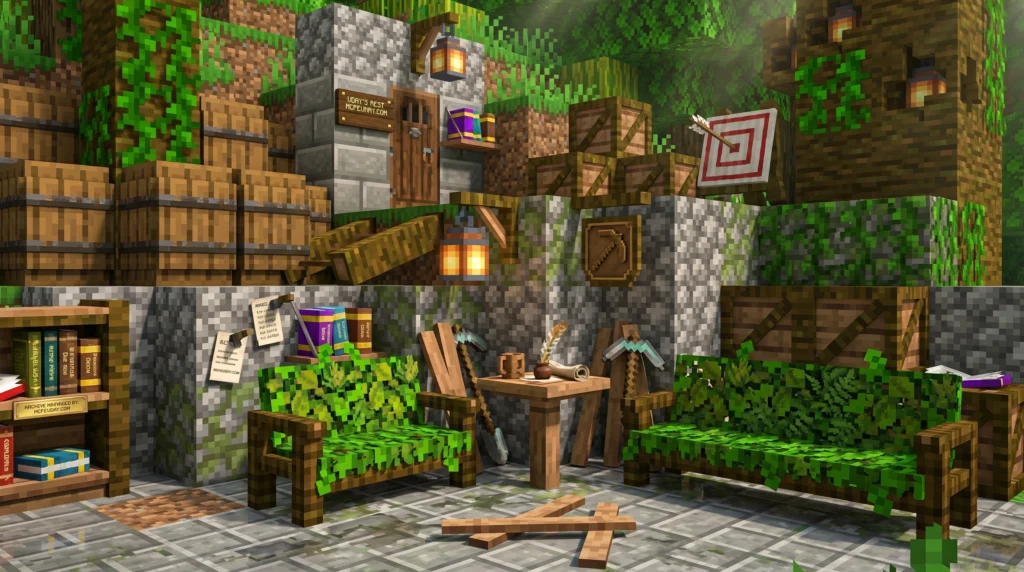
Medieval builds in Minecraft often look great on the outside — but the inside is usually empty. No tables, no chairs, no fireplace. Just flat floors and blank walls.
That’s exactly the gap this addon fills.
It brings chairs you can actually sit in, windows you can open and close, working fireplaces with smoke particles, automatic trapdoors, and dozens more interactive pieces — all designed to blend seamlessly with Minecraft’s existing look.
MORE ADDONS – MCPE/Bedrock
Whether you’re building a cozy starter home or a full medieval castle, there’s an addon built for exactly that. This guide breaks down the best ones, how to install them, and what to watch out for.
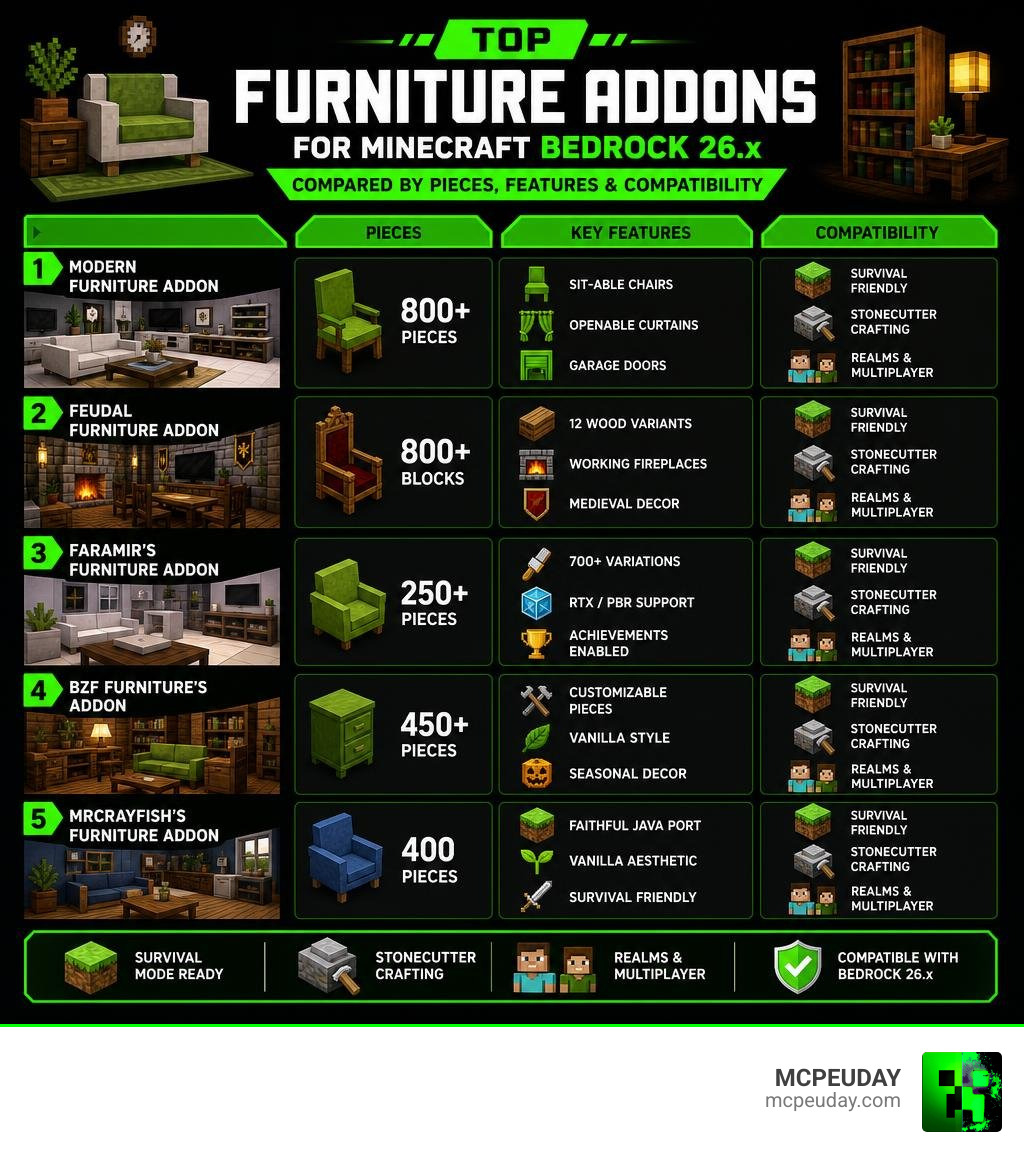
Top Contenders for the Best Furniture Addon For Minecraft Bedrock/PE (26.x)
To help you choose the perfect match for your building style, we have compiled a comparison of the absolute best options available on the market in 2026. Each addon brings something unique to the table, whether you prefer ultra-modern minimalism or rustic medieval warmth.
| Addon Name | Number of Pieces | Art Style | Key Interactive Features | Performance Impact |
|---|---|---|---|---|
| Modern Furniture | 800+ pieces | Modern / Realistic | Sittable chairs, openable curtains, garage doors | Medium |
| Feudal Furniture | 800+ blocks | Medieval / Vanilla-friendly | Working fireplaces, operable windows, automatic trapdoors | Low |
| Faramir’s Furniture | 250+ (700+ variants) | Vanilla-faithful | Seating, toggleable lights, smart rotation | Very Low |
| BZF Furniture’s Addon | 450+ pieces | Vanilla / Custom | Openable boxes, customizable bedcovers | Low |
| MrCrayfish’s Furniture | 400 pieces | Classic Vanilla | Light-emitting lamps, openable curtains, sitting | Low |
For those looking to browse a wider directory of options, you can check out the Minecraft Addons page on MCPEUDAY.
Why Modern Furniture is the Best Furniture Addon For Minecraft Bedrock/PE (26.x) for Contemporary Builds
If you are aiming to build a high-end luxury mansion, a sleek metropolitan apartment, or a contemporary suburban home, the Modern Furniture Addon 1 21 26 X Best Mcpe Decoration Mod is our absolute top recommendation. This pack features over 750 custom blocks and 800 total furniture pieces, making it one of the largest decoration libraries ever created for Bedrock Edition.
What makes it the best furniture addon for Minecraft Bedrock/PE (26.x) in the modern category is its unique “Modern Tool.” When you click on configurable blocks with this tool, you can instantly change their geometry and appearance. This allows you to customize modular sofas, link tables together, and adjust your kitchen cabinetry on the fly.
You can download the different versions of this package directly via Modern Furniture Addon 2 to get started with your builds.
Other Notable Mentions: From Pets to Garden Decor
If you want to expand your decoration options even further, we have reviewed several specialized packs that target specific niches:
- Outdoor & Gardens: The Faye Garden Decorations Pack adds stunning plants, patio furniture, and outdoor lighting.
- Pet Lovers: The Faye Pet Furniture Set Addon provides cute beds, scratching posts, and food bowls for your furry companions.
- Aesthetic & Fantasy: Packs like the Lily Furniture Addon, Fabulous Furniture Addon, and Decodrop Furniture Addon offer whimsical, soft-colored designs.
- Classic & Retro: The Furnicraft Furniture Addon and Ghoulcraft Furniture Addon are long-time community favorites.
- General Decor: For a solid, performance-friendly all-rounder, check out the Modblockte Furniture Addon 1 21 1 20 Best Furniture Mod For Mcpe.
To see some of these incredible packs in action, watch this community showcase on The BEST FURNITURE ADDON Brings 1500+ … – YouTube .
How to Obtain and Craft Furniture in Survival Mode
You do not need to play in creative mode to enjoy these gorgeous designs. The best modern addons are fully integrated into survival mode crafting progression.
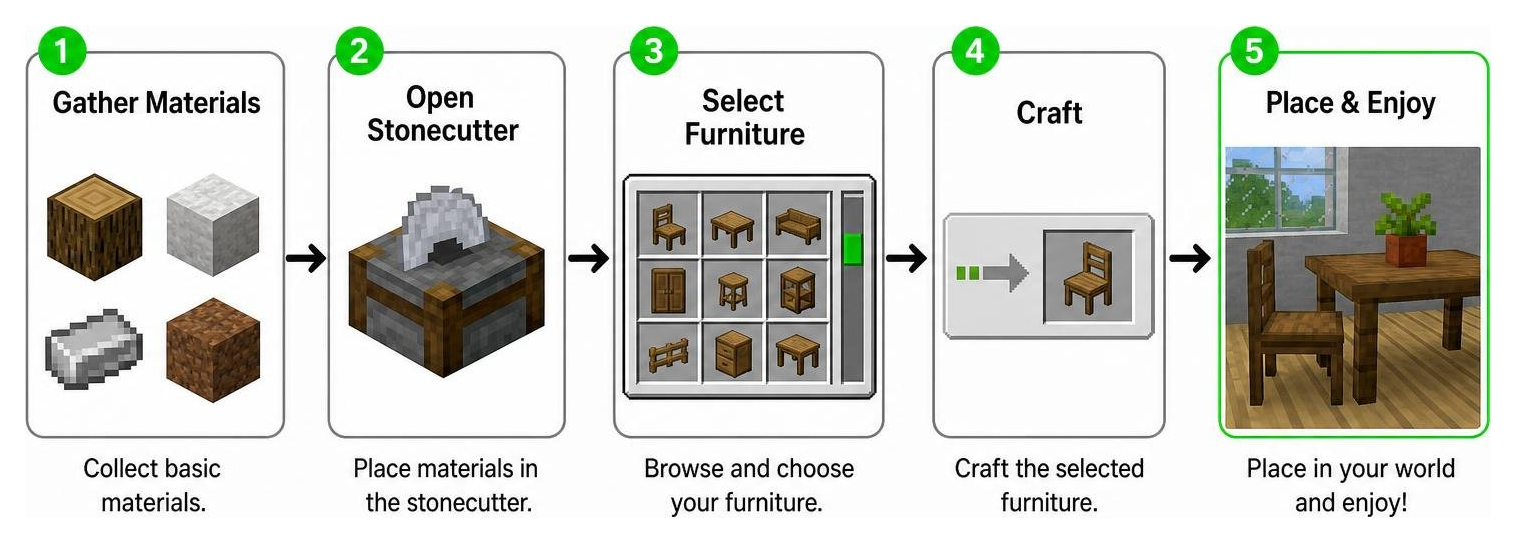
The Stonecutter Crafting System
To keep your crafting recipe book clean and prevent recipe conflicts with other mods, almost all top-tier Bedrock furniture addons utilize the Stonecutter.
- Gather Basic Materials: Most addons require simple vanilla items like clay balls, wood blocks, or iron ingots.
- Craft a Box: Combine your materials in a standard crafting table to create a “Furniture Box” or a category-specific box (e.g., Kitchen Box, Bedroom Box).
- Use the Stonecutter: Place your Furniture Box into the Stonecutter. You will instantly see a menu displaying all the available furniture pieces in that category. Select the piece you want, and you’re ready to decorate!
Creative Mode Commands and Custom Boxes
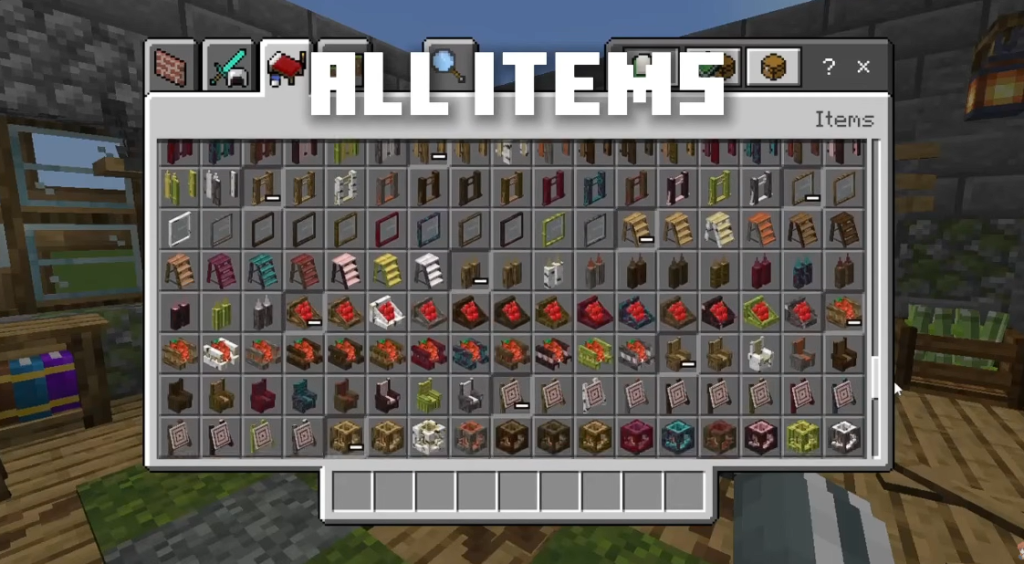
If you prefer building in Creative Mode, you can find all these items neatly categorized under the “Construction” or “Items” tabs in your creative inventory. Alternatively, you can use the /give command to quickly grab specific items (for example, /give @p ff:chair_oak for Feudal Furniture or /give @p f:sofa for Modern Furniture).
Installation Guide and Multiplayer Compatibility for Bedrock 26.x
Installing addons in Bedrock 26.x is incredibly straightforward, but there are a few critical settings you must enable to avoid missing textures or broken blocks.

Step-by-Step Installation for iOS, Android, and PC
- Download the File: Grab the
.mcaddonfile (or the separate Resource and Behavior packs) from a trusted source like MCPEUDAY. - Import to Minecraft: Double-click or tap the downloaded file. Minecraft will launch automatically and import the packs.
- Configure World Settings: Go to your world creation or edit screen.
- Activate Packs: Under Resource Packs, activate the addon. Do the exact same under Behavior Packs.
- Enable Experimental Toggles: For older versions or specific complex features, you may need to toggle on “Beta APIs” or “Holiday Creator Features.” However, for most 26.x compatible addons, these are no longer strictly required.
Activating Addons on Realms and Multiplayer Servers
All the addons featured in this list are fully compatible with Bedrock Realms and multiplayer servers (such as Aternos or dedicated servers).
- Server-Side Setup: Make sure you upload both the Resource Pack and Behavior Pack to the server settings.
- Require Players to Accept: Enable the setting “Require players to accept resource packs to join.” This ensures your friends will automatically download the required textures when they connect.
- Performance Tip: If you experience lag on lower-end mobile devices, try to spread highly detailed furniture setups across multiple chunks rather than cramming hundreds of interactive blocks into a single room.
Frequently Asked Questions about Bedrock Furniture Addons
Do these furniture addons disable achievements in survival mode?
No! Addons like Faramir’s Furniture Addon are designed to work seamlessly within vanilla Bedrock parameters, allowing you to enjoy beautiful decorations while still earning achievements in your survival worlds. However, always check the specific addon description, as some heavier gameplay-altering mods may require cheats to be enabled.
Are these addons compatible with RTX, PBR, and shaders?
Yes, many of the leading addons (especially Faramir’s Furniture) include built-in PBR texture maps. This allows them to interact beautifully with RTX ray-tracing on PC and modern shader engines on mobile devices, offering realistic reflections, shadows, and glowing light emissions.
What should I do if the furniture blocks appear blank or do not show up?
If your blocks appear as invisible, blank, or display the infamous “update block” texture, follow these troubleshooting steps:
- Ensure both the Resource Pack and Behavior Pack are active in your world settings.
- Make sure your resource pack is placed near the top of your active load order.
- Clear your active cache by deleting the addon from your global resources and reinstalling.
- For certain older ports, ensure you have a “GeoFixer” pack active to correct custom block geometry.
Conclusion
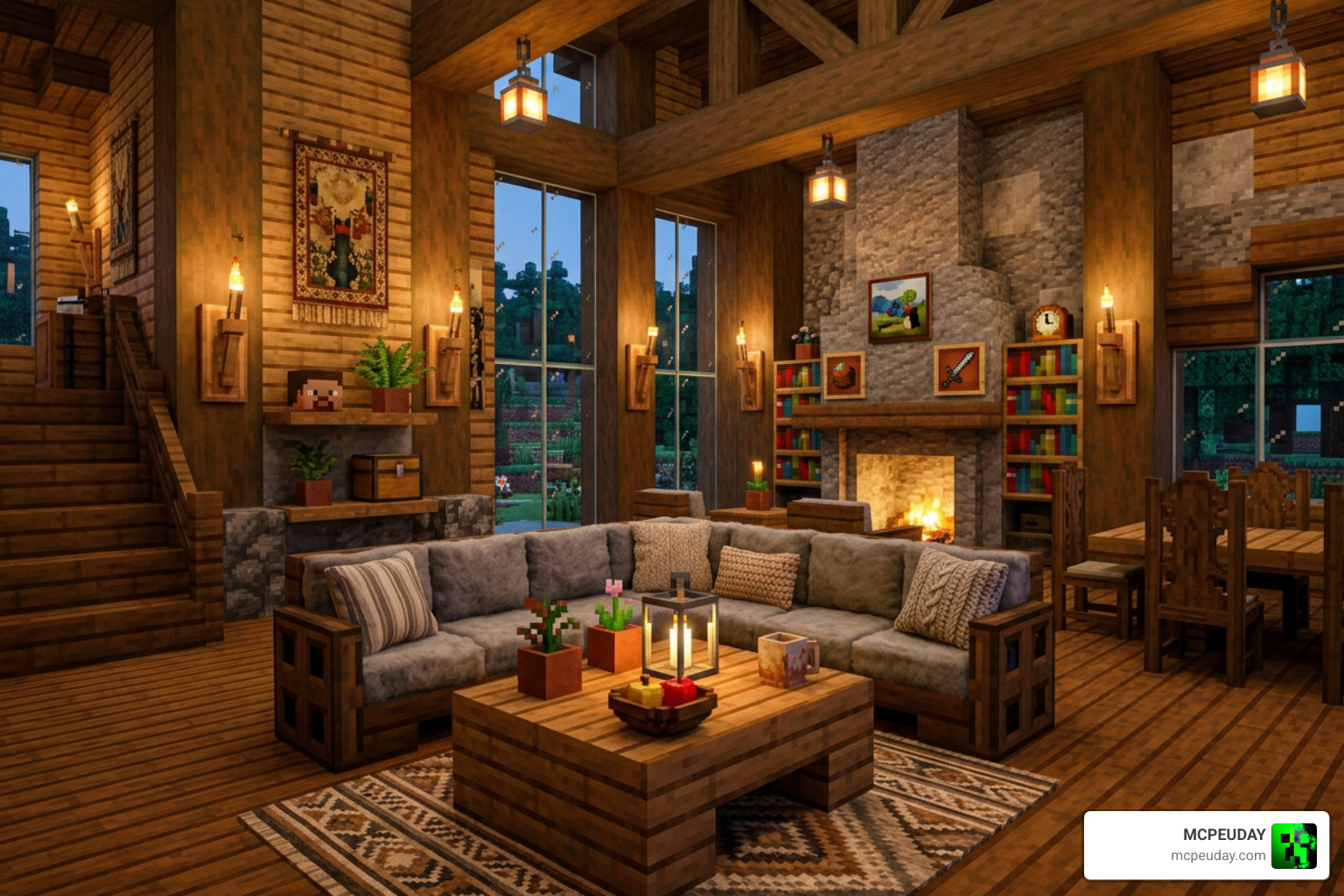
Finding the best furniture addon for Minecraft Bedrock/PE (26.x) comes down to your personal building style. Whether you are crafting a sleek modern penthouse with the Modern Furniture Addon or a cozy medieval tavern with the Feudal Furniture Addon, these tools give you the creative freedom to design the home of your dreams.
Ready to start decorating your world? Explore more Minecraft Addons on MCPEUDAY to find the latest updates, shaders, and survival expansions for Bedrock 26.x! Happy building!
1 thought on “10 Best Furniture Addon for Minecraft Bedrock/PE (26.x) – Top 10 Picks”