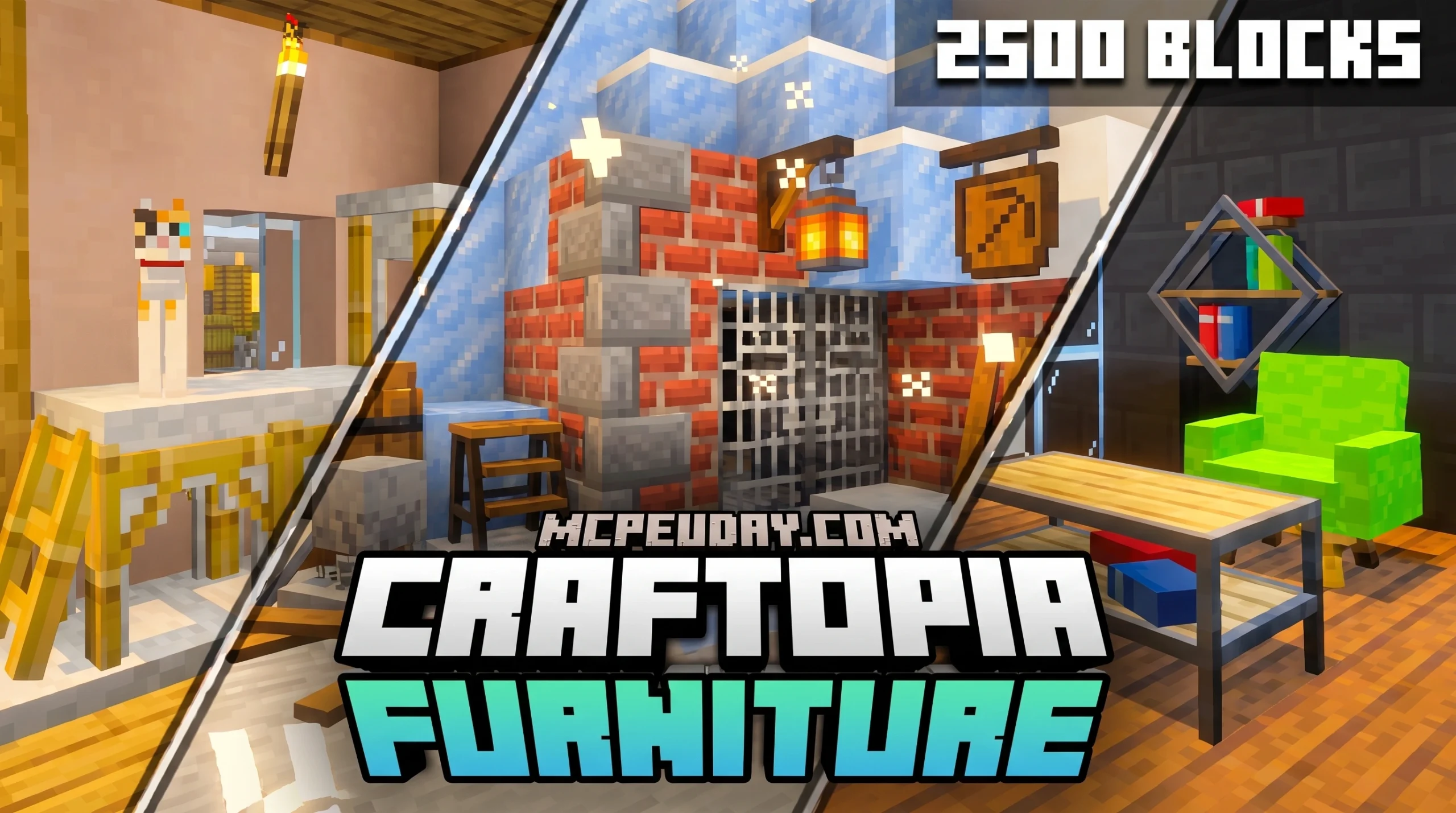
What You Need to Know About the Craftopia Furniture Addon
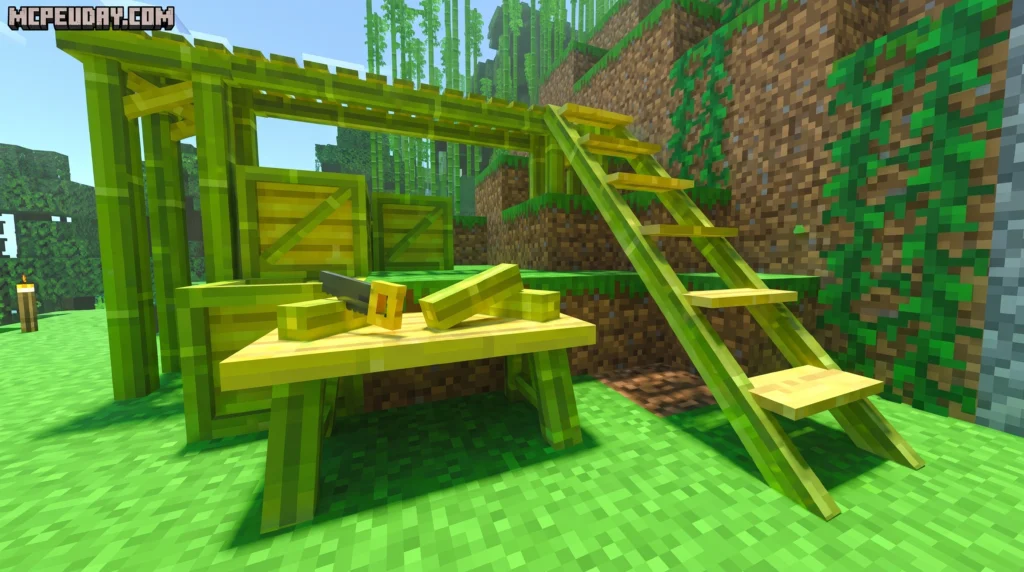
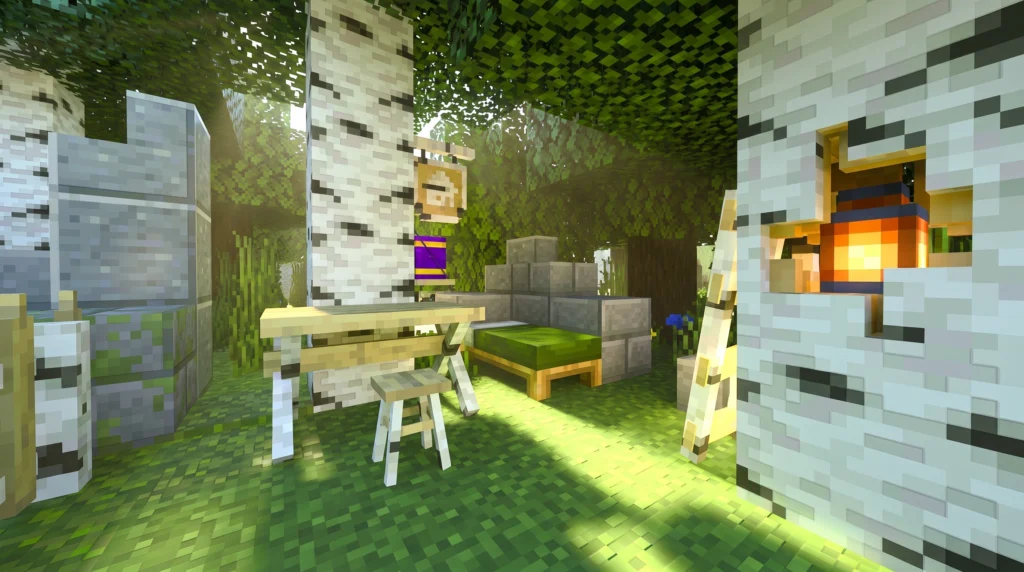
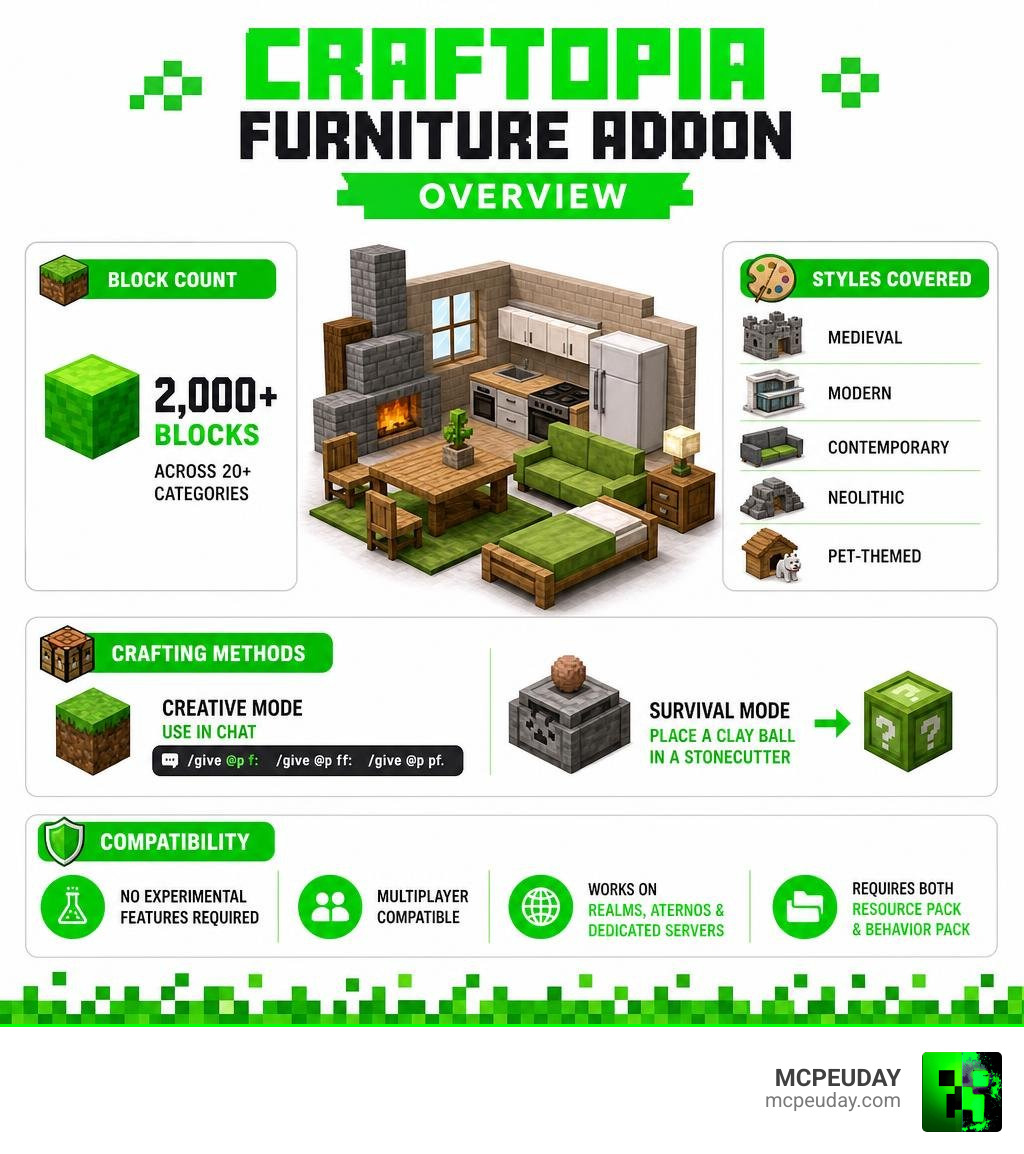
The Craftopia Furniture Addon is one of the most complete furniture modpacks available for Minecraft Bedrock Edition, packing over 2,000 new blocks into a single download.
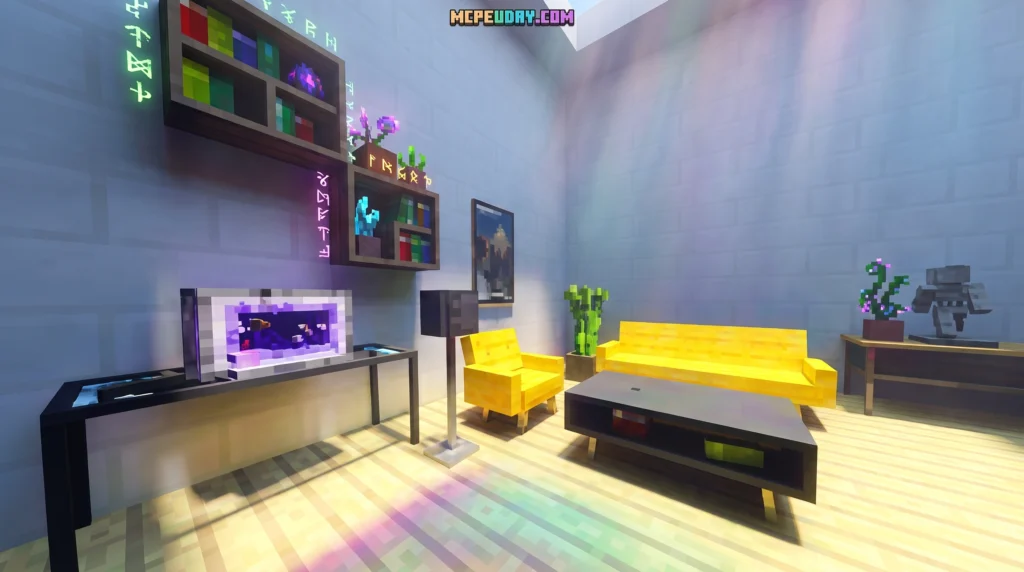
Here’s a quick overview of what it offers:
- What it is: A combined modpack merging three furniture addons — Modern Furniture, Feudal Furniture, and Pet Furniture
- How many blocks: 2,000+ blocks across 20+ categories
- Styles covered: Medieval, modern, contemporary, neolithic, and pet-themed
- Creative mode access: Use
/give @p f:,/give @p ff:, or/give @p pf:in chat - Survival mode access: Place a clay ball in a stonecutter to get furniture boxes
- Experimental Features required: No
- Multiplayer compatible: Yes — works on Realms, Aternos, and dedicated servers
- How to install: Download and apply both the Resource Pack and Behavior Pack to your world
Whether you’re building a medieval castle, a sleek modern apartment, or a cozy pet corner, this addon has something for every build style.
What is the Craftopia Furniture Addon?
If you have ever felt limited by the standard block palette in Minecraft Bedrock, you are not alone. We all love our oak stairs and trapdoors, but sometimes a modern kitchen or a sprawling medieval dining hall needs actual furniture to feel alive. That is where the Craftopia Furniture Addon steps in to completely transform your interior design game.
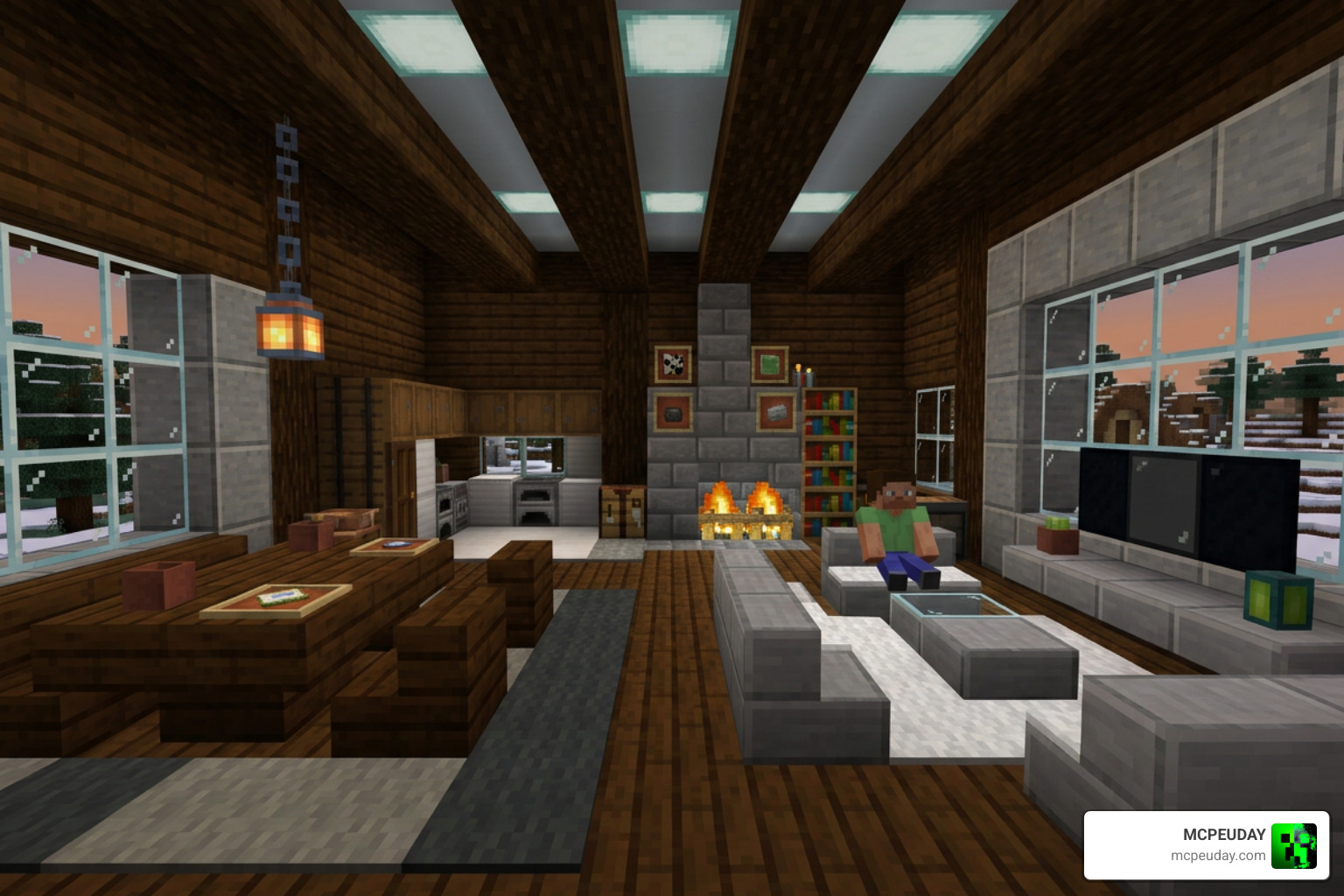
This addon is not just another simple decoration pack. It is a massive, unified compilation designed to fit organically into the standard Minecraft style while expanding your building options exponentially. By packing over 2,000 unique blocks and up to 14,000 design variations into a single, optimized modpack, it gives you everything you need to decorate any structure from any historical era.
A Fusion of Three Popular Minecraft Addons
Instead of cluttering your world with multiple, conflicting downloads, the creator of this pack cleverly merged three of their most popular standalone releases into one. When you install this pack, you are getting the full contents of:
- Modern Furniture: Sleek, contemporary pieces for high-end city builds.
- Feudal Furniture: Rustic, medieval-themed elements for castles and villages.
- Pet Furniture: Cozy accessories and beds for your domestic animals.
If you want to explore these individual styles or compare them, you can check out the standalone Faye Pet Furniture Set Addon, the highly detailed Feudal Furniture Addon, or the stylish Modern Furniture Addon 2. Combining them into a single modpack ensures you do not have to worry about separate update schedules or resource conflicts!
Key Features of the Craftopia Furniture Addon
Why is this addon a must-have in 2026? Here are the standout features that make it a favorite for Bedrock builders:
- Massive Variety: Over 2,000 individual blocks and thousands of visual variants.
- Vanilla Aesthetic: The textures and 3D models are carefully crafted to look like they belong in the base game, avoiding that awkward, overly realistic look.
- Optimized Performance: Despite the huge block count, the pack is coded to run smoothly on mobile devices, consoles, and PCs alike.
- No Experimental Toggle Needed: Unlike many older mods, the latest versions do not require you to turn on unstable experimental settings in your world.
Block Categories and Styles Included
No matter what kind of project you are working on, the sheer variety of categories in this addon ensures you will find the perfect piece.
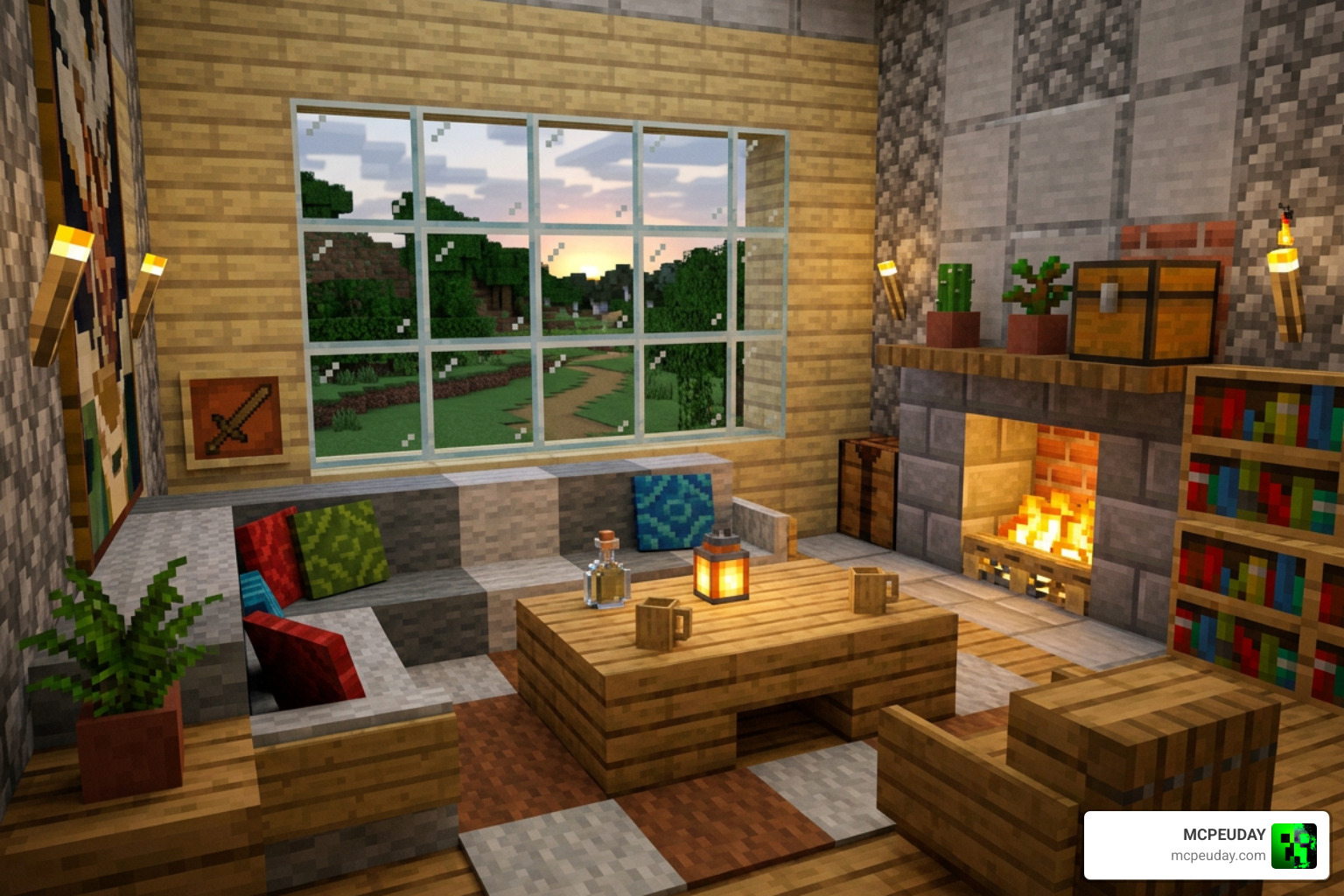
Medieval, Modern, and Pet Furniture Styles in the Craftopia Furniture Addon
The addon covers an incredibly wide spectrum of design eras. For historical builders, the Feudal components allow you to construct authentic castle halls, complete with heavy wooden benches, grand fireplaces, and stone-carved decorations. If you prefer a cozy, rustic look, you can easily pair these with elements from the Rustic Furniture Addon.
For those focusing on metropolitan areas, skyscrapers, or suburban homes, the Modern and contemporary selections are a dream come true. You can design luxury bathrooms, high-tech kitchens, and minimalist living spaces. If you want to expand your modern catalog even further, the Kraftoids Modern Furniture Addon is another excellent choice to look into.
We also love how this pack looks out for our furry friends. With pet beds, scratching posts, and feeding bowls, your house will finally feel like a home for your tamed wolves and cats. For those who enjoy exploring alternative design aesthetics, you might also like to check out the Lily Furniture Addon, the whimsical Decodrop Furniture Addon, the classic Furnicraft Furniture Addon, or the cottagecore-inspired Ghoulcraft Furniture Addon.
Functional Blocks and Interactive Elements
Many items in this pack are not just pretty to look at—they actually work! You can interact with several blocks to perform actions, turn lights on and off, or open up new pathways. Here is a quick comparison of the decorative versus functional blocks you will find:
| Block Type | Examples | Functionality |
|---|---|---|
| Decorative | Bookshelves, paintings, flower pots, neolithic statues | Adds visual depth and realism to rooms |
| Lighting | Lamps, fireplaces, candles | Can be toggled on/off to emit actual light |
| Utility | Trash bins, storage cabinets, chests | Allows you to store items or clear your inventory |
| Structural | Automatic trapdoors, garage doors, barn structures | Opens and closes dynamically to secure your builds |
How to Obtain and Configure Furniture in Minecraft
Getting your hands on these incredible blocks is incredibly easy, whether you are playing in a relaxed Creative environment or tackling the challenges of Survival mode.

Creative Mode Commands and Inventory
If you are in Creative mode, you can find all the blocks neatly categorized directly within your creative inventory menu under the Items tab. However, because there are thousands of blocks, searching manually can sometimes feel like finding a needle in a haystack!
To speed things up, you can use chat commands. Simply open your chat window and type /give @p f: to bring up a searchable list of general furniture. You can also use the prefix /give @p ff: for Feudal Furniture or /give @p pf: for Pet Furniture.
Survival Mode Crafting with the Stonecutter
One of our favorite things about the Craftopia Furniture Addon is how survival-friendly it is. You do not need to memorize dozens of complicated crafting recipes. Instead, the mod utilizes the vanilla Stonecutter!
- Gather some clay and craft a Clay Ball.
- Place the Clay Ball inside a Stonecutter.
- Select the themed furniture box or category crate you want (such as a specific wood type, environment type, or decoration pack).
- Place that newly crafted furniture box back into the Stonecutter to choose the exact piece of furniture you want to build!
This system keeps your survival progression balanced, fun, and incredibly organized.
Using the Modern Tool for Customization
Have you placed a sofa but wish it was a corner piece? Or perhaps you want to change the orientation of a shelf? That is where the Modern Tool comes in.
Many blocks in this addon are labeled as “Configurable” and feature a small wrench symbol in their inventory icon. By crafting the Modern Tool (Wrench) and clicking on these configurable blocks, you can dynamically cycle through different shapes, geometries, and positions. If you make a mistake, simply click it again to cycle through, or break and replace the block to reset it to its default state.
Installation, Compatibility, and Multiplayer Setup
Setting up your game to support these new additions is a straightforward process, but it requires a few key steps to ensure everything loads perfectly.
Step-by-Step Installation Guide
To get started, you will need to download both the Resource Pack (RP) and the Behavior Pack (BP).
- Download the latest
.mcpackfiles for both the Resource Pack and Behavior Pack. - Double-click or tap on each file to automatically import them into Minecraft Bedrock Edition.
- Create a new world or go to the settings of an existing world.
- Scroll down to the Active Packs section on the left menu.
- Activate the Craftopia Resource Pack under “Resource Packs” and the Craftopia Behavior Pack under “Behavior Packs”.
- Ensure that both pack versions match exactly to prevent invisible blocks or texture errors.
If you enjoy trying out different decoration systems, you can also look into the setup for the Faramirs Furniture Addon or the Modern Furniture Addon 1.21 26 X Best Mcpe Decoration Mod.
Multiplayer, Realms, and Server Compatibility
Yes, you can absolutely share your interior masterpieces with your friends! The addon is fully compatible with multiplayer environments, including official Minecraft Realms and third-party hosting servers like Aternos.
When setting up a server, make sure to check the box that forces players to accept the world’s resource packs before joining. This ensures that everyone can see the furniture correctly. If you are hosting a massive server with lots of players, we recommend using a powerful server host, as rendering thousands of custom 3D blocks can occasionally impact performance on low-end hardware. For alternative multiplayer-friendly packs, consider checking out the Fabulous Furniture Addon.
Frequently Asked Questions about Craftopia Furniture
Do I need to enable Experimental Features for this addon?
No! One of the greatest updates to the Craftopia Furniture Addon is that it has been fully optimized to run on standard Bedrock APIs. You do not need to enable Holiday Creator Features or other experimental toggles, making it incredibly stable for long-term survival worlds.
How do I update the addon without losing my blocks?
To update, simply download the latest Resource and Behavior packs. In your world settings, deactivate the old versions and activate the new ones. If you are running a multiplayer server, it is highly recommended to have your players clear their local cache in their profile settings to avoid visual glitches. Always make a backup copy of your world before updating any addon!
Can I use this addon alongside other decoration mods?
While you can technically run multiple decoration packs together, we generally do not recommend running separate versions of the mods that are already included in this pack (like standalone feudal or pet mods) as this can cause code collisions. If you want a completely different set of blocks to run alongside it, try the Modblockte Furniture Addon 1.21 1.20 Best Furniture Mod For Mcpe or the Bzf Furnitures Addon.
Conclusion
The Craftopia Furniture Addon is an absolute game-changer for anyone who loves building and decorating in Minecraft Bedrock. By combining three massive packs into a single, cohesive, and survival-friendly modpack, it offers unmatched variety without compromising your game’s performance.
You can download the latest files directly from the Craftopia Furniture page or grab the community-approved version on the Craftopia Furniture | +2000 BLOCKS – Minecraft Bedrock Addons page.
For more tips, tricks, and the best mod downloads for Bedrock Edition, Explore more Minecraft Addons on MCPEUDAY! If you want to see how this pack stacks up against other community favorites, don’t miss our comprehensive guide to the Best Furniture Addon options available today. Happy building!