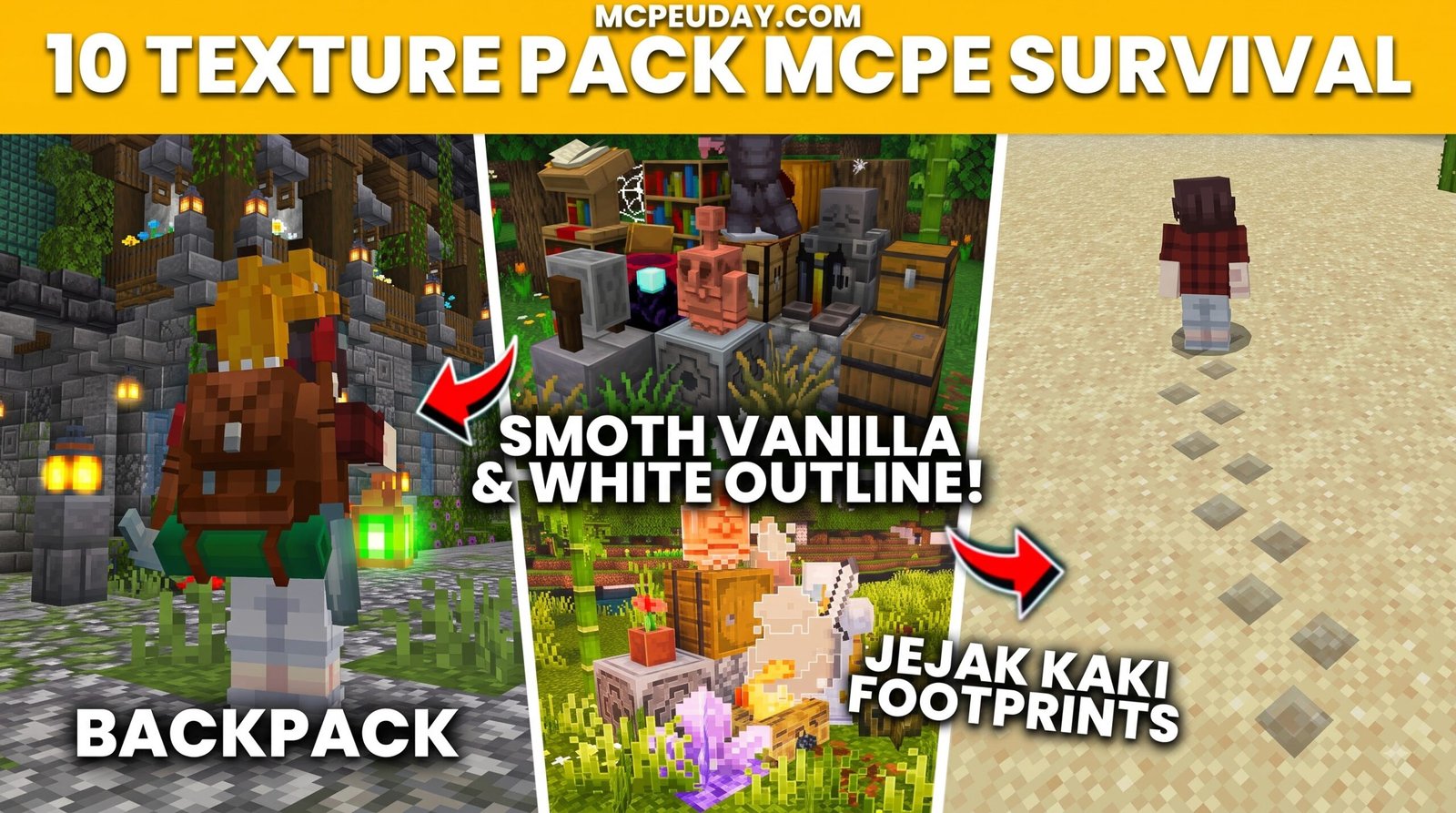
Best MCPE Texture Packs for Survival: Quick Picks for 2026
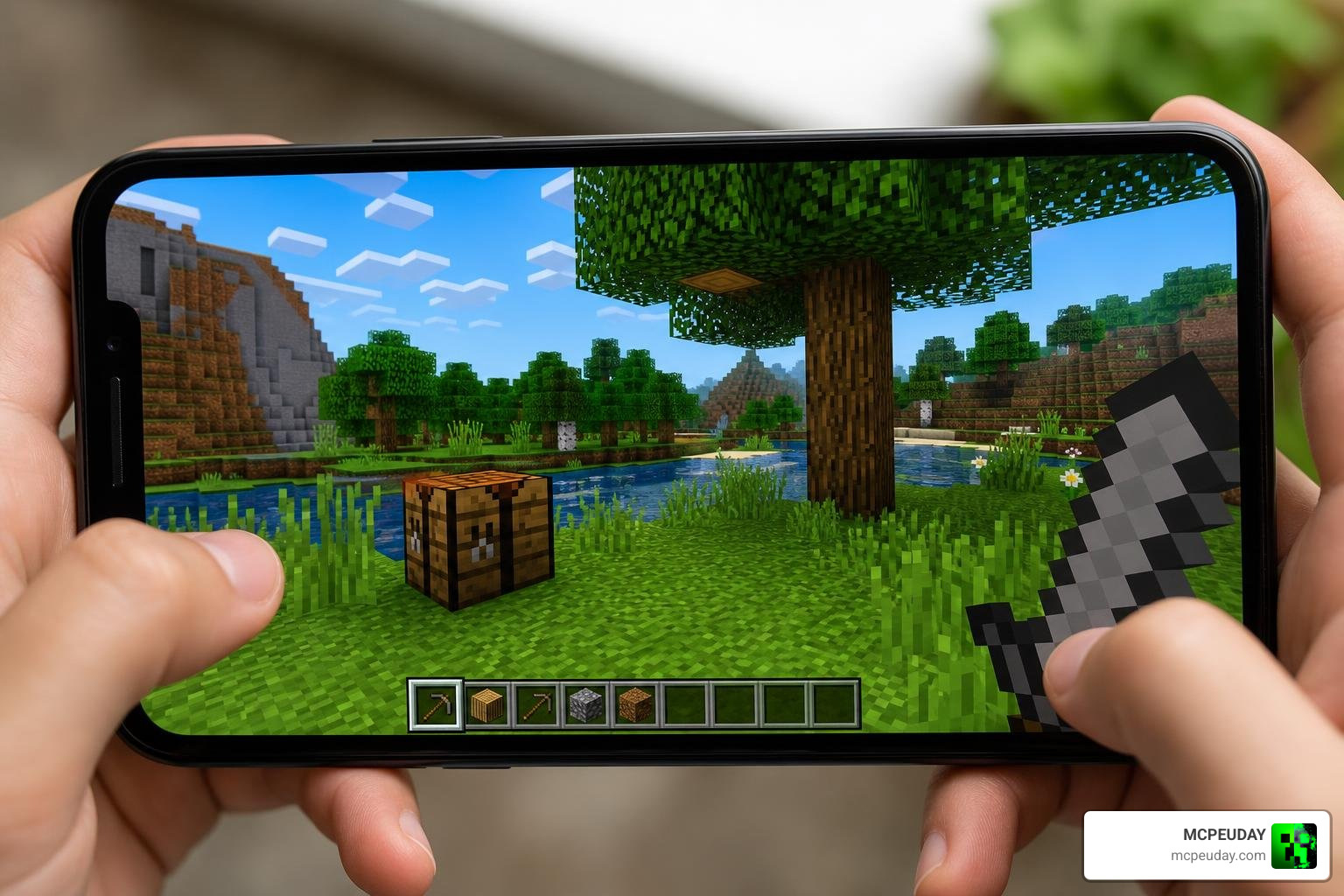
The BEST MCPE TEXTUREPACKS FOR SURVIVAL combine clear block textures, easy-to-read ores and menus, and smooth performance on mobile devices. Choosing the right resource pack can transform your long-term Minecraft Pocket Edition (MCPE) experience. For most Bedrock players on mobile phones or tablets, starting with a lightweight 16x pack such as Mizuno 16x or its community-made SurvivalM Textures edit provides the ideal blend of aesthetic charm and fluid gameplay. You can then experiment with higher-resolution or realistic options only if your hardware can maintain high frame rates during complex mob encounters.
Scroll Down and Watch TEXTUREPACKS
| What you want in survival | Best pack style to look for |
|---|---|
| Better visuals without lag | 16x vanilla-style or soft medieval packs |
| A cozy, detailed base | Mizuno-inspired packs, including SurvivalM Textures |
| Clear caves, ores, and UI | Clean vanilla+ packs with high contrast |
| Realistic screenshots | Higher-resolution realistic packs for stronger devices |
In this guide, we’ve selected the 10 best MCPE texture packs for survival that work with Minecraft Bedrock/PE 26.x and 1.21+. These packs were chosen based on compatibility, performance, visual quality, and overall gameplay improvements.
10 BEST MCPE TEXTUREPACKS FOR SURVIVAL
10. Recipe Book Layout Texture Pack
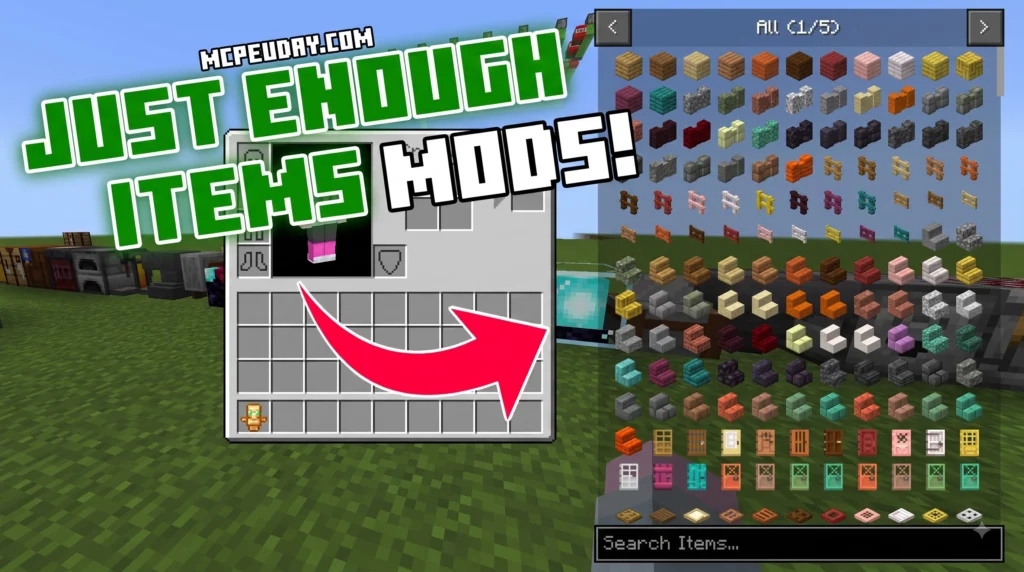
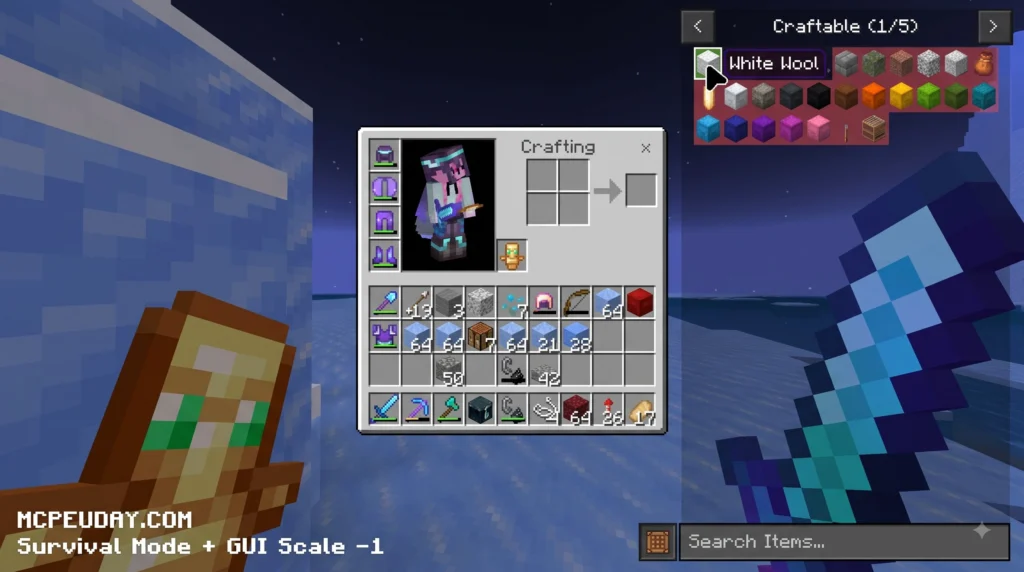
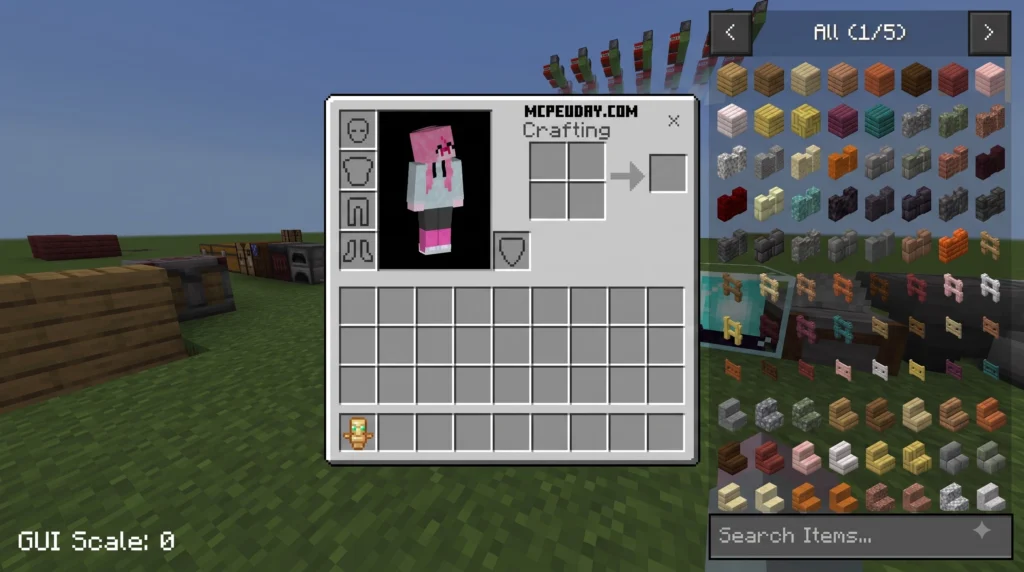
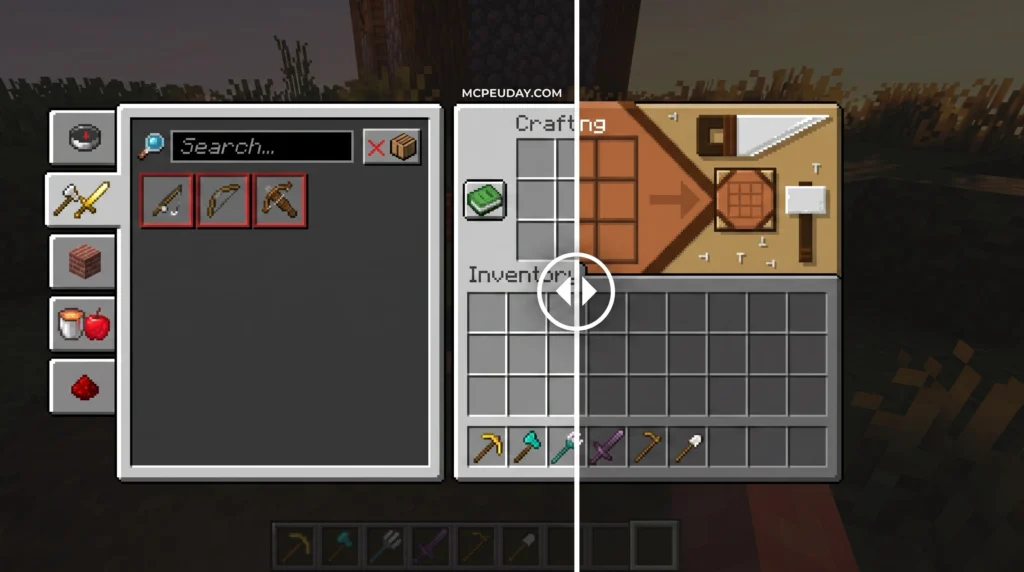
The JEI Recipe Book Layout texture pack is an interface redesign for Minecraft Bedrock Edition and MCPE. It changes how item recipes are displayed in your inventory and crafting table screens. Instead of modifying core gameplay rules or adding custom blocks, this project operates entirely as a pure UI resource pack.
MORE T. PACKS – Click here
9. MultiPixel Texture Pack
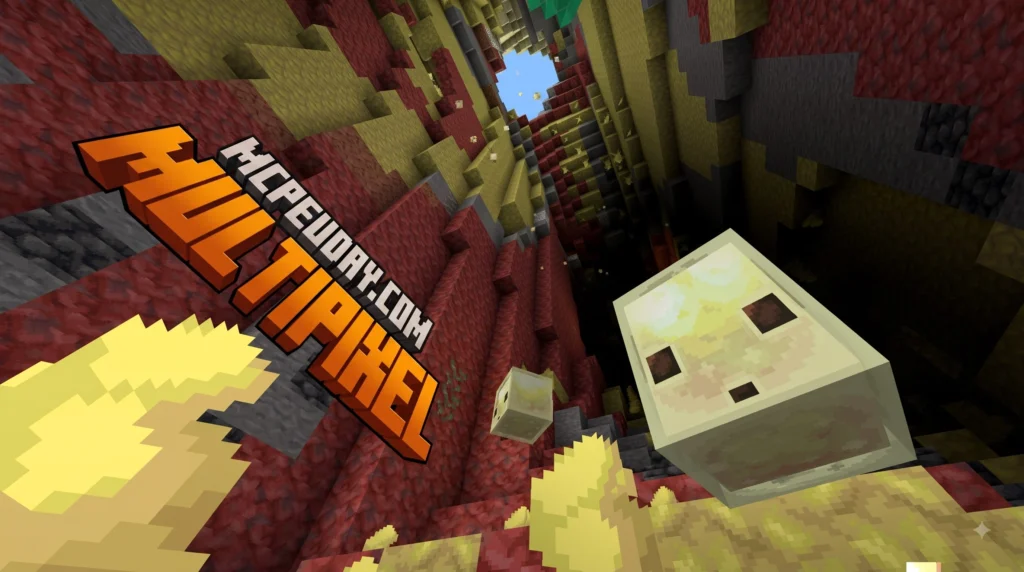
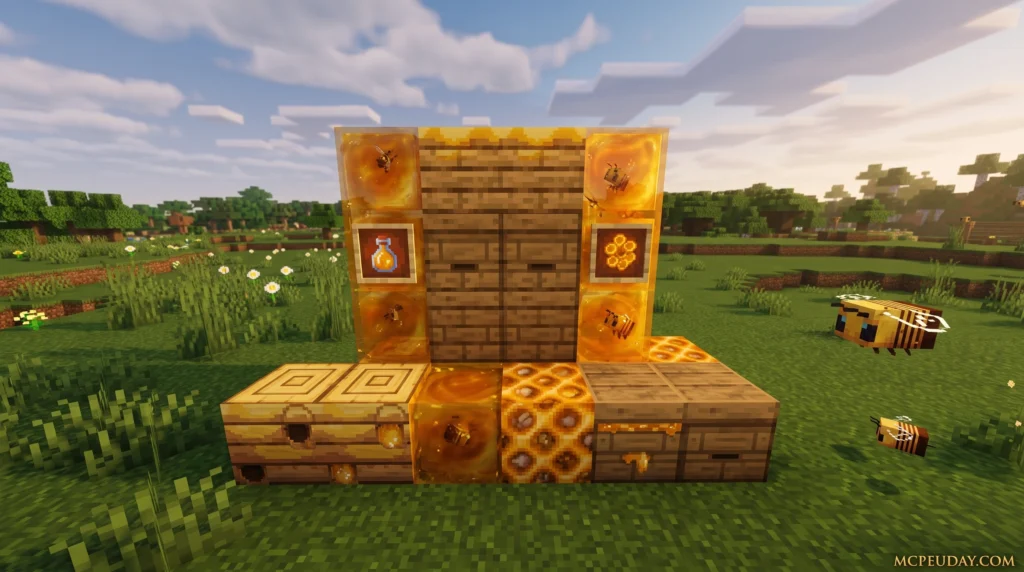
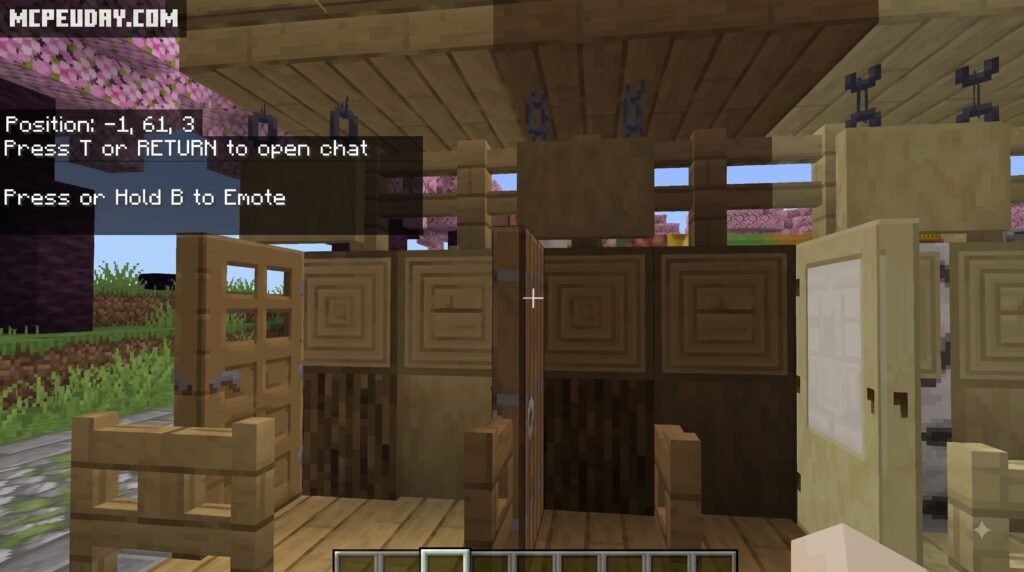
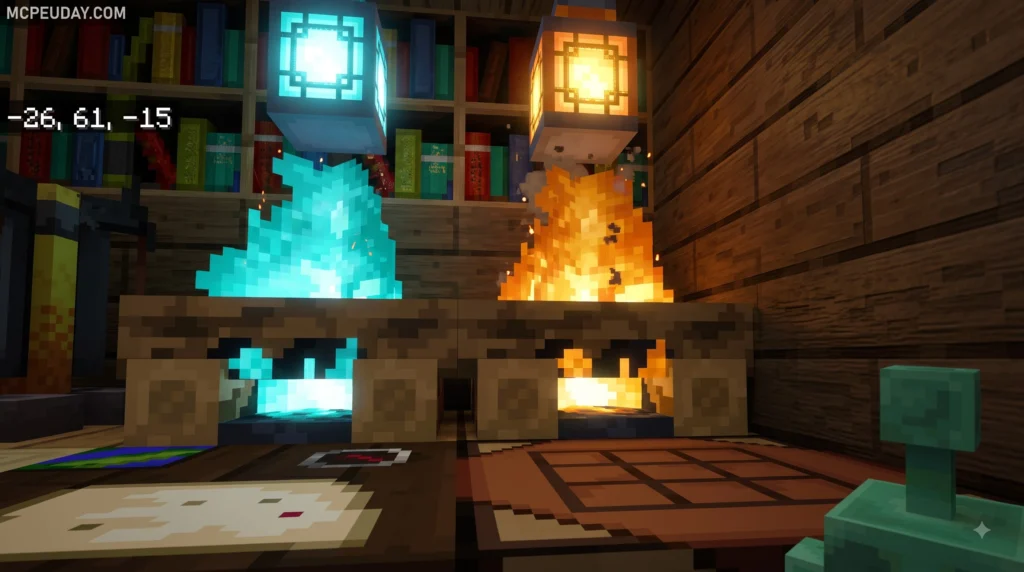
MultiPixel Texture Packs/MODs are free, community-made resource packs that upgrade Minecraft‘s default 16x textures to a sharper 32x resolution — doubling the pixel count on each axis while keeping the familiar vanilla look you already love.
8. Green/Blue/Magenta Screen Texture Pack
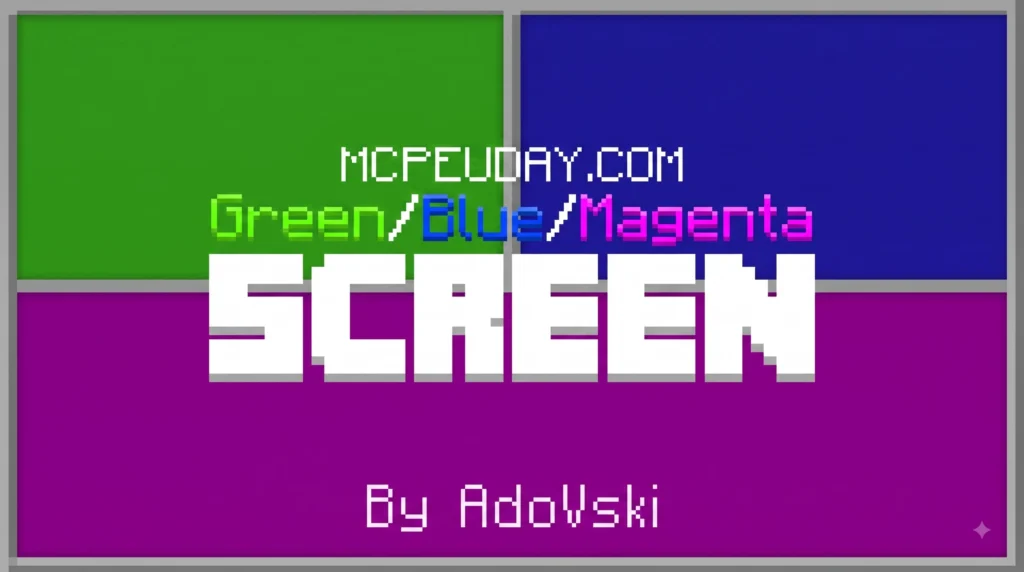
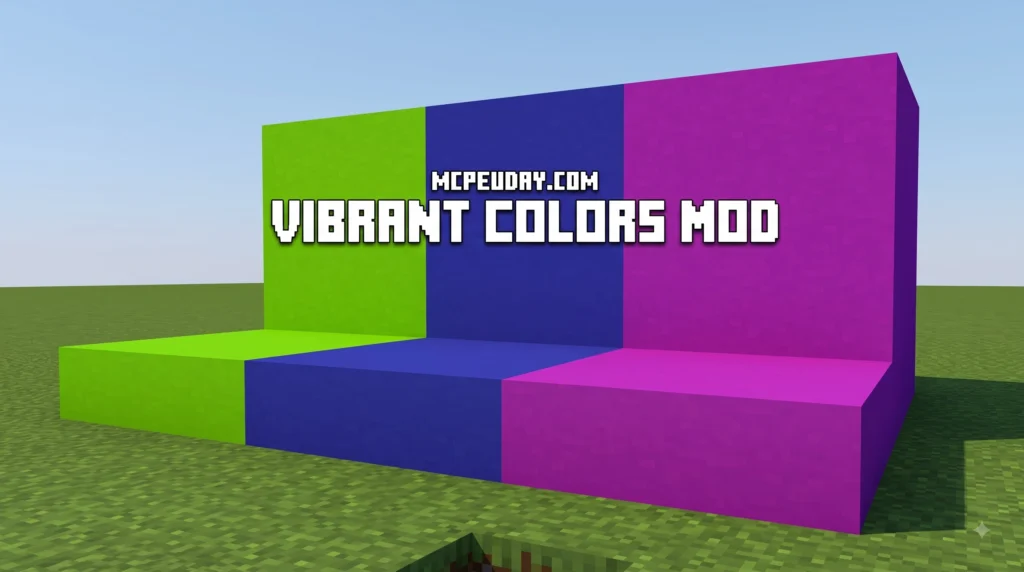
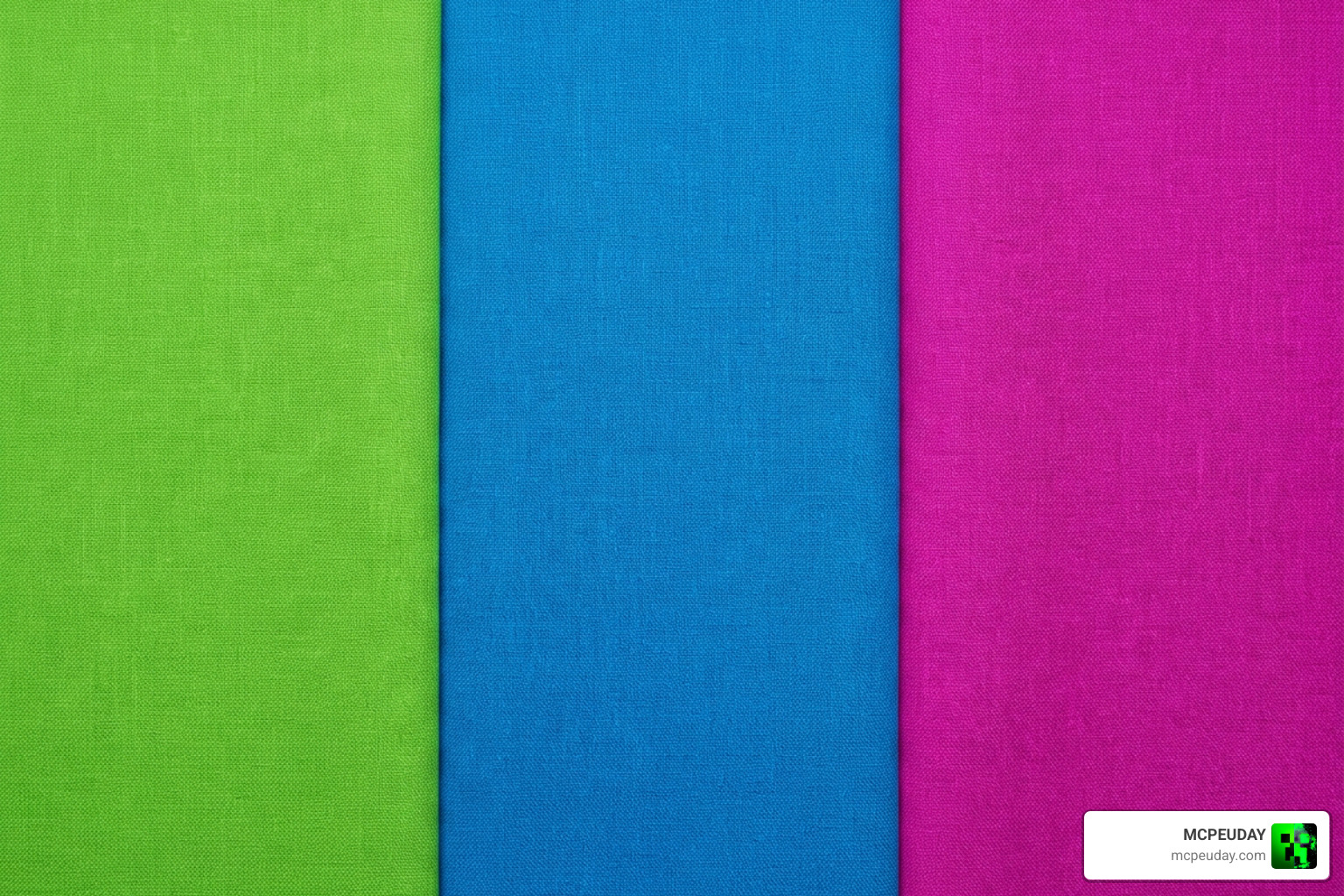
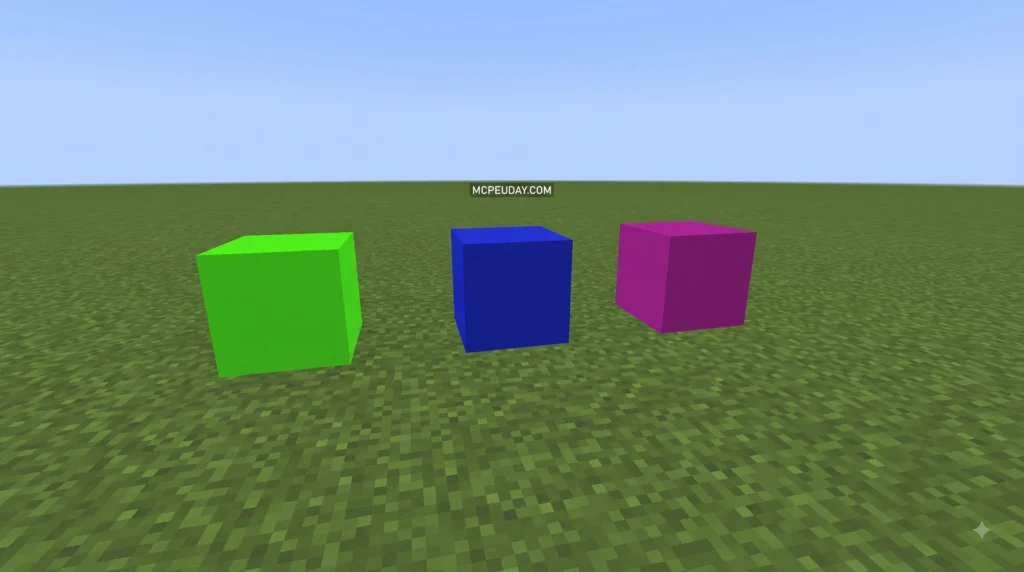
A Green/Blue/Magenta Screen Texture Pack is a practical utility resource pack designed for content creators, animators, map builders, and video editors working within tile-based sandbox games like Minecraft and Terraria. Rather than introducing fancy high-definition block designs, realistic foliage, or detailed stylized textures, these resource packs intentionally replace existing blocks with solid, flat hex colors—most notably standard Chroma Key Green (#00b140), Chroma Key Blue (#0000ff), and Magenta (#ff00ff).
7. Blood Patch Texture Pack
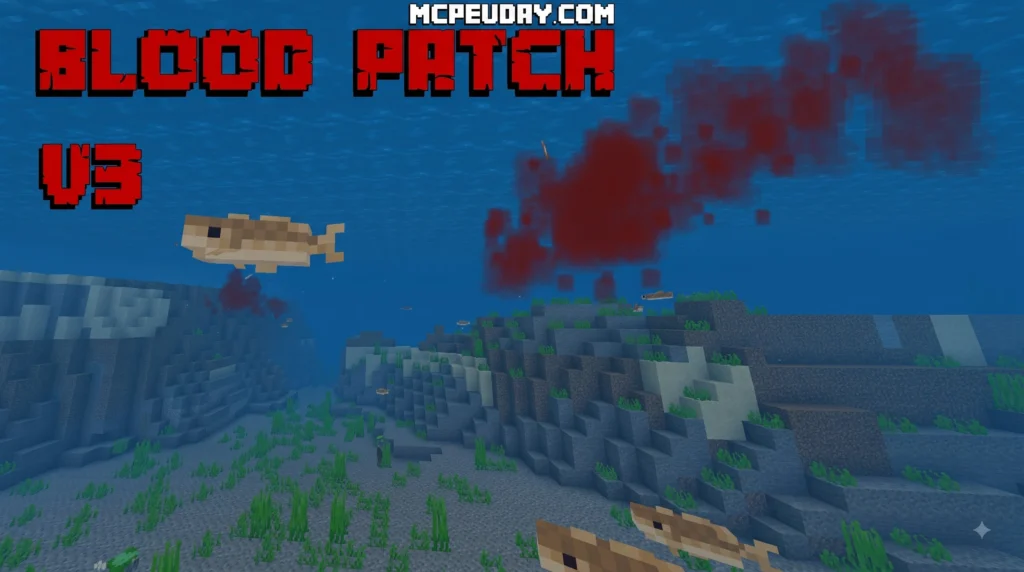
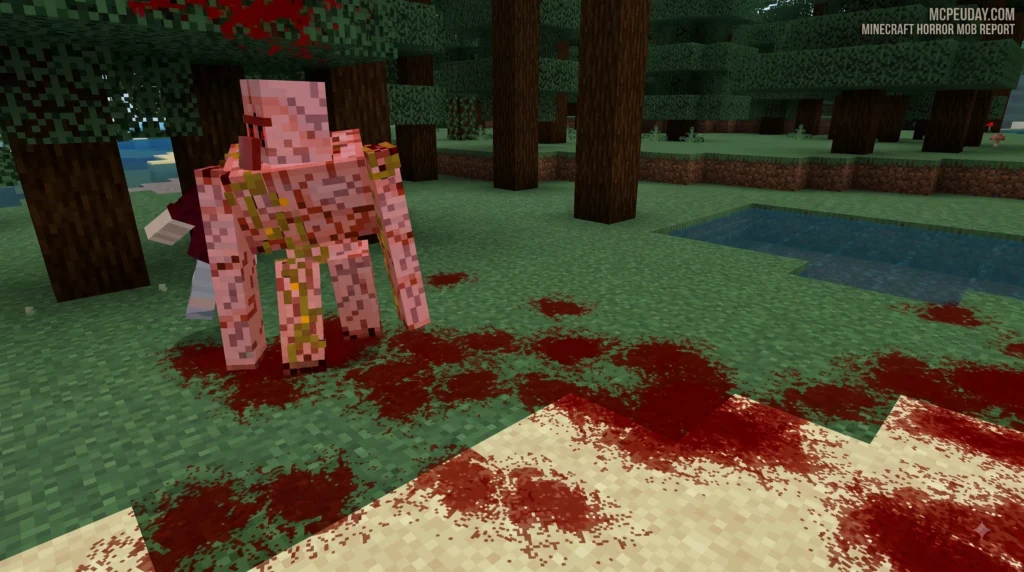
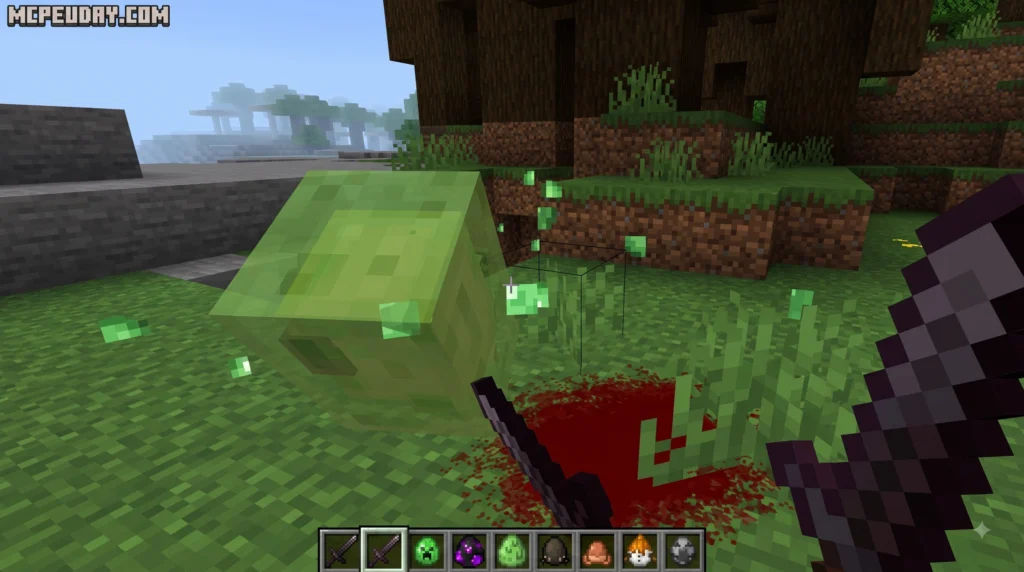
Download the Blood Patch Texture Pack for Minecraft PE (Bedrock). Discover realistic blood particles, V2 vs V3 differences, installation steps, compatibility, and gameplay features.
MORE T. PACKS – Click here
6. Bundles 3D Texture Pack
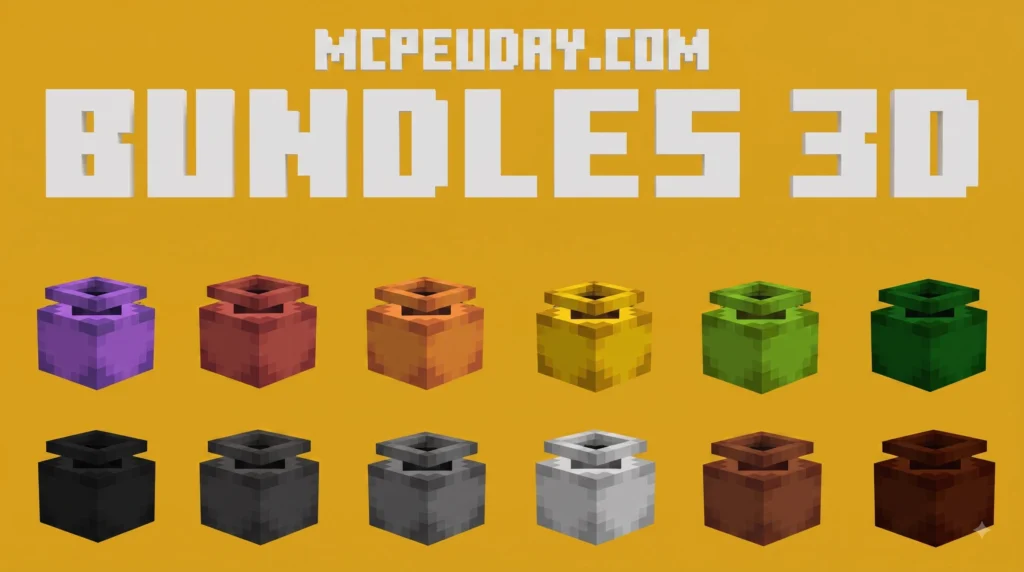
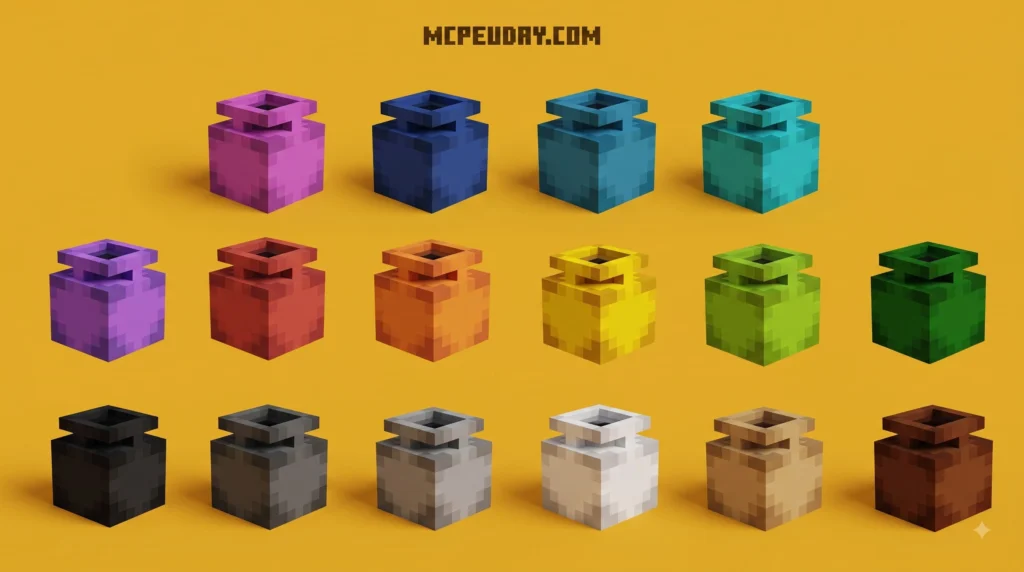

Downloading and implementing a high-quality Bundles 3D texture pack into your design or development workflow is quick, efficient, and transforms plain models into immersive digital assets. Whether you are creating sprawling open-world game environments, architecture renderings, or custom shaders, acquiring complete texture packages streamlines the entire materials creation phase. Here are the three straightforward steps to find, evaluate, and extract your materials ready for your next digital project.
5. Transparent Shield Texture Pack
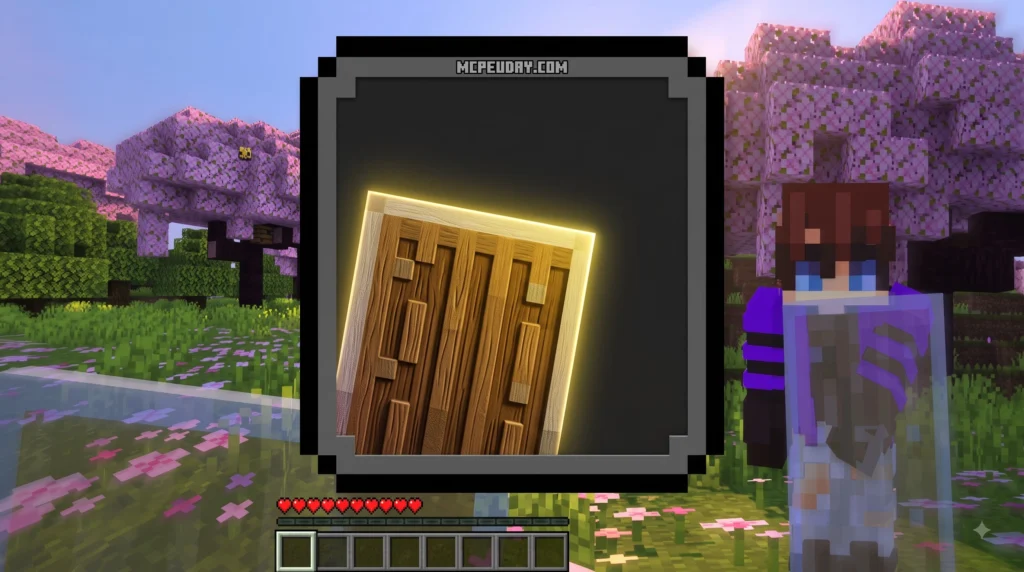
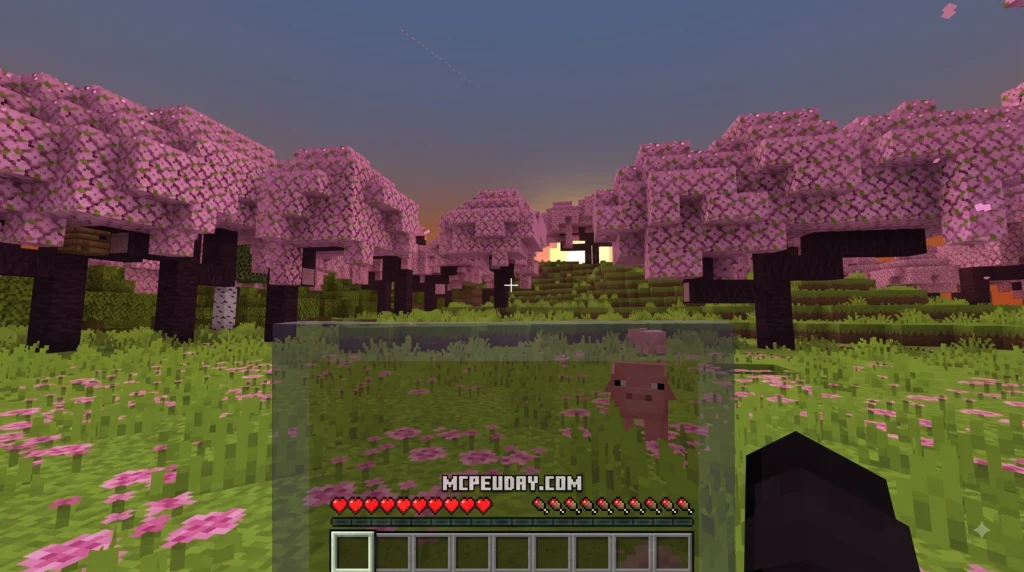
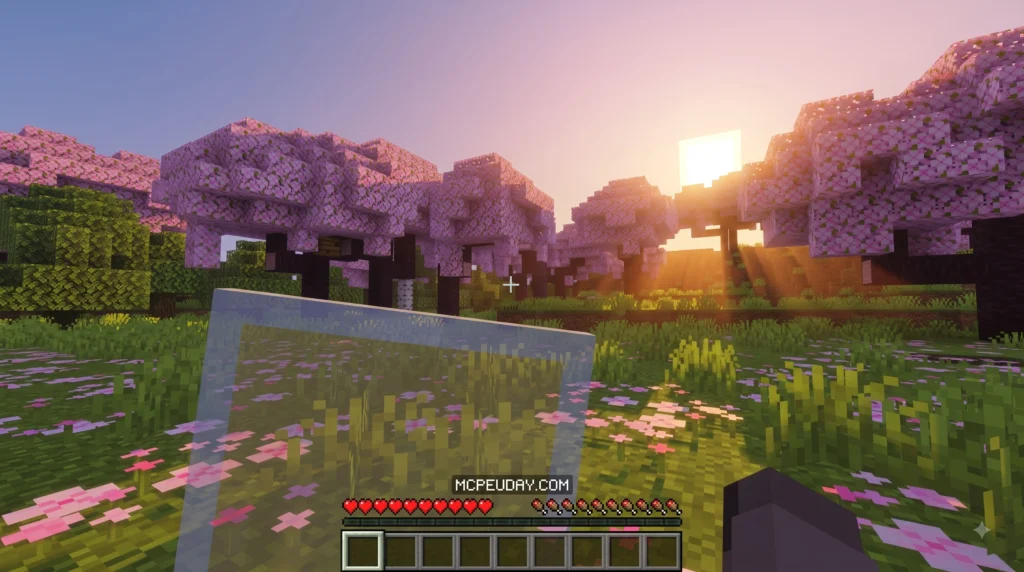
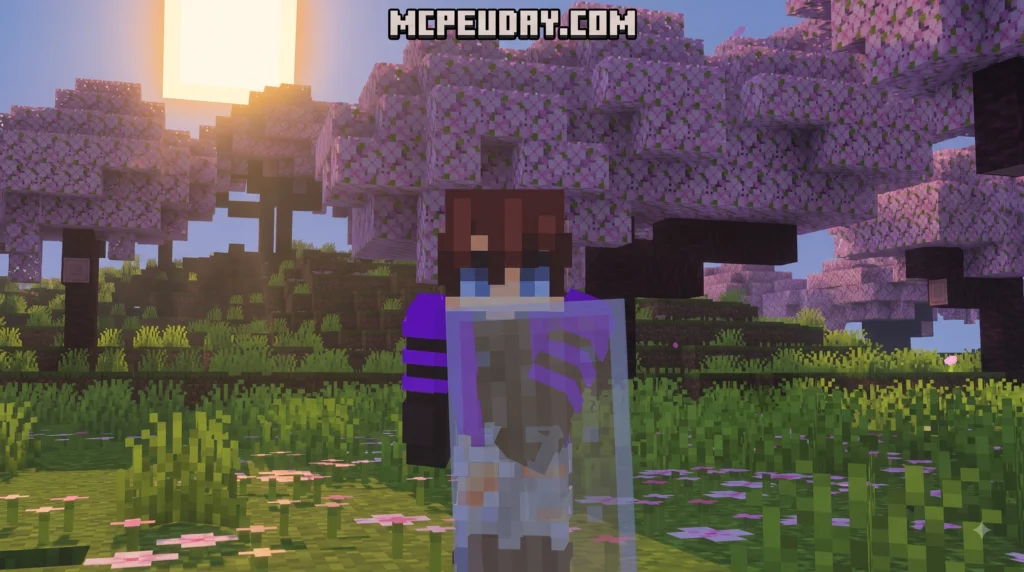
The Transparent Shield texture pack is a Minecraft resource pack that makes your shield invisible — or semi-transparent — when held in your hand, so it stops blocking your screen during combat and exploration.
4. Footprints Particle Texture Pack
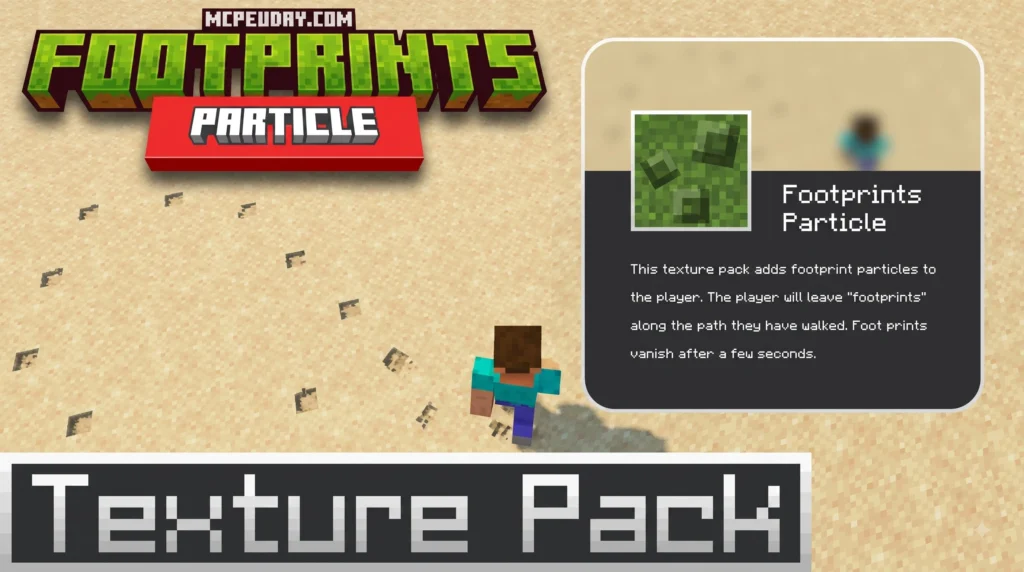
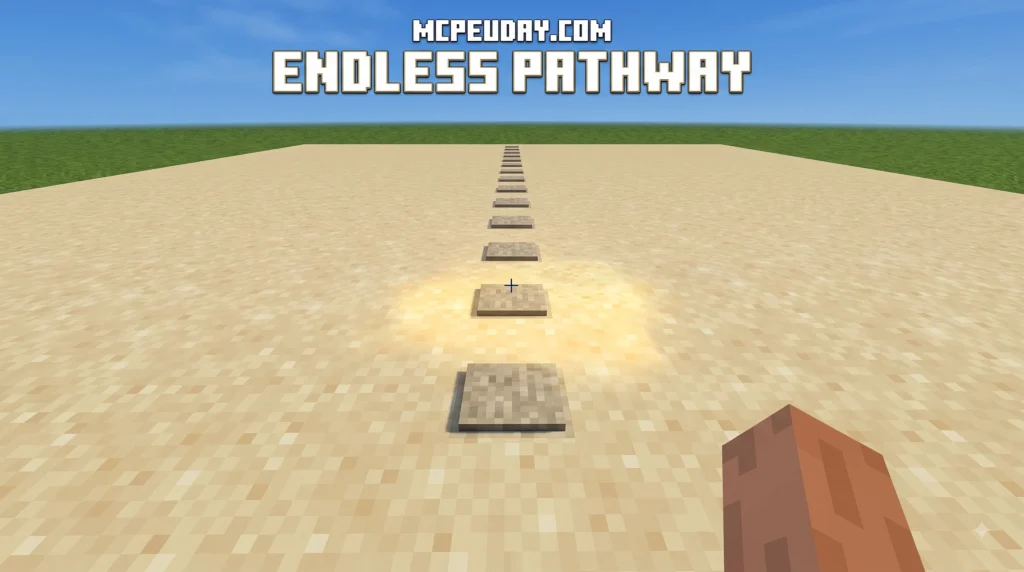
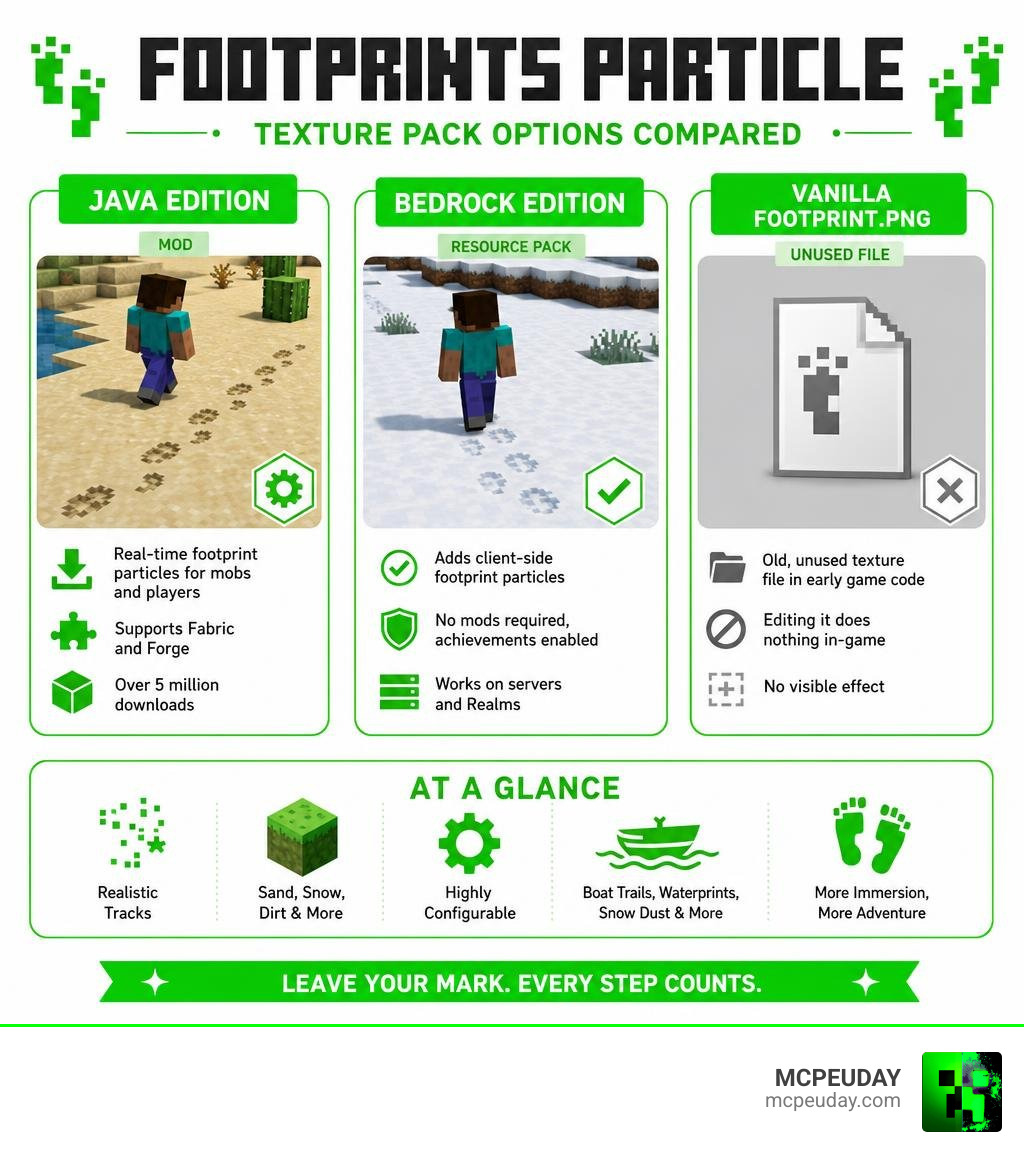
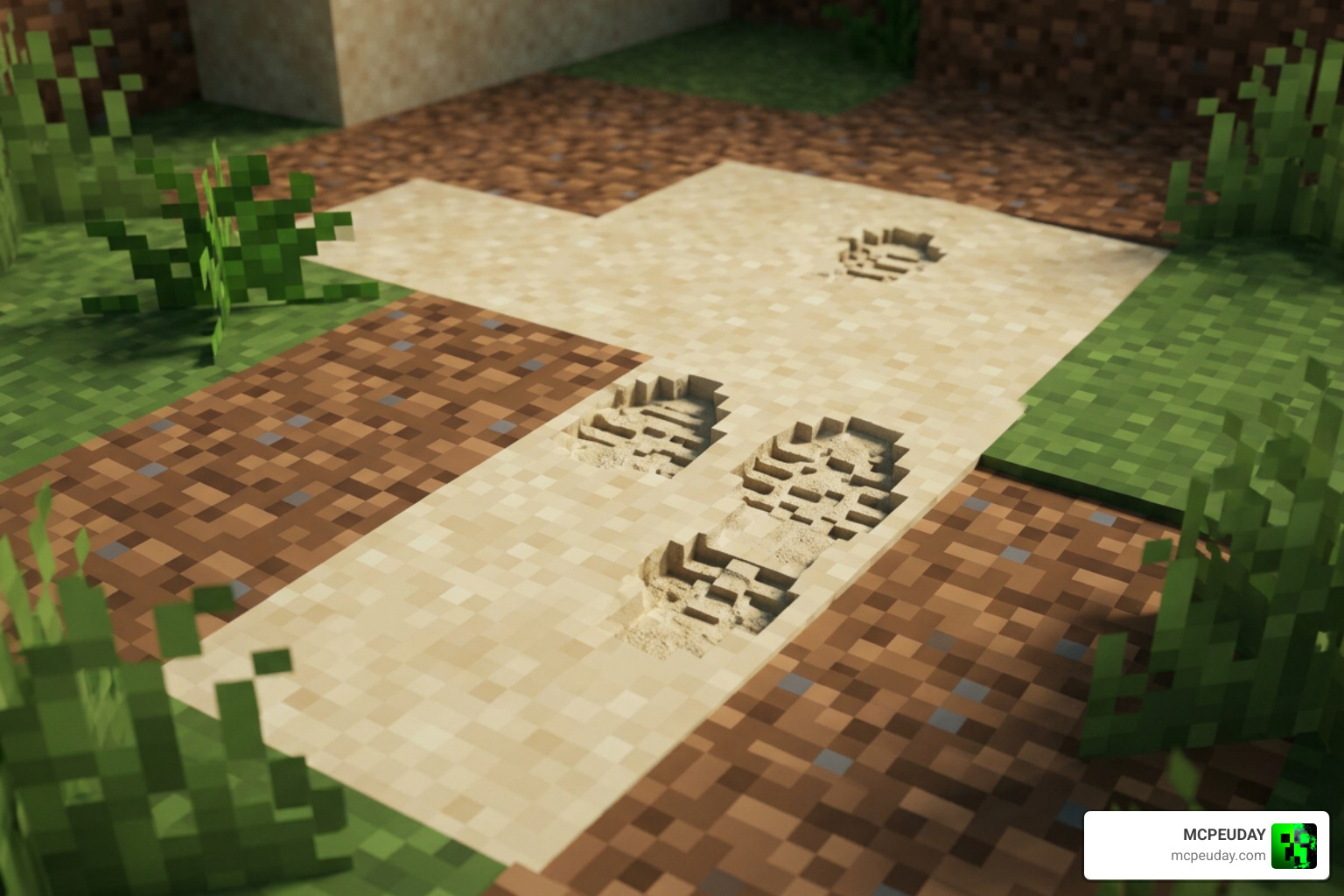
The Footprints Particle texture pack is one of the most satisfying visual upgrades you can add to Minecraft – whether you play Java or Bedrock Edition. Here’s a quick summary of what it is and what your options are:
MORE T. PACKS – Click here
3. Coordinates Plus Texture Pack
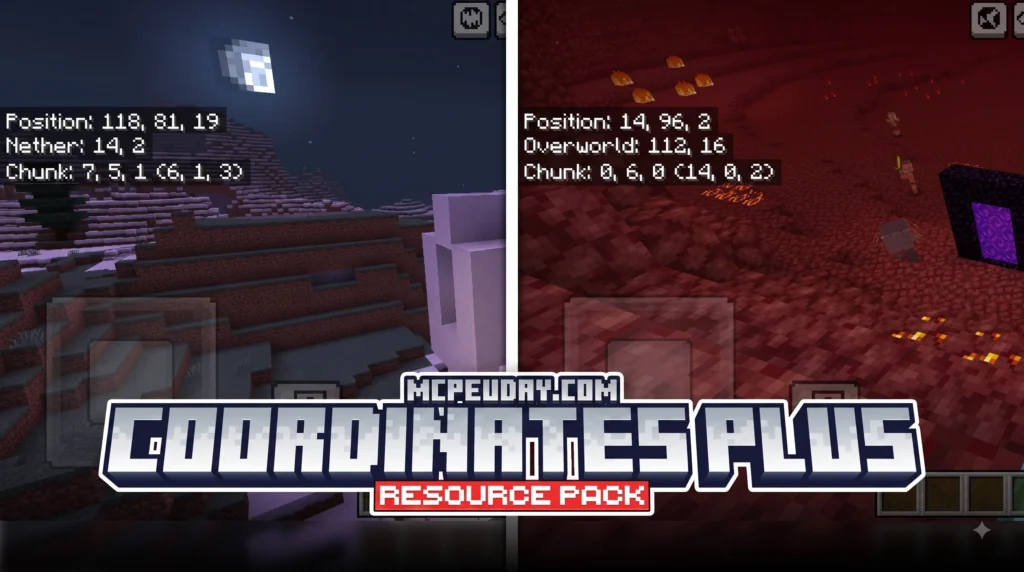
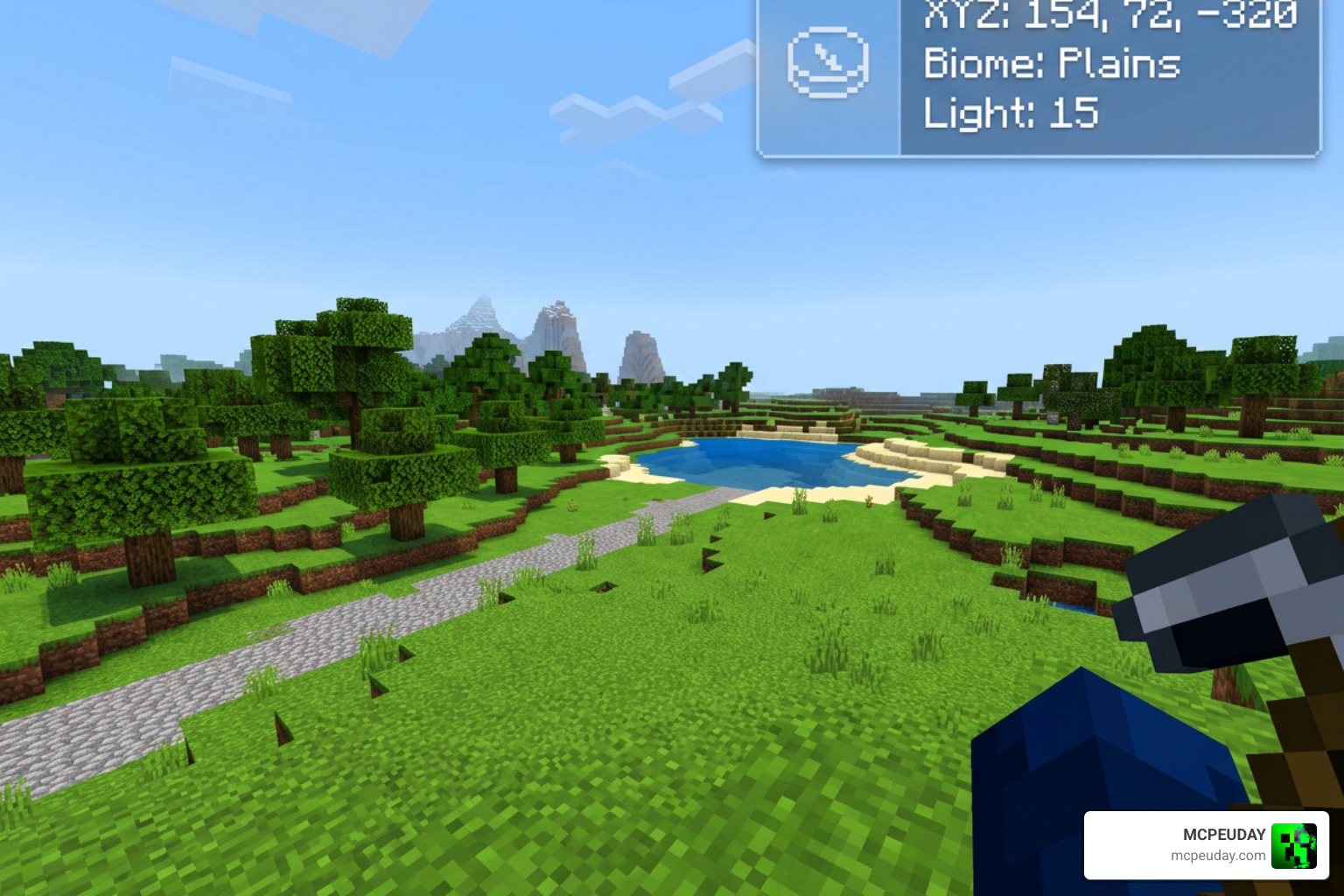
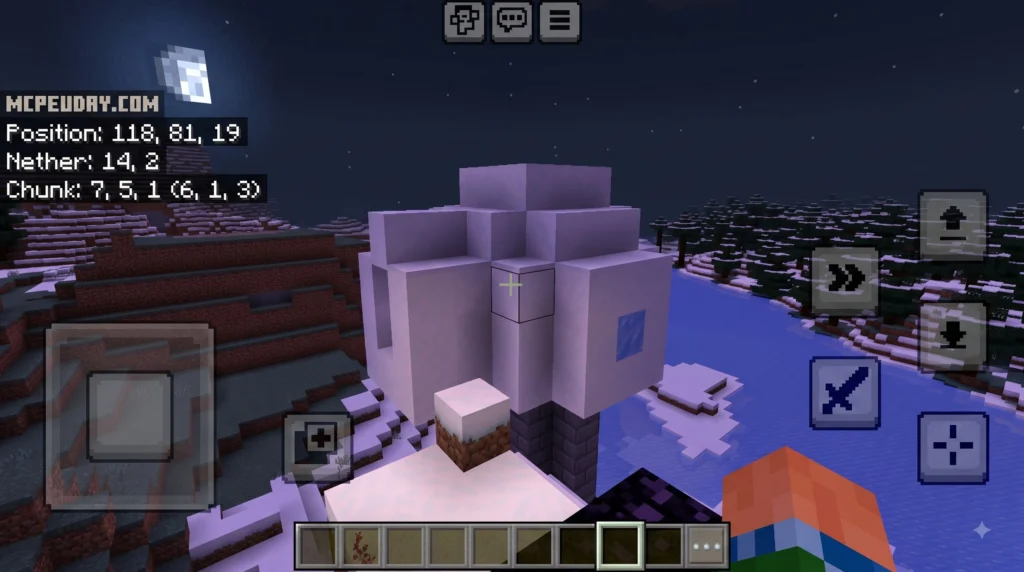
The Coordinates Plus texture pack is a client-side Fabric mod for Minecraft 1.21+ that replaces the cluttered F3 debug screen with a clean, customizable HUD overlay. Here’s a quick summary of what it offers:
MORE T. PACKS – Click here
2. Outline Texture Pack
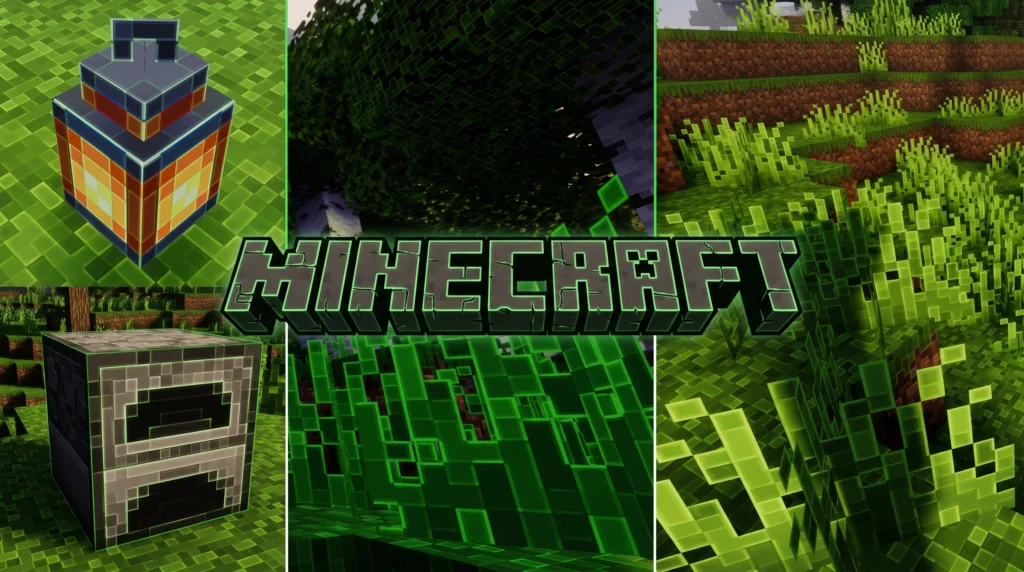
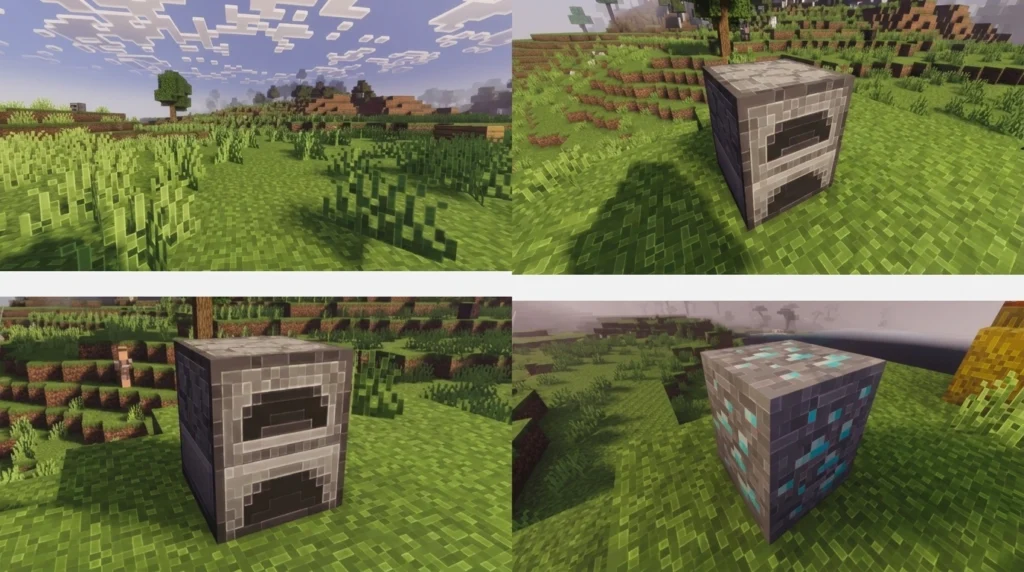
Struggling to see block edges in Minecraft? The Outline Texture Pack adds cleaner borders for better mining, building, PvP, and cave navigation. Works on Java & MCPE Bedrock 1.21+ with smooth performance.
1. Colourful Containers GUI Resource Pack
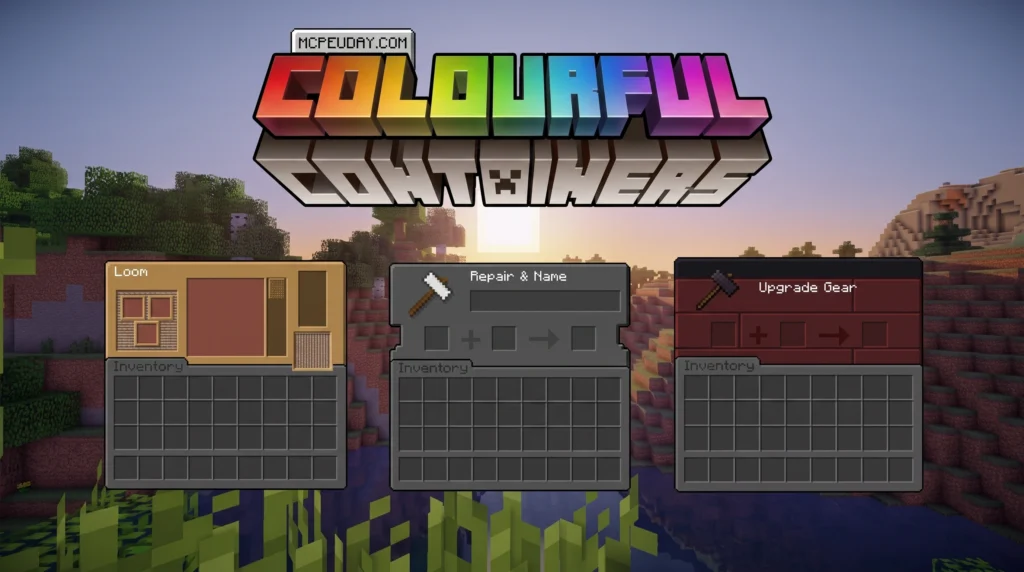
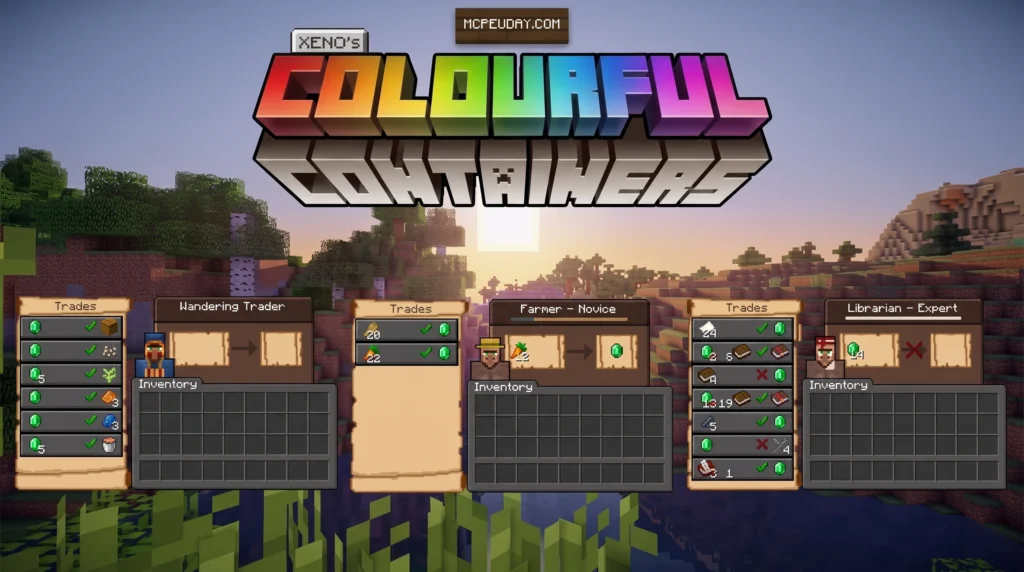
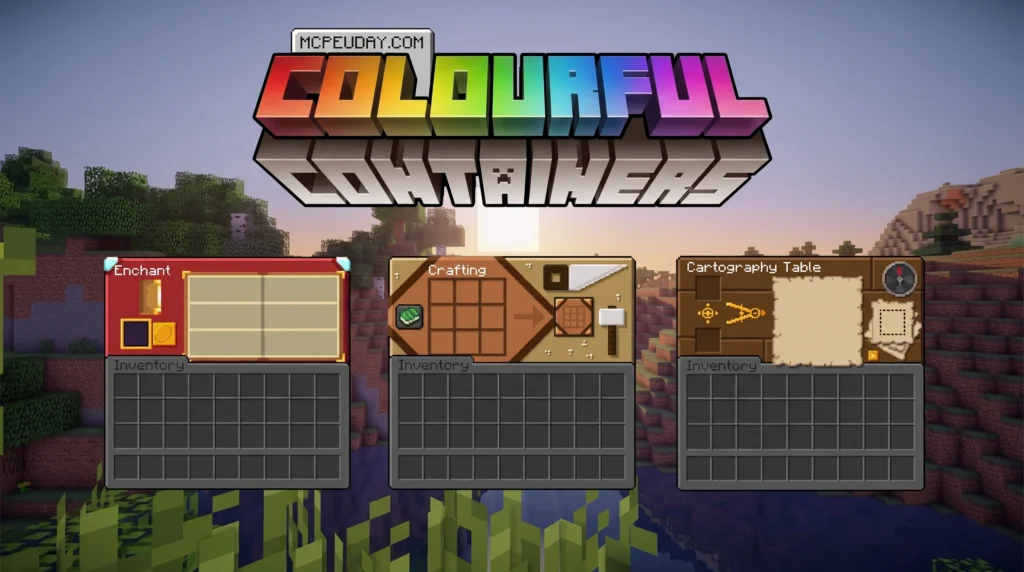
The Colourful Containers GUI resource pack is one of the most downloaded GUI overhauls in Minecraft history — and it’s easy to see why. Instead of staring at the same flat grey menu every time you open a chest, furnace, or enchanting table, this pack gives every container its own unique, colour-matched interface.
MORE T. PACKS – Click here
00. Top Jenny Mod for Minecraft Bedrock/PE
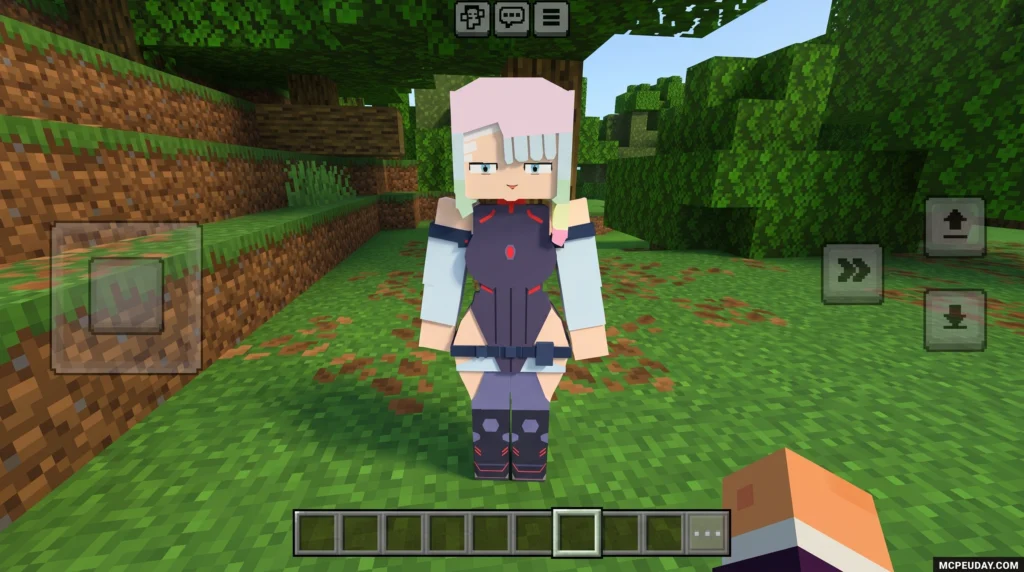
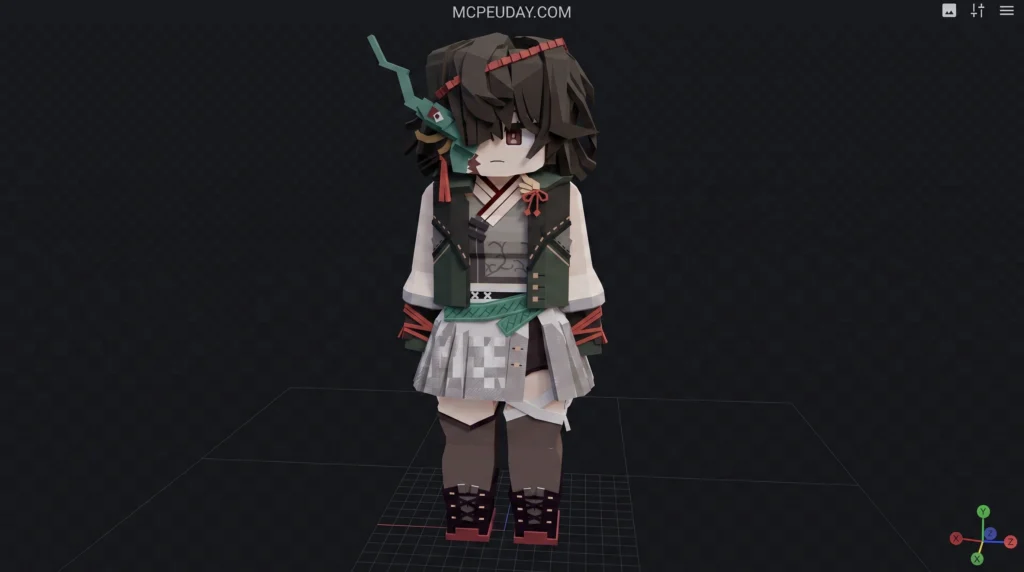
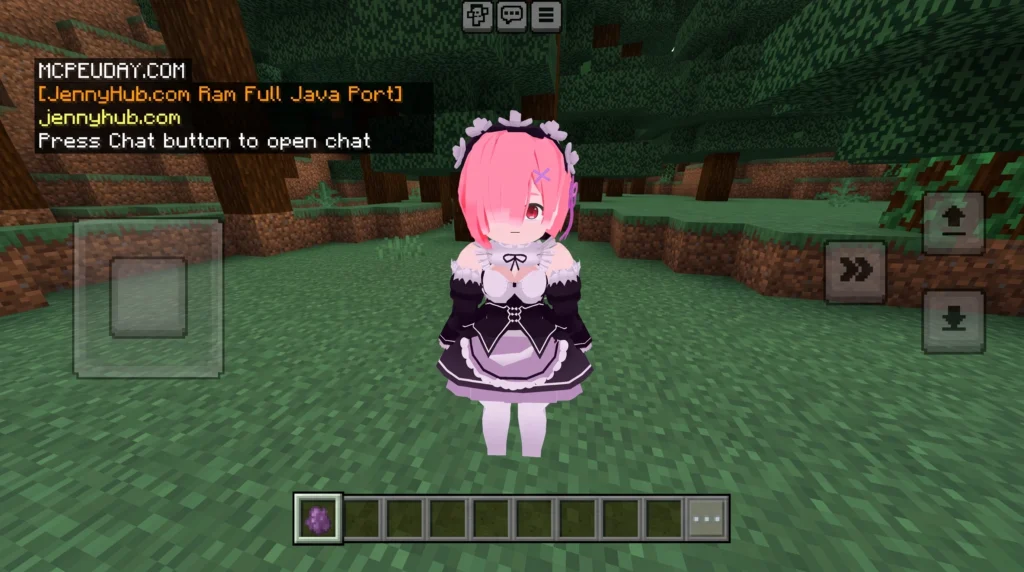
Explore the Top 10 Jenny Mod for Minecraft Bedrock/PE in 2026. Compare the best Jenny add-ons, features, installation steps, and safe download tips for Android, iOS, and Windows.
MORE T. PACKS – Click here
A quality survival pack never modifies fundamental gameplay mechanics—mobs, crafting recipes, entity hitboxes, and damage calculations remain completely default. It is purely cosmetic, but the visual adjustments it brings can significantly improve your survival efficiency. High-contrast block borders make strip mining safer, clean container interfaces reduce inventory clutter, and softer lighting palette choices reduce eye strain during extended nighttime building sessions.
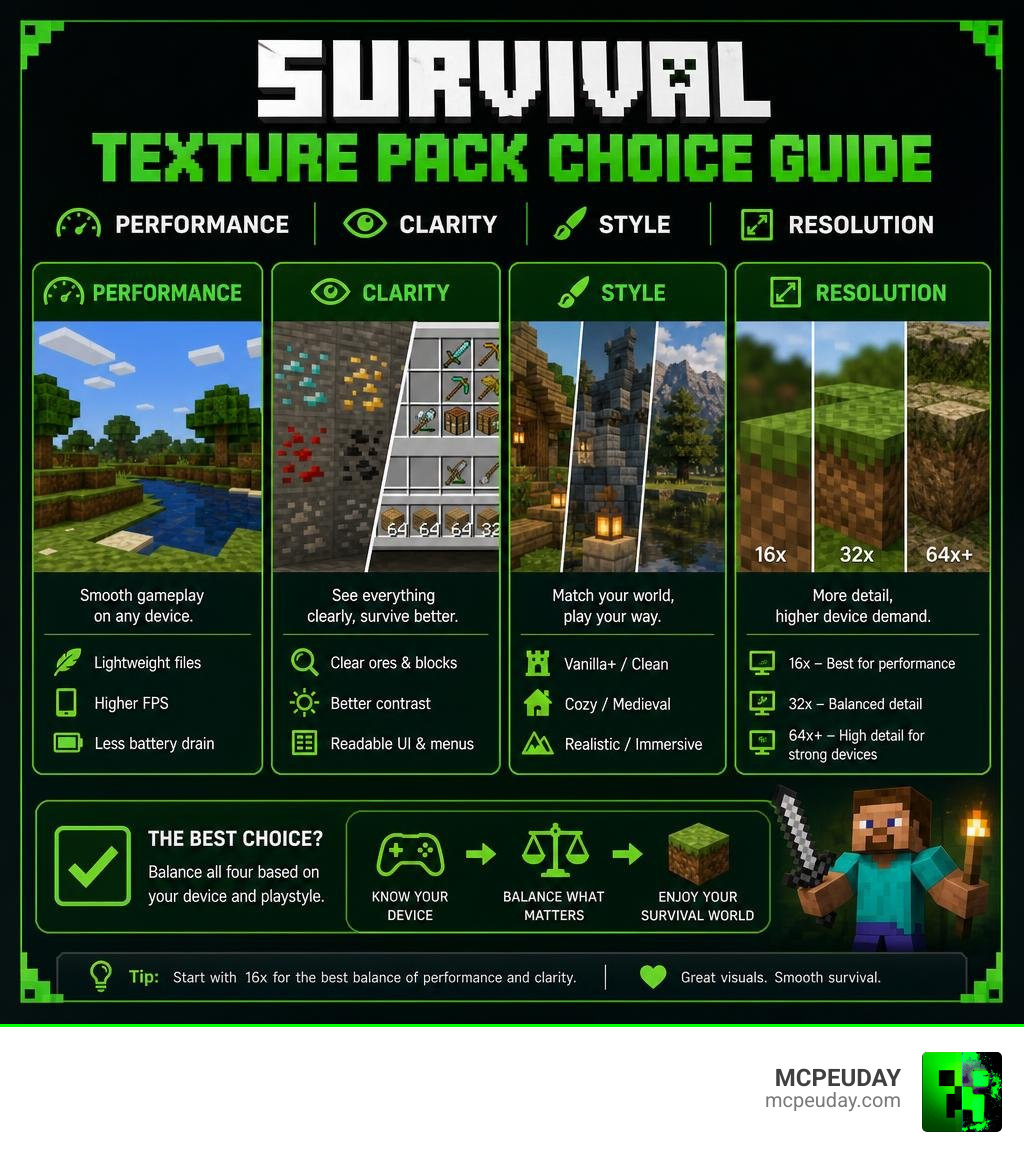
This comprehensive guide evaluates 10 top-tier MCPE and Bedrock survival texture packs for 2026. Whether you need extreme performance optimization for an entry-level smartphone, a polished extension of the vanilla aesthetic, or realistic high-definition materials for cinematic survival builds, this list covers all playstyles. I am UDAY GAMER, and I will help you choose the ideal pack that balances performance, legibility, and artistic appeal for your Bedrock survival world.
Key Features of the Best MCPE Texture Packs for Survival
When evaluating the BEST MCPE TEXTUREPACKS FOR SURVIVAL, practical gameplay advantages must take priority alongside cosmetic enhancements. A resource pack might feature breathtaking promotional screenshots, but if it renders unlit caves pitch black, obscures lava pools, or causes severe frame drops during a multi-mob ambush, it quickly becomes a liability in hardcore or long-term survival worlds.
Key criteria we rigorously test across diverse hardware before recommending resource packs include:
- Visual Clarity & Ore Identification: Distinct block outlines, low-side grass, and high-contrast ore borders enable players to identify valuable minerals like diamonds, redstone, and iron instantly in dimly lit ravines and deepslate caves.
- Clean Interface (GUI): Dark-themed or semi-transparent container screens streamline inventory organization, prevent screen clutter, and allow you to stay aware of nearby hostiles while managing chests or crafting tables.
- Frame Rate Stability: Maintaining a consistent 60+ FPS on mobile hardware and modern Bedrock engines (such as RenderDragon) is critical when dense mob groups spawn during nighttime exploration or heavy village raids.
- World Immersion: Warm lighting tones, vibrant foliage tinting, and harmonious building materials turn simple shelters into welcoming, detailed survival bases.
| Texture Pack | Resolution | Style | Performance Impact |
|---|---|---|---|
| SurvivalM Textures | 16x | Medieval / Cozy | Minimal (High FPS) |
| Mizuno 16x | 16x | Soft Cottagecore | Minimal (High FPS) |
| Bare Bones | 16x | Animated / Minimal | Very Low (Best FPS) |
| Faithful Bedrock | 32x / 64x | HD Vanilla | Low to Moderate |
| Compliance 32x | 32x | Clean Vanilla+ | Low |
| John Smith Legacy | 32x | Dark Rustic | Moderate |
| Depixel | 32x | Smooth Simplified | Low |
| Sphax PureBDcraft | 128x | Comic Book / Cartoon | Moderate to High |
| Clarity Bedrock | 32x | Clean Realism | Moderate |
| Realistic RTX / HD | 256x+ | Photo-Realism | Heavy (High-End Only) |
Community feedback strongly reinforces these criteria. Bedrock showcase threads frequently gather thousands of upvotes and active discussion from veteran survivalists like Patsman, demonstrating how vital community testing and real-world survival testing are when selecting reliable texture packs.
Top 10 MCPE Texture Packs for Survival Evaluated
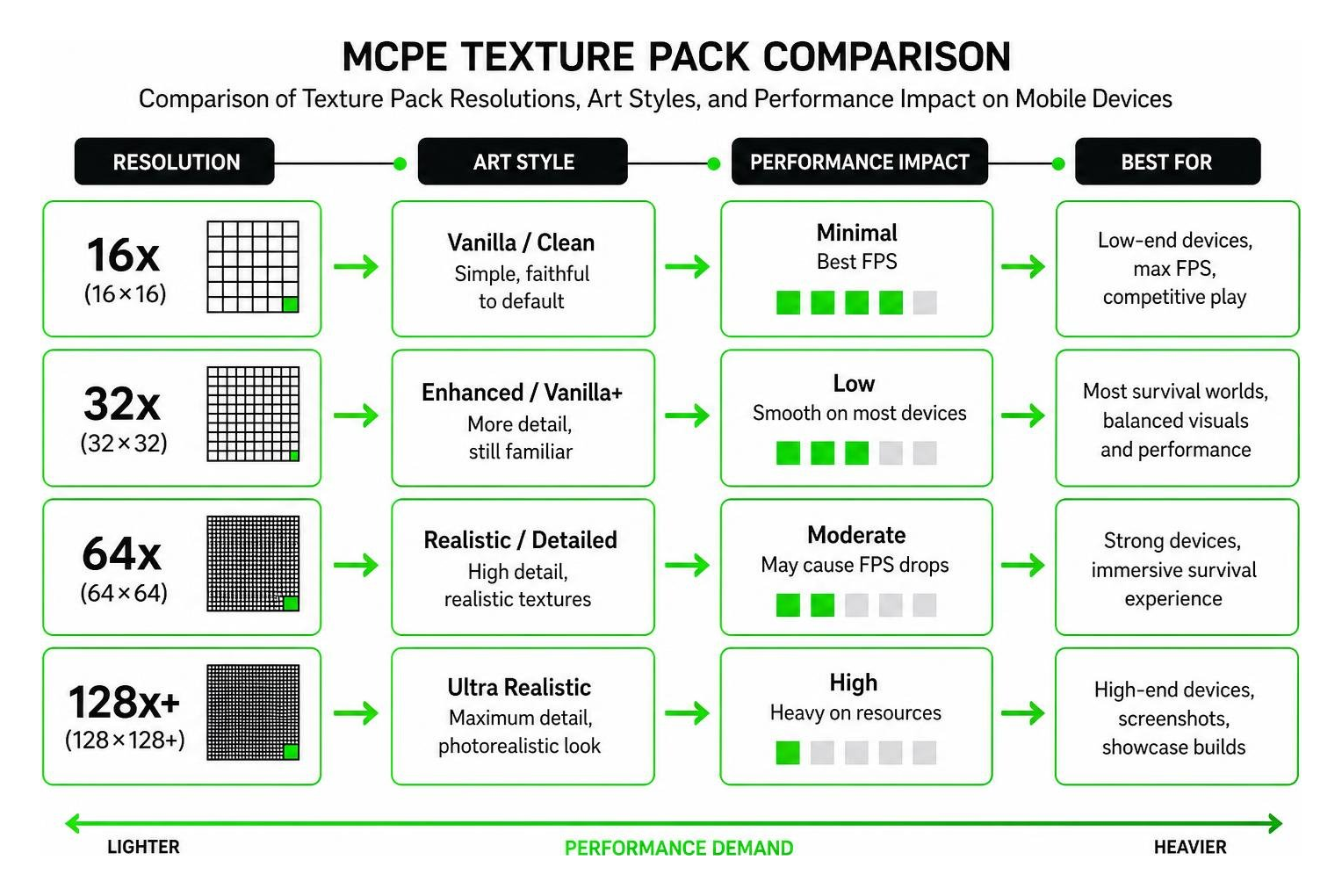
Evaluating resource packs for Minecraft Pocket Edition requires testing across various mobile device profiles and intense survival situations. Standard 16×16 resolution packs deliver maximum frame rate stability on budget smartphones, whereas higher 32x and 64x resolutions enhance visual clarity for players using modern flagship devices or tablets.
Here is how our top survival picks perform in actual survival conditions:
SurvivalM Textures: A Top Pick for the Best MCPE Texture Packs for Survival
Among community edits, SurvivalM Textures stands out as an outstanding option for players seeking a warm, atmospheric survival environment. Functioning as an organized collaborative edit of Mizuno 16x, it merges soft medieval graphics with customized user interface upgrades explicitly designed for daily survival tasks.
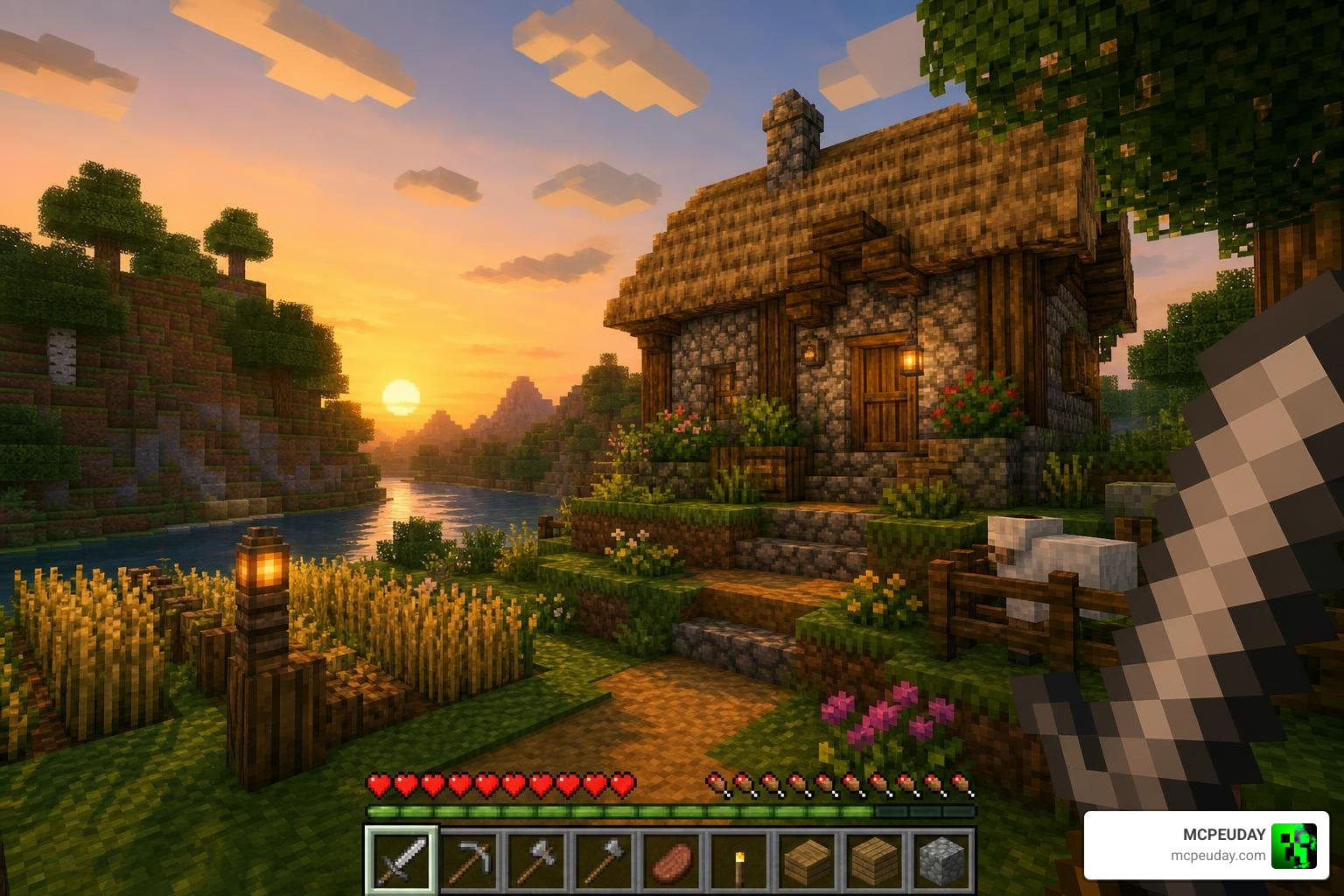
This project benefited from the collective work of 7 key collaborators—BurnblazeX, Poudingue, RobotPantaloons, HardTop, JoubaMety, Pasquale, Alex, and Evelyn. Together, they refined block contrast, polished weapons and armor textures, and ensured the assets remain lightweight across all MCPE platforms. Because it runs natively at a responsive 16x resolution, players enjoy cottagecore and fantasy visuals without sacrificing fluid touch controls or frame rates.
Vanilla+ and Realistic Options for the Best MCPE Texture Packs for Survival
If you prefer maintaining Minecraft’s default aesthetic while enhancing legibility, Vanilla+ options provide ideal refinements. Packs such as Bare Bones, Compliance 32x, and Depixel sharpen block textures, improve dark cave illumination, and introduce clean, clutter-free GUI layouts that make navigation seamless.
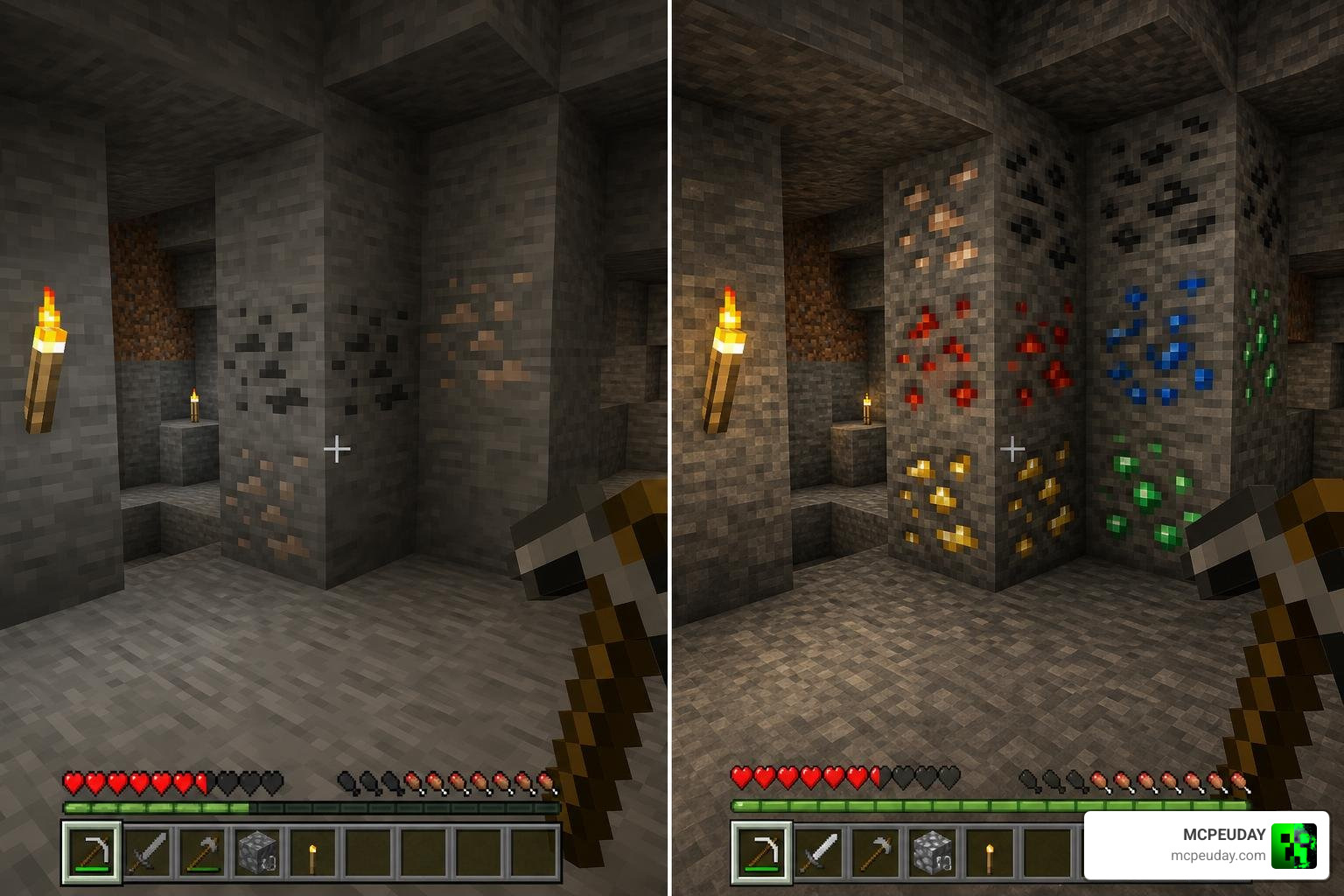
For players desiring deeper immersion, options like Faithful Bedrock (32x/64x), John Smith Legacy, and Clarity Bedrock offer enhanced surface details, richer timber patterns, and crisp stonework. While high-resolution photorealistic choices place higher demands on mobile GPUs, they elevate mega-bases and custom terrain projects into striking architectural showcases.
How to Install Survival Texture Packs on MCPE Bedrock
Installing custom resource packs on Bedrock Edition is direct and accessible once you understand how your OS handles file management. Current MCPE builds feature automatic resource pack importation through .mcpack files, while manual installation using standard .zip archives can be placed directly in the designated global resource folder.
Follow this simple step-by-step installation guide across different devices:
- Download your selected survival texture pack file (
.mcpackor.zip) from a trustworthy source. - On Android or iOS, tap the downloaded
.mcpackfile within your native file explorer to automatically boot Minecraft and import the pack. - For manual installation or
.zipformat files, place the uncompressed folder into your operating system directory:- Windows 10/11:
%appdata%\.minecraft\resourcepacksor the BedrockLocalStatedirectory. - MacOS:
~/Library/Application Support/minecraft/resourcepacks - Linux:
~/.minecraft/resourcepacks/
- Windows 10/11:
- Launch MCPE, navigate to Settings > Global Resources > My Packs, and press Activate.
- Adjust active pack priority by moving your newly activated resource pack to the top of the loaded list so its custom textures render over default assets properly.
Frequently Asked Questions
Do survival texture packs change gameplay mechanics or hitboxes?
No, resource packs in MCPE are strictly cosmetic modifications. They do not alter block hitboxes, mob behavior AI, attack cooldown speeds, crafting recipes, or player movement mechanics. However, utility-focused visual features—such as clear glass panels, shortened sword models, translucent UI backgrounds, or highlighted ore borders—can noticeably improve awareness and reaction times during intense survival play.
Where can I safely download survival texture packs for MCPE?
You should always download files from established community platforms, verified creator repositories, or the official Minecraft Marketplace. Avoid unverified third-party file locker sites that embed aggressive pop-up redirects or wrap files in non-standard installer executables.
How do texture pack resolutions affect MCPE survival performance?
Resolution defines the total pixel grid rendered across each block surface. Standard 16×16 pixel packs require minimal system memory (RAM) and place very low stress on mobile GPUs, guaranteeing smooth performance. Higher resolutions (32x, 64x, 128x, or 256x) demand significantly more graphics processing power; running them on mid-range or older smartphones can lead to stuttering frame rates during night mob fights, ocean exploration, or large village raids.
Conclusion
Selecting the BEST MCPE TEXTUREPACKS FOR SURVIVAL ultimately comes down to finding the ideal match for your visual preferences and mobile device hardware. Whether you gravitate toward the soft medieval charm of SurvivalM Textures, the ultra-clean simplicity of Bare Bones, or the high-definition clarity of Faithful Bedrock, installing an optimized resource pack renders every mining expedition and base construction project far more engaging.
To explore more rigorously tested resource packs, custom shaders, and world enhancements, check out our complete MCPE Texture Packs Collection at MCPEUDAY today!
