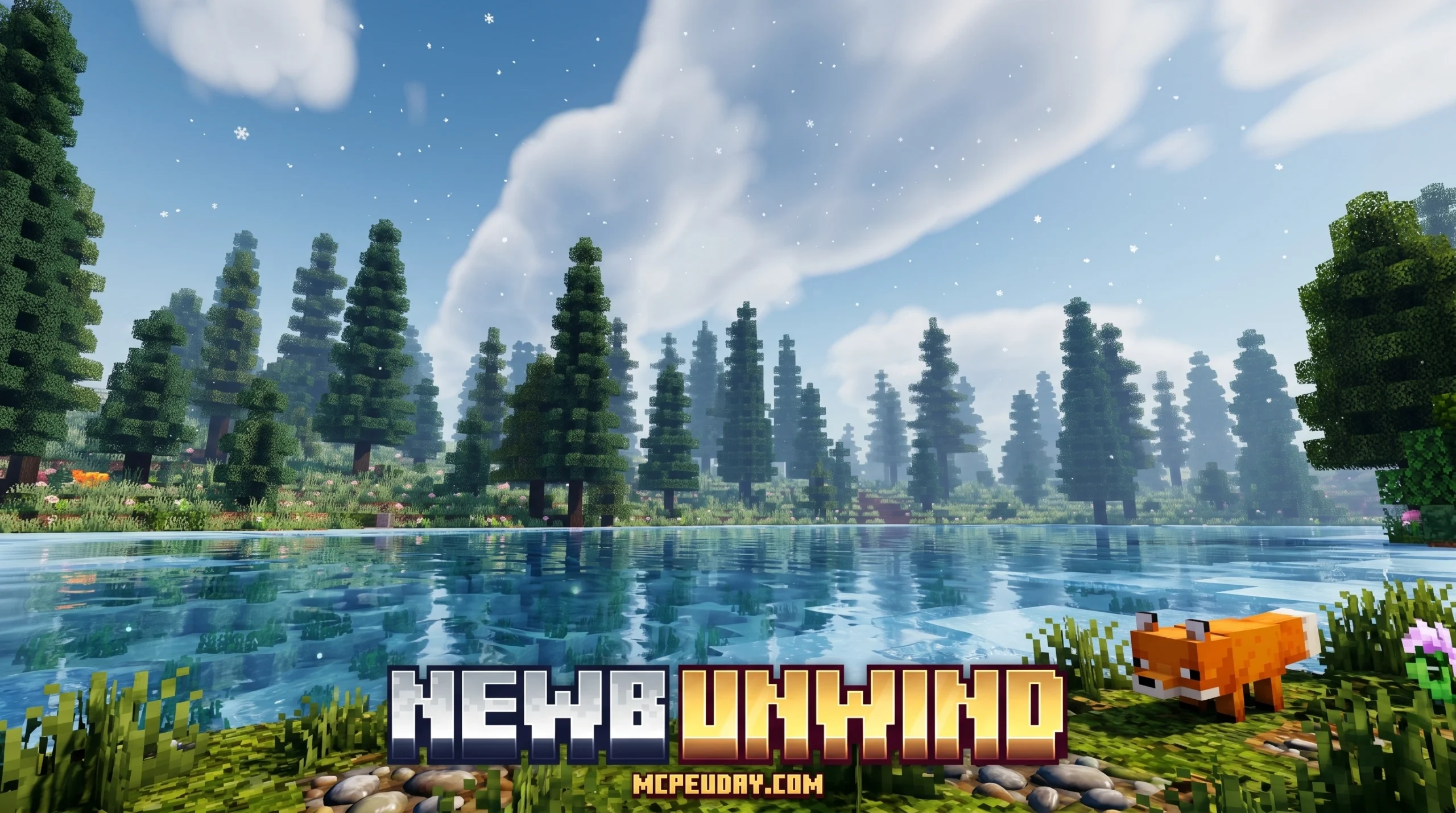
What You Need to Know About Newb x Unwind Shader (Quick Answer)
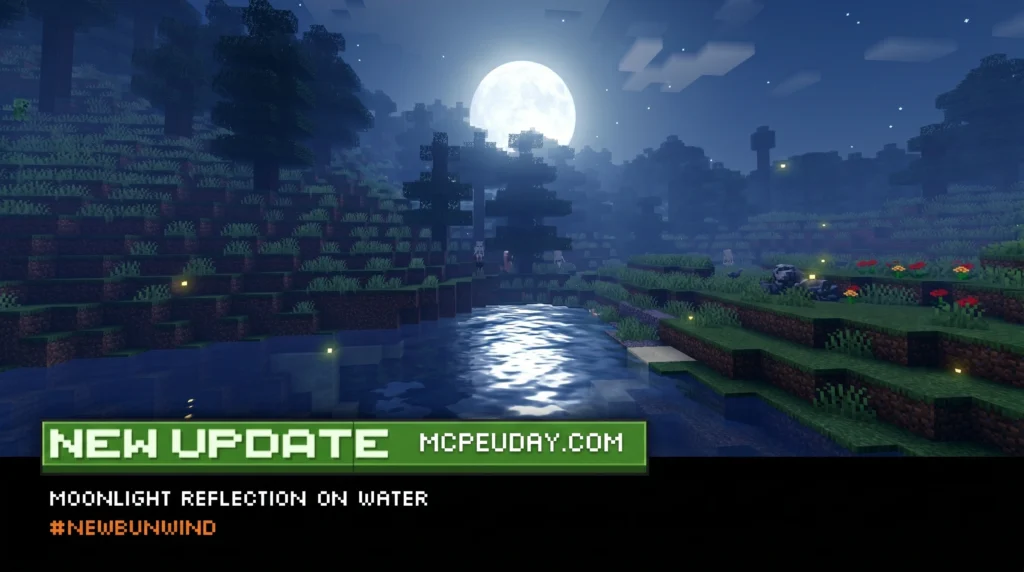
The Newb x Unwind Shader is a lightweight, aesthetic shader pack for Minecraft Bedrock Edition that gives your game calm, cozy visuals — warm tones, better lighting, improved weather effects, and a relaxing night atmosphere.
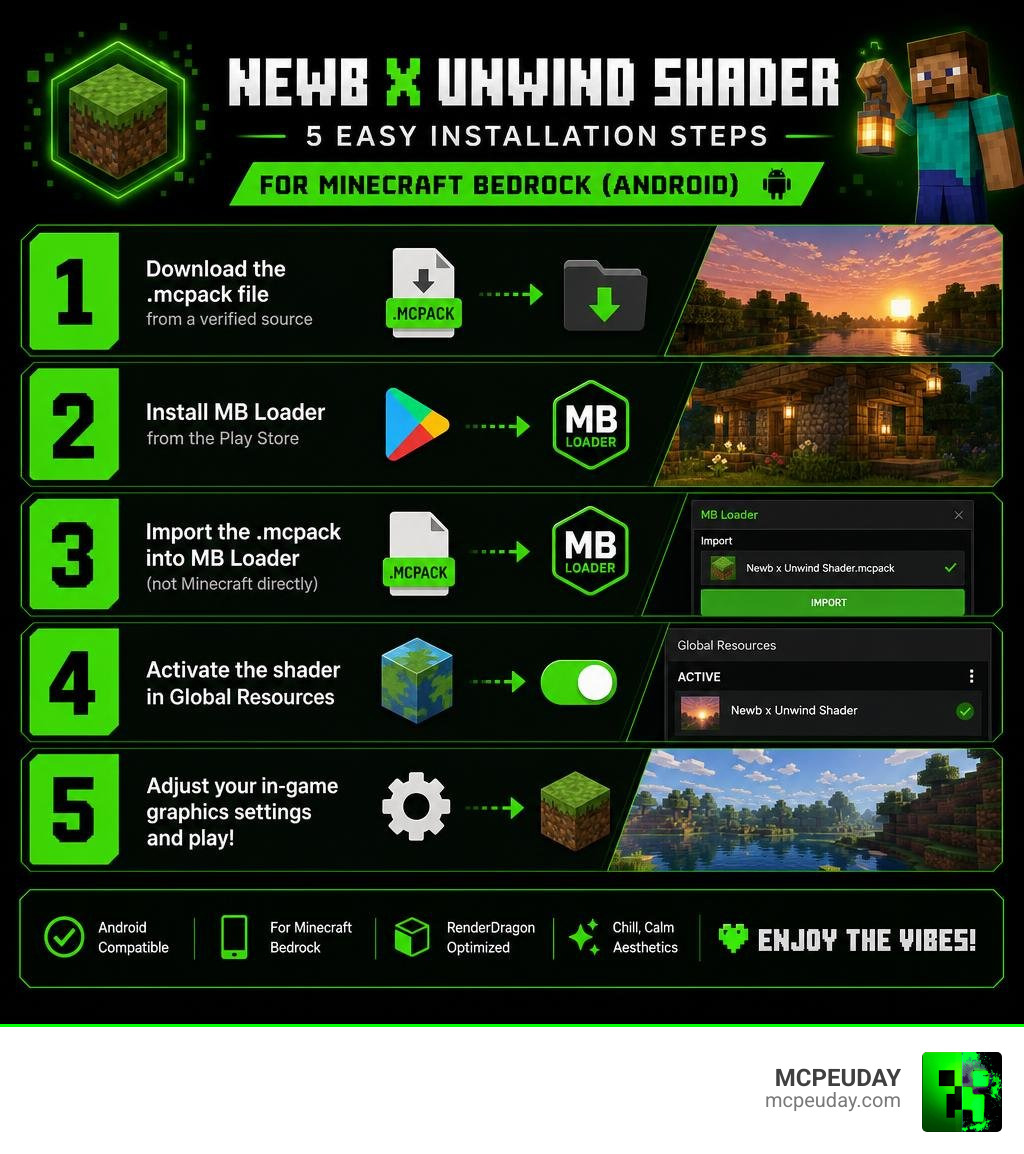
Here’s the quick install summary:
- Download the
.mcpackfile from a verified source - Install MB Loader from the Play Store
- Import the
.mcpackinto MB Loader (not Minecraft directly) - Activate the shader in Global Resources
- Adjust your in-game graphics settings and play
It supports Minecraft Bedrock 1.21.21 and above, works on Android, and is rated 4.3 out of 5 based on 31 user reviews.
If you’ve ever opened Minecraft and thought the default graphics felt a little flat and lifeless, you’re not alone. Most players looking for a visual upgrade don’t want something heavy that tanks their FPS — they want something that just feels good to look at.
That’s exactly what Newb x Unwind is designed to do.
It’s part of the larger Newb X Legacy project — a family of 20+ RenderDragon shader variants for Bedrock Edition. Unwind stands out with its focus on chill, calm aesthetics: think golden sunsets, cozy night skies, and gentle rain that actually looks nice.
With nearly 3,000 downloads and two available variants (with and without fake depth), it’s one of the more popular picks for players on low-end and mid-range Android devices.
In this guide, we’ll walk you through exactly how to get it running in 5 easy steps.
What is the Newb x Unwind Shader?
The Newb x Unwind Shader is a custom graphics modification built specifically for Minecraft Bedrock’s modern rendering engine, RenderDragon. Developed as a specialized variant under the broader Newb X Legacy development project, it is highly regarded for bringing “chill vibes” and a soft, calm tone to the blocky world.
Unlike heavy ray-tracing or deferred rendering packs that require top-tier hardware, this shader works by modifying vanilla materials to achieve stunning visual upgrades without melting your phone. If you are looking to completely change your world’s mood, checking out the Newb X Unwind Shader For Minecraft Pe Mcpe 1 21 is the perfect place to start.
Visual Features of the Newb x Unwind Shader
What makes this pack so relaxing to look at? The magic lies in its hand-tuned color palette and subtle environmental details:
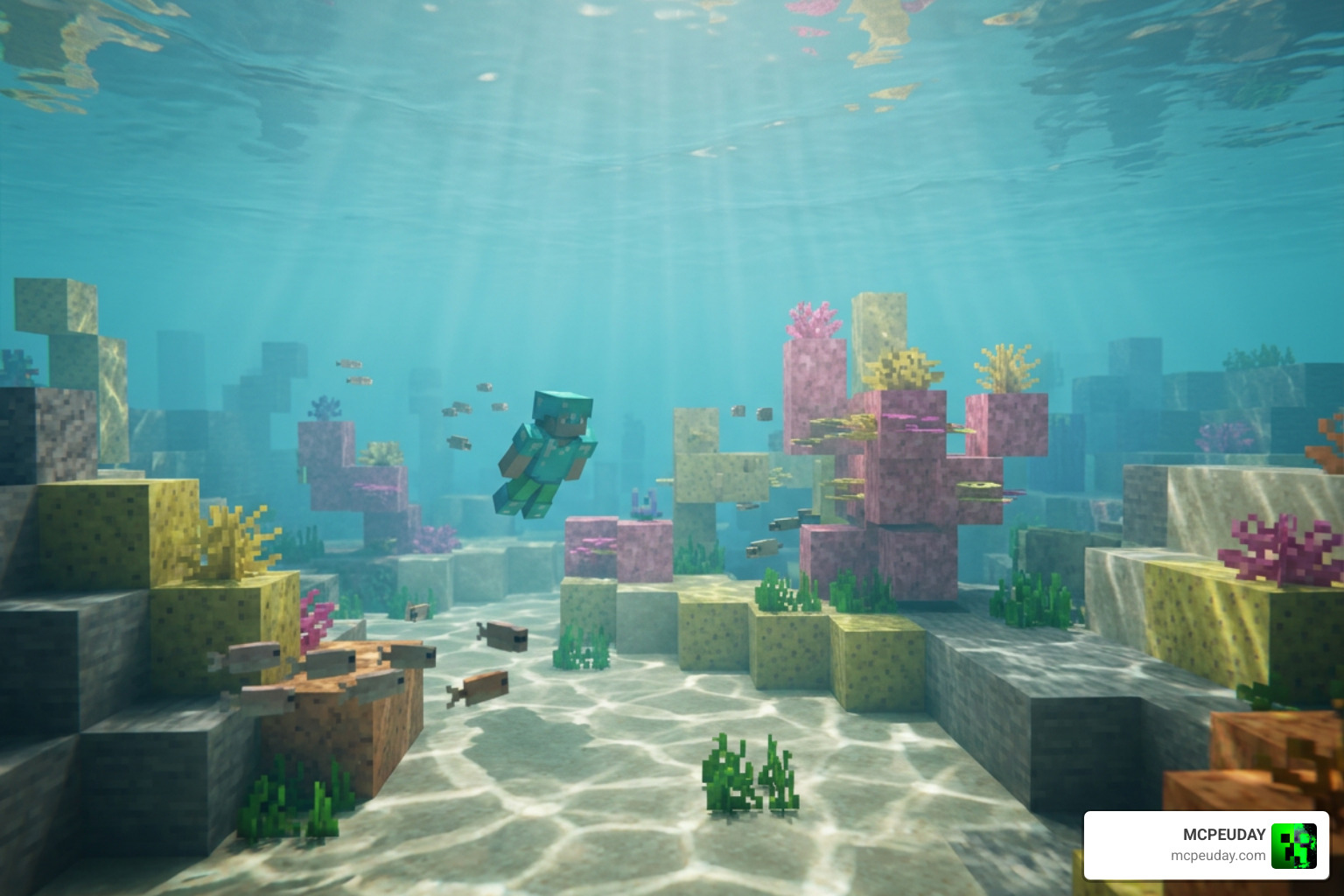
- Tosca Water Surface Color: The water gets a beautiful, clean turquoise/tosca hue that looks incredibly refreshing and natural compared to the default dark blue.
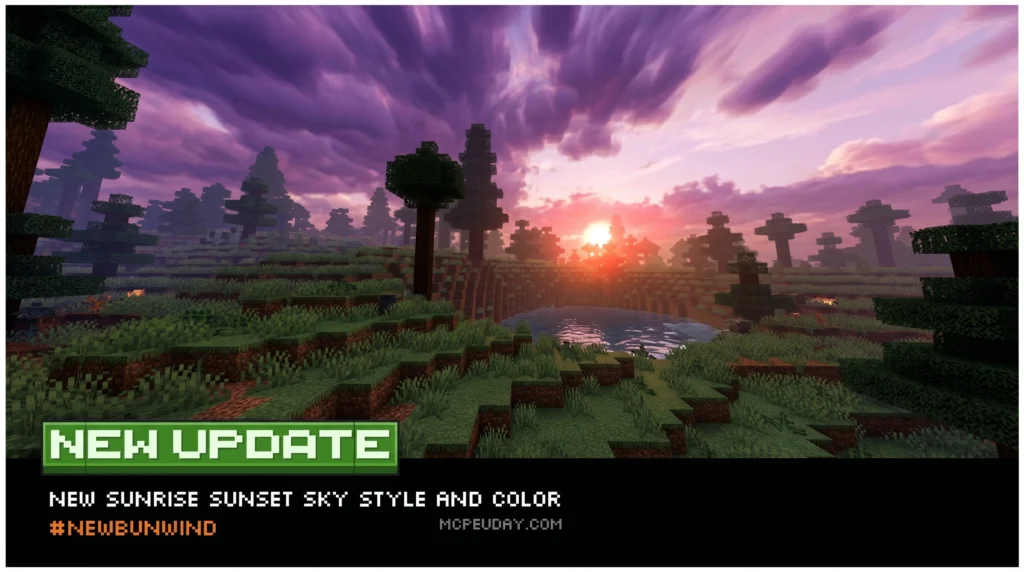
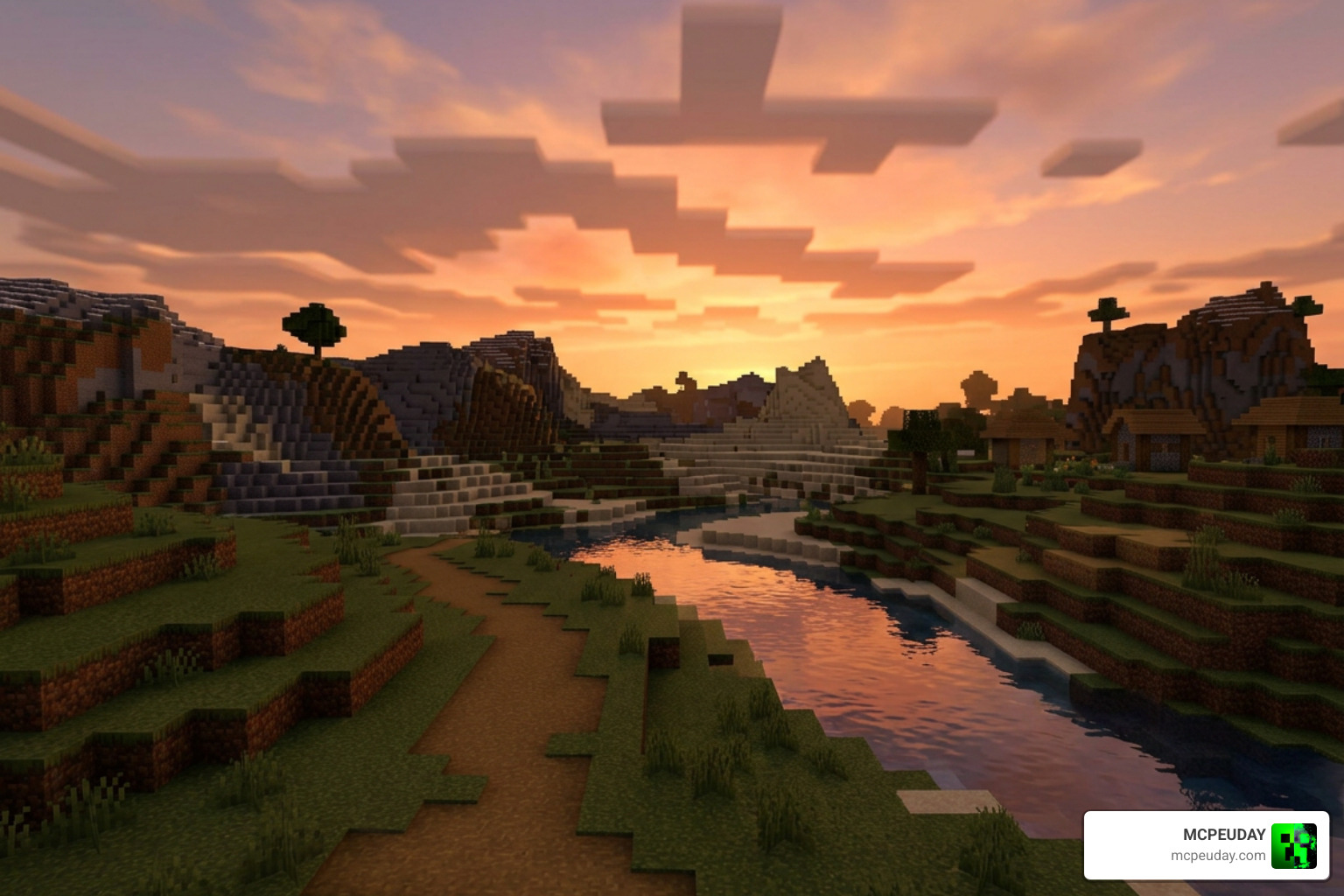
- Aesthetic Sky Color Gradient: Sunrises and sunsets transition smoothly between warm oranges, soft pinks, and deep purples, completely eliminating harsh banding.
- Better Weather Particles: Rain and snow feel lighter, more mist-like, and less intrusive to your line of sight.
- Natural World Lighting: Shadows are softened, and the overworld is bathed in realistic, warm sunlight during the day.
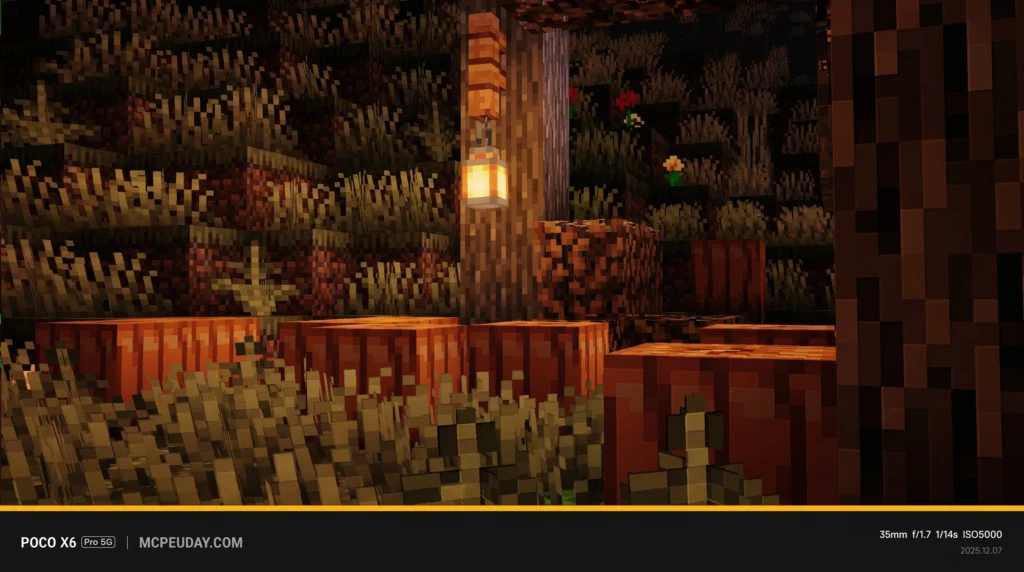
- Warm Light Sources: Torches, lanterns, and glowstone emit a cozy, golden light that makes your survival base feel safe and welcoming.
Supported Minecraft Bedrock Versions
We have great news for players keeping their games updated! The Newb x Unwind Shader fully supports all Minecraft Bedrock versions starting from 1.21.21 all the way up to the latest 1.26 releases as of June 2026. Because it is built on the RenderDragon framework, it remains compatible through minor game updates, ensuring you won’t constantly run into broken textures when Mojang releases patches.
Key Features and Variants of the Pack
Every Minecraft player has different tastes (and different devices). The creators of this pack understood that, which is why they packaged it with several subpacks and options to customize your experience. You can read more about these details in our deep dive on the Newb X Unwind Shader For Minecraft Ultra Realistic Graphics Smooth Fps Stunning Visuals.
Differences from Other Newb Variants
The Newb shader ecosystem is vast, boasting over 20 unique variants. While options like Newb X Lowres Shaders For Minecraft Pe Mcpe Complete Beginners Guide Installation Settings Fps Tips focus strictly on ultra-low-resolution optimization, and the Newb X Lowres Renewed Shader Best Lightweight Shader For Minecraft Pe Bedrock aims for a clean vanilla-plus feel, the Newb x Unwind Shader is dedicated entirely to mood. It trades high-contrast, dramatic lighting for soft, pastel tones and cozy night atmospheres. If you want to compare how it stacks up against other top-tier options, take a look at our list of the 3 Best Shaders For Minecraft 1 21 Ultra Realistic Smooth Fps Stunning Graphics.
Performance Impact on Low-End Devices
If you are playing on a budget phone or an older tablet, performance is always a worry. Fortunately, this shader is incredibly lightweight.
The base pack is highly optimized, but it also includes a No Wave subpack. By disabling the waving animations on leaves, grass, and water, you can save valuable processing power. This makes it arguably the Newb X Unwind Shader For Minecraft Pe Mcpe Best Realistic Shader For Low End Devices available today, maintaining a stable 60 FPS on almost any mid-range or low-end device.
How to Install the Shader in 5 Easy Steps
Because Mojang’s RenderDragon engine does not officially support custom third-party shaders on mobile devices anymore, we have to use a small workaround. Don’t worry—it is completely safe and only takes a few minutes!
For a broader look at this process across multiple platforms, check out our How To Turn On Shaders In Minecraft 2026 Guide Java Bedrock Mcpe Setup Fast Mcpeuday.
Step 1: Download the Newb x Unwind Shader Pack
First, you need to grab the official resource pack file. You can find verified, safe download links directly on the Newb X Unwind Shader For Minecraft Pe Mcpe 1 21 page. Make sure the file ends with the .mcpack extension.
Step 2: Install and Set Up MB Loader
Since Minecraft discontinued support for patched APKs starting with version 1.21.60, the community created MB Loader (MaterialBin Loader).
- Go to the Google Play Store on your Android device.
- Search for and download MB Loader.
- Open the app and follow the initial on-screen prompts to link it with your installed version of Minecraft.
Step 3: Import the Shader Pack
Instead of opening the downloaded .mcpack file directly with Minecraft, we will use our new loader:
- Open the MB Loader app.
- Tap on the Import or Add Pack button.
- Navigate to your device’s “Downloads” folder and select the
Newb_x_Unwind.mcpackfile. - The app will process the materials and import them safely into the game’s directory.
Step 4: Activate in Global Resources
- Launch Minecraft directly through the MB Loader app (this is crucial for the shader to load!).
- From the main menu, go to Settings > Global Resources.
- Click on My Packs, locate Newb x Unwind, and click Activate.
- Ensure it is placed at the very top of your active resources list so it overrides default textures.
Step 5: Configure Your In-Game Graphics Settings
To make sure the shader looks exactly as the creators intended, adjust your in-game video settings to the following:
- Beautiful Skies: ON
- Smooth Shading: ON
- Fancy Graphics: ON
- In-game Brightness: Set between 30% and 70% (lower brightness highlights the warm torch glow beautifully!)
Frequently Asked Questions about Newb x Unwind Shader
Comparison of Newb x Unwind Subpacks
| Subpack Variant | Visual Features | Performance Impact | Recommended Device |
|---|---|---|---|
| With Fake Depth | Soft fog, deep water depth effects, waving foliage | Light to Moderate | Mid-range to High-end |
| Without Fake Depth | Flat water transparency, simplified fog, waving foliage | Very Light | Low-end to Mid-range |
| No Wave / No Fog | Static leaves/water, maximum performance | None (Smooth 60 FPS) | Ultra Low-end |
Is the Newb x Unwind Shader safe to use?
Yes, it is 100% safe. It functions as a resource pack and does not modify core game files, alter your save worlds, or trigger any anti-cheat systems on multiplayer servers.
Does it work on low-end devices without lagging?
Absolutely! If you experience any frames dropping, simply click the gear icon next to the active pack in your Global Resources menu and switch the subpack slider to the “No Wave” or “No Fog” setting.
Where can I download the official shader pack?
You can download the official, tested, and secure version of the pack from the verified Newb X Unwind Shader For Minecraft Pe Mcpe 1 21 download hub.
Conclusion
Bringing a fresh, cozy aesthetic to your Minecraft Bedrock worlds has never been easier. The Newb x Unwind Shader strikes the perfect balance between beautiful natural lighting and fantastic, lightweight performance. By following our 5-step MB Loader guide, you can bypass RenderDragon limitations and enjoy gorgeous tosca waters and warm golden sunsets in no time.
Want to see how Unwind compares to other top-tier graphic packs? Check out our ultimate showcase of the Best Shaders For Mcpe 1 21 2026 Top 3 Realistic Minecraft Pe Shaders and elevate your pocket survival world today! Happy building!
7 thoughts on “Newb x Unwind Shader (26.x, 1.21) – MCPE/Bedrock Shader”