Recurrent Complex Addon for Minecraft PE/Bedrock: What You Need to Know
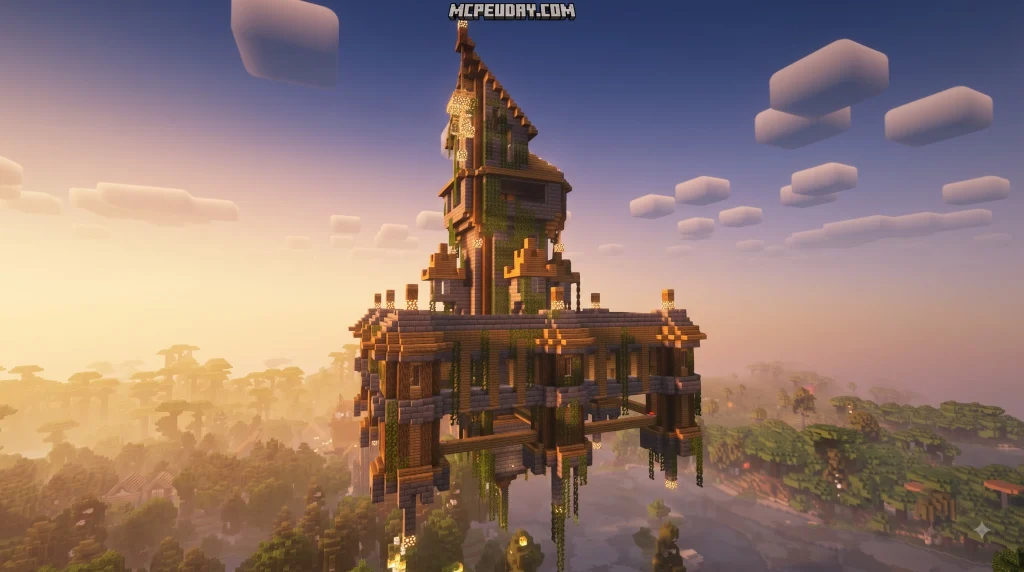

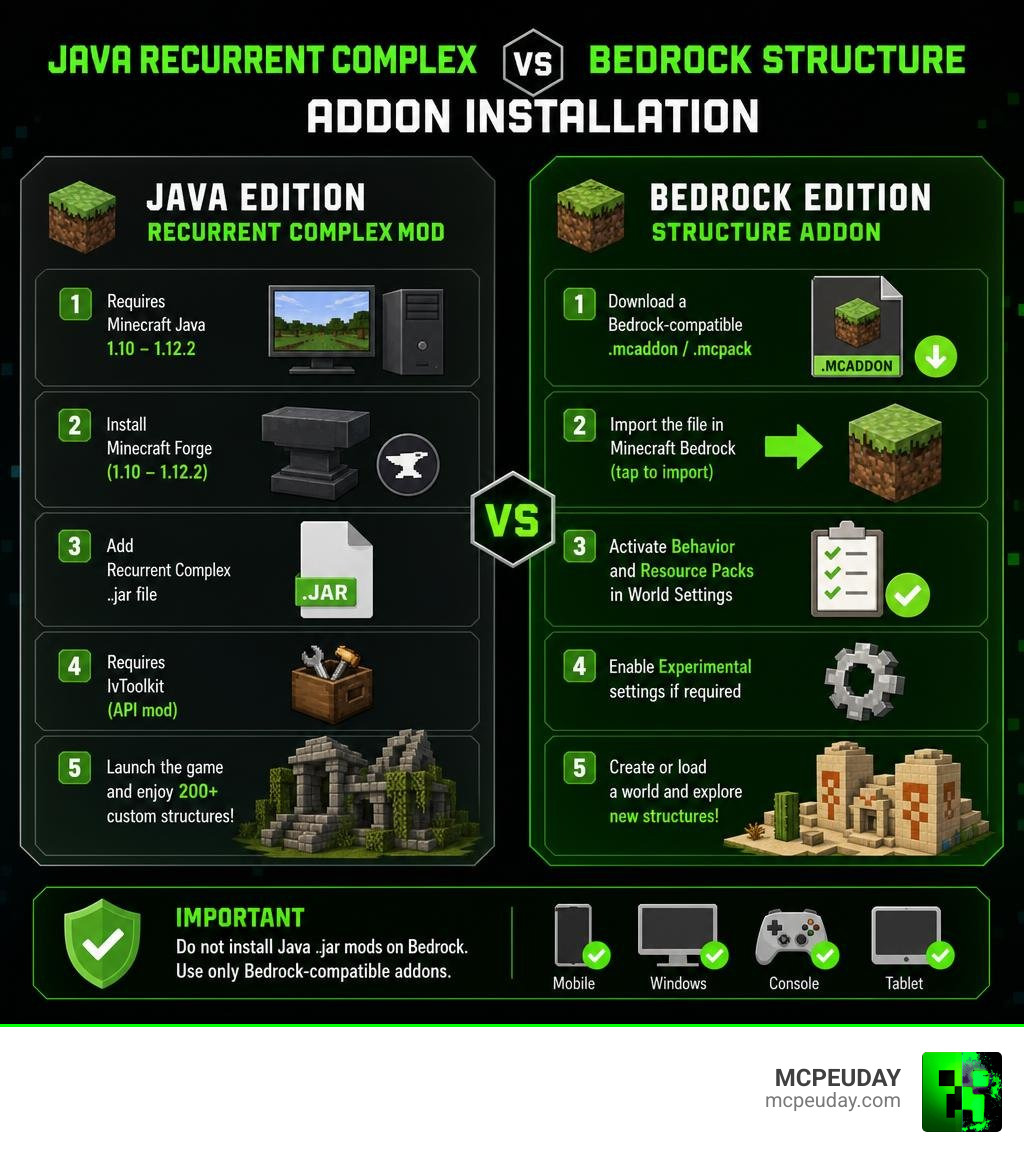
There is no official Recurrent Complex Addon for Minecraft PE/Bedrock. Recurrent Complex is a Java Edition Forge mod made for Minecraft 1.10 through 1.12.2, and it requires IvToolkit. If you play Bedrock on mobile, Windows, console, or tablet, do not install Java .jar mod files; instead, use a Bedrock-compatible structure addon packaged as an .mcaddon or .mcpack.
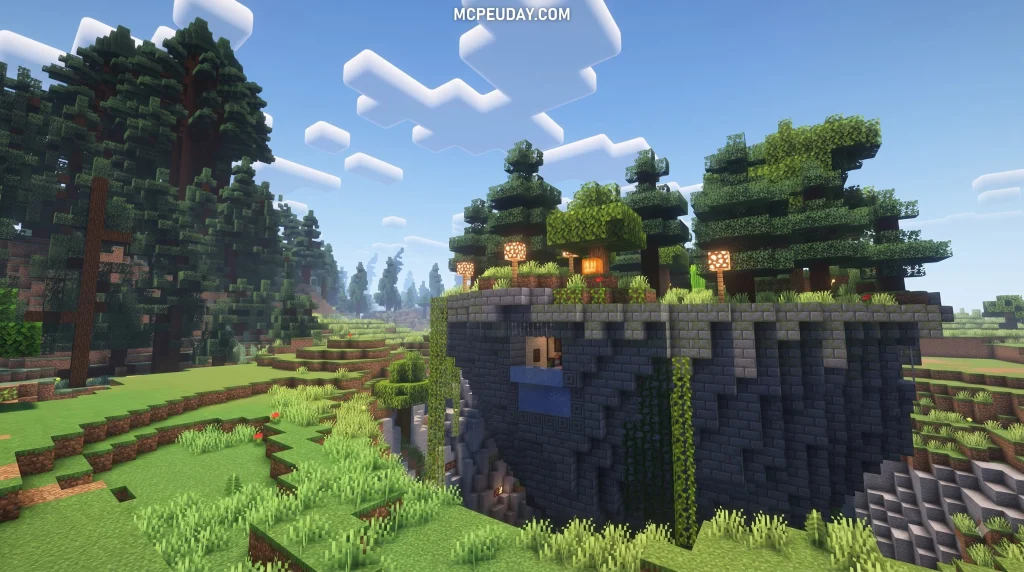
The original mod is popular because it adds more than 200 randomized world-generation structures, including dungeons, forts, shrines, mazes, pyramids, custom trees, and loot-filled ruins. It also lets Java players import, build, preview, and control their own structures.
For Bedrock players, the practical goal is similar: download a version-matched addon, import it into Minecraft, activate its behavior and resource packs in a world, then check whether it needs Experimental settings. This guide explains the compatibility difference and the safest way to find a working Bedrock alternative.
I am UDAY GAMER, and I will help you avoid Java-vs-Bedrock installation mistakes before you add new structures to your world.
What Is Recurrent Complex and How Does It Work?
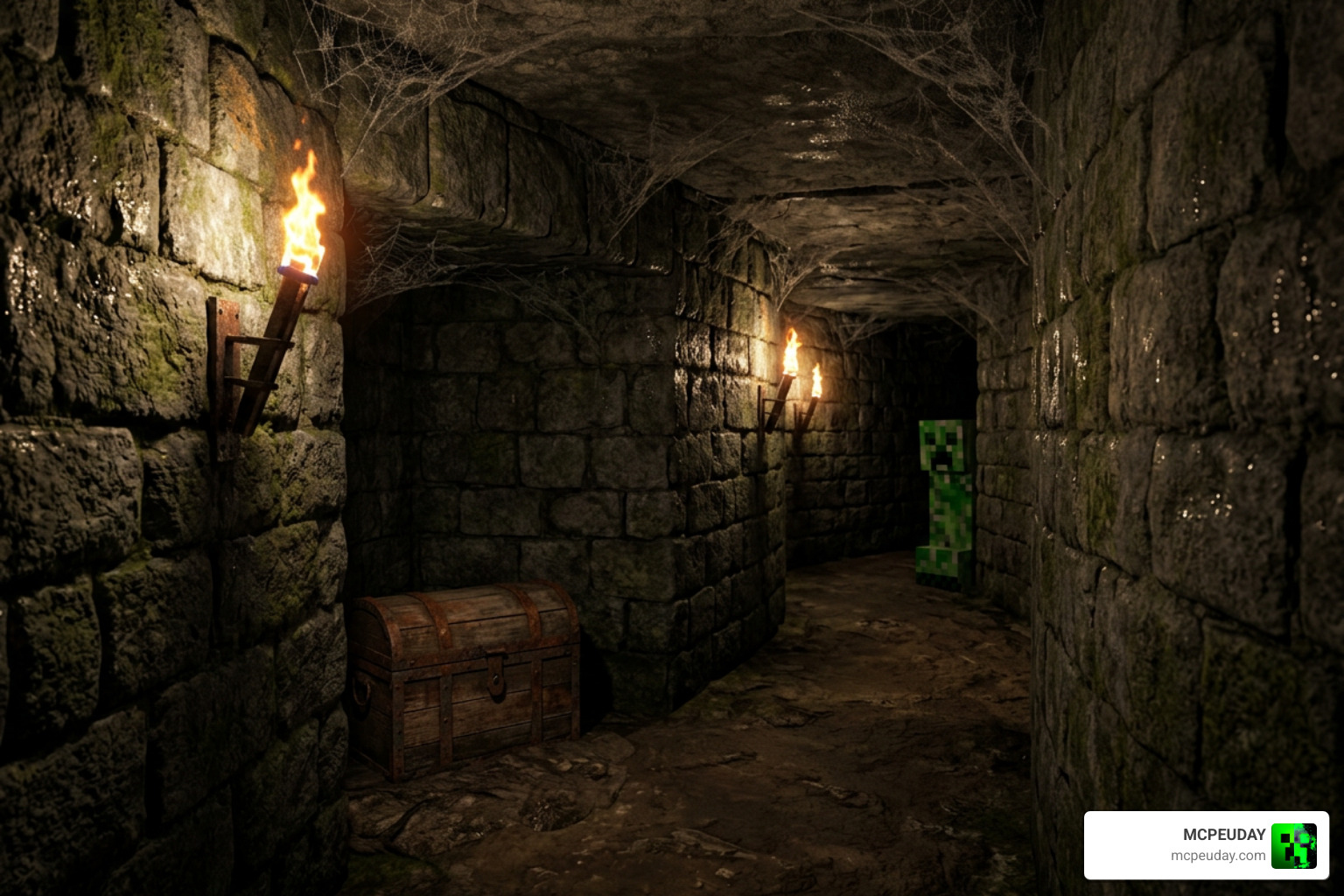
Recurrent Complex stands as one of the most legendary structure-generation mods in Minecraft history. Created over a decade ago, it amassed more than 52 million downloads across major community archives. Built primarily for Minecraft Forge spanning versions 1.10.2 through 1.12.2, the mod was designed to completely revolutionize exploration by replacing empty landscapes with detailed, procedurally generated content.
At its core, the Java mod relies on the IvToolkit core framework library, which itself garnered over 57 million downloads. What made the system truly special was its nested generation capability—meaning a grand underground labyrinth could dynamically spawn mysterious secret rooms, custom mob spawners, and hidden treasure chests directly inside its walls without overlapping or corrupting adjacent terrain. The algorithmic placement adjusted seamlessly to surrounding biome elevations, ensuring that buildings looked organically grounded rather than floating or awkwardly sheared off.
Furthermore, server owners loved its lightweight server-side mode. This allowed a dedicated server to generate custom structures across the terrain without forcing connecting multiplayer clients to install the mod locally, making it an indispensable tool for large survival communities and custom adventure maps.
Exploring the Recurrent Complex Addon for Minecraft PE/Bedrock World Generation
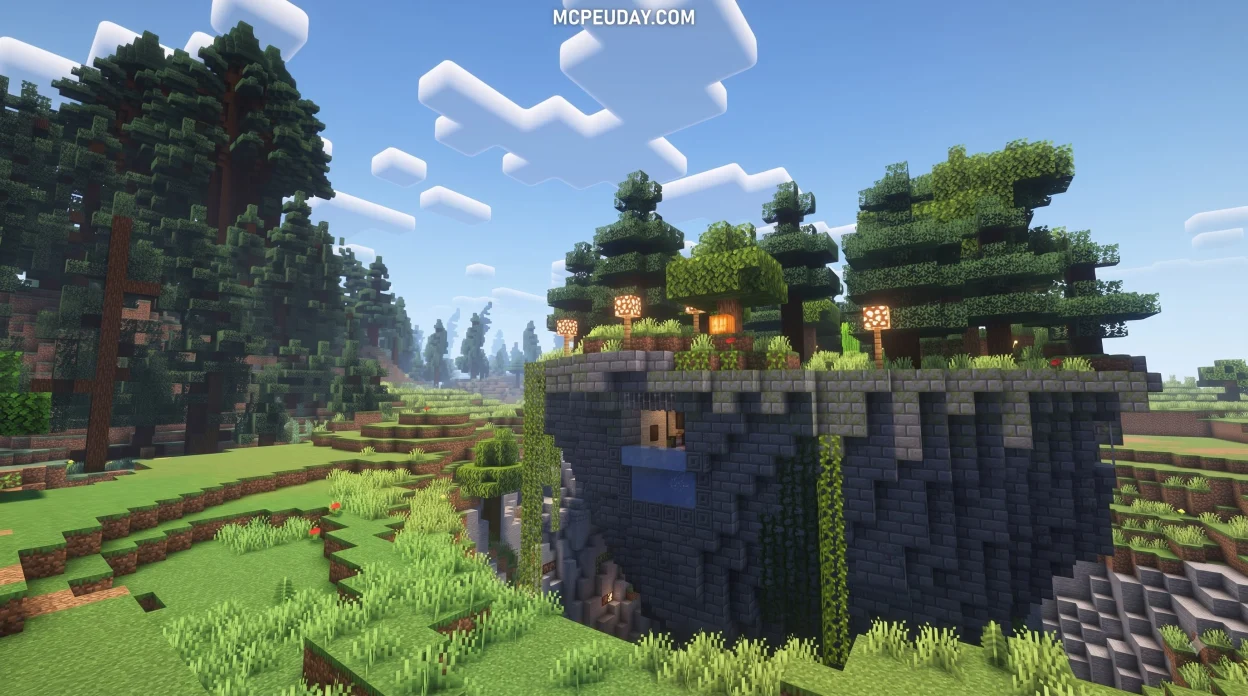
The base package of the mod introduced over 200 randomized structures across nearly every biome. Instead of discovering identical vanilla desert wells or bland dungeons, players encountered:
- Towering modular mazes filled with challenging traps, hidden pitfall mechanisms, and deadly spider nests
- Massive custom flora, including distinct categories for big trees, colossal mega-trees, and fantasy forests
- Sunken ocean shrines, underwater crypts, and ocean-side pirate hideouts packed with randomized loot tables
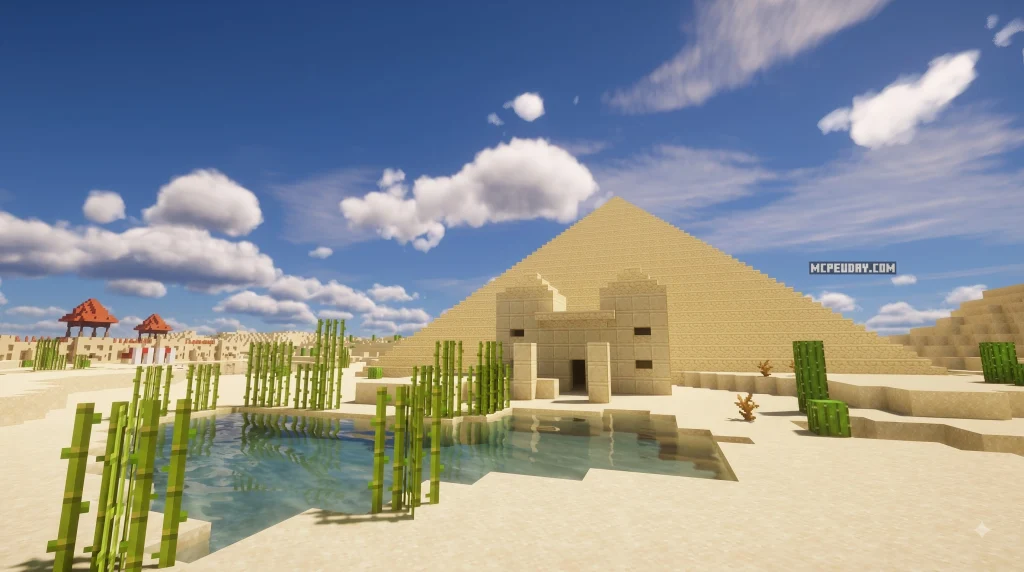
- Desert pyramids with subterranean catacombs, spiked tripwire traps, and ancient ruins
- Underground abandoned mines, forgotten crypts, and fortified stronghold outposts
While the original mod remains a Java classic, Bedrock players seeking similar environmental depth often turn to the Better Structures Addon to enjoy rich procedural generation on mobile, console, and Windows devices.
Custom Building Tools and In-Game Commands
Beyond passive world generation, the mod included an entire suite of creator utilities. Rather than manually editing complex configuration scripts, builders could design modular structures directly in-game using interactive graphical user interfaces (GUIs).
Key technical shortcuts streamlined the creation pipeline:
- Executing the command
/#filesimmediately opened the active structure directory folder. - Running
/#reloadrefreshed the active structure pool instantly without requiring a full client or server restart. - Built-in inventory generators enabled creators to assign randomized loot percentages, customized enchantments, and rare drops to chests.
- In-game schematic tools allowed players to import, export, and preview bounding boxes before committing builds to world generation.
For builders on Bedrock seeking rapid building utilities today, pairing structure packs with tools like the Effortless Building Addon offers an intuitive way to construct massive layouts quickly.
How to Download and Install the Recurrent Complex Addon for Minecraft PE/Bedrock

Installing custom content on Bedrock Edition requires a different approach than Java Forge mods. Instead of dropping .jar files into a Forge directory, Bedrock uses .mcaddon or .mcpack files that automatically register behavior and resource packs across your game directories on official Minecraft Bedrock platforms.
Is There an Official Recurrent Complex Addon for Minecraft PE/Bedrock?
To be clear, the original developer designed Recurrent Complex exclusively for Java Forge and officially ceased active feature development after version 1.4.8.6. There is no official Bedrock release from the original creator.
However, passionate community creators have developed faithful ports and Bedrock-native alternatives inspired by its mechanics, such as community packages and the Structures Plus Addon. These addons replicate the feeling of organic, randomized structure discovery while remaining fully compatible with Bedrock’s rendering engine and Molang scripting framework.
Step-by-Step Installation for Mobile and Windows 10/11
To install a Bedrock structure addon such as the Medieval Structures Addon on your mobile device (Android/iOS) or Windows PC, follow this streamlined workflow:
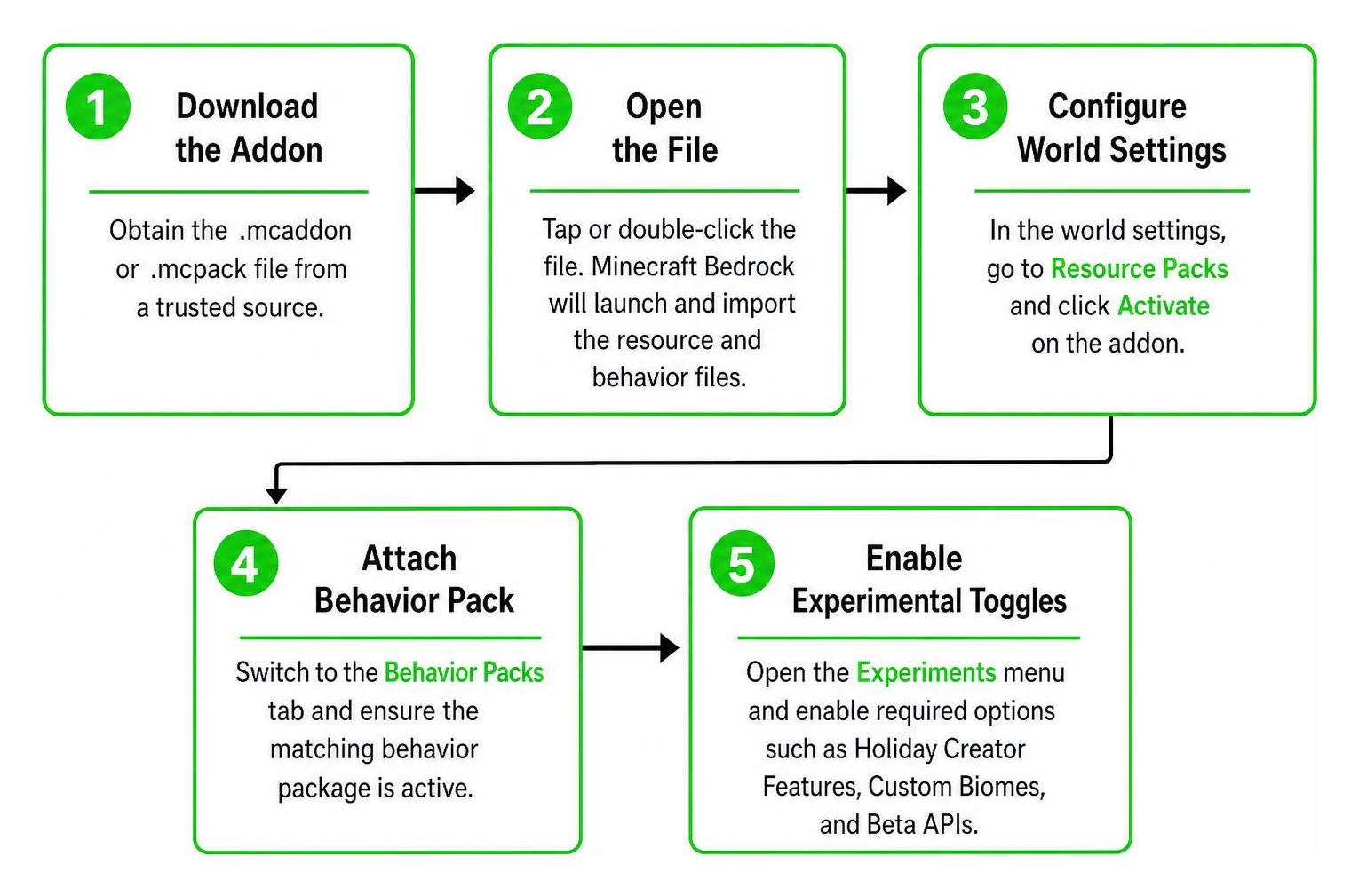
- Download the Addon: Obtain the
.mcaddonor.mcpackfile from a trusted resource archive. - Open the File: Tap or double-click the downloaded file. Minecraft Bedrock will launch automatically and import the resource and behavior files into your internal directories.
- Configure World Settings: In the world creation or edit screen, navigate to Resource Packs and click Activate on the addon.
- Attach Behavior Pack: Switch to the Behavior Packs tab and ensure the matching behavior package is active so entity behaviors and custom loot tables load properly.
- Enable Experimental Toggles: Scroll down to the Experiments menu in your world settings and toggle options such as Holiday Creator Features, Custom Biomes, and Beta APIs depending on the addon’s specific version requirements.
- Generate the World: Load into your new world and explore newly generated landmarks across the landscape. If structures fail to appear immediately, travel at least 200 to 300 blocks away into previously ungenerated chunks.
Top Bedrock Alternatives for Procedural World Generation
If you want the expansive dungeon crawling and structural variety of classic Java mods on your Bedrock device, several modern addons offer exceptional procedural generation with optimized mobile performance:
| Addon Name | Primary Focus | Best Used For | Custom Features |
|---|---|---|---|
| Better On Bedrock Addon | Full Survival Overhaul | Long-term survival worlds | Quests, bounties, bosses, custom biomes, and dungeons |
| Structures Arises Remake Addon | Massive Procedural Dungeons | Adventure and RPG maps | Huge procedurally generated castles, towers, and temples |
| Instant Structures Addon | Creative Instant Placement | Rapid town and city building | Spawnable buildings via custom items and spawn eggs |
| Better Structures Addon | Vanilla+ Structure Expansion | Balanced survival exploration | Over 100 balanced vanilla-style ruins, camps, and shrines |
Each of these addons addresses a unique style of gameplay. While dungeon-focused packs supply perilous underground mazes and challenging enemy spawns, vanilla-plus options blend seamlessly into the default game aesthetic without causing performance dips or frame rate drops on low-end mobile devices.
Frequently Asked Questions About Recurrent Complex
Can Recurrent Complex run on multiplayer servers without client installation?
On the original Java Edition Forge version, yes. Recurrent Complex features a dedicated server-side mode where the server handles all procedural generation calculations. Connected players do not need the mod installed on their personal computers to see and interact with the structures. On Bedrock Edition, multiplayer servers and Realms simply require the world host to apply the Behavior and Resource packs to the server directory or world save.
Where can players find and share custom community structures?
Java players historically shared custom structures through community repository archives and exported them using the built-in schematic and inventory tools. For Bedrock Edition, players download pre-packaged .mcaddon files containing entire packs of curated structures ready for procedural deployment across single-player worlds and multiplayer servers.
What dependencies are required to use the mod?
The Java Edition mod strictly requires the IvToolkit core library to run. On Minecraft Bedrock, standalone structure addons do not require external Java loaders or libraries; instead, they require players to enable the experimental gameplay toggles within their world settings menu to support custom scripting and procedural generation.
Conclusion
Recurrent Complex permanently shaped how the Minecraft community views procedural world generation and modular dungeon building. While the original Java Forge modification remains anchored to classic editions, Bedrock players have access to an incredible selection of modern addons that bring the same spirit of discovery, dungeon exploration, and custom architectural variety to mobile, PC, and consoles without complicated setup steps.
Whether you want sprawling medieval fortresses, dangerous labyrinthine catacombs, or simple environmental ruins that complement vanilla biomes, installing modern Bedrock structure packs gives your worlds infinite replay value.
Ready to transform your survival worlds with fresh dungeons, majestic ruins, and custom biomes? Explore the best Minecraft Bedrock addons on MCPEUDAY to download and install the latest community creations today!