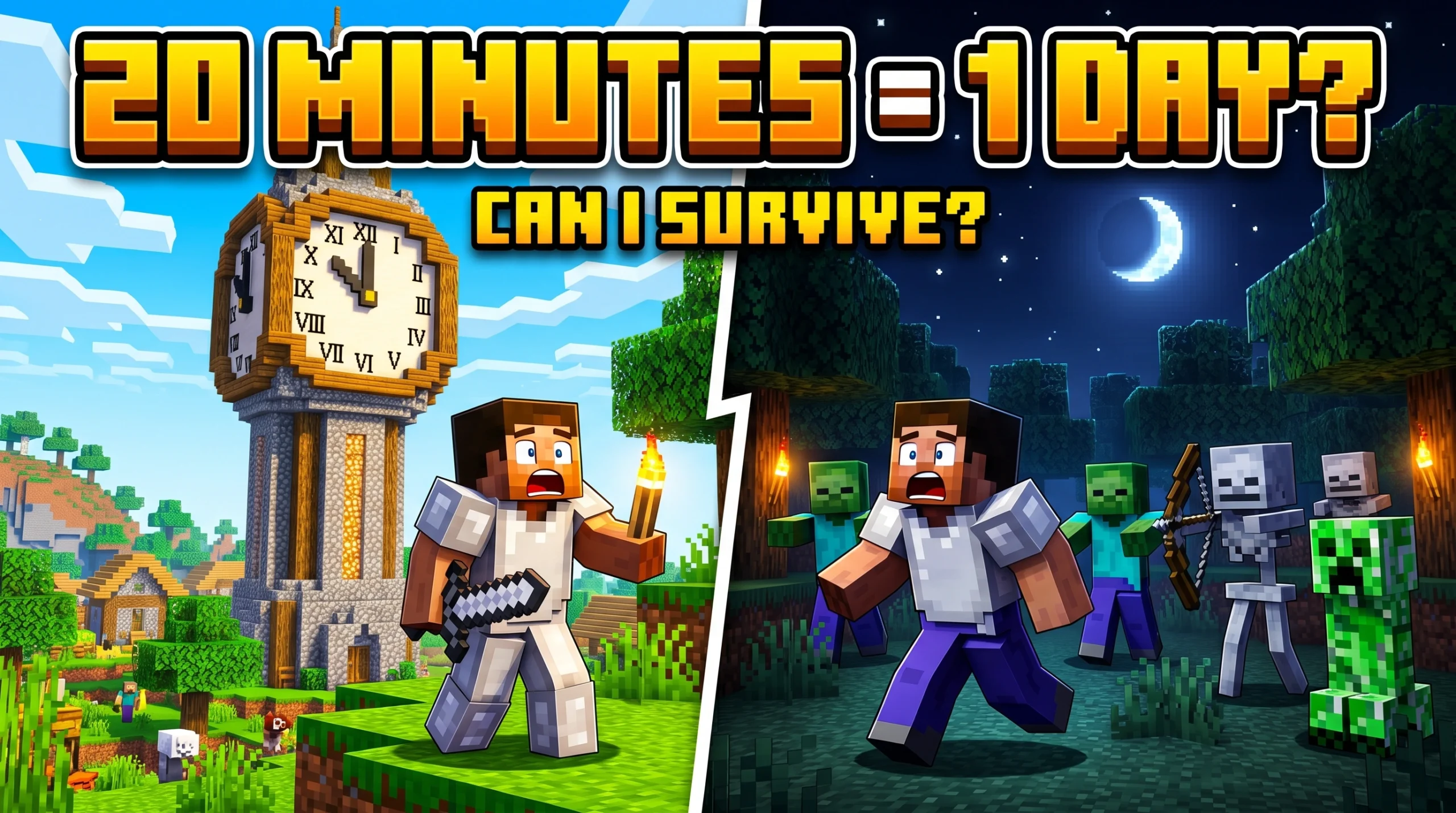
How Long Is a Minecraft Day? Quick Answer
How long is a minecraft day is one of the most common questions new and returning players ask — and the answer is simpler than you might think.
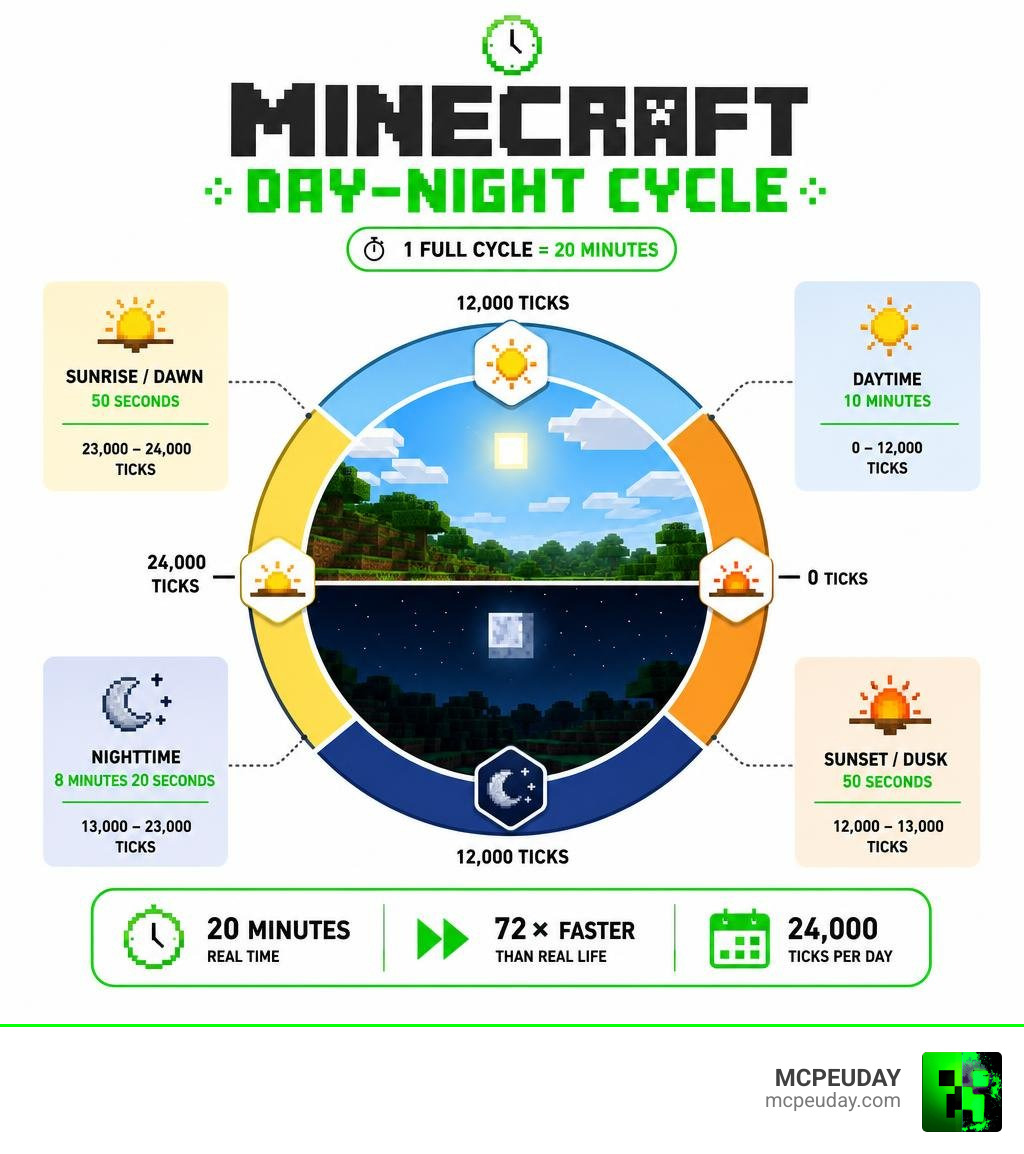
A full Minecraft day lasts exactly 20 real-world minutes.
Here’s the quick breakdown:
| Phase | Duration (Real Time) | Ticks |
|---|---|---|
| Daytime | 10 minutes | 0 – 12,000 |
| Sunset/Dusk | 50 seconds | 12,000 – 13,000 |
| Nighttime | 8 minutes 20 seconds | 13,000 – 23,000 |
| Sunrise/Dawn | 50 seconds | 23,000 – 24,000 |
| Full Cycle | 20 minutes | 24,000 |
That means Minecraft time moves 72 times faster than real life. Every hour you sit playing, three full day-night cycles pass in-game.
If you’ve ever been deep in a mine and surfaced straight into a zombie’s face, now you know why. Time in Minecraft doesn’t wait around.
How Long Is a Minecraft Day in Real-World Time?
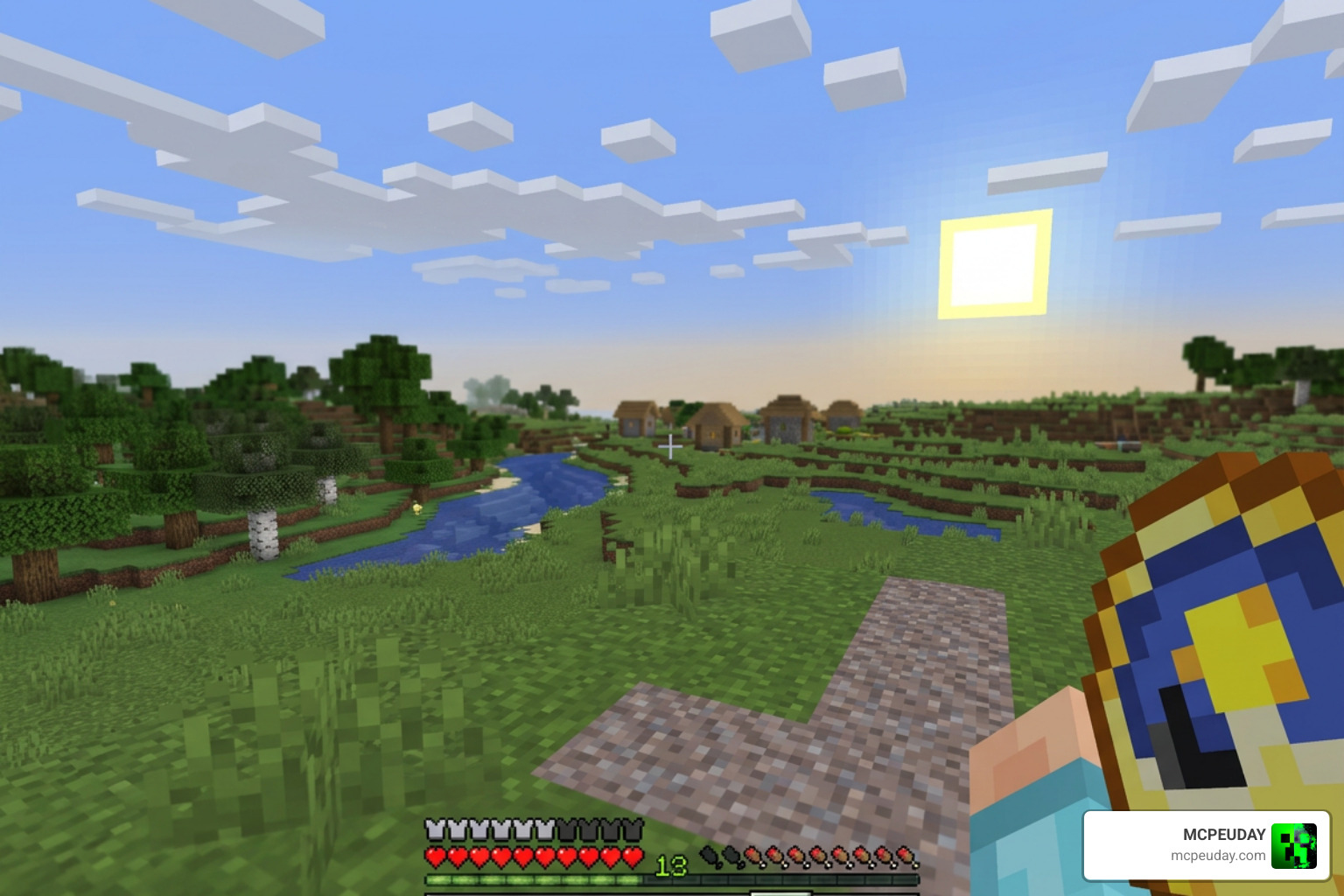
When we look at the clock in our real world, 20 minutes might feel like just enough time to scroll through social media or grab a quick snack. But in the Overworld, those same 20 minutes represent a full, dramatic epoch. During this brief window, the sun rises, reaches its peak at high noon, sinks below the horizon, and gives way to a starry night sky before the cycle resets.
A single Minecraft day is precisely 24,000 in-game “ticks.” Because the game engine runs at a standard rate under normal conditions, this translates directly to 1,200 seconds of real-world time.
If we scale this up to look at a full real-world day of 24 hours, the speed of Minecraft’s time progression becomes even more staggering. Exactly 72 Minecraft days pass in a single real-world day. This means if you were to leave your character standing safely in a well-lit shelter for a full 24-hour real-world day, you would return to find that nearly two and a half months of in-game history had flown by! For more technical details on how this cycle behaves across different versions, you can check out the official Daylight cycle – Minecraft Wiki.
Understanding How Long Is a Minecraft Day in Ticks
To understand why time moves the way it does in our favorite blocky universe, we have to look under the hood at “game ticks.” A game tick is the fundamental unit of time in Minecraft. The game’s engine updates and recalculates physics, player input, redstone states, and mob behaviors exactly 20 times every second.
This means:
- 1 real second = 20 game ticks
- 1 real minute = 1,200 game ticks
- 10 real minutes = 12,000 game ticks
- 20 real minutes (One full day) = 24,000 game ticks
Because the entire cycle is built on these 24,000 ticks, everything from the movement of the sun and moon to the schedules of local villagers is bound to this precise clock. If your game experiences server lag or low frame rates (often referred to as “tick lag”), the daylight cycle can actually slow down. But under optimal conditions, the 20-minute rule remains the golden standard. To explore more about how these ticks translate to everyday gameplay, take a look at How Long is a Day in Minecraft: All you need to know!.
Real-Time to Minecraft Time Conversions
To help you plan your building projects, farming runs, and deep-cave expeditions, we have put together a handy conversion table. This lets you see exactly how real-world time translates to the in-game calendar.
| Real-World Time | Equivalent Minecraft Time |
|---|---|
| 1 Second | 1 Minute and 12 Seconds |
| 1 Minute | 1 Hour and 12 Minutes |
| 5 Minutes | 6 Hours (One Quarter of a Day) |
| 10 Minutes | 12 Hours (Half a Day) |
| 20 Minutes | 24 Hours (1 Minecraft Day) |
| 1 Hour | 3 Minecraft Days |
| 24 Hours (1 Day) | 72 Minecraft Days |
| 33.3 Hours | 100 Minecraft Days |
| 1 Week | 504 Minecraft Days |
As you can see, time flies when you are having fun. If you are aiming to complete a “100 Days in Minecraft” survival challenge, you will need to dedicate just over 33 hours of real-world playtime to reach your goal. For a deeper dive into these conversion formulas and how to use them to your advantage, check out How Long Is a Minecraft Day? and see how other players calculate their long-term survival milestones at How many days in Minecraft is 24 hours in real life?.
The Four Phases of the Minecraft Daylight Cycle
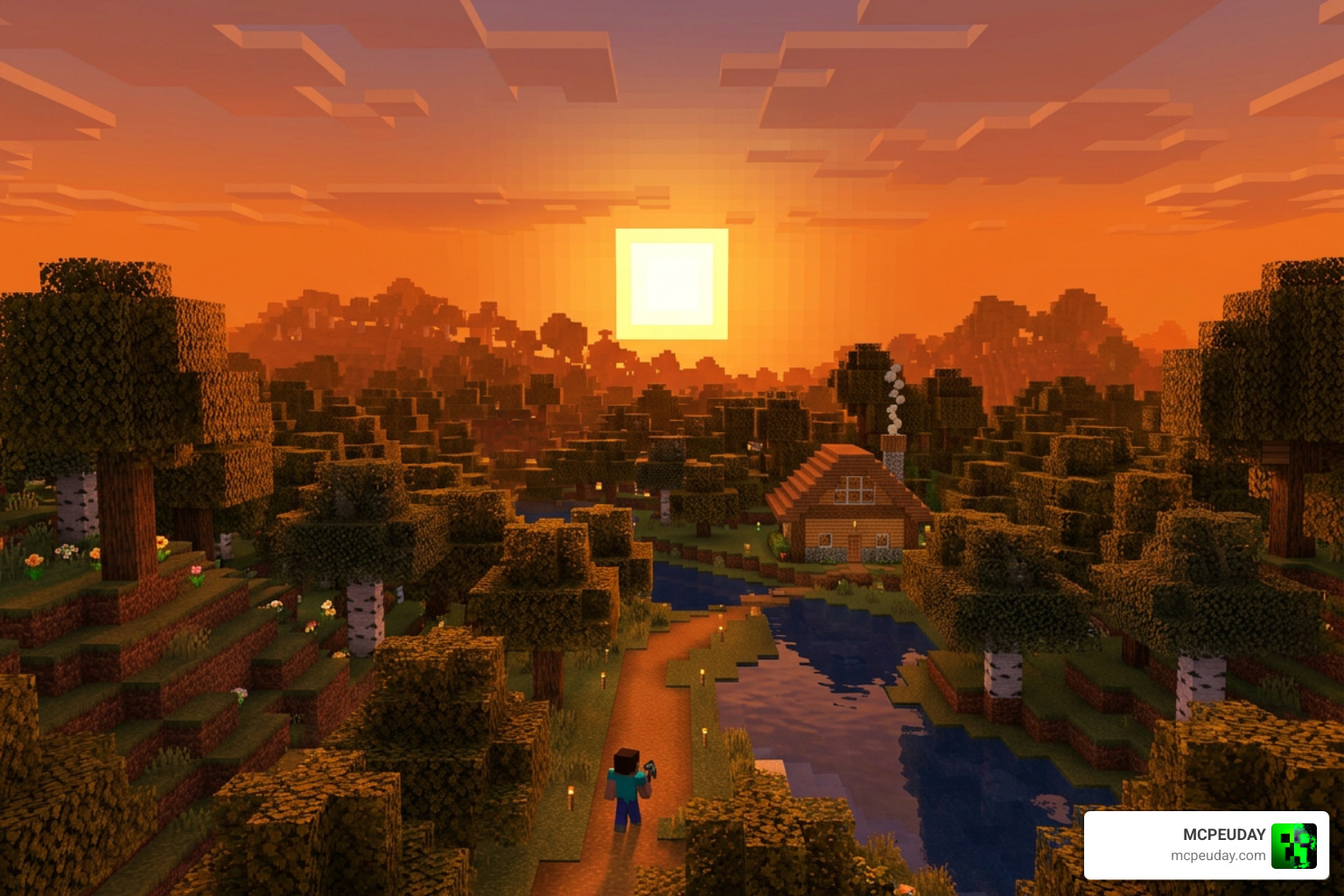
The daylight cycle isn’t just a simple light switch that turns on and off. It is a gradual, beautifully rendered transition divided into four distinct phases. Each phase has its own unique lighting levels, sky colors, and gameplay mechanics. Understanding these phases is the key to mastering survival mode.
To get a better sense of how these phases divide your playtime, let’s explore whether Are the days and nights in Minecraft of equal length? – Arqade. Spoiler alert: they aren’t! The game gives you a slightly longer window of safety during the day than it does danger at night.
Daytime (0 to 12,000 Ticks)
The day begins at 0 ticks, which corresponds to 06:00 in-game time. This is the longest phase of the cycle, lasting exactly 10 real-world minutes.
During this productive window:
- The sky is bright, and the sun rises to its highest point at 6,000 ticks (noon).
- Hostile mobs that spawned during the night will burn if they are exposed to direct sunlight (unless they are wearing helmets or standing in water/shade).
- Friendly passive mobs wander around, and villagers leave their houses to work at their job sites.
- Crops, saplings, and sweet berry bushes receive the light they need to grow.
This is your golden hour for resource gathering, building, and exploring. If you are looking to maximize your efficiency during these 10 minutes, we highly recommend checking out our guide on the Best Y Level for Diamonds in Minecraft Ultimate Guide to Finding Diamonds Fast so you can plan quick, highly lucrative mining trips before the sun goes down.
Sunset and Dusk (12,000 to 13,000 Ticks)
At 12,000 ticks (18:00 in-game time), the sun begins to dip below the western horizon, and the sky turns a beautiful shade of orange and red. This transition phase lasts only 50 seconds.
As the sky angle changes:
- The light level steadily drops.
- At 12,010 ticks, the game allows players to sleep in a bed.
- Villagers will stop working and head back to their homes to sleep.
- If there is rain or a thunderstorm, the sky will darken even faster, allowing hostile mobs to start spawning slightly earlier than usual.
Dusk is your final warning. If you are far from home without a bed, this is the exact moment you should start digging a temporary shelter or scrambling back to your base.
Nighttime (13,000 to 23,000 Ticks)
Welcome to the danger zone. Starting at 13,000 ticks (19:00 in-game time) and lasting for 8 minutes and 20 seconds, the Overworld is plunged into darkness.
Nighttime brings several critical changes:
- The moon rises, cycling through eight different moon phases over eight in-game days. These moon phases actually affect things like slime spawn rates in swamps.
- Hostile mobs — including Zombies, Skeletons, Creepers, Spiders, and Endermen — will begin spawning in any open area with a light level of 0.
- If you haven’t slept in three or more in-game days, terrifying winged beasts called Phantoms will begin spawning in the night sky to hunt you down.
Surviving the night requires careful preparation. You either need a well-lit perimeter, a safe bunker, or a trusty bed to skip this phase entirely. For an exhaustive breakdown of nighttime survival strategies and how moon phases affect your game, look through How Long Is a Day in Minecraft? Complete Time Guide for Gamers in 2026 – Coreloot.
Sunrise and Dawn (23,000 to 24,000 Ticks)
The final phase of the cycle is dawn, running from 23,000 to 24,000 ticks (05:00 to 06:00 in-game time). Like sunset, this transition lasts for just 50 seconds.
During dawn:
- The sky begins to brighten in the east, shifting from dark blue to pale yellow.
- The light level rises back up, stopping new hostile mobs from spawning on the surface.
- Zombies and Skeletons caught in the open will begin to burn as the sun rises.
- Villagers wake up from their beds and prepare for another day of work.
Once the clock hits 24,000 ticks, it resets to 0, marking the beginning of a brand-new day. You have survived another night!
How Players Can Control and Track In-Game Time
Now that we know how the natural cycle works, let’s talk about how we can bend time to our will. Minecraft gives players a variety of tools, commands, and mechanics to track, skip, or completely pause the daylight cycle. Whether you are playing in a relaxed creative world or fighting for your life on a hardcore server, mastering these time-control methods is incredibly useful. You can read more about player experiences with managing server time at How Long Is a Minecraft Day – Godlike host.
Using Commands to Change How Long Is a Minecraft Day
If you have cheats enabled in your world (or if you are an administrator on a multiplayer server), you can use commands to manipulate time instantly.
Here are the most common time-related commands:
- /time set day: Instantly sets the world time to 1,000 ticks (early morning).
- /time set noon: Sets the time to 6,000 ticks (midday).
- /time set night: Sets the time to 13,000 ticks (dusk/nightfall).
- /time set midnight: Sets the time to 18,000 ticks (deep night).
- /time query daytime: Tells you the exact number of ticks that have passed in the current day cycle.
If you want to stop the passage of time entirely, you can use the gamerule command:
- /gamerule doDaylightCycle false
This command pauses the sun and moon in their current positions. It is incredibly useful for creative builders who want consistent, bright lighting while working on massive projects. To turn the cycle back on, simply type /gamerule doDaylightCycle true.
Additionally, you can speed up crop growth and block updates using the random tick speed command (e.g., /gamerule randomTickSpeed 100), though this won’t change the actual speed of the sun or moon.
Crafting and Using Clocks to Track Time
For survival players who don’t want to use cheats, the best way to track the sun is by crafting a Clock.
To craft a clock, you will need:
- 4 Gold Ingots
- 1 Redstone Dust
Place the Redstone Dust in the center of a crafting table and surround it with the four Gold Ingots on the top, bottom, left, and right.
Once crafted, the clock’s dial will rotate to show the current position of the sun and moon. This is incredibly helpful when you are deep underground mining for resources. By looking at your clock, you can know exactly when it is safe to surface without having to dig a vertical hole to check the sky.
Important Note: Clocks only function in the Overworld! If you take a clock into the Nether or the End, the dial will spin wildly and randomly. Because those dimensions have no natural daylight cycle, time tracking tools simply break down.
Gameplay Implications of the Day-Night Cycle
The 20-minute daylight cycle is the heartbeat of Minecraft’s gameplay loop. It forces us to make strategic decisions about how we spend our time.
In Survival Mode, the cycle creates a natural rhythm of work and rest. During the day, we gather wood, tend to our farms, and trade with villagers. At night, we either retreat to our mines to search for ores or sleep in a bed to skip the danger entirely.
In Hardcore Mode, the stakes are raised significantly. A single mistake at night can end your entire world. Many hardcore players refuse to step outside after dusk, choosing instead to carry a bed at all times to reset the cycle the very second 12,010 ticks hit.
The cycle also impacts our automated systems. Redstone engineers use Daylight Sensors to detect light levels and power automated systems. You can use these sensors to create streetlights that automatically turn on at night, or defense systems that close your base doors when the sun sets.
Time mechanics also intersect with real-world changes and community events. For instance, as the game continues to evolve, safety features are introduced globally. If you are playing from Europe or the UK, you might want to read about how Minecraft Age Verification Goes Live in the UK What It Means for Players in 2026 to ensure your account remains fully compliant with regional guidelines.
And if you are looking to push your game even further with custom content or explore other blocky adventures, check out our coverage on Minecraft and Hytale Crossplay Is Now Real Thanks to a Wild New Mod. If you want to see how the absolute best players optimize their in-game days, don’t miss our list of the Top 10 Best Minecraft Players of All Time Legends Who Defined the Game.
Frequently Asked Questions About Minecraft Time
How many real-life hours is 100 days in Minecraft?
Exactly 33 hours and 20 minutes of real-world playtime. This is because one full Minecraft day lasts 20 minutes. If you are attempting a “100 Days” challenge, you will need to survive for a little over 33 hours without dying to complete the milestone!
Do days and nights last the same amount of time in Minecraft?
No, they do not! Daytime is actually the longest phase, lasting exactly 10 minutes (12,000 ticks). Nighttime is slightly shorter, lasting 8 minutes and 20 seconds (10,000 ticks). The remaining 1 minute and 40 seconds of the cycle are split equally between the 50-second sunset and 50-second sunrise transitions.
Does the daylight cycle work in the Nether or the End?
No. The daylight cycle only exists in the Overworld dimension. The Nether has a permanent, eerie red glow, and the End is locked in eternal, dark void. Because of this, clocks will spin uncontrollably in both of these dimensions, and sleeping in a bed will cause a massive explosion instead of skipping the night!
Conclusion
Understanding how long is a minecraft day is more than just a fun piece of trivia — it is a vital survival skill. Knowing that you have exactly 10 minutes of safe daylight to gather resources, 50 seconds of warning at dusk, and 8 minutes and 20 seconds of nighttime danger allows you to plan your builds, farms, and adventures with absolute precision.
Here at MCPEUDAY, we love helping you get the most out of your Minecraft experience. Whether you are looking to track time more easily or simply want to make your world look absolutely stunning as the sun rises and sets, we have got you covered.
If you want to make those 50-second golden hour sunsets look truly breathtaking with realistic lighting, soft shadows, and waving leaves, head over to our main hub to Enhance your Minecraft visuals with the best shaders and download the perfect graphics pack for your device today! Happy crafting, and may your clock always keep you safe from the dark!
