The Best Vanilla RTX Texture Packs for Minecraft Bedrock (2026 Guide)
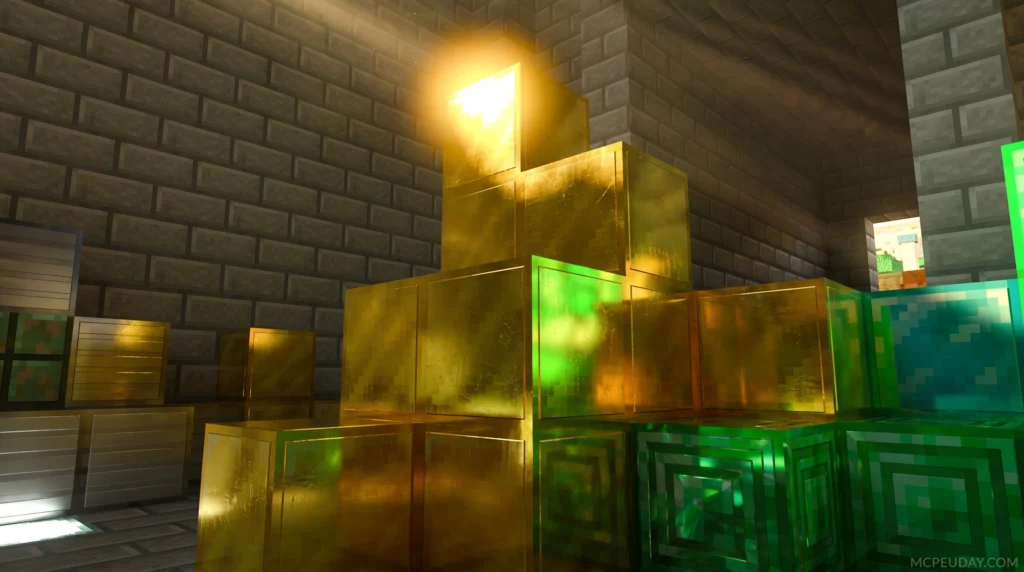
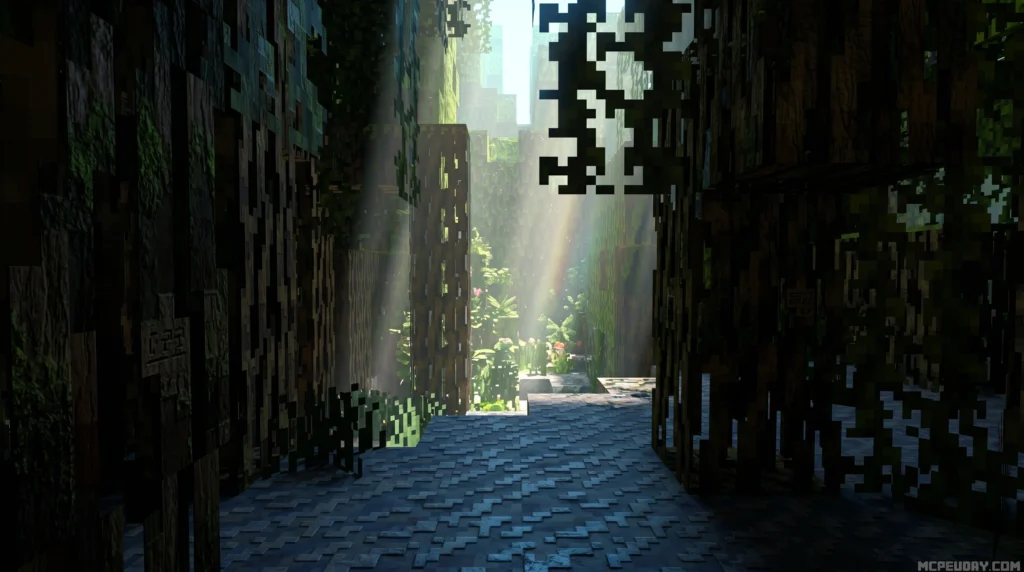
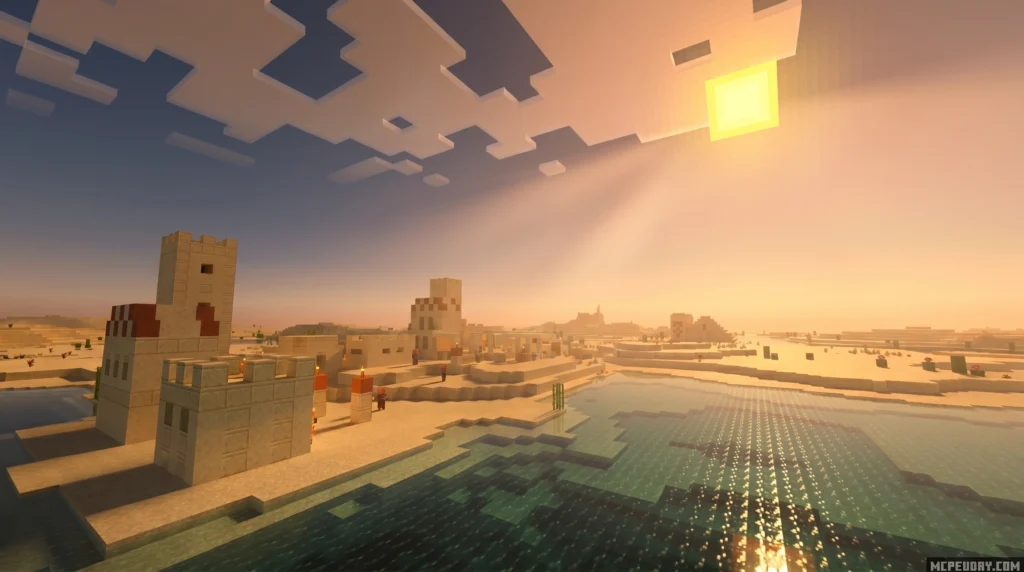
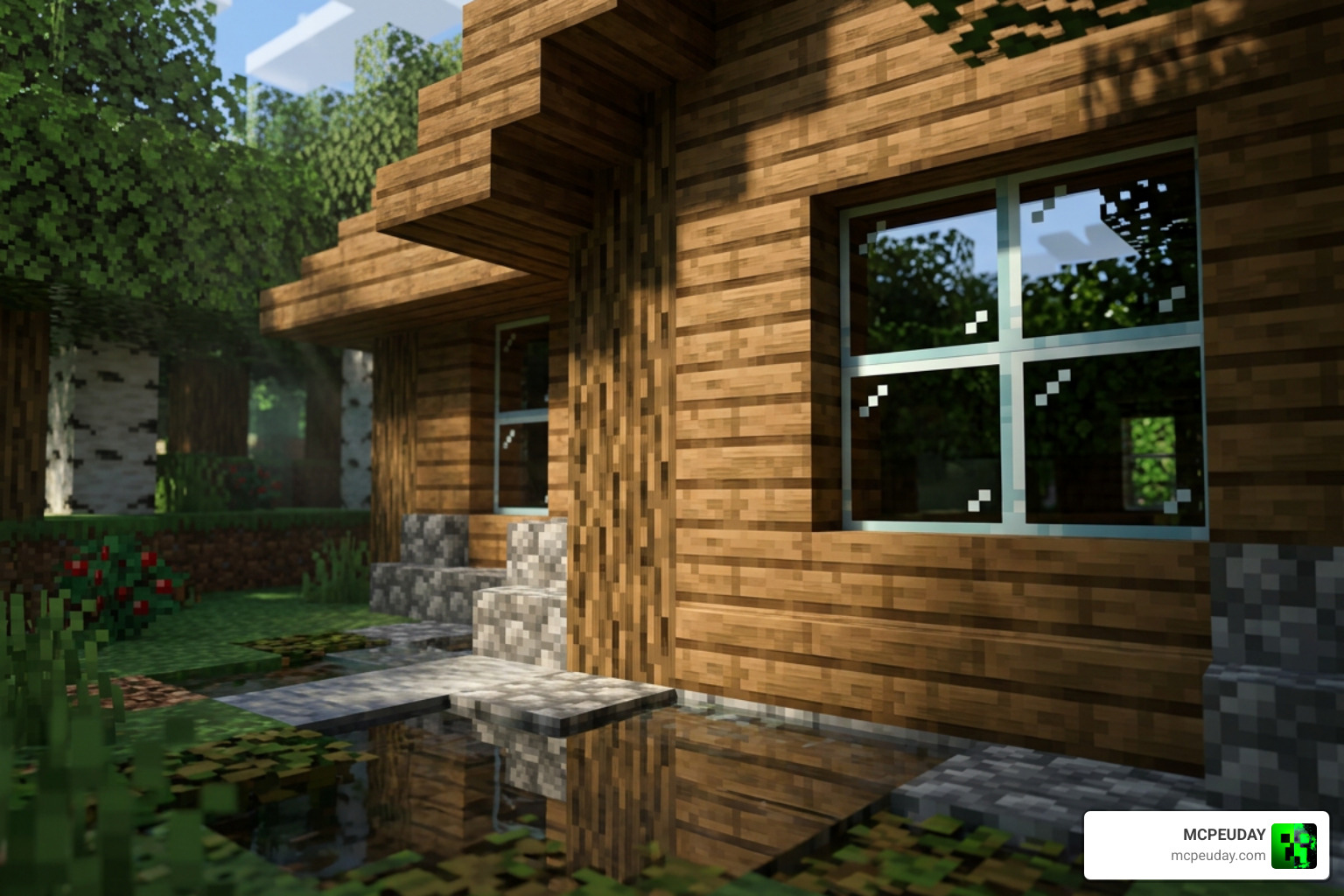
The top Vanilla RTX Texture Packs available for Minecraft Bedrock Edition right now are:
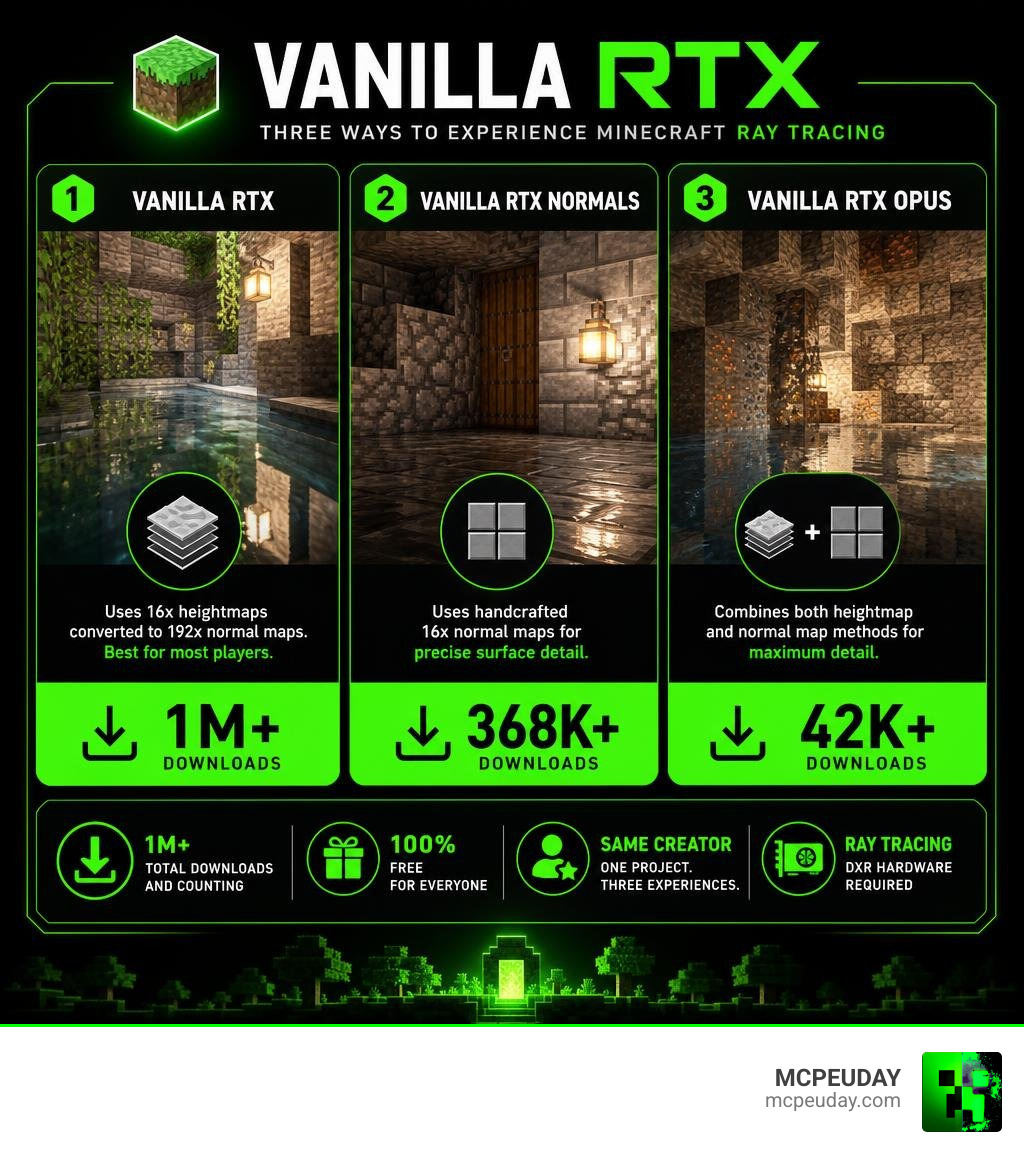
- Vanilla RTX — Uses 16x heightmaps converted to 192x normal maps. Best for most players. 1M+ downloads.
- Vanilla RTX Normals — Uses handcrafted 16x normal maps for precise surface detail. 368K+ downloads.
- Vanilla RTX Opus — Combines both heightmap and normal map methods for maximum detail. 42K+ downloads.
All three are free, made by the same creator, and require a ray tracing-capable GPU on Windows 10/11.
Minecraft looks completely different with ray tracing turned on. Shadows fall realistically. Light bounces off water. Torches cast warm glows across stone walls. It’s the same game — but it feels brand new.
The problem? Minecraft Bedrock’s ray tracing mode doesn’t come with a ready-to-use resource pack that covers all vanilla blocks and fixes the many rendering bugs Mojang hasn’t addressed. That’s exactly the gap that Vanilla RTX Texture Packs fill.
This project has been in active development since late 2020 and has crossed over 1 million total downloads on CurseForge. It’s become the go-to foundation for dozens of other RTX and Vibrant Visuals resource packs made by the community.
Whether you want a quick setup or a fully tuned ray tracing experience, this guide walks you through every option — no technical background needed.
What are Vanilla RTX Texture Packs?
At its core, Vanilla RTX Texture Packs are community-driven resource packs designed to enable Bedrock Edition’s built-in ray tracing features. While Minecraft RTX has been a feature for years, Mojang never released an official, fully realized default pack. Instead, they relied on players finding third-party packs to bridge the gap.
To use these packs, you need dedicated DXR hardware (like an NVIDIA RTX or AMD Radeon RX graphics card). When loaded, the pack applies Physically Based Rendering (PBR) materials to every block. This tells the game’s rendering engine how to treat light interaction—whether a block is rough like dirt, shiny like gold, or perfectly reflective like water.
The project is hosted and maintained by creator Cubeir, and you can view the source files or contribute directly on the Cubeir/Vanilla-RTX on GitHub repository.
The Core Philosophy of Vanilla RTX Texture Packs
The primary goal of this project is absolute faithfulness to vanilla aesthetics. Many RTX packs completely redesign Minecraft’s blocks to look ultra-realistic, turning cobblestone into photorealistic pebbles. While beautiful, it often ruins the cozy feel of the game.
Vanilla RTX maintains a strict 16x resolution and material consistency. If a block is made of wood, it reflects light like natural wood. If it’s a diamond block, it shines with a brilliant, polished gleam. This dedication to preserving the original art direction makes it feel like an official Mojang update. If you love simplified looks, it pairs beautifully with clean designs like the Bare Bones Texture Pack.
How Ray Tracing Transforms Minecraft Bedrock
Unlike standard shaders that fake lighting, Bedrock’s ray tracing engine uses path tracing. This simulates how actual light particles travel, bounce, and scatter through a physical space.
With global illumination, light colored by a block (like red concrete) will naturally bleed onto neighboring white walls. Emissive blocks like glowstone, sea lanterns, and redstone torches act as actual light sources, illuminating dark caves. This realistic light bounce elevates simple setups, especially when combined with specialized packs like the Glowing Plus Texture Pack to make your subterranean builds truly shine.
Comparing the Three Main Vanilla RTX Variants
Not all ray tracing experiences are created equal. The creator of Vanilla RTX offers three primary sub-packs, each handling light reflections and block depth slightly differently.
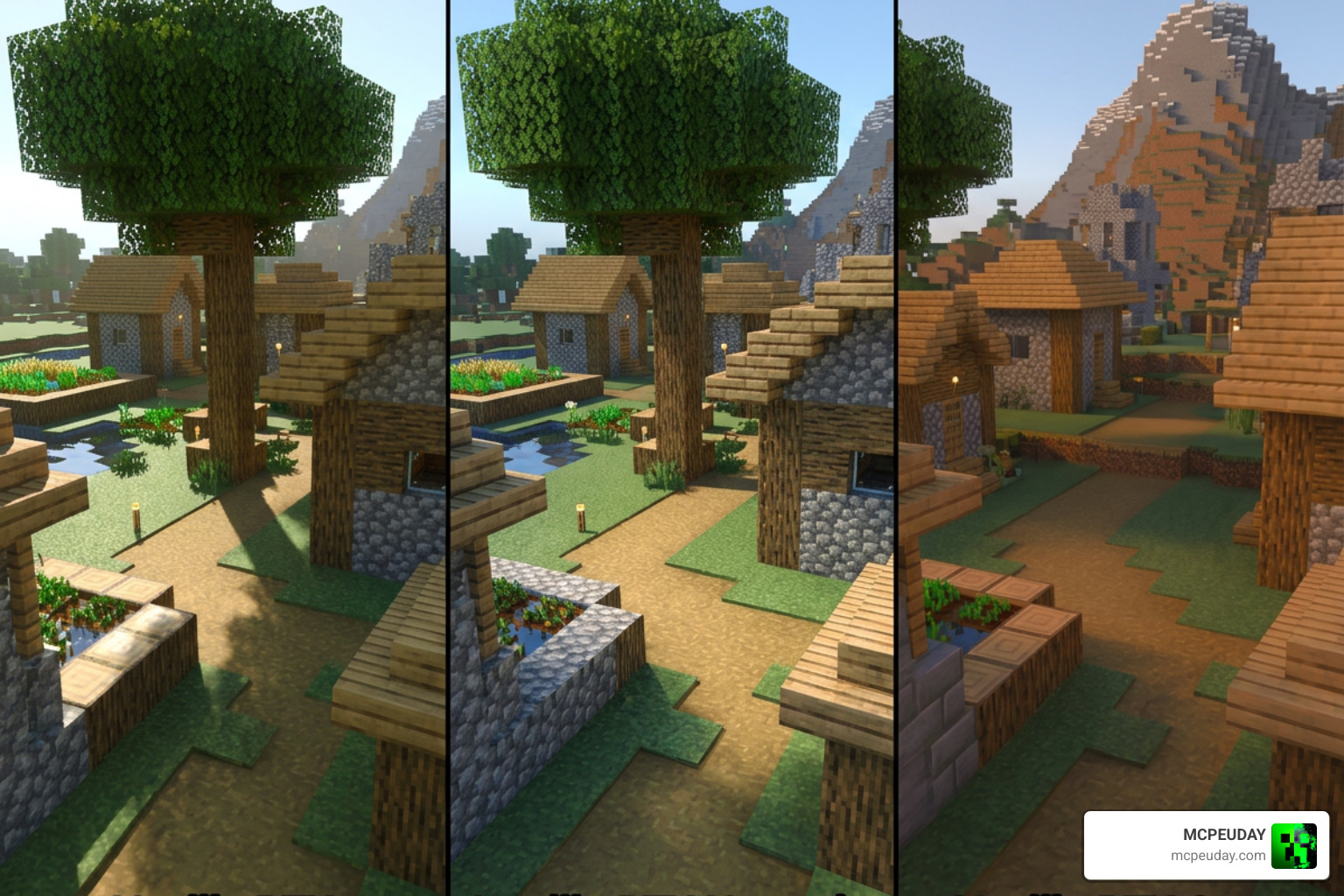
| Feature | Vanilla RTX | Vanilla RTX Normals | Vanilla RTX Opus |
|---|---|---|---|
| Primary Method | 16x Heightmaps to 192x Normals | Handcrafted 16x Normals | Hybrid (Heightmap + Normals) |
| Visual Depth | High simulated 3D depth | Subtle, clean surface depth | Maximum physical detail |
| Light Bounce | Smooth and soft | Sharp and precise | Dynamic and rich |
| Best For | General gameplay | Classic vanilla purists | High-end hardware setups |
Vanilla RTX: The Heightmap Standard
The standard Vanilla RTX pack uses 16x heightmaps that are converted into high-detail 192x normal maps. Heightmaps define the “peaks and valleys” of a texture, which the game translates into believable physical depth.
This approach gives blocks like bricks and cobblestone a strong 3D appearance, making surfaces look deeply textured and tactile. If you want to explore more options like this, you can Explore more Minecraft Bedrock Texture Packs on our platform.
Vanilla RTX Normals: Handcrafted Precision
If you prefer a cleaner, more mathematically precise lighting model, Vanilla RTX Normals is the way to go. Instead of converting heightmaps, this version uses handcrafted 16x normal maps.
Normal maps tell the engine exactly which direction a pixel’s surface is facing. This results in incredibly accurate light bounces and surface curvature without artificial “bumpy” distortion. You can check the latest updates and files directly on the Cubeir/Vanilla-RTX-Normals on GitHub repository.
Vanilla RTX Opus: The Ultimate High-Detail Hybrid
For players who want no compromises, Vanilla RTX Opus is a premium hybrid. It combines both heightmap and normal map technologies to deliver maximum visual fidelity.
Opus ensures that every tiny crack in a stone brick catches light dynamically, while maintaining the overall block depth. It is highly detailed and pairs wonderfully with other premium designs like Legendary RT Textures.
System Requirements and Setup Checklist
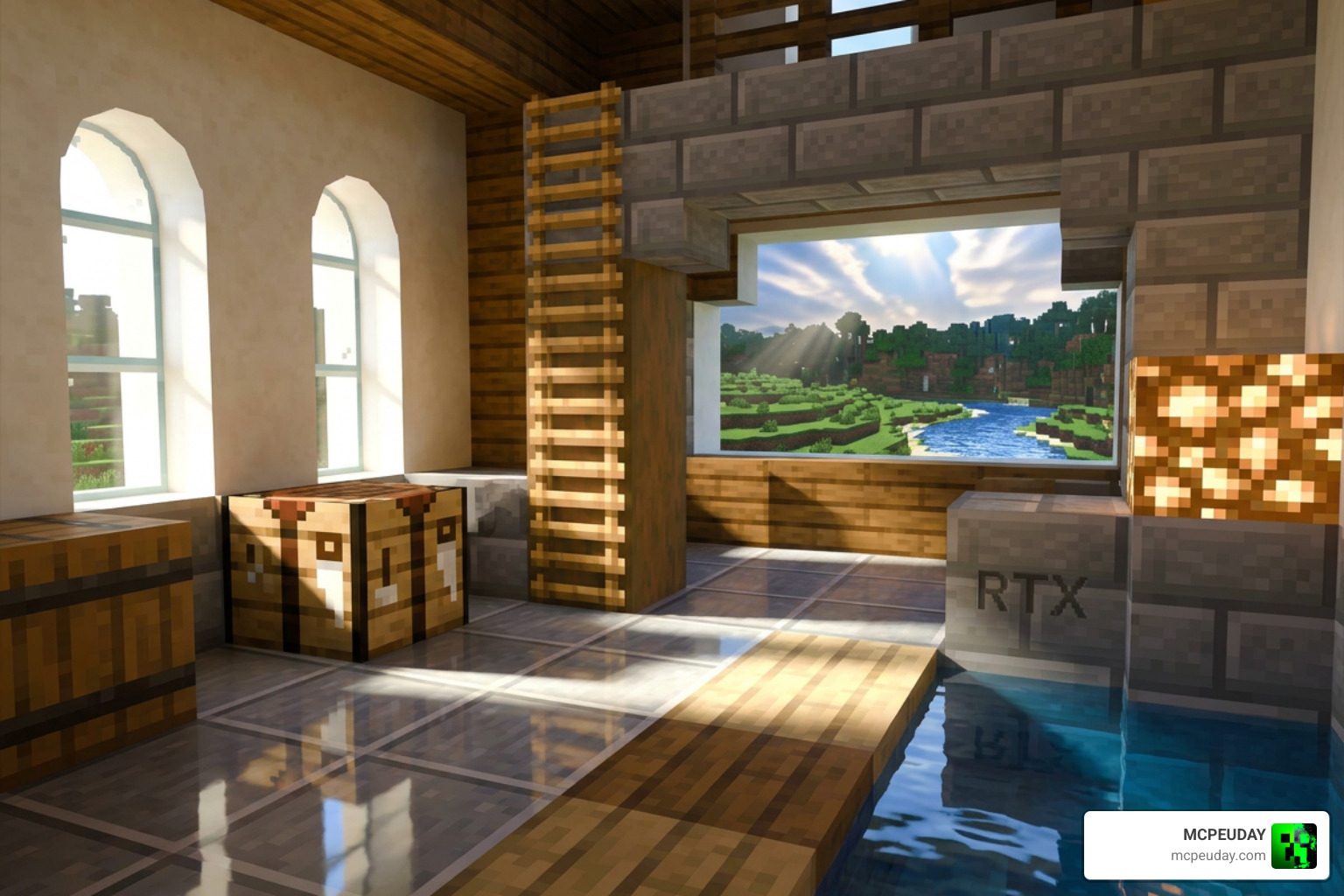
Before you can experience these gorgeous visuals, you must ensure your PC is up to the task. Ray tracing is incredibly demanding and requires specific hardware and software configurations.
Hardware and Software Requirements for Vanilla RTX Texture Packs
To run Vanilla RTX Texture Packs, you must be playing on Windows 10 or Windows 11. Ray tracing is not supported on mobile devices, consoles, or macOS.
Your PC must feature a DXR-capable graphics card:
- NVIDIA: GeForce RTX 20-series, 30-series, 40-series, or the newer 50-series.
- AMD: Radeon RX 6000-series, 7000-series, or newer.
- Intel: Arc A380 or better.
Additionally, make sure your graphics drivers are updated to the latest version. If you want to push your high-end GPU to its absolute limits, consider pairing your setup with the Realsource Realistic Pack.
How to Install and Configure the Packs
Manual installation is straightforward if you follow these steps:
- Download the
.mcpackfile of your preferred variant from CurseForge or compile it yourself from the Cubeir/Vanilla-RTX on GitHub source. - Double-click the downloaded
.mcpackfile with Minecraft closed. This will launch the game and automatically import the resource pack. - Go to Settings > Global Resources, select the pack, and click Activate.
- Create or join a world, open your Video Settings, and toggle Ray Tracing to “On.”
Tip: Always activate the pack in Global Resources rather than individual world settings to avoid texture loading bugs!
The Vanilla RTX App and Advanced Customization
For power users, the community has developed the Vanilla RTX App. Written in C# using WinUI3, this companion tool solves multiple common Minecraft RTX bugs and lets you customize your visual experience with ease. If you love tweaking your game, check out our guide to the Explore more Minecraft Bedrock Texture Packs page for more tools.
Automating Your Setup with the Companion App
The Vanilla RTX App makes managing your packs incredibly simple. It features an automated “Get latest RTX packs” button that handles downloads and updates in the background.
It also includes a built-in DLSS version swapper. This is especially crucial for players using cutting-edge RTX 50-series cards, as older, bundled DLSS files in Minecraft can sometimes cause issues. This level of optimization makes it a perfect companion for heavy graphic overhauls like the Ultramarine Overhaul Texture Pack.
Tuning Fog, Emissivity, and DLSS Settings
Inside the app, you will find sliders to fine-tune your world’s atmosphere:
- Fog Multiplier: Reduce or increase the thick volumetric fog to your liking.
- Emissivity Control: Adjust how brightly glowing blocks (like ores) shine in the dark.
- Surface Normal Intensity: Make block textures look flatter or more physically bumpy.
This level of customization is incredibly helpful when using utility packs like the Visible Ores Texture Pack, allowing you to make hidden treasures glow brightly through the dark depths of deepslate.
Frequently Asked Questions about Vanilla RTX
Why is the ray tracing option greyed out in my settings?
This is a notorious issue (tracked under bug MCPE-191513). If your hardware is compatible but the option is greyed out, try this workaround:
- Go to your Video Settings and enable Allow In-Game Graphics Mode Switching.
- Join your world.
- Open settings in-game, turn on Ray Tracing from the dropdown, then exit and rejoin the world. Alternatively, launching the game directly through the Vanilla RTX App bypasses this bug entirely.
Can I combine Vanilla RTX with other resource packs?
Yes, but load order is critical. Vanilla RTX must always sit at the top of your active resource packs list. Be careful when combining it with non-RTX packs, as they may not have PBR data, causing blocks to look flat or glossy. For a truly unique look, some players combine it with structural packs like the Patrix Texture Pack to see how different styles handle realistic path-traced lighting.
How do I fix low frame rates and performance issues?
Minecraft’s in-game VSync is known to cause severe performance drops and input lag with ray tracing enabled (bug MCPE-121850). We highly recommend disabling VSync in the game’s configuration files or using the Vanilla RTX App to turn it off, and instead enabling VSync directly through your graphics card’s control panel (NVIDIA Control Panel or AMD Software).
Conclusion
At MCPEUDAY, we believe that path-traced lighting is the ultimate way to experience Minecraft Bedrock. By using Vanilla RTX Texture Packs, you don’t have to sacrifice the classic, blocky look you love just to enjoy modern graphics.
If you love the work that has gone into this community project, consider supporting the creator directly on Ko-Fi. Ready to transform your worlds? Head over to our main library to Explore more Minecraft Bedrock Texture Packs and find the perfect match for your next survival adventure!