
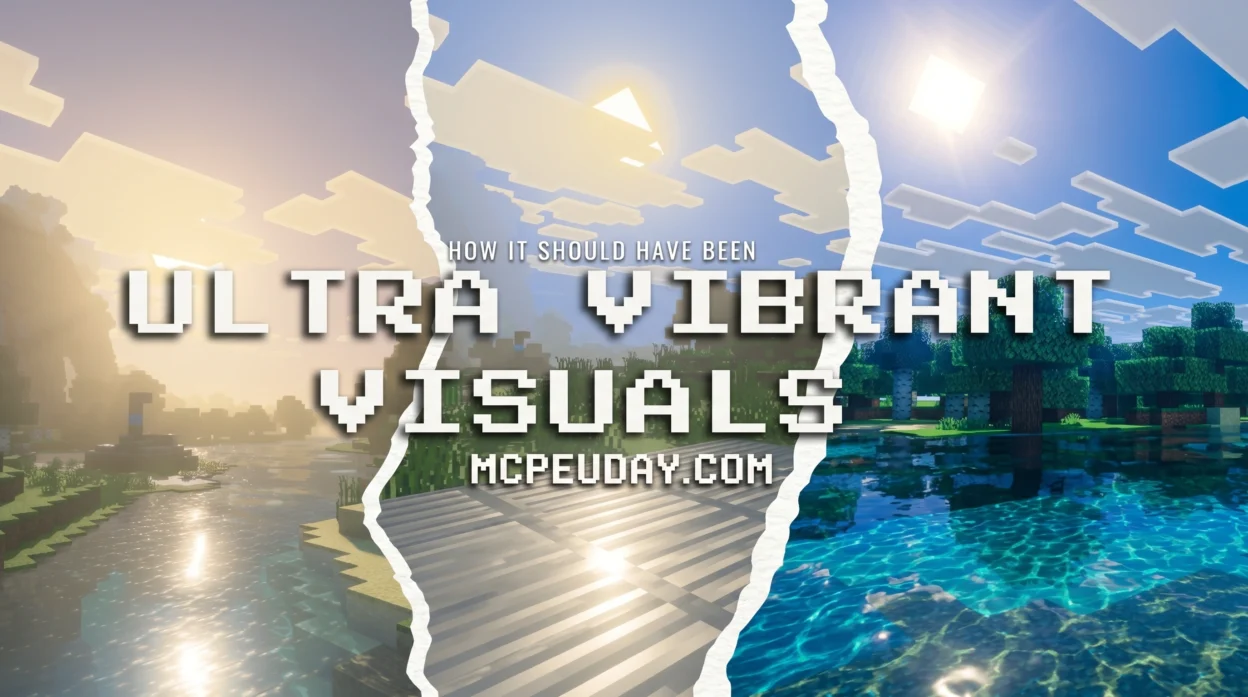
What the Ultra Vibrant Visuals Shader Does for Minecraft Bedrock
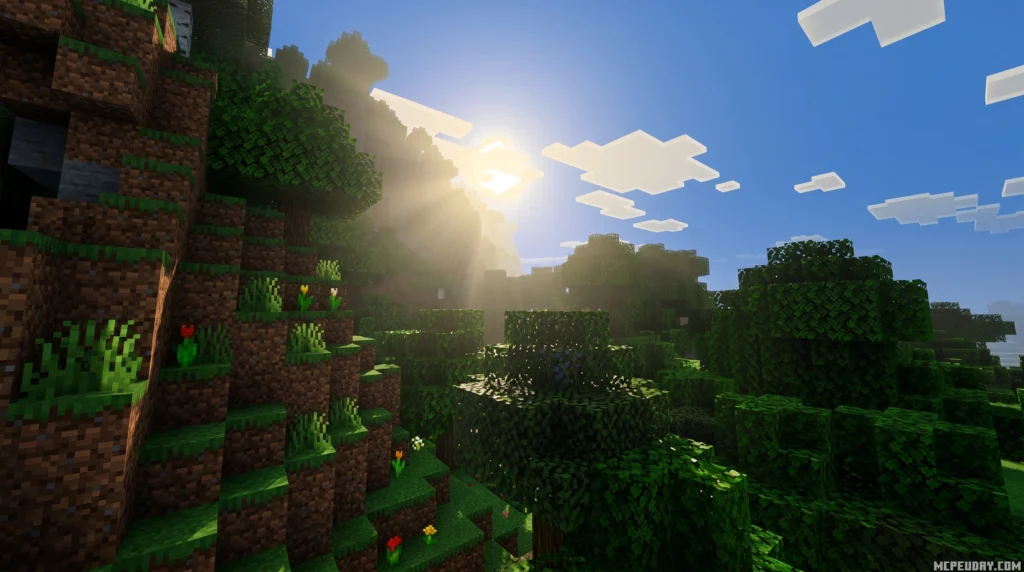
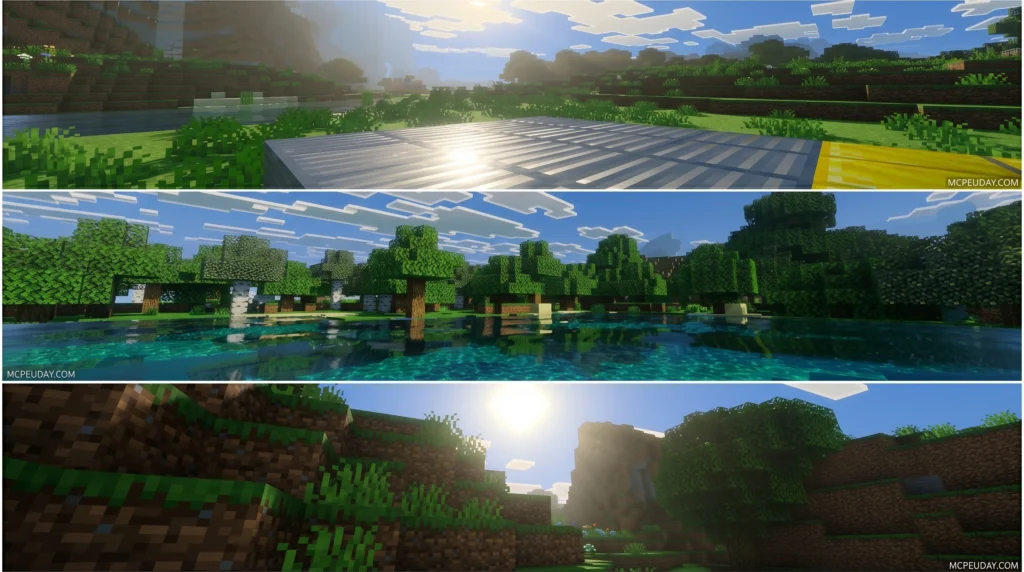
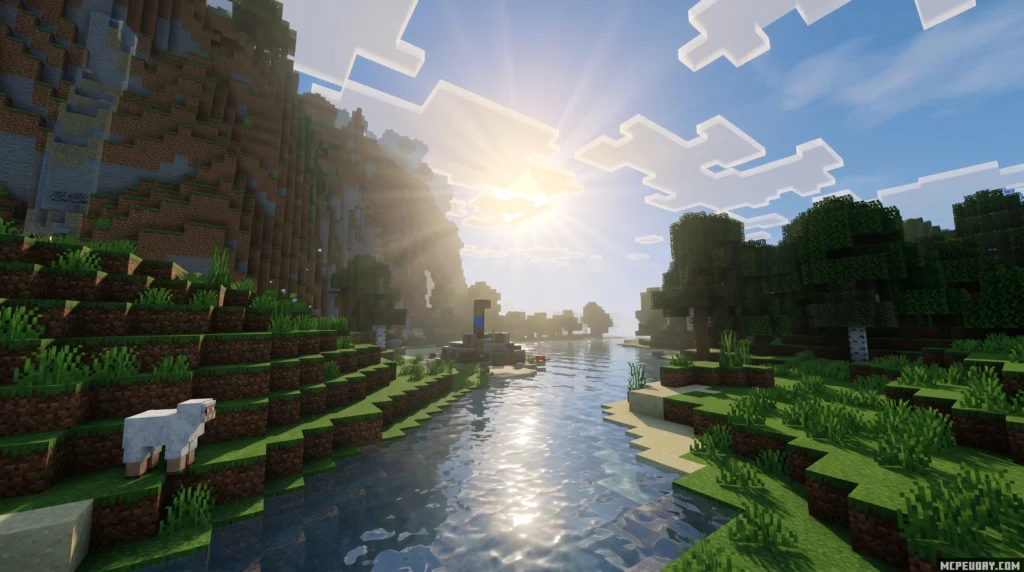
The Ultra Vibrant Visuals Shader is a texture and visual enhancement pack for Minecraft Bedrock Edition that builds on top of Mojang’s official Vibrant Visuals graphics mode to push the game’s visuals even further.
Quick answer for what it includes:
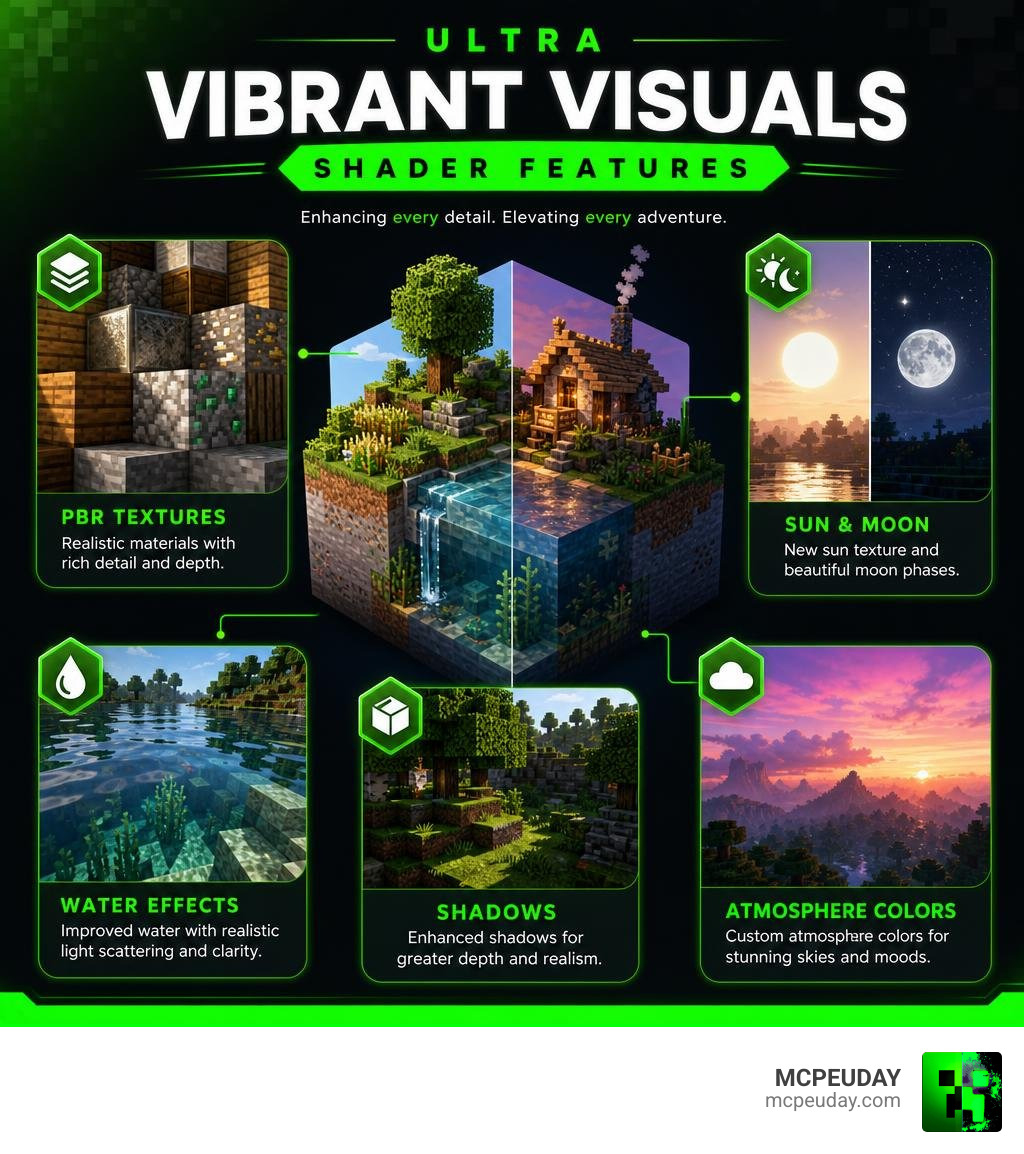
- Improved water with fixed pixelation and realistic light scattering
- PBR (physically based rendering) textures for blocks, particles, and materials
- New sun texture and moon phase visuals
- Custom shadow tones, midtones, and atmosphere colors
- New cubemap and tonemap options
- Point lights with custom color settings
It works on top of Minecraft’s built-in Vibrant Visuals mode — you need that enabled first, then this pack takes it further.
At a glance:
| Detail | Info |
|---|---|
| Creator | WindsScion |
| File size | 8.54 MB |
| Downloads | 124,200+ |
| Latest update | May 2026 |
| Platform | Minecraft Bedrock / MCPE 1.21+ |
| Rating | 3.4 / 5 |
Minecraft’s Vibrant Visuals mode already added directional lighting, volumetric fog, and subsurface scattering to Bedrock Edition. But Ultra Vibrant Visuals goes a step further — refining the colors, water, shadows, and sky to create a more polished and immersive look, without changing how the game actually plays.
What is the Ultra Vibrant Visuals Shader?
At its core, the Ultra Vibrant Visuals Shader is a specialized graphics and texture overhaul designed specifically for Minecraft Bedrock Edition’s modern rendering engine, RenderDragon. For a long time, Bedrock players struggled to find high-quality shaders because older rendering methods were phased out. Fortunately, Mojang introduced the official Vibrant Visuals: Enable Enhanced Minecraft Graphics framework, opening up incredible possibilities for creators.
This pack acts as a bridge between vanilla gameplay and high-end cinematic realism. It does not replace the game’s default aesthetics; instead, it injects advanced rendering techniques directly into the vanilla blocks. By utilizing the deferred rendering pipeline of RenderDragon, we get real-time calculations for light, depth, and reflections that were once exclusive to heavy Java Edition shaders.
The Evolution of Minecraft’s Official Vibrant Visuals
The journey toward modern Bedrock graphics took a massive leap forward with the introduction of the deferred lighting preview. This official update from Mojang brought features like directional lighting, volumetric fog, and atmospheric light scattering directly to consoles and mobile devices.
In action, this means light from the sun or moon actually filters through gaps in the trees, and caves fill with deep, moody fog. To see these official features in action, you can check out videos like I PUT THE NEW VIBRANT VISUALS UPDATE ON MINECRAFT … to understand how the base engine has evolved. The official graphics engine handles the heavy lifting, while community-made packs like Ultra Vibrant Visuals fine-tune the details to perfection.
How Ultra Vibrant Visuals Shader Enhances the Base Game
While the base engine upgrade is impressive, it can sometimes feel a bit clinical or unpolished. That is where our featured pack comes in. By installing the Ultra Vibrant Visuals Shader for Minecraft, you are applying a highly customized layer of visual polish.
It preserves the familiar gameplay mechanics—mobs still spawn the same way, and crops grow at their usual rates—but the presentation is completely transformed. It introduces custom tonemaps that balance high contrast and oversaturation, ensuring your worlds look incredibly lush and warm without hurting your eyes during long gaming sessions.
Key Features and Visual Improvements
What makes the Ultra Vibrant Visuals Shader a must-have in June 2026? It comes down to how it handles physical materials and environmental elements. By introducing comprehensive Physically Based Rendering (PBR) and Material Emissive Roughness Specular (MERS) maps, blocks react dynamically to their surroundings.
Metallic surfaces like copper blocks reflect sharp sunlight, rough wooden planks diffuse light softly, and emissive materials like sculk or redstone glow realistically in dark caves.
Advanced Water and Caustics Effects
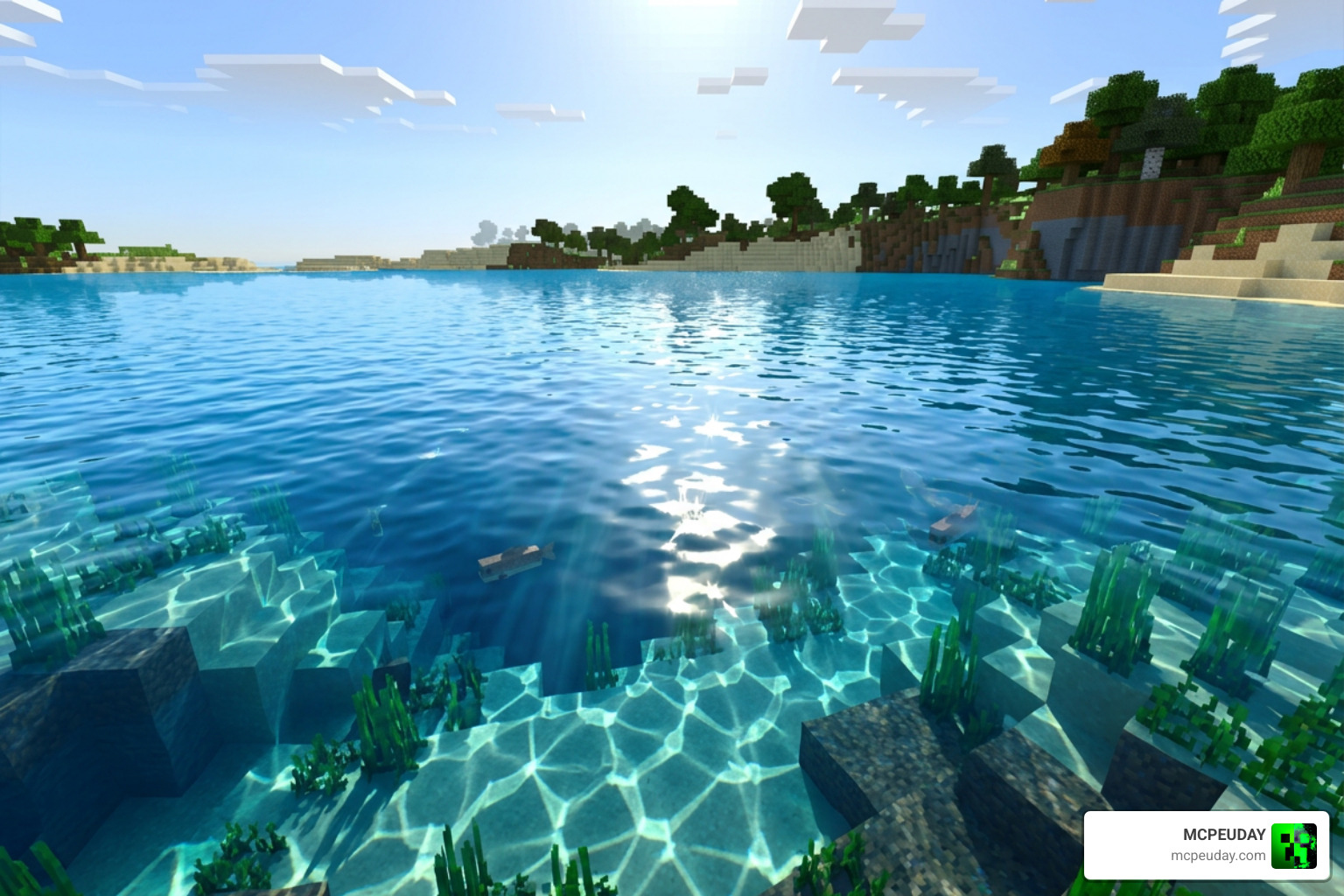
Water has always been a weak spot for mobile shaders, often appearing either completely opaque or pixelated. This shader completely fixes pixelated water textures, converting rivers and oceans into highly transparent, fluid bodies of water.
It introduces realistic light scattering and underwater caustics—dynamic light patterns projected onto the sea floor that shift with the waves. Additionally, when looking up from underwater, you will experience the Snell’s window effect, which realistically distorts the view of the sky based on light refraction.
Dynamic Lighting, Shadows, and Atmosphere
The atmosphere gets a massive upgrade with custom skybox elements. The pack adds a high-definition sun texture, highly detailed moon phases, and a modified sun path that creates beautiful, long shadows during golden hour.
With the point lights custom color configurations, light-emitting blocks like torches, soul lanterns, and glowstone cast distinct colored glows on nearby surfaces. If you want to compare these atmospheric lighting updates to other community standards, you can explore how lighting setups differ across various Bedrock resource packs to find the perfect look for your world.
Installation Guide for Minecraft Bedrock 1.21
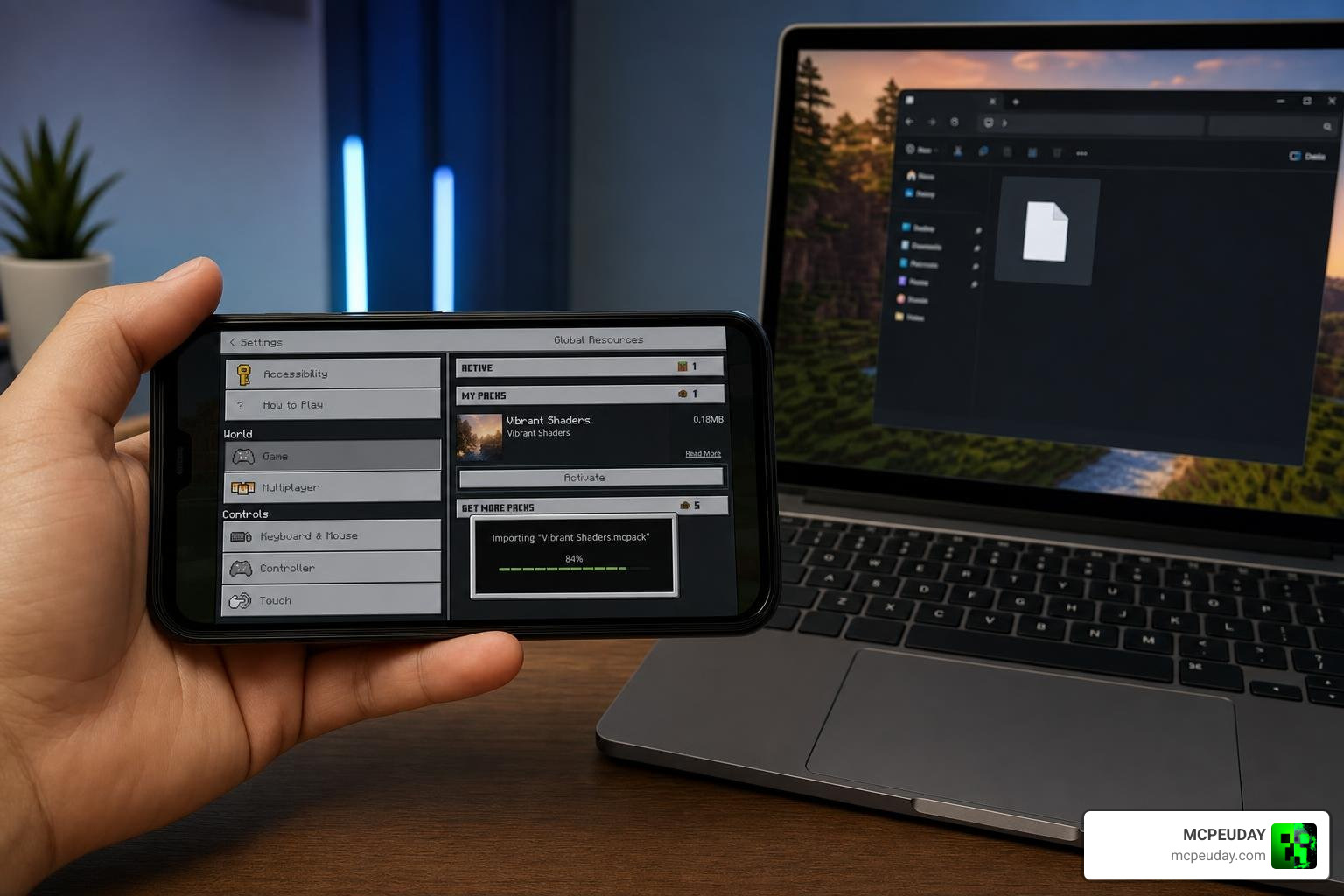
Ready to upgrade your game? Installing the shader on Bedrock Edition (especially on mobile devices) is straightforward once you know where the files go. Because it uses the native .mcpack format, modern Bedrock clients can import it with a single click.
For a complete look at how this shader stacks up against other modern options, check out our Best Render Dragon Shaders for MCPE 1.21 Tested on Real Devices 2026 Guide.
How to Install Ultra Vibrant Visuals Shader on Android
- First, download the official
.mcpackfile from a trusted source. - Once downloaded, open your file manager and locate the file.
- If the file ends in
.mcpack, simply tap on it and select “Open with Minecraft”. - If you need to install it manually, extract the folder and copy it directly to your resource packs directory:
Android/data/com.mojang.minecraftpe/files/games/com.mojang/resource_packs/. - Restart your game to let the engine detect the new files.
Activating the Shader in Minecraft Settings
Once the pack is imported, you must activate it and turn on the experimental graphics engine:
- Launch Minecraft Bedrock and go to Settings -> Global Resources.
- Find Ultra Vibrant Visuals under “My Packs” and click Activate.
- Create a new world or edit an existing one, and ensure that the Render Dragon Features for Creators or Deferred Technical Preview toggle is turned on under the Experiments tab.
- Once inside your world, open Video Settings, scroll down to your graphics mode, and change it to Vibrant Visuals (or Deferred Technical Preview).
Performance, Compatibility, and Customization
Because this shader relies on real-time deferred rendering, performance will vary depending on your hardware. If you are playing on a budget mobile device, you might need to tweak a few settings to keep your frame rate smooth. To find other optimized options, browse our dedicated Category Shaders page.
Device Compatibility and Performance Optimization
To help you decide which settings to use, we have put together a quick performance profile guide:
| Preset Profile | Target Hardware | Recommended Settings | Expected FPS |
|---|---|---|---|
| Low / Performance | Budget Android, older iPhones | 8-chunk render distance, Volumetric Fog OFF, Bloom OFF | 45 – 60 FPS |
| Medium / Balanced | Mid-range phones, tablets | 12-chunk render distance, Volumetric Fog ON, Shadows Low | 50 – 60 FPS |
| High / Ultra | High-end PCs, modern flagship phones | 20+ chunk render distance, Ultra Shadows, God Rays ON | 60+ FPS |
For lower-end devices, we highly recommend using the “Favor Performance” preset in your in-game video settings. If you want to see how top-tier creators configure their video settings for the best balance of looks and performance, check out The best Minecraft shaders you can use…including Vibrant Visuals.
Customizing the Shader with Resource Packs and Bedrock Editor
One of our favorite things about the Ultra Vibrant Visuals pack is how customizable it is. Advanced users can open the pack’s files and modify the point_lights.json file to change the exact hex color codes of block lights. You can also swap out the default skybox by loading custom cubemaps or adjusting the tonemap settings to give your world a colder, cinematic look or a warm, vintage aesthetic.
Frequently Asked Questions about Ultra Vibrant Visuals
What are the system requirements for Ultra Vibrant Visuals Shader?
You will need a device that fully supports Minecraft’s RenderDragon deferred rendering engine. For Android and iOS, we recommend at least 4GB of RAM and a modern processor. For Windows PC users, an integrated GPU can run it on lower settings, but a dedicated GPU (like an Nvidia GTX 1660 or higher) is highly recommended for stable, high-FPS gameplay.
Does this shader work on Minecraft Java Edition?
No, the Ultra Vibrant Visuals pack is designed specifically for Bedrock Edition’s RenderDragon engine. However, if you are playing on Java Edition and want to replicate this exact look, you can use community-made Iris alternatives that are designed to recreate the Bedrock Vibrant Visuals experience on Java.
Is Ultra Vibrant Visuals compatible with multiplayer and Realms?
Yes! Because all the heavy rendering calculations are processed locally on your device (client-side), you can use this shader on any multiplayer server or Realm. Other players in the world do not need to have the pack installed to play with you.
Conclusion
The Ultra Vibrant Visuals Shader is an incredible graphical leap forward for Bedrock players in 2026. By building on Mojang’s official deferred rendering engine, it delivers gorgeous water reflections, realistic PBR textures, and breathtaking atmospheric lighting directly to your mobile device or PC.
If you are looking for even more ways to elevate your game, be sure to check out our ultimate list of the Best Shaders for MCPE 1.21 2026 Top 3 Realistic Minecraft PE Shaders. Happy building, and enjoy your beautiful new Minecraft worlds!
[…] players who want an even more intense color boost, you can also explore the Ultra Vibrant Visuals Shader for Minecraft on our site to see how it pushes these visual boundaries even […]
[…] you want to see how this compares to other high-end options, check out our review of the Ultra Vibrant Visuals Shader for Minecraft or read the official announcement on Minecraft Vibrant Visuals | […]
[…] features). If you want to check out other variations of this style, you can also look into the Ultra Vibrant Visuals Shader For Minecraft for alternative […]