What Is the Photon Shader and Why Players Love It
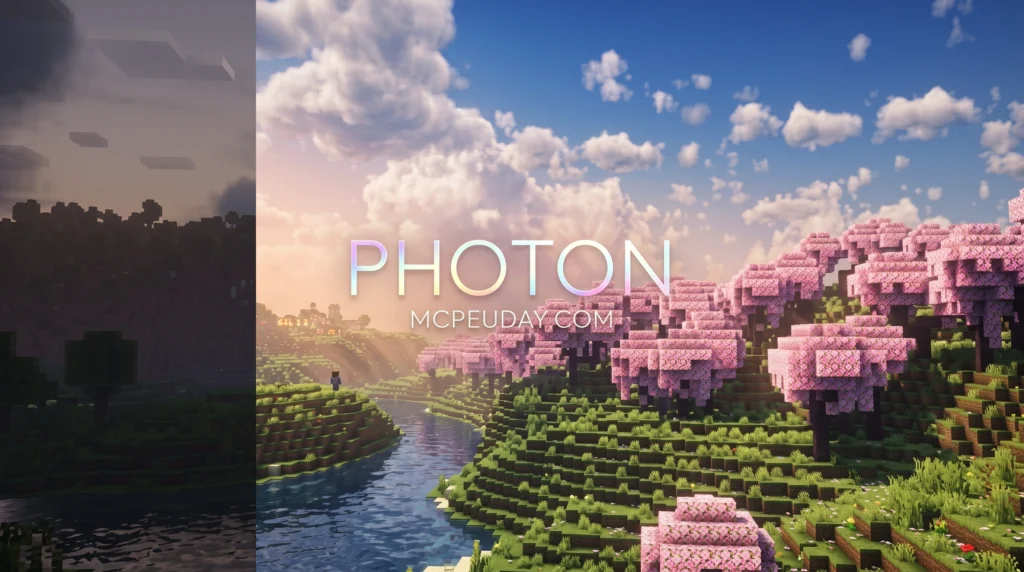
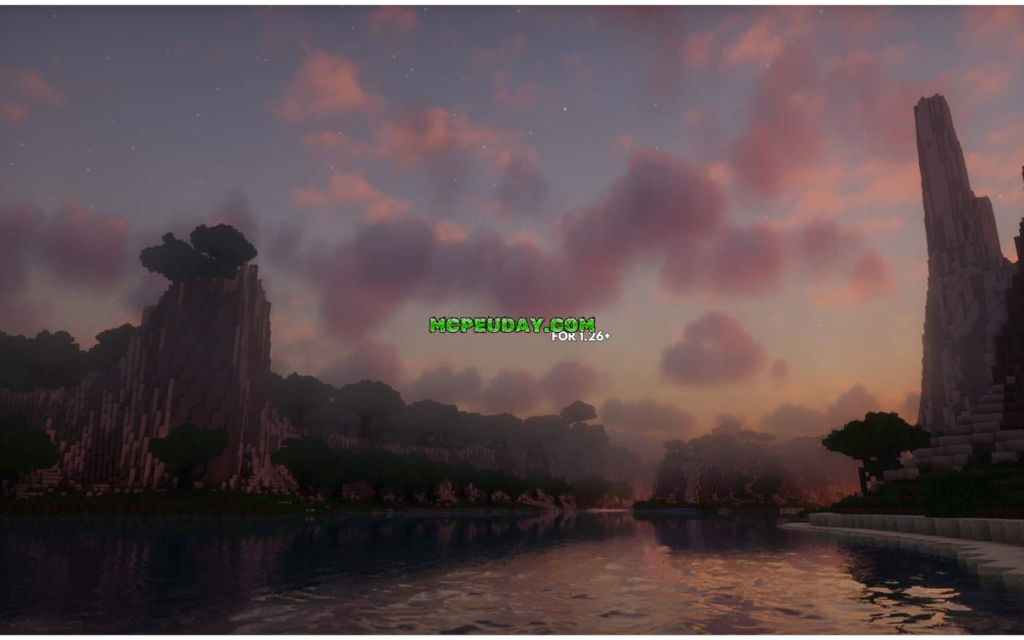
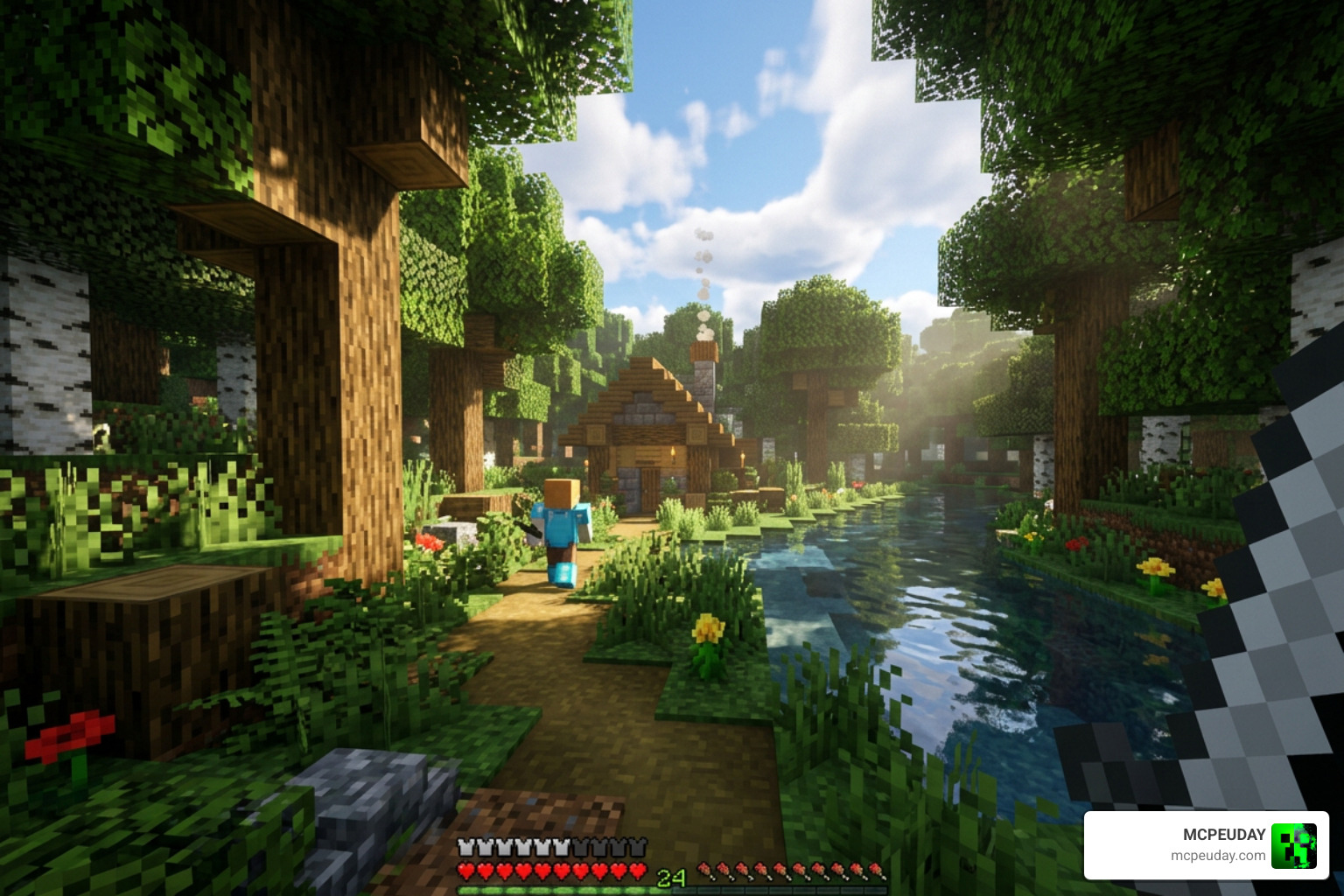
The photon shader is one of the most downloaded shader packs for Minecraft Java Edition, with over 16.88 million downloads on Modrinth. Here’s a quick summary of what it is and what it does:
- What it is: A gameplay-focused, semi-realistic shader pack for Minecraft Java Edition
- Who made it: Developer sixthsurge, released in 2022
- Where to get it: Modrinth or GitHub
- Works with: Minecraft 1.16.5 through 1.21.x, via Iris or OptiFine
- Best on: Nvidia, AMD, and Intel GPUs (not fully compatible with Apple Metal)
- Performance cost: Low — designed to look great without destroying your FPS
What makes Photon stand out is its focus on how the game feels to play, not just how it looks. It adds dynamic skies, volumetric clouds, colored lighting, realistic water, and soft shadows — all while staying light on performance.
It’s not trying to be the most extreme shader out there. Instead, it aims to make your Minecraft world feel natural and alive, without making your game unplayable.
Whether you’re exploring, building, or just watching a sunset in-game, Photon makes every scene look noticeably better. And with over 1,700 stars on GitHub and a growing community, it’s clearly resonating with players.
Core Visual Features of the Photon Shader
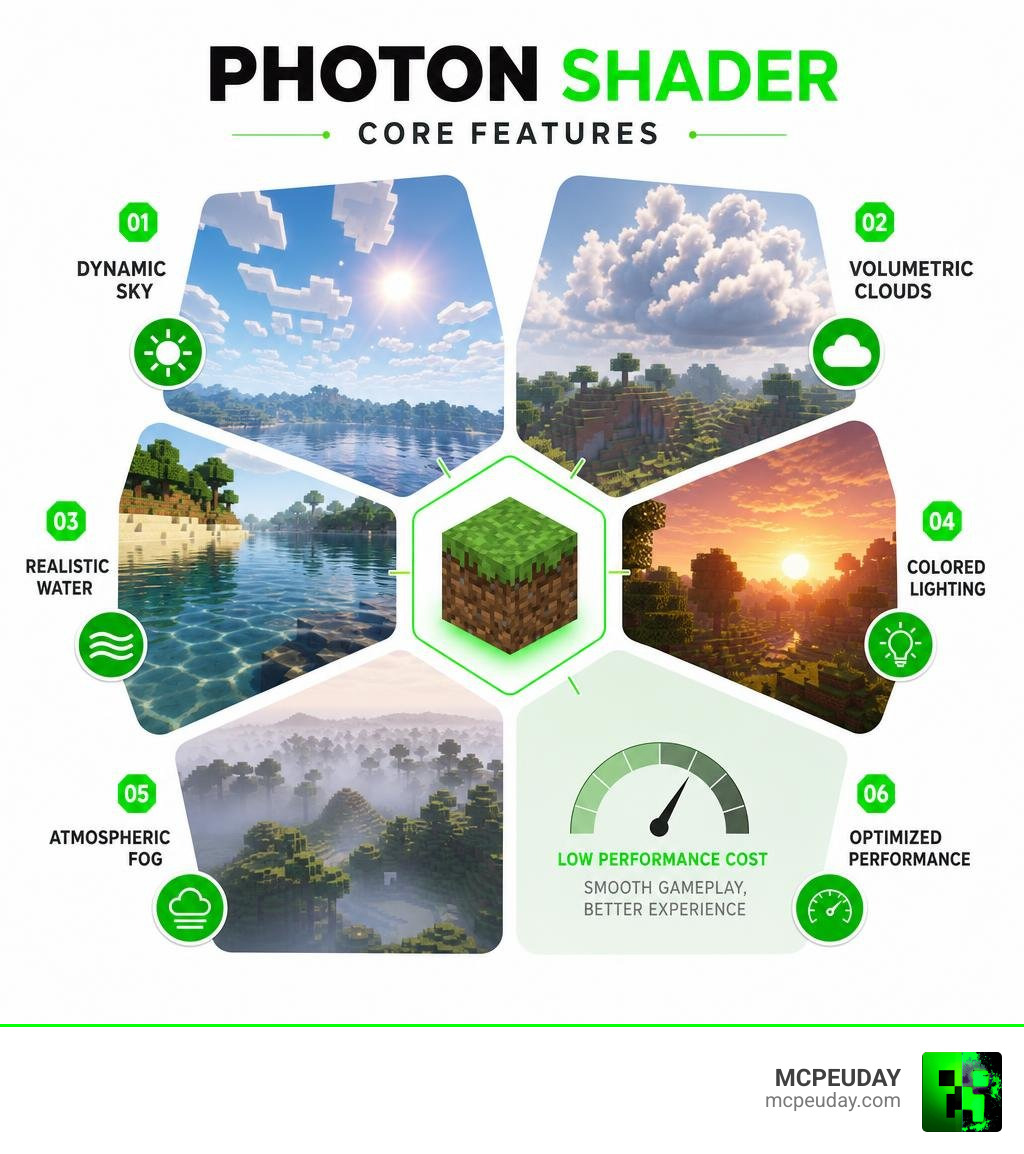
When we talk about upgrading Minecraft graphics, many players worry that their game will turn into a sluggish slideshow. Fortunately, the photon shader strikes a beautiful balance. It focuses heavily on atmospheric effects, volumetric lighting, and screen-space reflections, delivering a gorgeous visual overhaul without needing a NASA-level supercomputer. If you want to see these visual features in action, you can check out the community-submitted images on the Photon Shaders – Gallery.
What is the Photon Shader?
Developed by the talented creator sixthsurge, the photon shader has quickly climbed the ranks of the Minecraft community since its creation in June 2022. Boasting over 16.88 million downloads, a GitHub repository with 1,721 stars, 279 forks, and 30 active contributors, this open-source project is a staple in modern Minecraft setups.
Unlike other shader packs that push for absolute, resource-heavy photorealism, Photon is explicitly designed to be a “gameplay-focused” shader with a “semi-realistic” style. It retains the blocky charm of Minecraft while wrapping it in a soft, airy, and cinematic atmosphere. It’s built in GLSL (making up over 98% of its codebase) and is open-source under the MIT license. You can explore the technical foundations of this project directly on the sixthsurge/photon GitHub repository.
Key Visual Features and Atmospheric Effects
So, what does this shader actually do to your game? Let’s break down the primary visual elements that make this pack so spectacular:
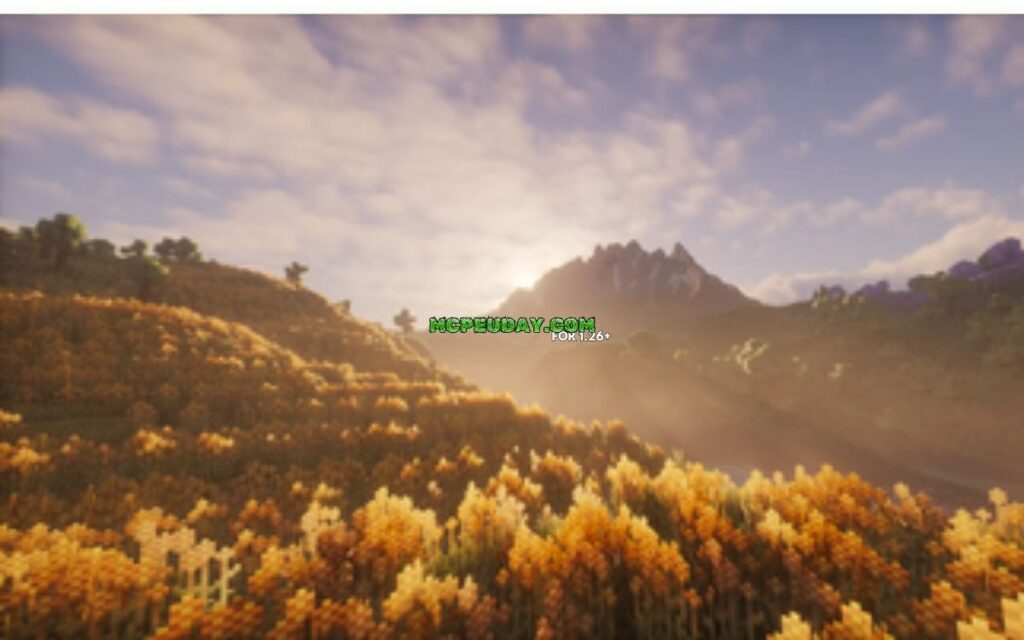
- Dynamic and Multi-Layer Clouds: Instead of flat, boring 2D clouds, Photon introduces volumetric cloud layers. You will see detailed cloud types like cirrocumulus and rare noctilucent clouds that float at different heights, reacting dynamically to the weather and time of day.
- Cinematic Sunsets and Sunrises: The sun transitions are breathtaking. Instead of a simple color shift, you get smooth, multi-layered color transitions that mimic real aerial cinematography.
- Volumetric Fog and Light Shafts: Crepuscular rays (or “god rays”) filter beautifully through the cloud layers and dense tree canopies. The volumetric fog adapts to your surroundings, creating a moody, immersive vibe in forests and swamps.
- Water Waves and Reflections: Water looks incredibly realistic with less repetitive wave patterns. It features screen-space reflections, meaning you’ll see the sky, clouds, and nearby blocks accurately reflected on the water’s surface.
- Voxel-Based Colored Lighting: Powered by a unique flood-fill algorithm, colored light sources (like redstone torches, soul lanterns, and colored glass) cast colored glows onto surrounding surfaces. This feature requires the Iris loader and the “Ultra” profile setting to fully shine.
Performance, Compatibility, and Mod Integration
A beautiful shader is useless if it drops your frame rate to single digits. Fortunately, the photon shader is built from the ground up with optimization in mind. It performs wonderfully across a wide range of hardware, including Nvidia, AMD, and Intel GPUs.
To help you understand how different environments and loaders affect your gameplay, here is a comparison of how the two primary shader loaders handle Photon’s features:
| Feature / Compatibility | Iris Loader (Recommended) | OptiFine Loader |
|---|---|---|
| Performance | Excellent (highly optimized) | Moderate |
| Voxel-Based Colored Lighting | Fully Supported (Ultra Profile) | Not Supported |
| Distant Horizons Integration | Excellent (Native support) | Limited / No support |
| Modded Block Support | Excellent | Basic |
| Apple Metal GPU Support | Supported (with adjustments) | Limited |
Shader Loaders: Iris vs OptiFine
When choosing a shader loader for the photon shader, we highly recommend using Iris (version 1.5 or above) rather than OptiFine. While OptiFine has been a legacy favorite for years, modern players benefit far more from Iris’s rendering pipeline.
Iris allows Photon to run much faster, offers better compatibility with other modern fabric mods, and is required for advanced features like voxel-based colored lighting. If you want to compare how other shaders stack up against Photon on different loaders, take a look at our guide on Category Shaders.
Integration with Distant Horizons and Voxy
One of the most exciting trends in modern Minecraft is the rise of Level of Detail (LOD) mods like Distant Horizons and Voxy. These mods allow you to see thousands of blocks into the distance without melting your graphics card.
The photon shader features native compatibility with both Distant Horizons and Voxy. It synchronizes its atmospheric border fog with the generated LODs, making the transition between fully loaded chunks and distant terrains look seamless. If you are setting up a massive exploration pack, combining Photon with LOD mods will give you a stunning, endless-world feel. You can read more about setting up high-performance visual mods in our article on 3 Best Shaders for Minecraft 1.21 Ultra Realistic Smooth FPS Stunning Graphics.
Hardware Compatibility and Apple Metal Limitations
While Photon works flawlessly on standard Windows and Linux systems running Nvidia, AMD, or Intel graphics cards, macOS users with Apple Silicon (Metal GPUs) will run into a few hurdles.
Due to how Apple’s Metal API handles certain advanced shading techniques, you may experience visual glitches or crashes out of the box. Don’t worry, though! You can still enjoy Photon on your Mac by making two quick adjustments in the shader settings menu:
- Disable SH Skylight (Spherical Harmonics Skylight)
- Disable Colored Shadows
Making these two tweaks bypasses the unsupported Metal operations, allowing you to play smoothly. For a deeper dive into these technical limitations and workarounds, check out the sixthsurge/photon README on GitHub.
How to Install and Customize the Photon Shader
Getting the photon shader up and running in your game is a straightforward process. In this section, we’ll walk you through the installation steps and show you how to tweak the settings to get the perfect balance of visuals and frames.
How to Install the Photon Shader
To install the shader pack on your PC, follow these simple steps:
- Install a Mod Loader: Download and install either Fabric or Quilt.
- Install Iris: Download the Iris mod and place it in your
.minecraft/modsfolder. (Alternatively, you can use the Iris standalone installer). - Download Photon: Get the latest version of the shader. You can grab the zip file directly from Photon Shaders – Minecraft Shader on Modrinth.
- Place the Zip File: Do not unzip the file! Simply copy the downloaded
photon_vX.X.zipfile and paste it into your.minecraft/shaderpacksfolder. - Activate In-Game: Launch Minecraft, go to Options -> Video Settings -> Shader Packs, select Photon, and click Apply.
For more installation guides and to explore other amazing visual packs, browse our dedicated Category Shaders section.
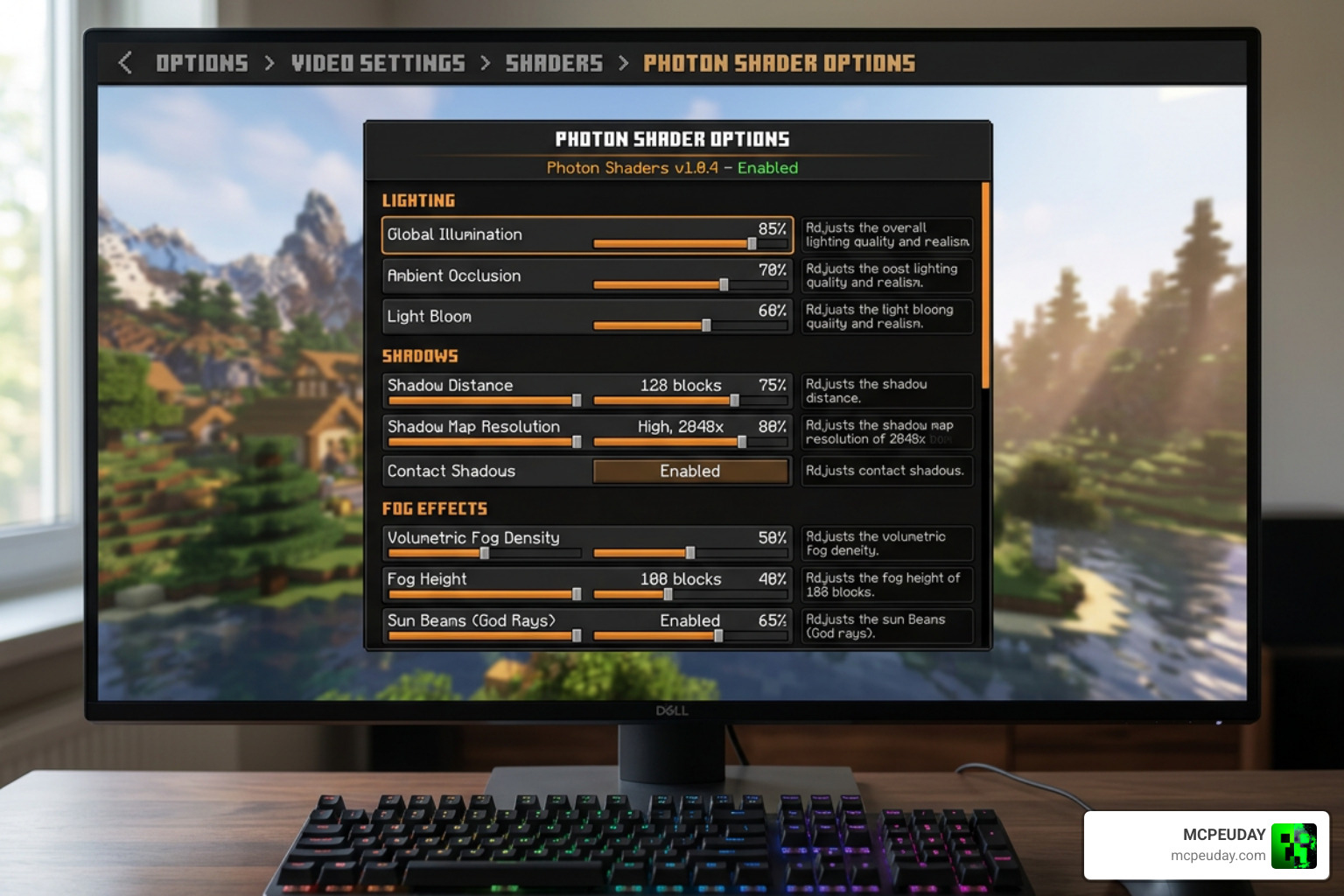
Customization Options and Settings Menu
Once Photon is active, you can open its in-game settings menu to customize your experience. Photon offers a highly organized settings interface with several profiles ranging from Low to Ultra.
- Profile Selection: If you have a budget GPU, stick to the Medium or High profiles. If you have a powerful rig, turn on the Ultra profile to enable advanced indirect lighting and colored shadows.
- Temporal Upscaling (TAA/FXAA): If you are struggling with low FPS, you can enable the built-in Temporal Upscaling options. This renders the game at a slightly lower resolution and upscales it, giving you a massive performance boost with minimal loss in image quality.
- labPBR Support: If you use high-quality resource packs, make sure to enable labPBR support. This allows blocks to have realistic depth (parallax occlusion mapping) and reflective properties when light hits them.
- Shadow Bias: Photon utilizes a shadow bias method adapted from Complementary Reimagined. This completely eliminates “peter panning” (where shadows look detached from the feet of mobs) and prevents light from leaking into underground caves.
To learn more about configuring shader settings for maximum realism, check out our guide on the Top 5 Best Realistic Shaders for MCPE.
Recent Updates and Community Support
One of the best things about the photon shader is that it is actively maintained and improved. The developer, sixthsurge, along with a passionate community of contributors, regularly pushes updates that fix bugs, add features, and optimize performance.
Version 1.1 and 1.2 Changelogs
Let’s look at what has been introduced in the most recent major updates:
Version 1.1 Highlights
- Multi-layer Reflections: Allows water to maintain surface reflections even when viewed through translucent blocks like stained glass.
- New Cloud Types: Added cirrocumulus and gorgeous noctilucent clouds.
- Galaxy Sky Option: Adds a breathtaking view of the Milky Way galaxy during clear nights.
- Modded Block Support: Improved compatibility with various popular biome and block mods.
Version 1.2 Highlights
- Dynamic Weather System: Weather patterns are now influenced by the biome you are currently standing in.
- Crepuscular Rays through Clouds: God rays now pass realistically through gaps in the clouds, controlled dynamically by the weather.
- Colored Lights Fog Scattering: Colored light sources now scatter light realistically through volumetric fog.
- Indirect Lighting: Shaded areas and dusk/dawn transitions look significantly more natural.
- Visual Additions: Added beautiful rainbows after rainstorms!
You can download these specific versions and read their full developer changelogs on the photon v1.1 Modrinth page and the photon v1.2 Modrinth page.
Downloads and Community Resources
If you want to stay up to date with the latest development builds, report a bug, or chat with other players, there are several community resources available:
- Official Downloads: You can always find the safest, most stable releases of the shader on the Photon Shaders project page on Modrinth.
- GitHub Repository: For the technically minded, you can view the source code, track open issues, or submit your own code contributions on the sixthsurge/photon GitHub.
- Community & Support: Join the official developer Discord server to ask questions, share screenshots, or get troubleshooting help. If you love the shader and want to support its ongoing development, consider donating to the creator’s Ko-fi!
Frequently Asked Questions about Photon Shaders
We know that setting up shaders can sometimes lead to questions. Here are some of the most common inquiries we receive about the photon shader.
Is Photon shader compatible with low-end PCs?
Yes! Photon is exceptionally lightweight compared to other heavy-duty shaders. It includes advanced temporal upscaling options (which are disabled by default) that can be turned on to drastically boost your FPS on low-end devices. Running the shader on the “Medium” profile will give you a beautiful game with very little performance cost.
Does Photon shader work on Minecraft Bedrock or MCPE?
No, the photon shader is written in GLSL and is designed strictly for Java Edition using Iris or OptiFine. It does not work natively on Minecraft Bedrock Edition (MCPE, Windows 10/11, consoles) due to Bedrock’s Render Dragon engine.
However, if you are looking for high-quality shaders specifically built for Bedrock Edition, we have you covered! Check out our comprehensive Best Render Dragon Shaders for MCPE 1.21 Tested on Real Devices 2026 Guide to find compatible options for your mobile device or console.
How do I fix the white squiggly lines or fog issues with Distant Horizons?
If you are using Distant Horizons and notice that the border fog ends abruptly or you see strange white squiggly lines following your vision, this is usually a synchronization issue. You can fix this by:
- Increasing your Distant Horizons render distance in the mod’s settings menu.
- Waiting a few moments for the distant chunks (LODs) to generate fully.
- Lowering your LOD render distance slightly to bring the shader’s fog closer, blending the horizon smoothly.
Conclusion
The photon shader is a masterpiece of modern Minecraft shader design. By prioritizing gameplay performance and a clean, semi-realistic aesthetic over heavy, resource-hungry photorealism, sixthsurge has created a pack that almost any player can enjoy. It brings your world to life with stunning volumetric clouds, realistic water waves, dynamic weather, and beautiful colored lighting.
If you are ready to give your Minecraft world a stunning visual upgrade without sacrificing your frame rate, we highly recommend giving Photon a try. For more incredible graphics options and shader recommendations, check out our curated list of the Best Shaders for MCPE 1.21 2026 Top 3 Realistic Minecraft PE Shaders. Happy building, and enjoy your beautiful new views!
