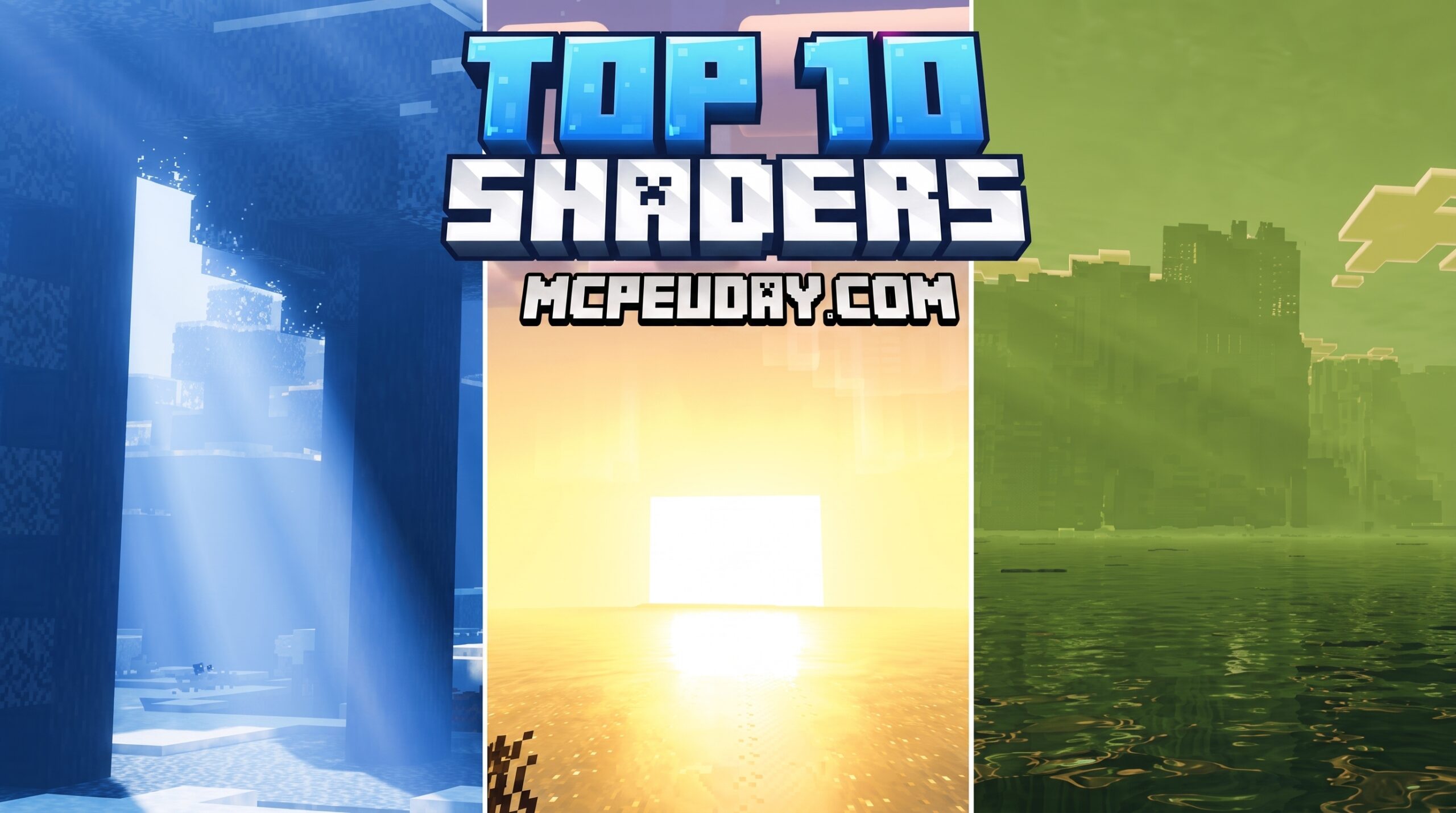
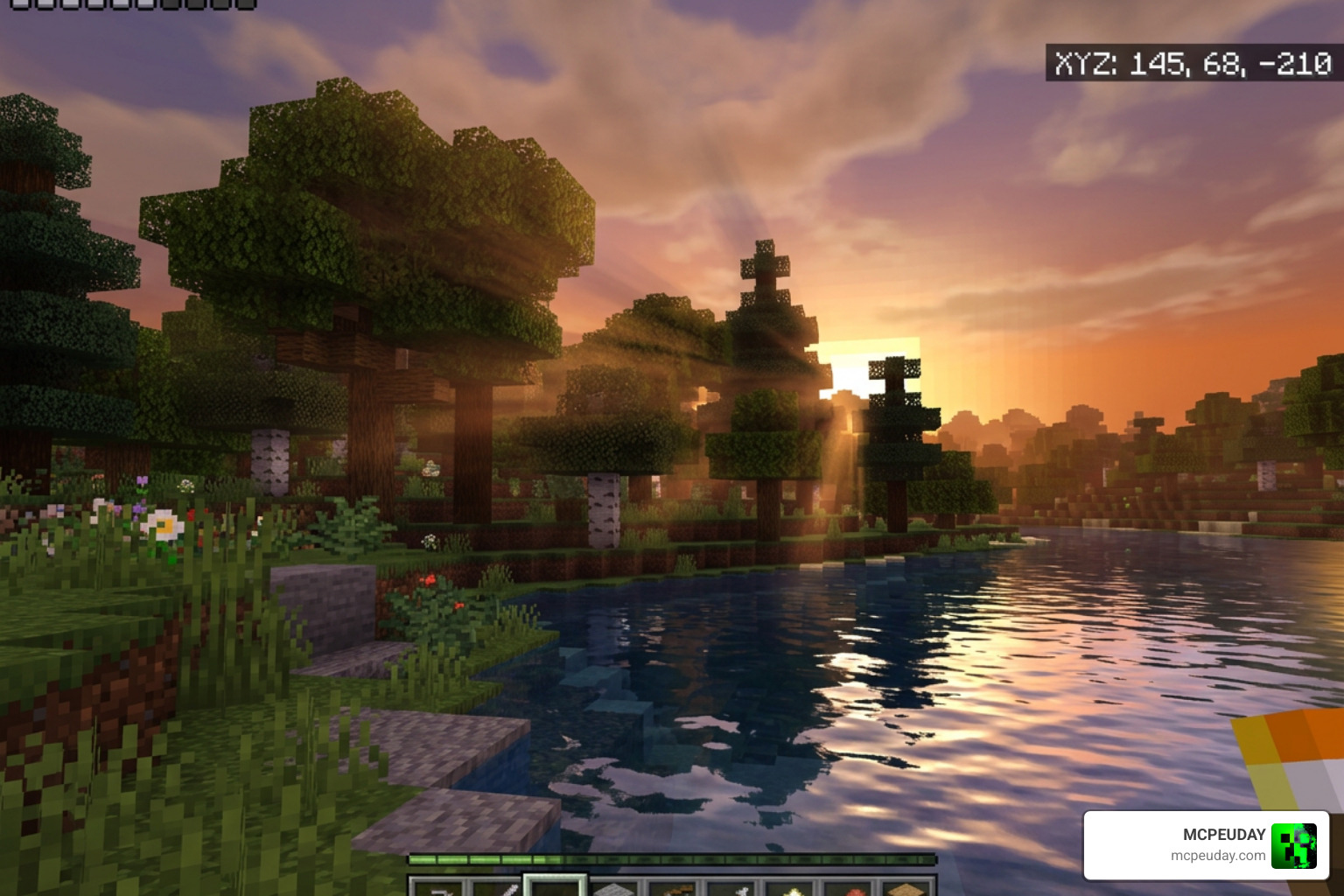
The 10 Top Minecraft PE Shaders (June 2026) transform your mobile world from flat and blocky into something that looks genuinely stunning — better lighting, glowing water, realistic skies, and smoother shadows, all on your phone.
All Shader link – https://mcpeuday.com/10-top-minecraft-pe-shaders/
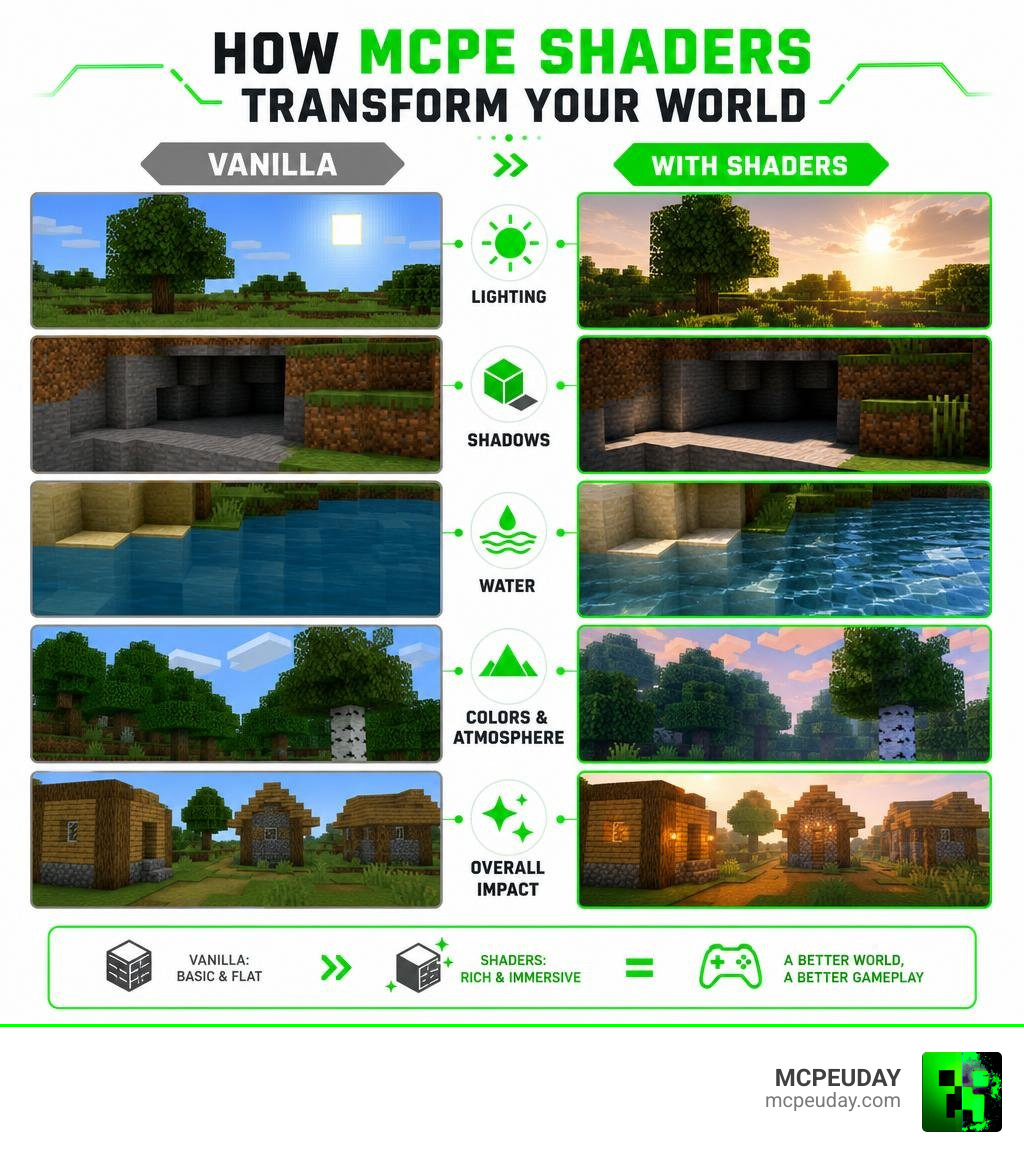
Minecraft PE’s default graphics get the job done. But they’re flat. The lighting is basic, water looks lifeless, and shadows barely exist.
Shaders fix all of that. They overhaul how your world looks and feels — adding dynamic shadows, realistic water reflections, waving trees, glowing sunsets, and atmospheric fog. The difference isn’t subtle. It’s like playing a completely different game.
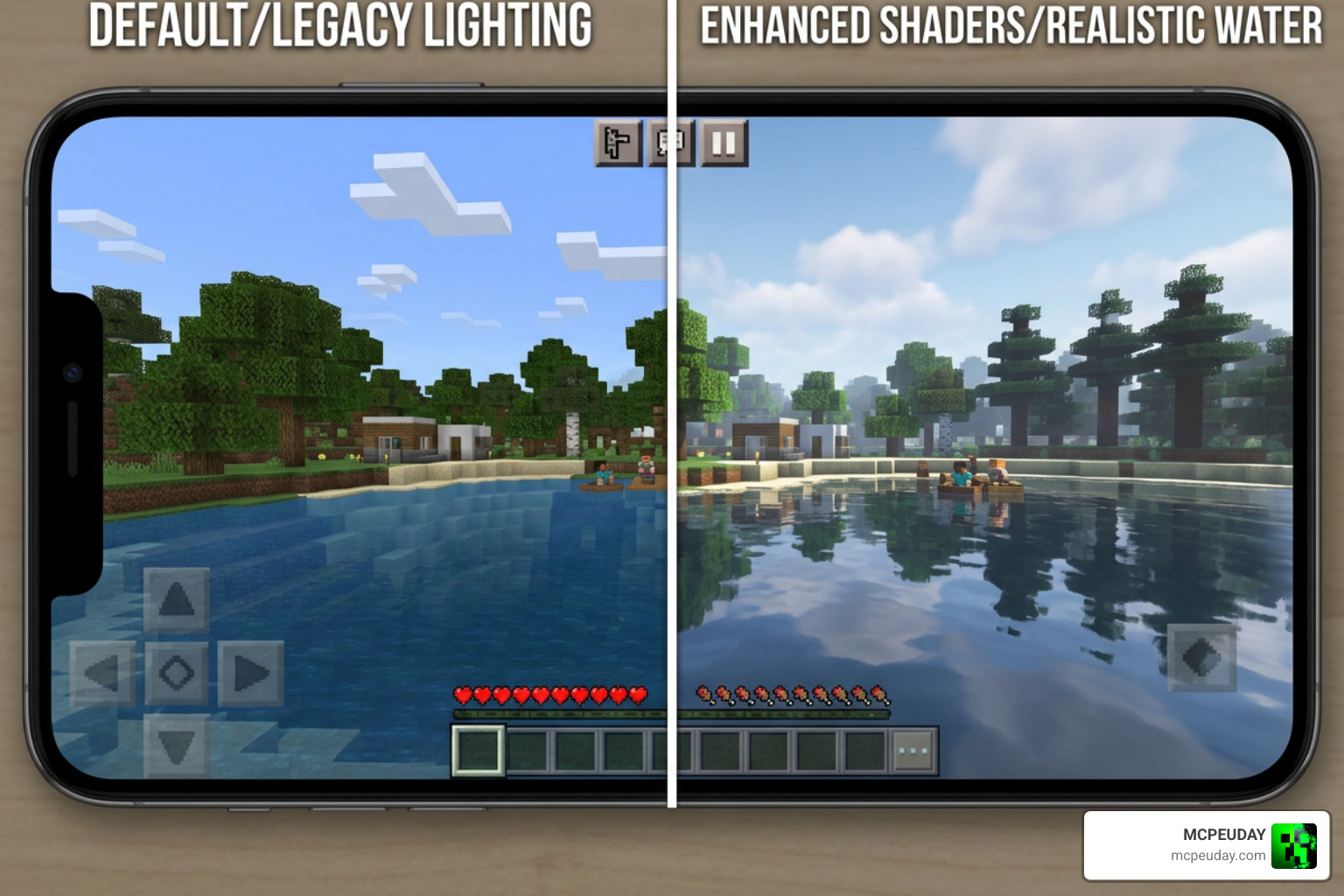
When selecting shader packs for Minecraft Bedrock, we look at community ratings, visual quality, and how well they run on real mobile devices. Community platforms like MCPEDL and app stores host thousands of options, but only a few stand out as true masterpieces. If you want to check out video showcases, you can watch these Top 10 Minecraft Shader Packs on YouTube, or read our extensive list of the 15 Best Minecraft PE Shaders June 2026 to find even more options.
Why You Need the 10 top Minecraft PE Shaders for Better Graphics
Vanilla Minecraft is iconic, but after years of looking at the same flat blocks, it’s natural to want an upgrade. The 10 top Minecraft PE Shaders bring visual fidelity that was once exclusive to high-end PCs right to your mobile screen.
With these packs, sunlight filters realistically through leaves, water ripples with genuine physical depth, and shadows cast dynamically based on the sun’s position. It turns simple exploration into a cinematic experience. For a deeper look at the absolute best in realism, check out our guide on the Best Shaders for MCPE 1.21 2026 Top 3 Realistic Minecraft PE Shaders.
10. Trailer Visuals Shader
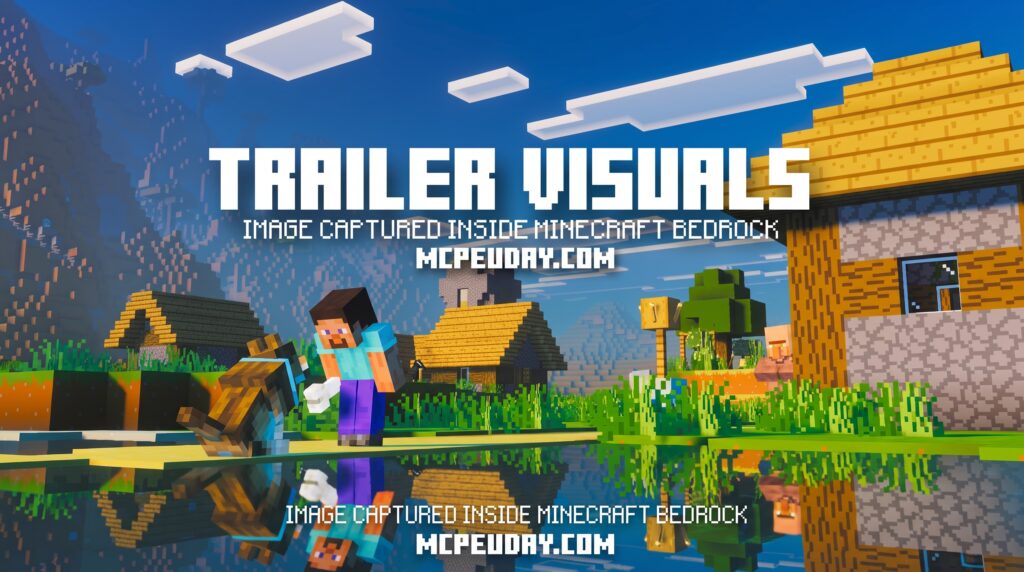
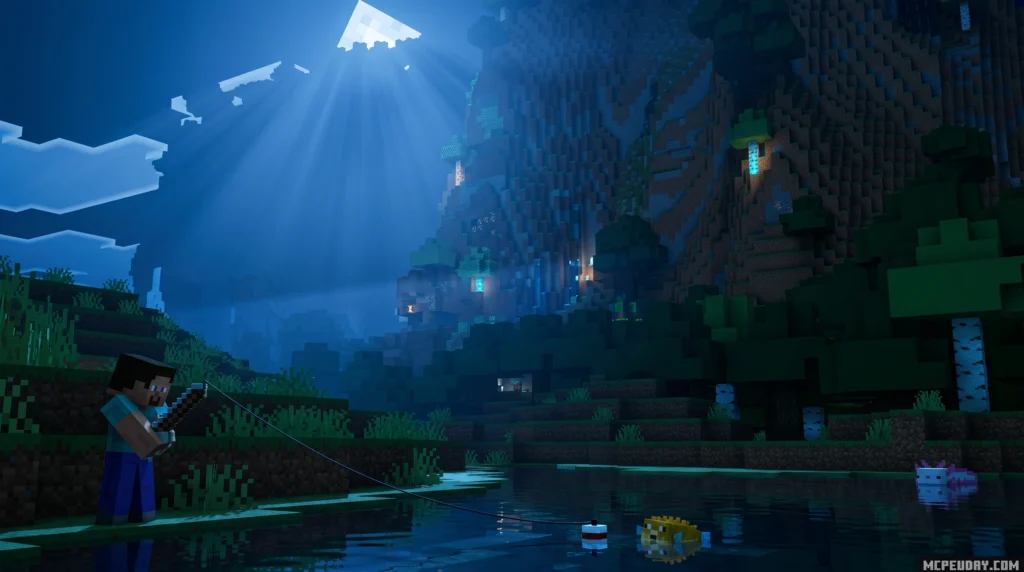
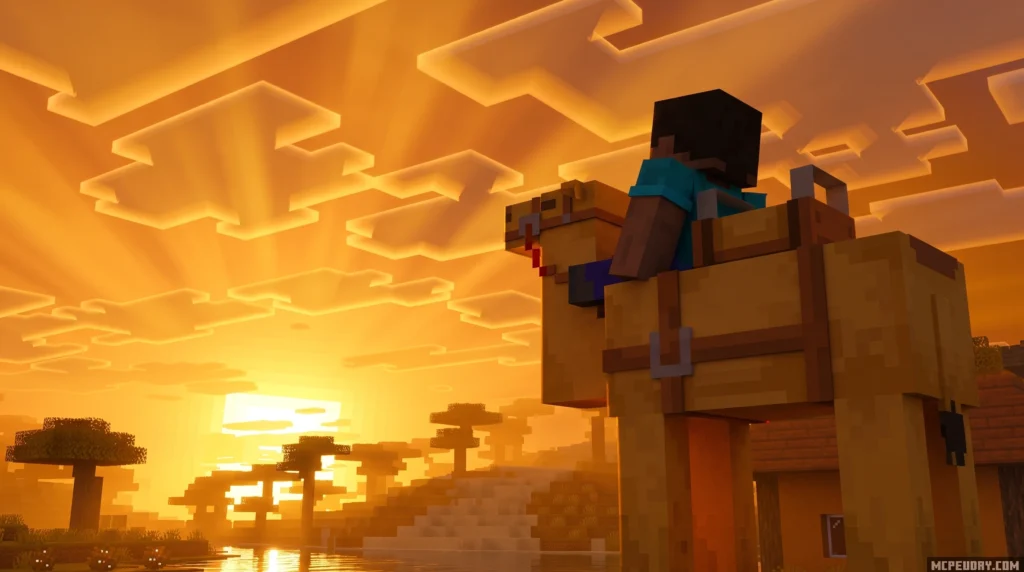
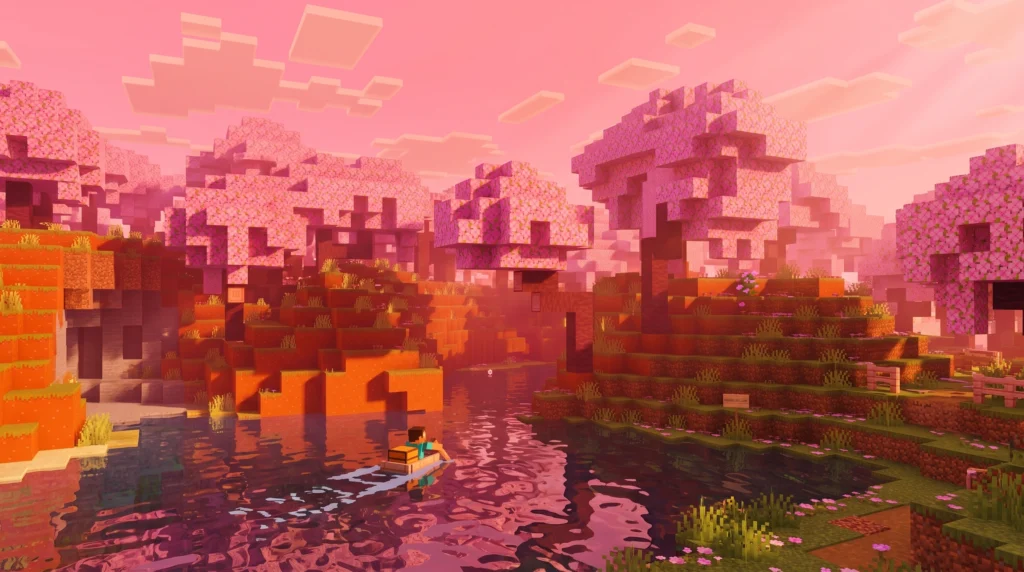
The Trailer Visuals Shader is a lightweight Minecraft shader pack designed to make your game look exactly like the clean, bright visuals you see in official Minecraft trailers — but without tanking your frame rate.
Key features: Bloom effect, custom RGB color controls, soft shadows
Best for: Low to mid-end PCs that need good looks and good FPS
Downloads: 72.2K on Modrinth
It’s a solid pick if you’ve ever watched a Minecraft trailer and thought, “why doesn’t my game look like that?”
Most players don’t realize you can get that polished, cinematic look without a high-end GPU. Trailer Visuals Shader closes that gap fast — no complex setup, no massive performance hit.
This guide covers everything: what the shader does, how it compares to others, how to install it, and how to tweak it to get exactly the look you want.
MORE SHADERS- Shaders – MCPEUDAY
9. Mellowv Shader
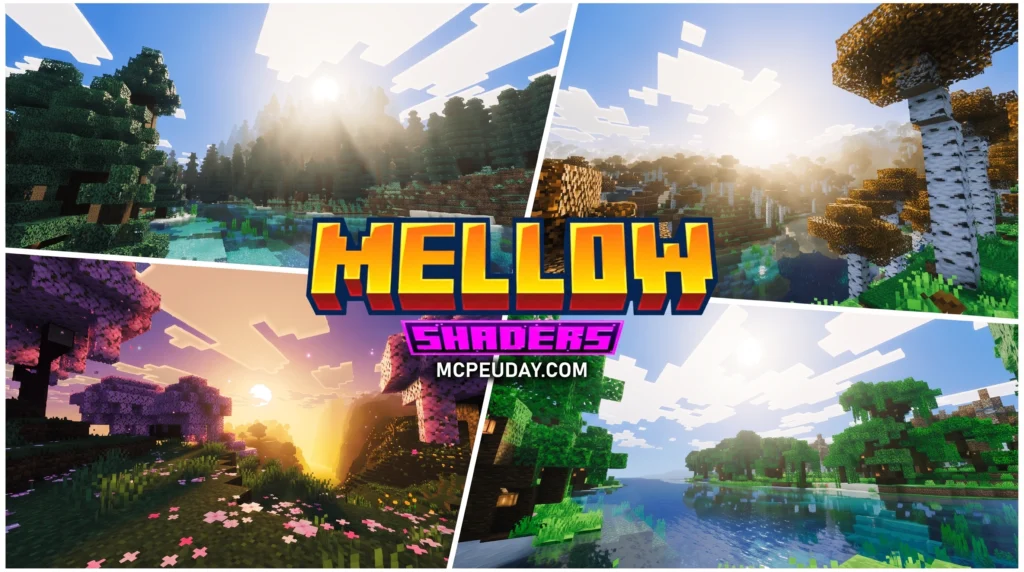
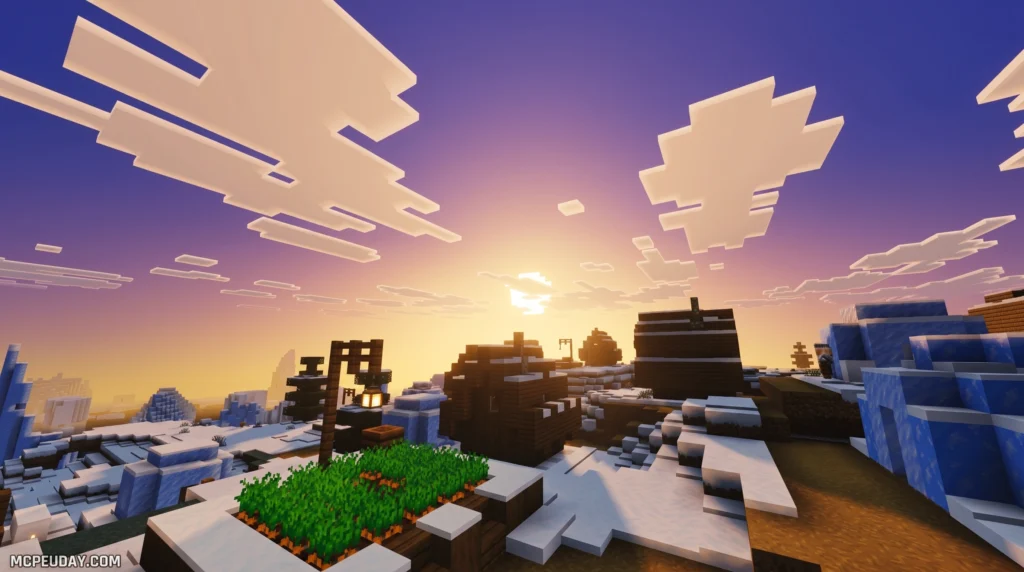
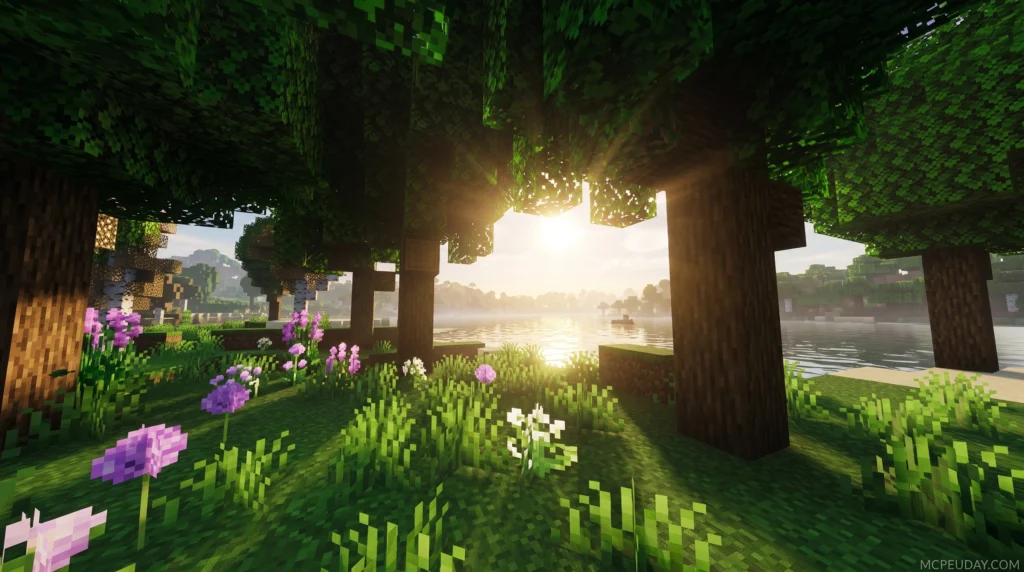
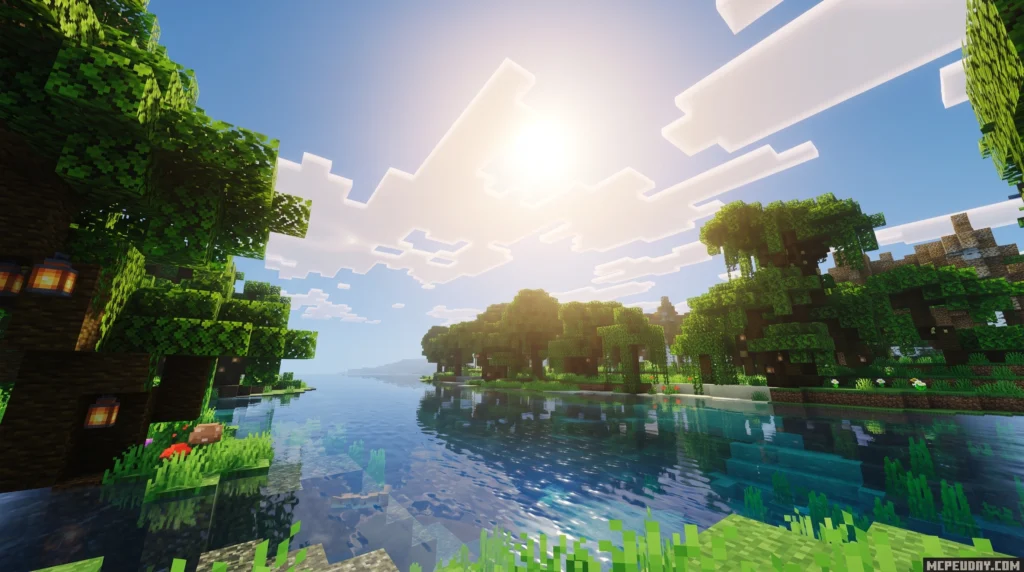
Mellowv Shader is a lightweight, painterly Minecraft shaderpack built for players who want better visuals without tanking their FPS. You can download it right now from these official sources:
The current version is Mellow 3.0, published February 5, 2026.
If you’ve ever wanted shaders that actually let you play the game — not just stare at it — Mellow is worth your attention. Most shader packs push your GPU hard with ray tracing and heavy post-processing. Mellow takes the opposite approach.
Its whole design philosophy is summed up in its own tagline: “Easy on your eyes and on your computer.”
That’s a rare thing in the shader world. And with over 6.5 million downloads on CurseForge alone, it’s clearly landing for a lot of players.
8. Dreamy Vibrant Visuals Shader
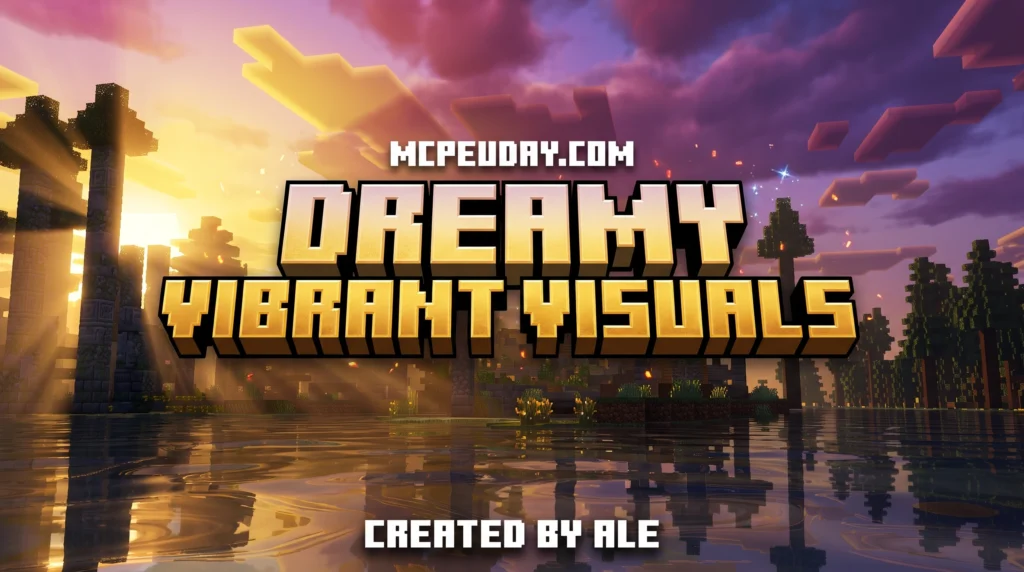
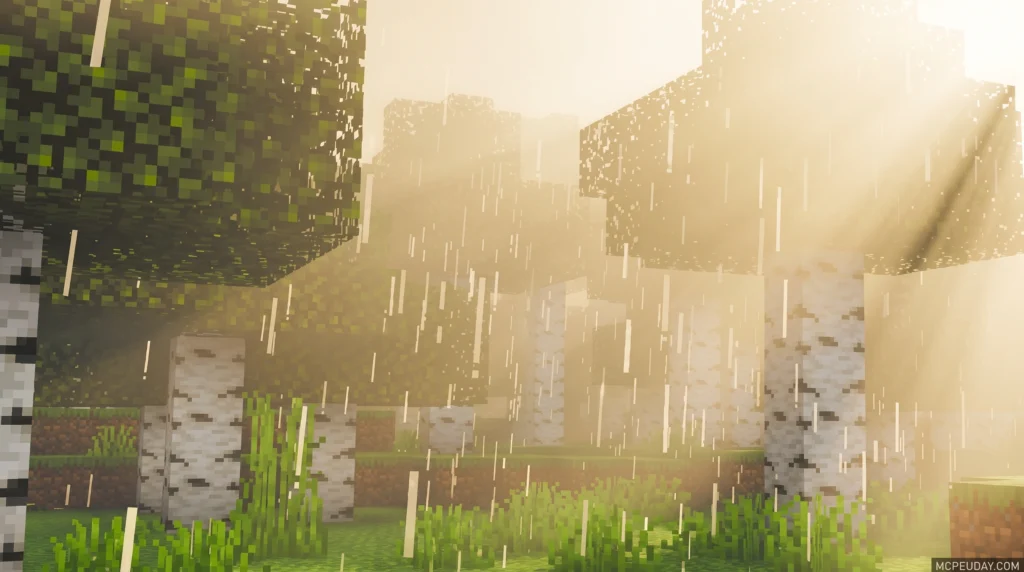
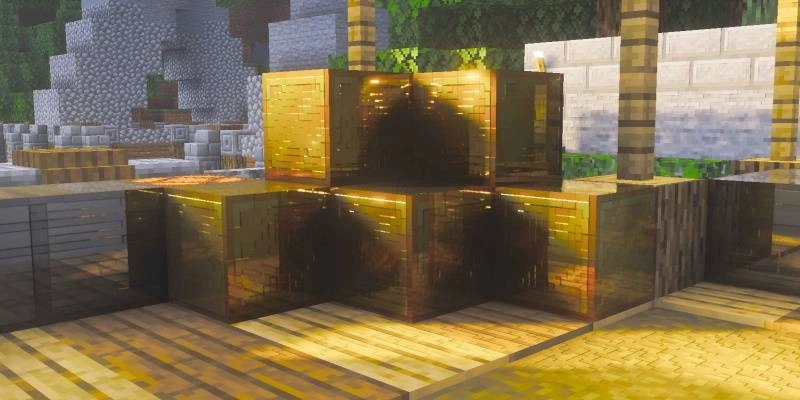
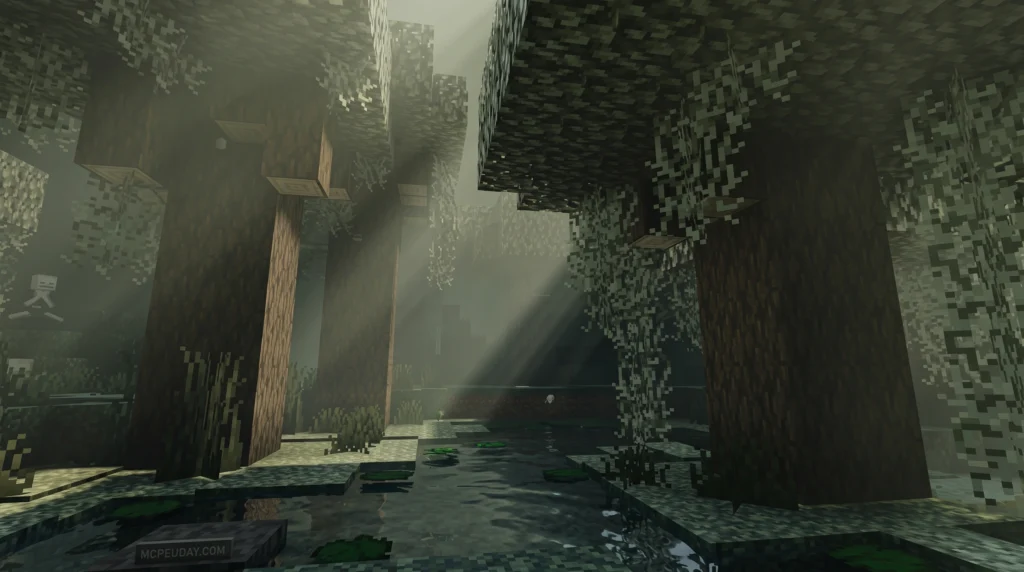
The Dreamy Vibrant Visuals Shader is a visual enhancement pack for Minecraft Bedrock Edition (MCPE) that transforms your world with colorful, dream-inspired lighting and effects. Here’s the quick version:
- What it is: A shader pack built on Bedrock’s Render Dragon engine, compatible with Minecraft versions 1.21.x and 26.x
- What it does: Renders blocks in 3D, adds shimmering minerals, lightens water with streaks of light, and brightens the Nether with vibrant colors
- Who it’s for: MCPE and Bedrock players on Android, iOS, and Windows
- Where to get it: Available as an
.mcpackor.zipfile with 111.6K downloads on CurseForge and a 4.2/5 star rating - GPU needed: Adreno 640 (Snapdragon 855) or Mali GPU (Mediatek 1000 series) for mobile devices
Minecraft’s visuals are great — but they can look so much better. That’s exactly what this shader sets out to prove.
Taking direct inspiration from colorful dreams, the Dreamy Vibrant Visuals Shader doesn’t try to make Minecraft look like a photo. Instead, it leans into bold, saturated colors and soft lighting that feel magical and alive. Sunsets glow warmer. Water sparkles. Even the Nether feels less gloomy.
7. Deep Visuals Shader
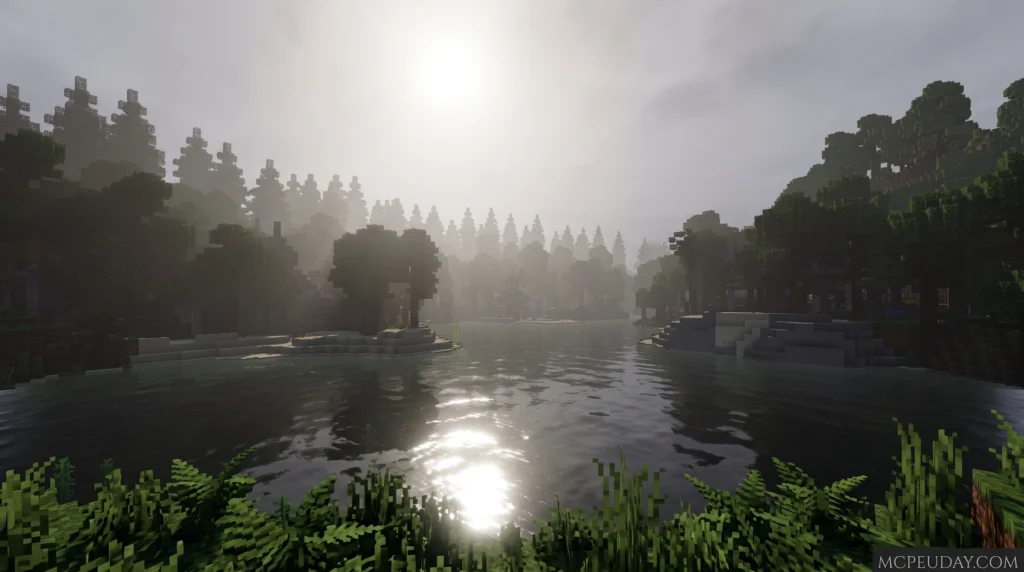
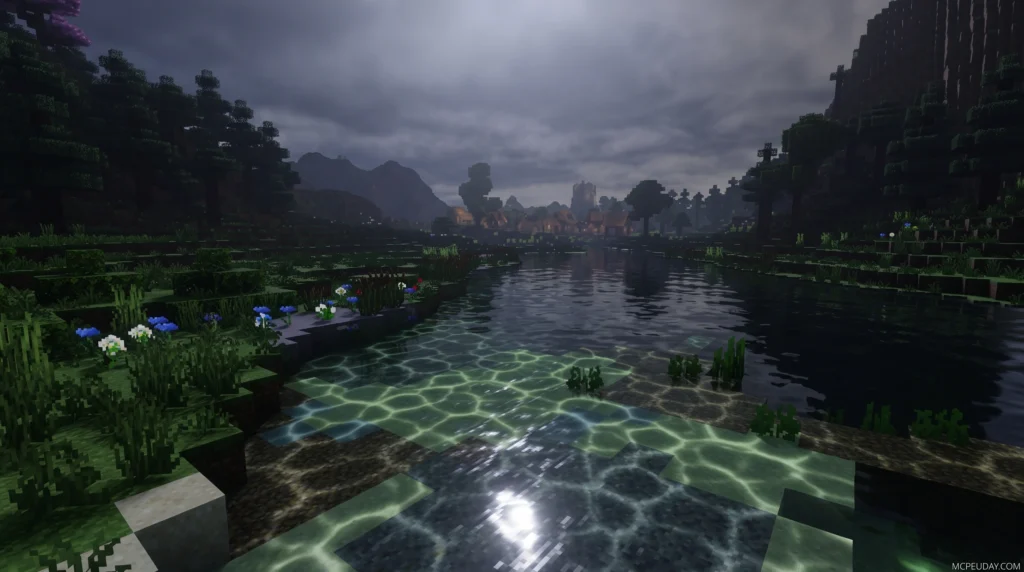
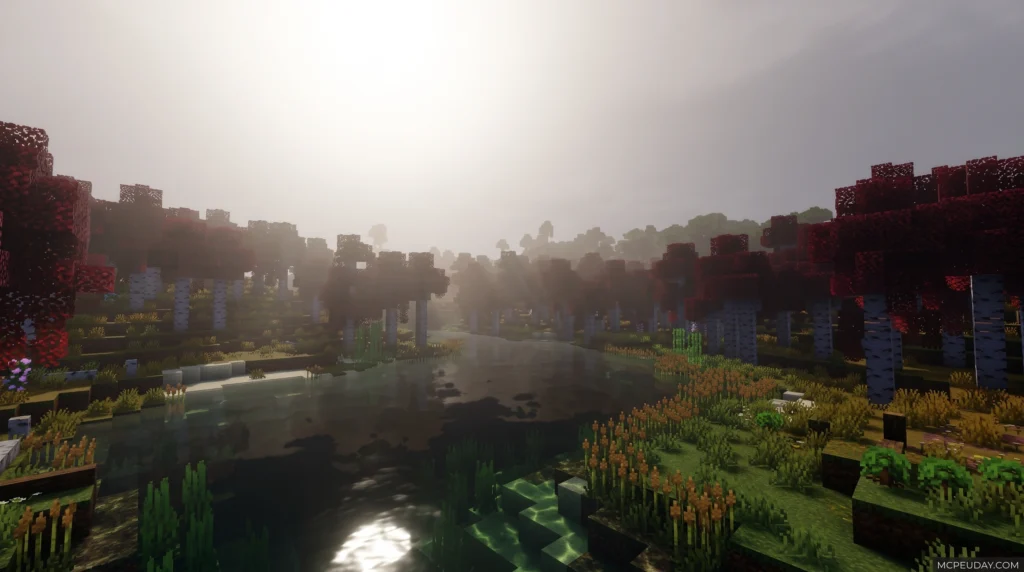
he Deep Visuals Shader is a free, third-party shader pack for Minecraft PE (Bedrock Edition) that upgrades your game’s graphics with better lighting, shadows, fog, and water effects — all while keeping the classic Minecraft look intact.
Here’s what you need to know at a glance:
- What it is – A community-made shader mod for MCPE/Bedrock Edition (version 1.21 and 26.x)
- What it does – Adds directional lighting, improved shadows, color adjustments, and better environmental effects
- File size – Only 10 MB, so it’s lightweight on storage
- Cost – Free to download
- How to install – Download the file, open it in Minecraft, and activate it in your settings
It is not the same as Mojang’s official Vibrant Visuals upgrade — it’s a separate community creation you can use right now on most Android and iOS devices.
6. Chromatic Visuals Rewrite Shader
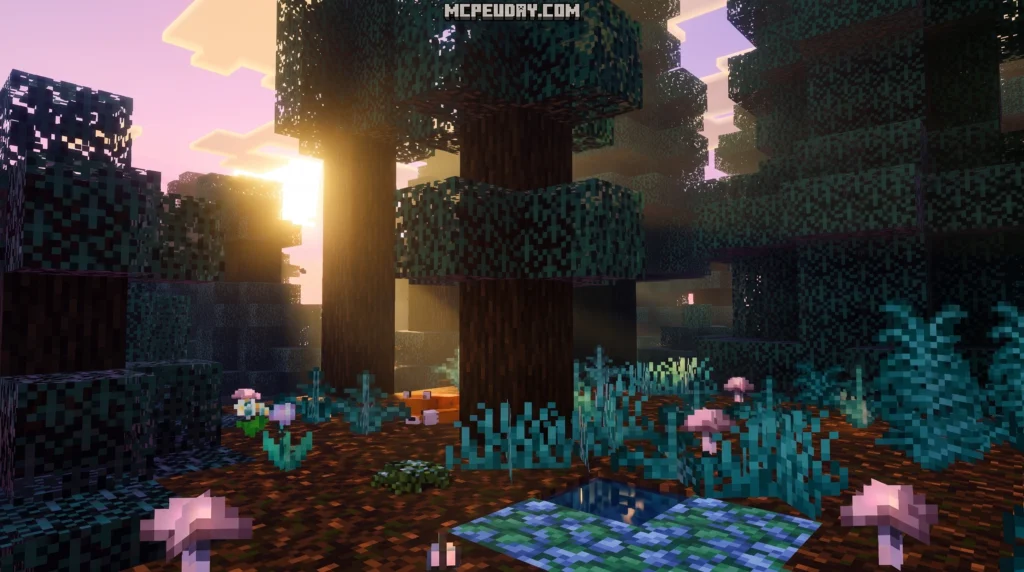
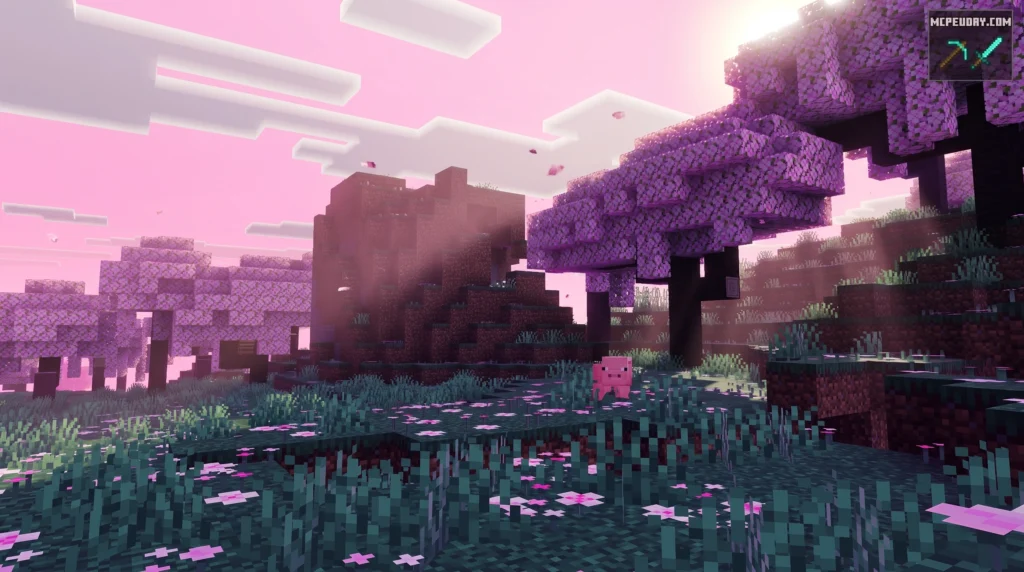
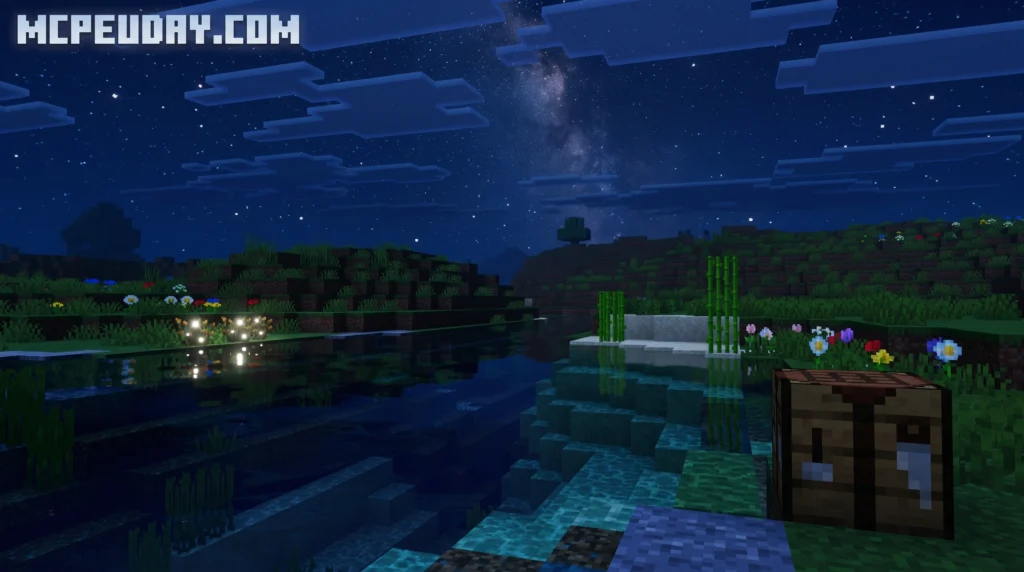
The Chromatic Visuals Rewrite Shader is an updated version of the original Chromatic Visuals shader for Minecraft Bedrock Edition — built to run on the Render Dragon engine with no third-party patching required.
Here’s the quick version if you just want the basics:
- What it is: A lightweight stylized shader for MCPE/Bedrock that boosts colors, lighting, and biome atmosphere
- Who it’s for: Mobile and low-end device players who want better visuals without lag
- Key version: Fully compatible with Minecraft PE 1.21 and 26.x shader standards
- Performance: Designed to hold a smooth 60 FPS on older Android and iOS devices
- Install method: Download the
.mcpackfile, open it with Minecraft, then activate it in Settings > Global Resources
Most Minecraft shaders push for photo-realism — and they make your phone run hot doing it. This one goes a different direction. It cranks up saturation, adjusts biome colors, and gives the world a lively, almost animated feel, without the heavy rendering cost.
MORE SHADERS- Shaders – MCPEUDAY
5. Newb X Calm Vibes Shader
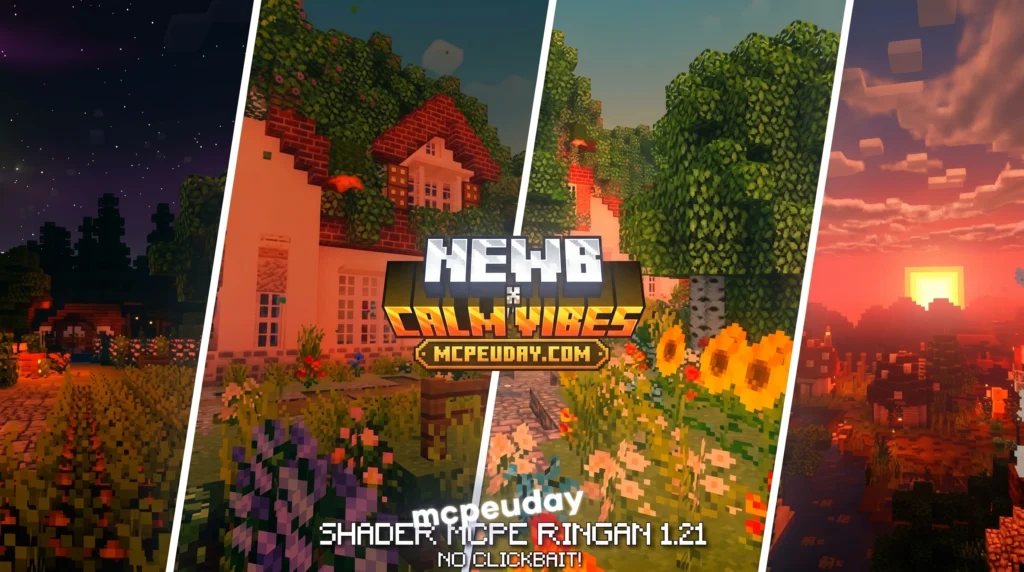
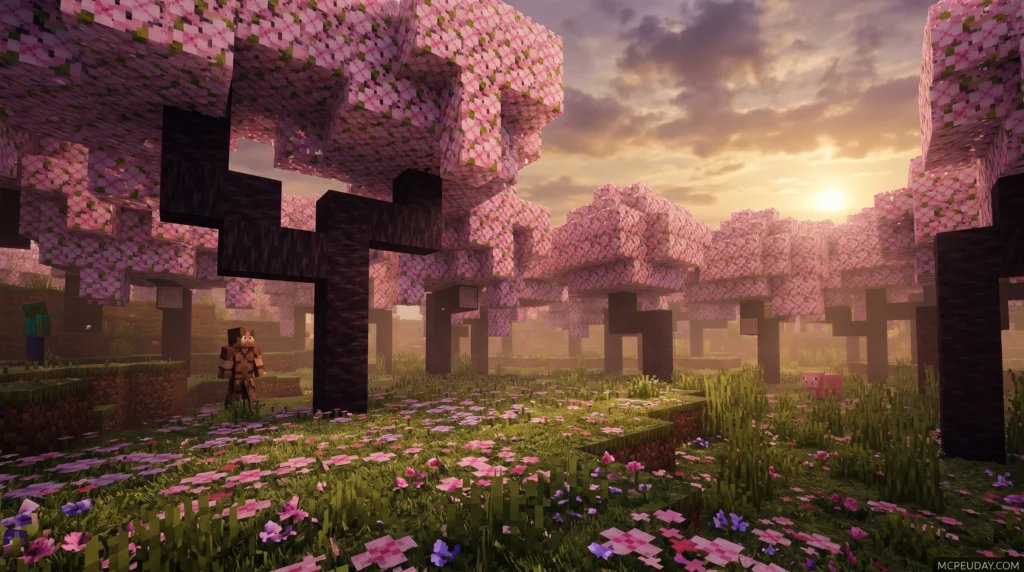
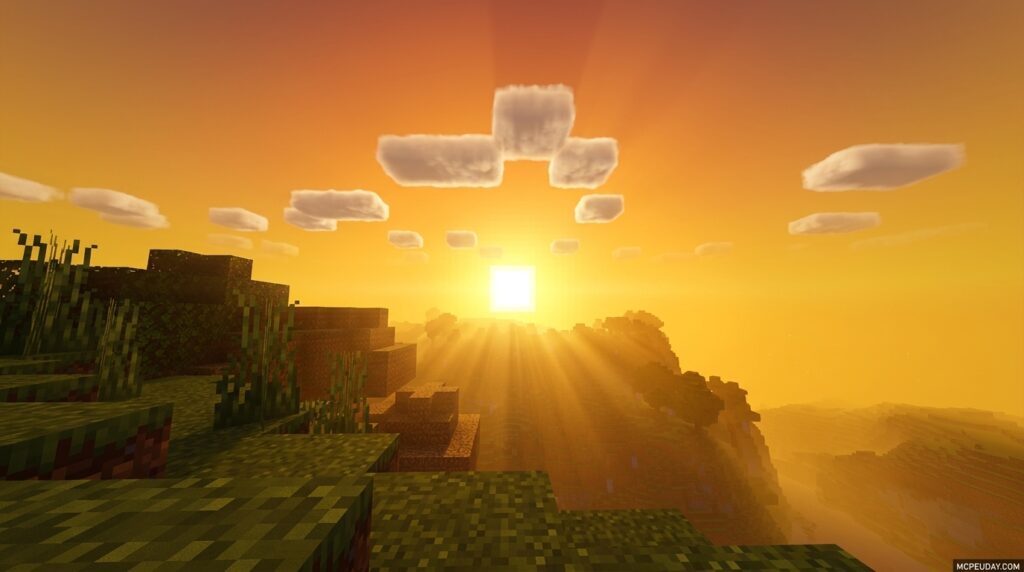
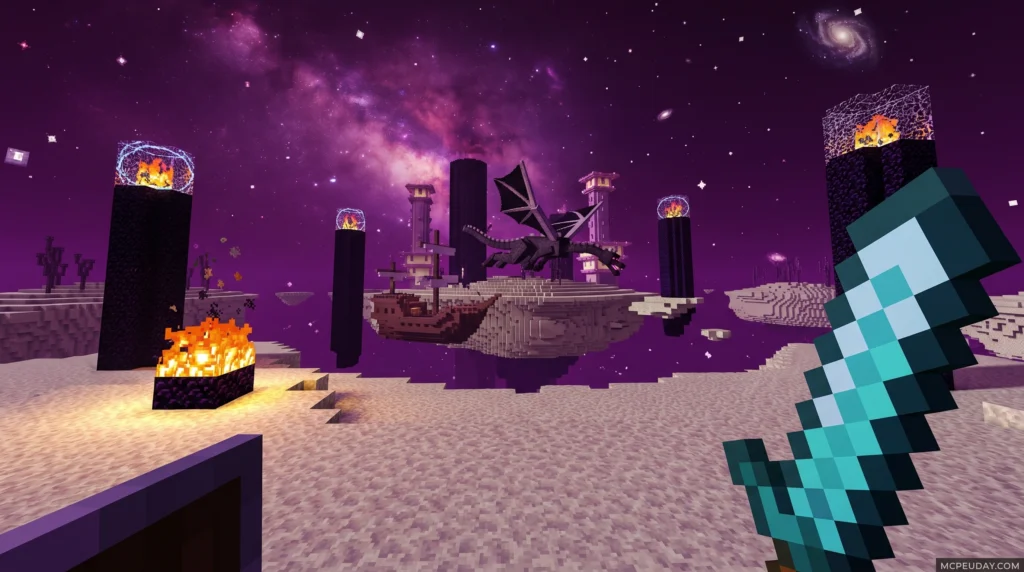
The Newb X Calm Vibes Shader is a lightweight Minecraft Bedrock shader designed for relaxing visuals, warm orange-red tones, beautiful nights, and brilliant glowing ores – all optimized to run smoothly on mid-to-low-end Android, iOS, and Windows devices.
If you are new to MCPE/Bedrock, you can learn more about the base game on the official Minecraft website.
Quick answer – here’s what you need to know:
- What it is: A Newb Shader variant focused on calm, warm aesthetics and soft lighting
- Supported versions: Minecraft Bedrock/MCPE 1.21.20 and above
- Platforms: Android, Windows 10/11, iOS
- Tools required: MB Loader (Android), BetterRenderDragon or Matject (Windows)
- Best for: Players who want a performance-friendly visual upgrade without heavy FPS drops
One thing worth knowing upfront: Minecraft Bedrock does not officially support custom shaders. You’ll need a small third-party tool to make this shader load. Don’t worry – the process is straightforward, and this guide walks you through every step on every platform.
4. Devoured Visuals Shader
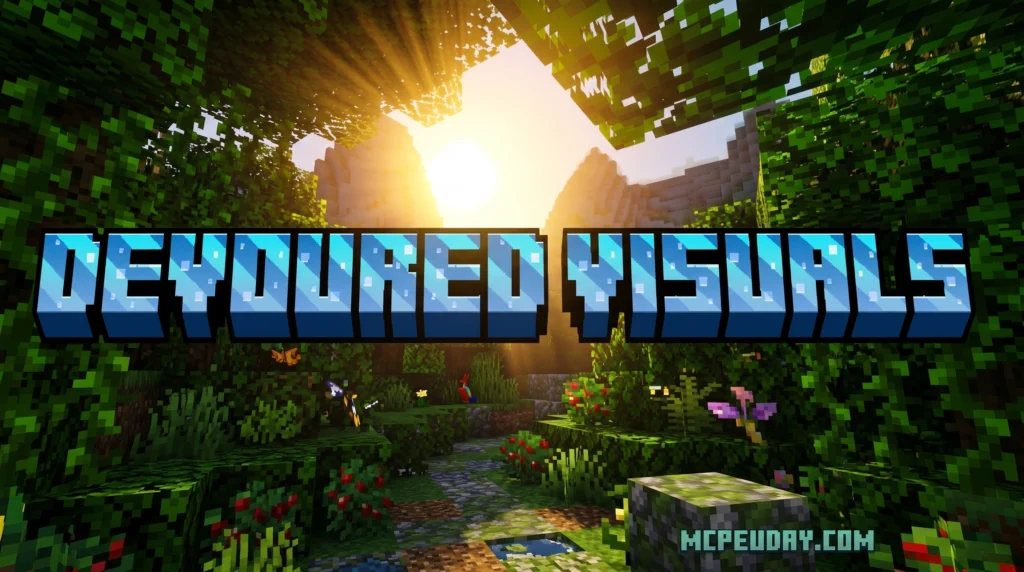
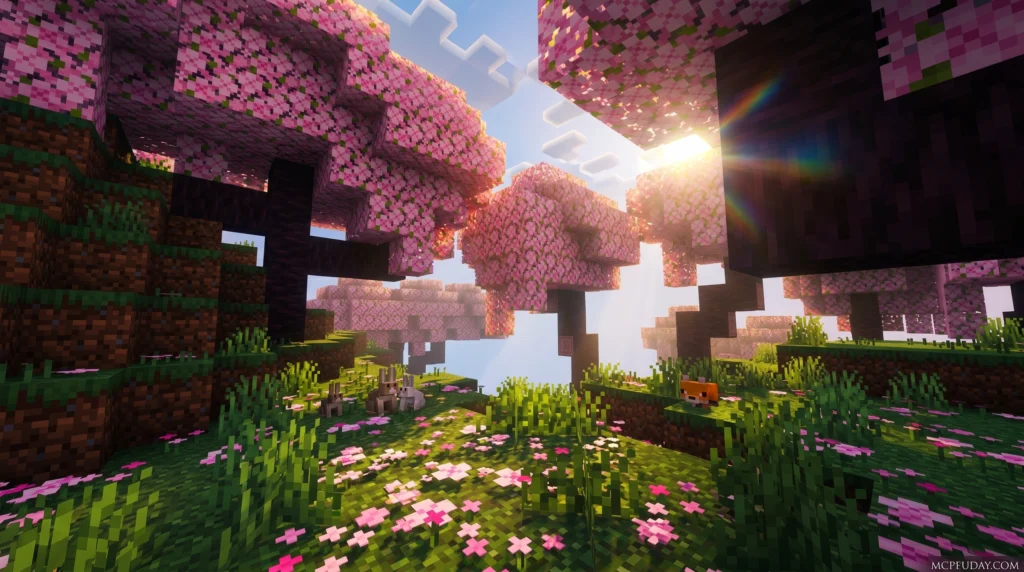
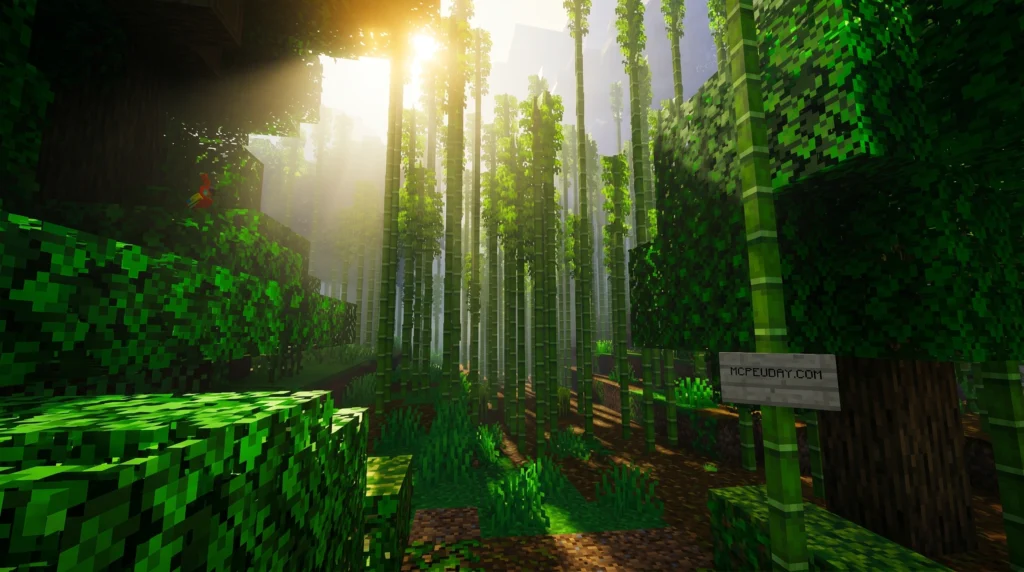
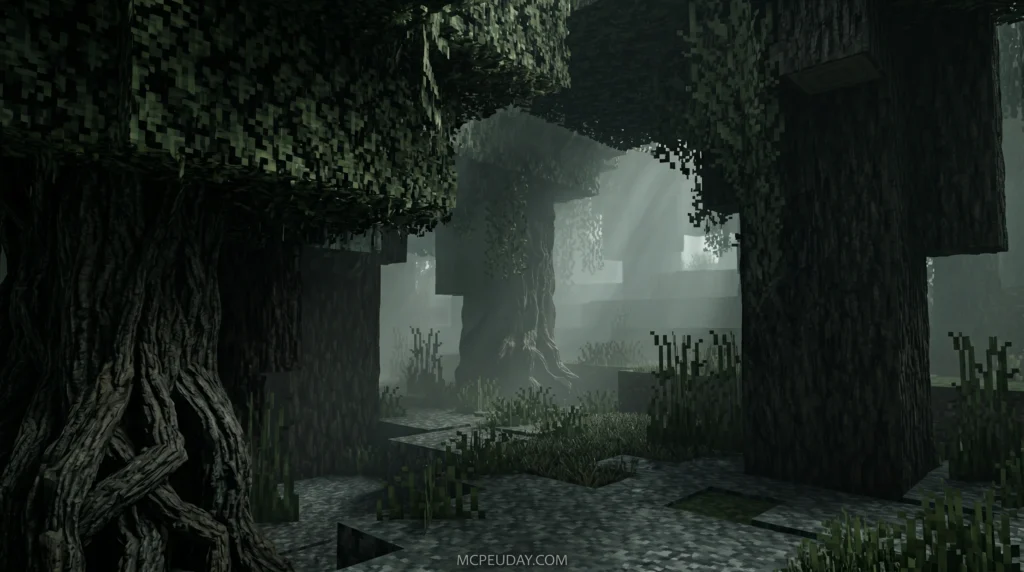
The Devoured Visuals Shader is a Minecraft Bedrock/MCPE shader pack that transforms the game’s lighting, fog, and atmosphere into something dark, cinematic, and deeply immersive.
Quick answer for what it does:
- Adds thick, volumetric fog that wraps around your world
- Overhauls lighting with deep shadows and moody color tones
- Creates a horror-inspired, atmospheric visual style
- Works with Minecraft’s Render Dragon engine on mobile and PC
If you just want to make Minecraft feel like a different game — darker, moodier, more alive — this shader is built for exactly that.
The name says it all. Like the all-devouring fog that inspired it, this shader swallows the ordinary look of Minecraft and replaces it with something that feels closer to a survival horror experience than a sandbox game. Think less “blocky sunlight,” more Silent Hill side street at midnight..
3. Chroma Shader (26.x, 1.21) – MCPE/Bedrock Shader
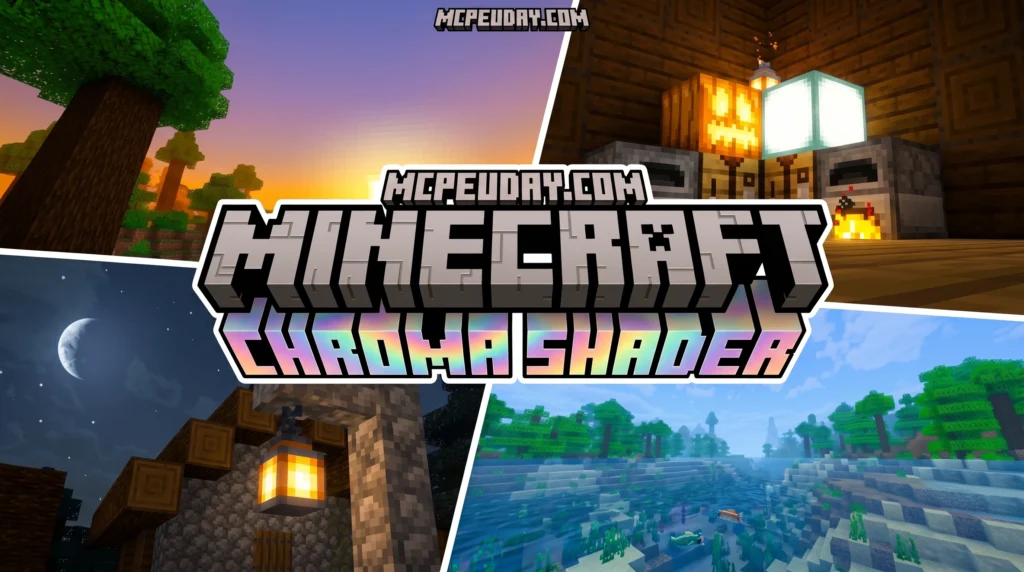
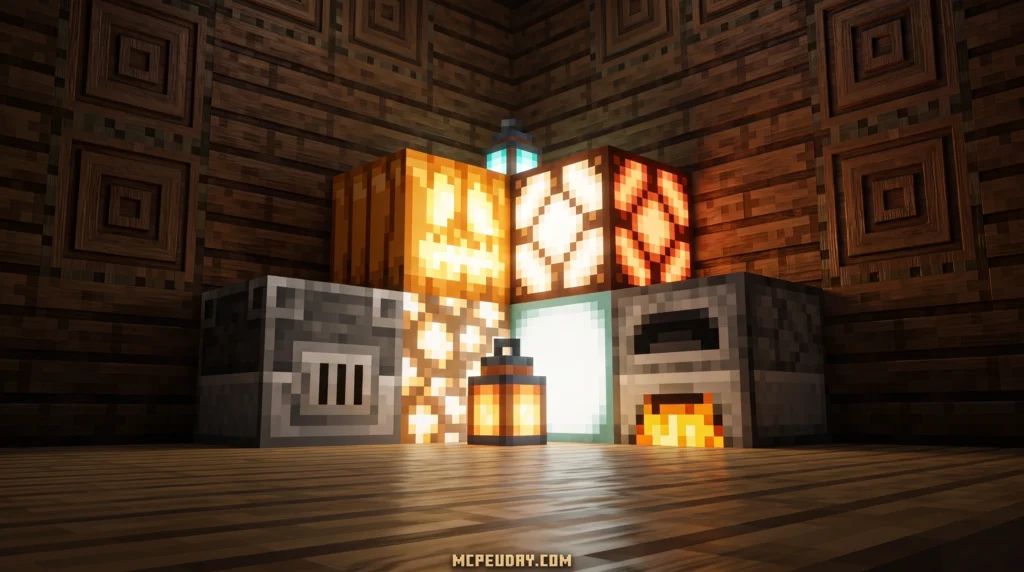
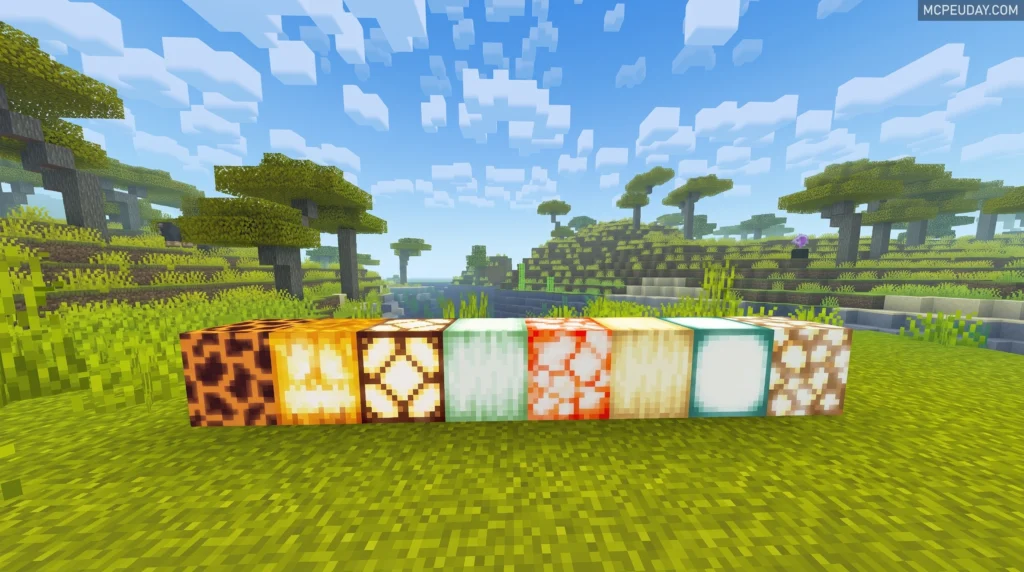
Chroma Shader is a powerful visual enhancement tool that transforms how your game looks — whether you’re playing Minecraft or building experiences in Unity.
Here’s a quick answer to what Chroma Shader does:
- Adds stunning visual effects like color grading, gradients, and dynamic lighting
- Works across multiple platforms — Minecraft Bedrock (MCPE), Java Edition, and Unity projects
- Replaces flat, default graphics with rich, cinematic visuals
- Supports all major Unity render pipelines — Built-in, URP, and HDRP
- Lets artists control shaders visually without writing complex code
If you just want to know how to download it, jump straight to the step-by-step section below.
Shaders are one of the fastest ways to make a game look dramatically better. And Chroma is one of the most popular options out there — with nearly 600 users favouriting it on the Unity Asset Store alone.
MORE SHADERS- Shaders – MCPEUDAY
2. Atmos Visuals Shader
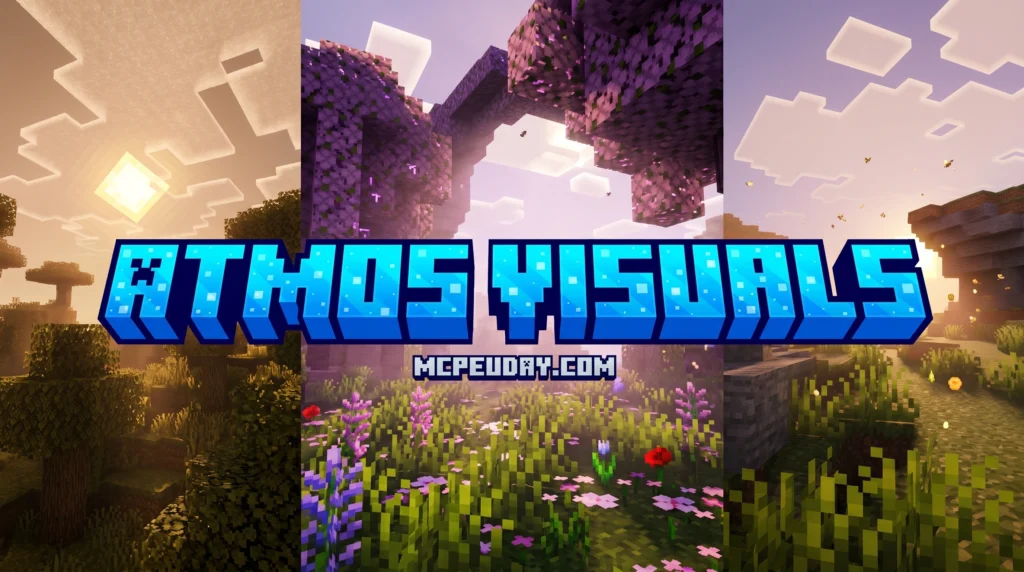
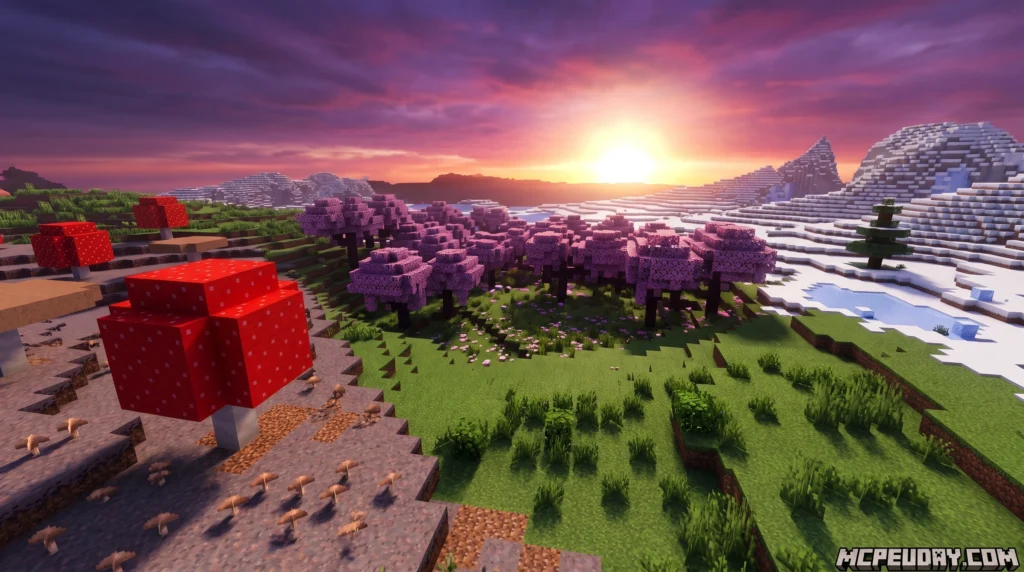
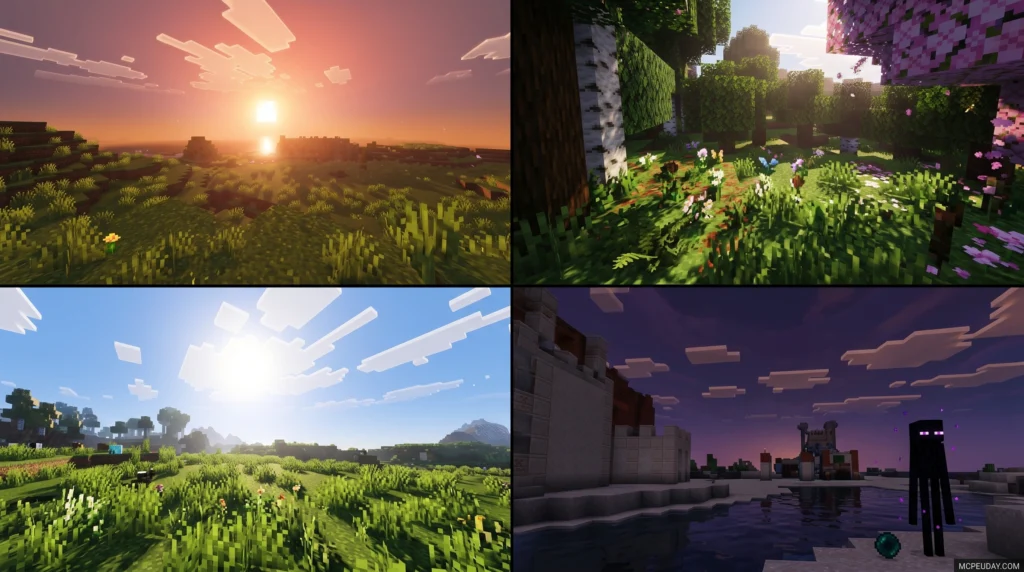
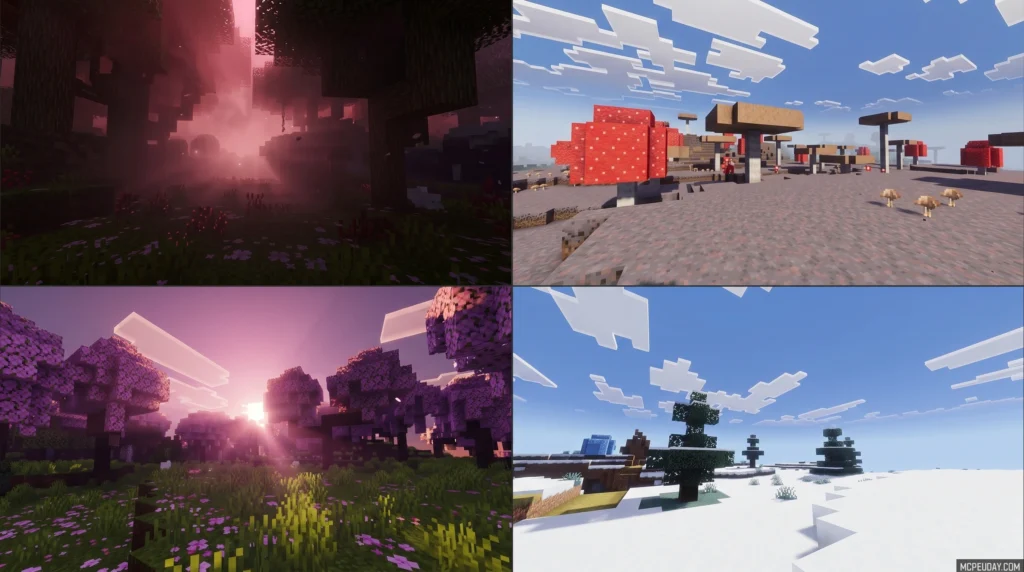
Newb X Soleil Shader is a lightweight, vanilla-style shader for Minecraft Bedrock Edition that upgrades your game’s visuals with softer lighting, richer skies, and more natural colors — without destroying your FPS.
Here’s a quick snapshot of what it offers:
- Style: Refined vanilla look with subtly desaturated, contrast-tuned colors
- Best for: Android, Windows, and iOS devices running Minecraft Bedrock 1.21+
- Key features: Enhanced lighting, midnight sky transformations, reworked End dimension, water reflections, foliage movement
- Cost: Free — community-made, open-source project
- Install method: Requires a patch tool (BetterRenderDragon on Windows, MB Loader on Android) since Bedrock doesn’t officially support custom shaders
Minecraft Bedrock’s RenderDragon engine — introduced in version 1.20 — broke compatibility for most shaders. Newb X Soleil is built specifically to work around that limitation, making it one of the more accessible options for mobile and PC players who want better visuals without a complex setup.
1. Better Vibrant Visuals Shader
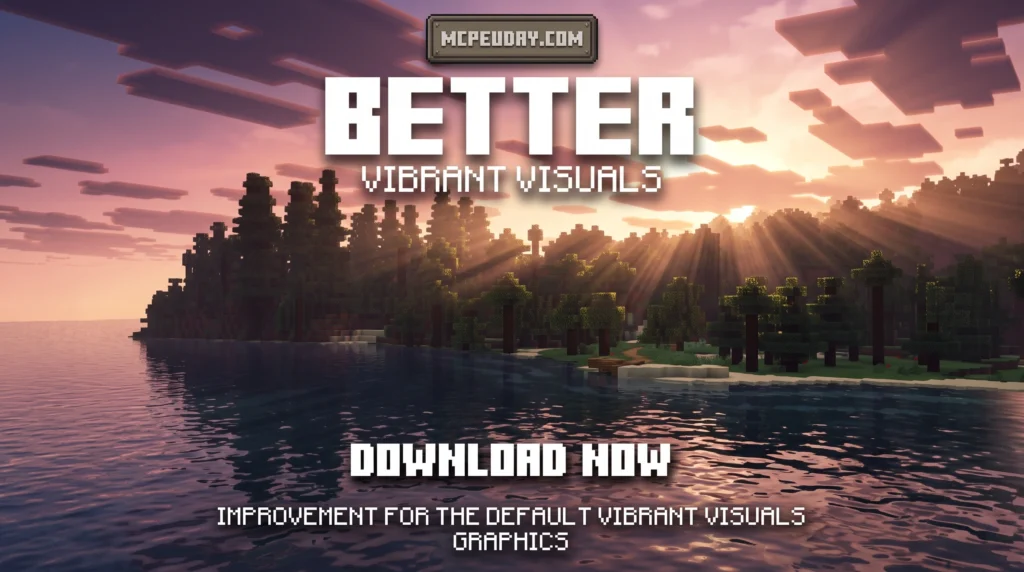
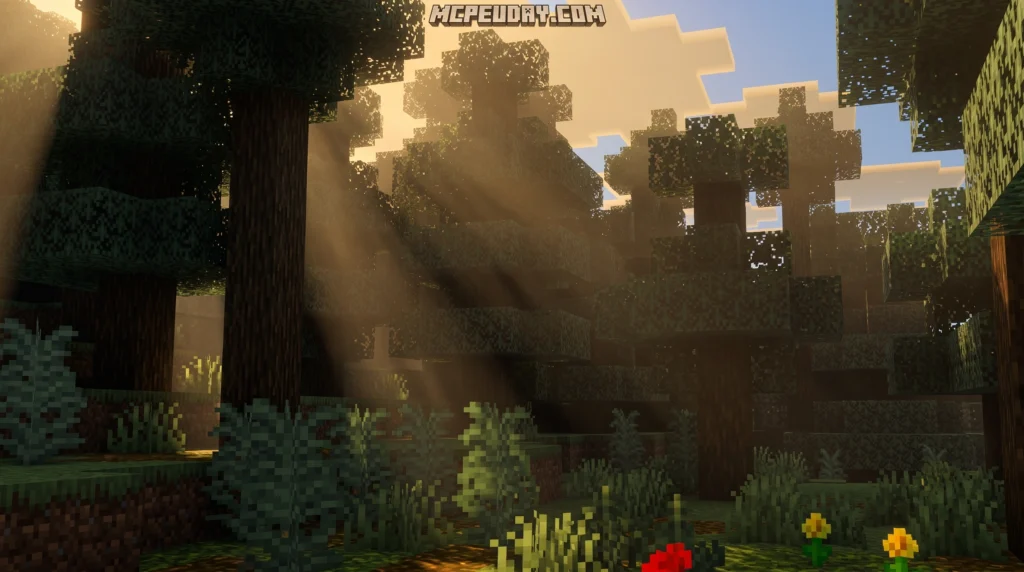
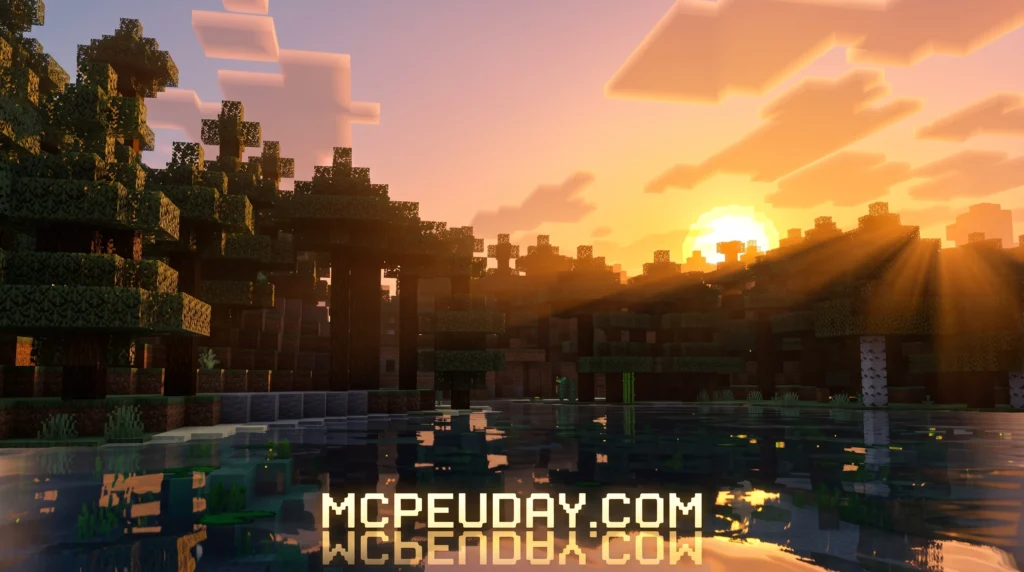
The Better Vibrant Visuals Shader is a community-made resource pack for Minecraft Bedrock Edition that builds on top of Mojang’s official Vibrant Visuals graphics mode — adding extra effects like scattered sun rays, global shadows, realistic water waves, and biome-specific fog.
Quick answer — here’s what you need to know:
- What it is: A free texture/shader pack that enhances Minecraft Bedrock’s built-in Vibrant Visuals with better colors, water, skies, and lighting
- Two versions available: Default (realistic water waves + caustics) and Vanilla (lighter, closer to standard Minecraft look)
- Requires: Minecraft Bedrock beta/preview, and a compatible GPU (Adreno 640, Mali MediaTek 1000 series, A12 Bionic, or DirectX 12 on PC)
- How to use it: Download the
.mcpackfile, open it with Minecraft, then activate it in your world or global resource settings with Vibrant Visuals turned on - Performance: The Vanilla version is the lighter option for older or mid-range devices
Minecraft’s official Vibrant Visuals feature already brings a big visual upgrade — think reflective water, volumetric lighting, and dynamic shadows. But some players feel it doesn’t go far enough. That’s exactly where Better Vibrant Visuals steps in.
MORE SHADERS- Shaders – MCPEUDAY
Why the 10 Top Minecraft PE Shaders Are Worth Installing Right Now
If you want the 10 top Minecraft PE Shaders available in July 2026, here’s the quick answer:
- Mirai Shader – Best overall; rebuilds 39+ RenderDragon materials for high-end realism
- Velmora Visuals – Stunning deferred lighting with PBR materials
- Enhanced Vibrant Visuals – Builds on Mojang’s official Vibrant Visuals mode
- Grafika Shader – Excellent mid-range balance of visuals and performance
- Lumina Visuals – Vibrant colors with smooth volumetric fog
- Xiao Reimagined – 271,000+ downloads; reliable and well-rated community favorite
- Definitive Vibrant Visuals – 490,000+ downloads; great for low-to-mid devices
- Newb x Unwind – Lightweight and smooth on budget Android phones
- Solas Shader – Over 3 million downloads; legendary for fantasy skies
- Sildaum Vibrant – Tiny 274 KB file size; ideal for low-end devices
Minecraft PE’s default graphics get the job done. But they’re flat. The lighting is basic, water looks lifeless, and shadows barely exist.
Shaders fix all of that. They overhaul how your world looks and feels — adding dynamic shadows, realistic water reflections, waving trees, glowing sunsets, and atmospheric fog. The difference isn’t subtle. It’s like playing a completely different game.
The challenge? With Minecraft Bedrock’s RenderDragon engine (introduced in version 1.20+), not every shader works anymore. And on mobile, you need to match the right shader to your device — or you’ll just get lag and a drained battery.
This list cuts through the noise. Whether you’re on a flagship phone or a budget Android, there’s a shader here that will transform your world without breaking your frame rate.
High-End Realism: Mirai, Velmora, and Enhanced Vibrant Visuals
For players with flagship mobile devices, these high-end shaders offer jaw-dropping realism:
- Mirai Shader: A technical marvel that rebuilds over 39 RenderDragon materials. It delivers PC-like lighting, volumetric clouds, and highly realistic water caustics.
- Velmora Visuals: Outstanding deferred lighting implementation. It utilizes Physically Based Rendering (PBR) materials to make blocks react naturally to light sources.
- Enhanced Vibrant Visuals: Building directly on Mojang’s built-in deferred technical preview, this shader enhances saturated colors, deepens shadows, and refines reflection maps.
If you have a powerful device and want to push mobile graphics to the absolute limit, read our review of the Top 5 Best Realistic Shaders for MCPE.
Mid-Range Balance: Grafika, Lumina, and Xiao Reimagined
If you want beautiful graphics but cannot afford to turn your phone into a portable stovetop, these mid-range shaders strike the perfect balance:
- Grafika Shader: Offers soft shadows, waving foliage, and clear, realistic water without destroying your frame rate. It looks great during long survival sessions.
- Lumina Visuals: Known for vibrant, cinematic color grading and smooth volumetric fog that gives forests a deep, mysterious atmosphere.
- Xiao Reimagined: Created by the legendary XiaoCraft team (with over 2.5 million total downloads across their projects). It features a 3.9/5 rating on MCPEDL and is celebrated for its highly optimized performance and gorgeous skybox.
Low-End Performance: Definitive Vibrant Visuals, Newb x Unwind, Solas, and Sildaum Vibrant
Playing on an older or budget Android device? You don’t have to miss out on beautiful graphics. These options are designed to maximize FPS and preserve your battery life:
- Definitive Vibrant Visuals: Features light and default versions (ranging from 12 MB to 13.81 MB) that scale beautifully to mid-to-low devices.
- Newb x Unwind: A legendary, ultra-lightweight shader optimized specifically for budget devices. It gives you realistic sky gradients and waving plants with almost zero lag. Learn more in our Newb X Unwind Shader for Minecraft PE MCPE Best Realistic Shader for Low End Devices guide.
- Solas Shader: Boasting over 3 million downloads, this pack is famous for its gorgeous fantasy skies, glowing minerals, and light rays, while remaining incredibly friendly on mid-to-low hardware.
- Sildaum Vibrant: Coming in at an incredibly small file size of just 274 KB, this pack is optimized to run smoothly on virtually any mobile device.
How Bedrock Shaders Work Under the RenderDragon Engine
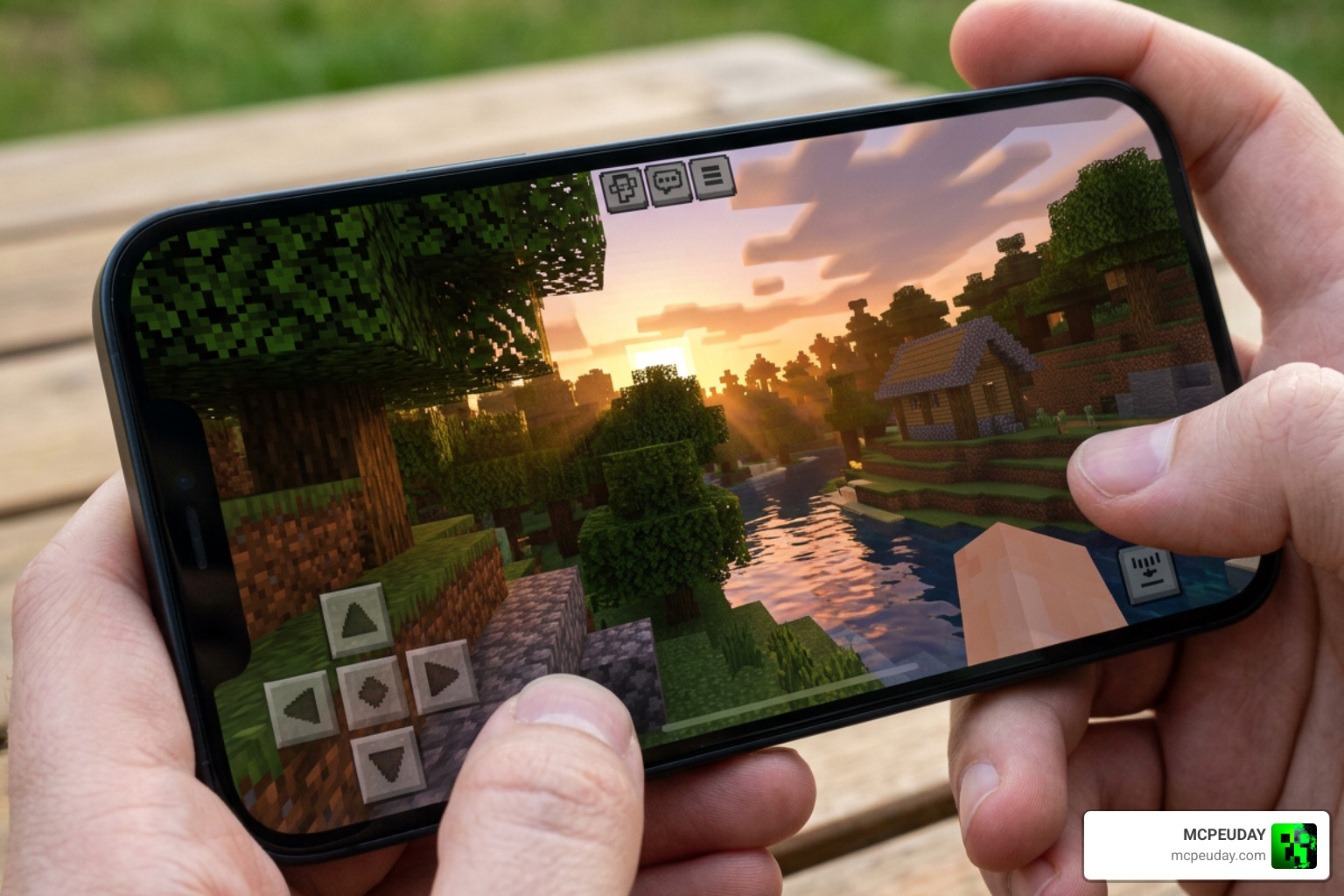
In the past, installing shaders on mobile was as simple as downloading a texture pack. However, Microsoft’s introduction of the RenderDragon engine changed the rendering pipeline completely.
RenderDragon Compatibility and PBR Materials
RenderDragon restricted traditional custom shader methods, causing many older packs to break. Fortunately, creators have adapted. Modern shaders utilize Bedrock’s official deferred rendering capabilities and PBR (Physically Based Rendering) materials.
This means blocks now have depth maps that tell the engine how to bounce light off rough, smooth, or metallic surfaces. For a breakdown of which packs work best with the newest engine updates, check out our Best Render Dragon Shaders for MCPE 1.21 Tested on Real Devices 2026 Guide.
Bedrock vs Java Edition Shader Differences
While Java Edition shaders rely on heavy third-party mods like OptiFine or Iris, Bedrock shaders are packaged directly as resource packs. Here is how they compare:
| Feature | Minecraft Bedrock (MCPE) | Minecraft Java Edition |
|---|---|---|
| File Format | .mcpack | .zip |
| Primary Engine | RenderDragon (Deferred Rendering) | OptiFine / Iris / Oculus |
| Installation | Single-tap import | Manual mod placement |
| PBR Support | Yes (via texture maps) | Yes (via labPBR) |
| Performance | Highly optimized for mobile GPUs | Heavy CPU/GPU usage on PC |
Device Compatibility, Performance, and Battery Life
Shaders require real-time mathematical calculations for lighting and reflections, which can impact your device’s hardware.
High-end shaders run beautifully on modern processors like the Apple A-series chips or high-end Snapdragon and MediaTek processors. If you are on a budget device with an older Mali or Adreno GPU, sticking to lightweight options like Newb x Unwind or Sildaum Vibrant will prevent thermal throttling and lag.
How to Install the 10 top Minecraft PE Shaders on Android and iOS
Installing shaders on mobile is straightforward. Follow these quick steps:
- Download the
.mcpackfile from a trusted resource like MCPEUDAY. - Tap the downloaded file on your mobile device. Your operating system should ask to open it with Minecraft.
- Minecraft will launch and display an “Import Started” message at the top of the screen.
- Once successfully imported, go to Settings > Global Resources > My Packs.
- Select your shader and tap Activate.
For a more detailed walkthrough, including how to handle patched versions or beta previews, read our comprehensive guide on How to Turn on Shaders in Minecraft 2026 Guide Java Bedrock MCPE Setup Fast Mcpeuday.
Optimizing FPS and Reducing Battery Drain on Mobile
If you experience stuttering or find your battery draining too quickly, try these optimization tips:
- Lower your render distance: This is the single most effective way to reclaim lost frames.
- Disable fancy graphics features: Turning off “Beautiful Skies” or “Fancy Bubbles” in your video settings can free up GPU resources.
- Limit your frame rate: Locking your frame rate to 60 FPS prevents your phone from working overtime and overheating.
Frequently Asked Questions about MCPE Shaders
Do shaders work on Minecraft PE multiplayer and Realms?
Yes! Most shaders are client-side resource packs. This means you can use them on multiplayer servers and Realms to make your own game look beautiful without affecting other players or causing server-side lag.
Why did my shaders stop working after the RenderDragon update?
Older legacy shaders designed for the pre-RenderDragon engine will display as a black screen or fail to load. To fix this, you must download updated, RenderDragon-compatible shaders that support deferred rendering.
Are Minecraft PE shaders safe to download?
Yes, shaders are entirely safe as long as you download them from trusted community sites. To protect your device, avoid sketchy third-party apps filled with intrusive ads and always download clean .mcpack files directly from verified sources like MCPEUDAY.
Conclusion
Upgrading your mobile Minecraft world has never been easier. The 10 top Minecraft PE Shaders we compiled offer everything from jaw-dropping, high-end realism to ultra-optimized, battery-friendly performance.
At MCPEUDAY, we pride ourselves on providing the safest, most comprehensive, and up-to-date collection of graphics mods, shaders, and addons. Ready to transform your blocky world into a visual masterpiece? Explore more graphics mods on MCPEUDAY and find your perfect look today!
1 thought on “10 Top Minecraft PE Shaders (June 2026) – Best Realistic MCPE Shaders”