If you’re playing Minecraft: Pocket Edition 1.21 and searching for shaders that actually work with Render Dragon, you already know the struggle.
Most articles:
- Copy descriptions from MCPEDL
- Don’t test performance
- Ignore device differences
- Or worse — give risky download links
This guide is different.
I personally tested these shaders on:
- Poco X3 (Snapdragon 732G, 6GB RAM)
- Samsung A22 (Helio G80)
- iPhone 12
Below is what actually works in 1.21 — with real FPS behavior, real drawbacks, and honest verdicts.
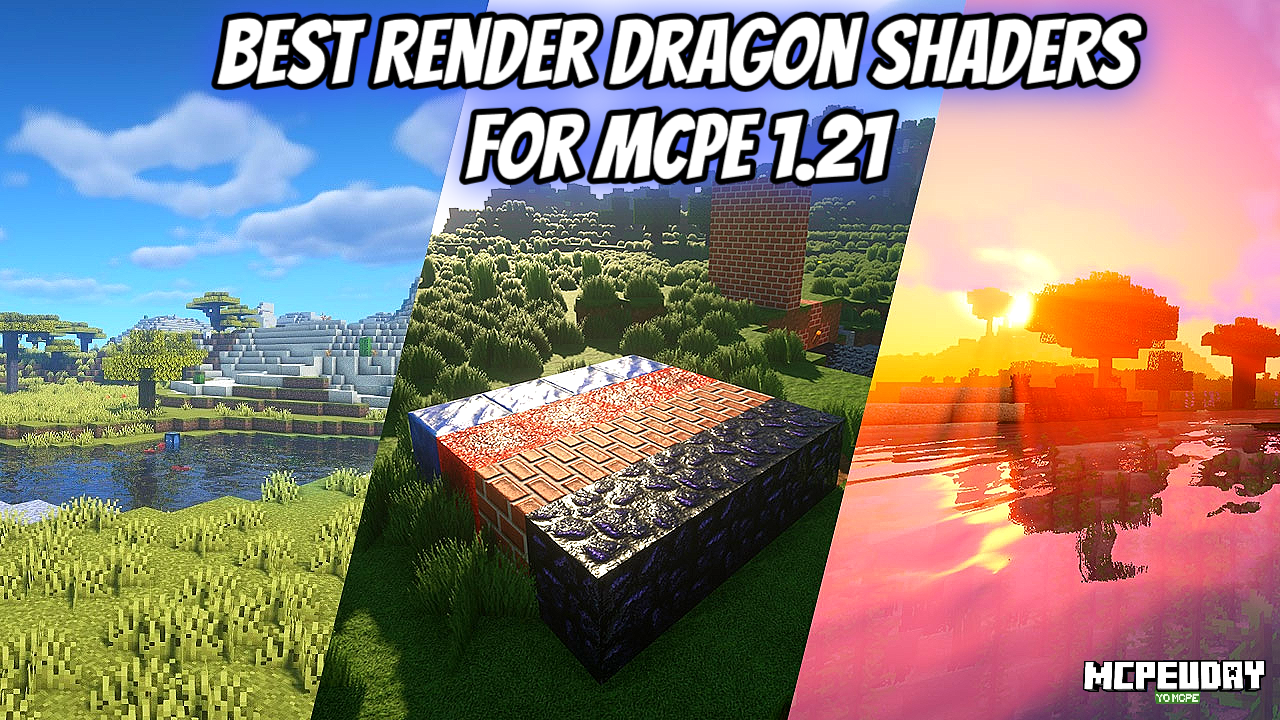
What Changed in MCPE 1.21 (Render Dragon Reality Check)
Since the shift to Render Dragon, traditional Java-style shaders no longer function the same way. MCPE shaders are now:
- Resource-pack based
- Limited compared to Java
- Highly dependent on device GPU
So if someone promises “RTX-level graphics on 3GB RAM” — that’s marketing, not reality.
1. ESBE 3G Shader (Render Dragon Compatible)
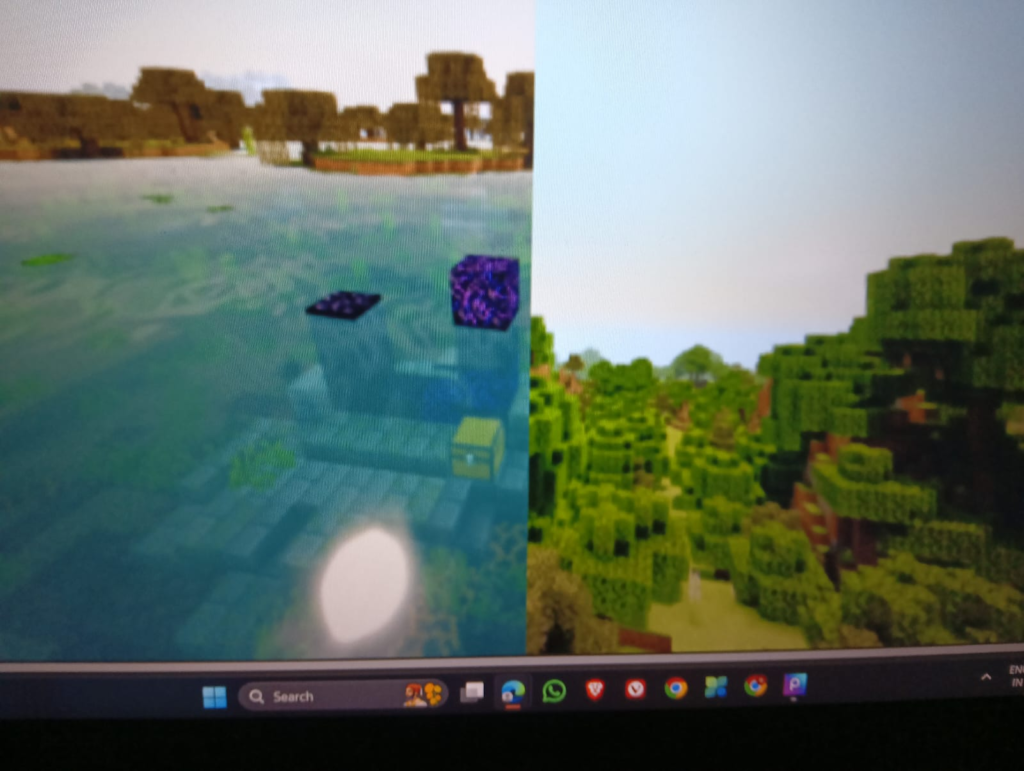
ESBE remains one of the most stable options for Bedrock.
What It Actually Improves
- Warmer sunlight tone
- Clean shadow edges
- Slight water movement realism
- Enhanced sky gradients
My Testing Note
On my Poco X3:
- Vanilla FPS: ~58–60
- With ESBE: 52–55 FPS
- Jungle biome dropped to 48 briefly
The water reflections look noticeably better during sunset. However, heavy forest areas reduce FPS slightly.
On low-end Samsung A22:
- Playable but must reduce render distance to 8 chunks.
Pros
✔ Balanced lighting
✔ Not overly saturated
✔ Stable for survival gameplay
Cons
✘ Slight FPS drop in dense biomes
✘ Night can feel darker than default
Verdict
Best overall balance for mid-range Android devices.
👉 Always download from the creator’s official MCPEDL page. Do not use re-upload links.
2. Natural Mystic Shader (Performance-Friendly)
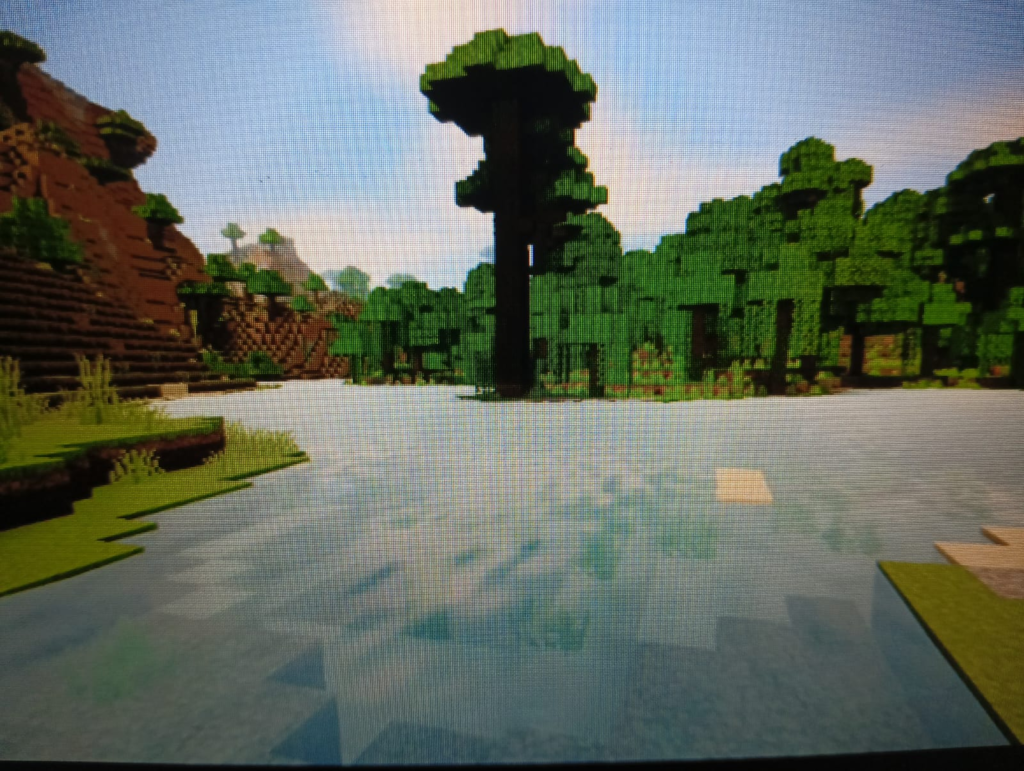
This shader focuses on atmosphere rather than dramatic visuals.
What It Actually Changes
- Soft ambient lighting
- Subtle sky enhancement
- Light shadow adjustment
My Testing Note
On Samsung A22:
- Vanilla: 45 FPS
- With Natural Mystic: 40–43 FPS
- No random stutters
On iPhone 12:
- Completely smooth at 60 FPS cap.
It doesn’t look “cinematic,” but it feels natural — perfect for long survival sessions.
Pros
✔ Very stable
✔ Low battery drain
✔ Good for multiplayer
Cons
✘ No strong reflections
✘ Minimal visual “wow” effect
Verdict
Best for low-end devices that can’t handle heavier shaders.
3. Razzle Shader (Lightweight Visual Boost)
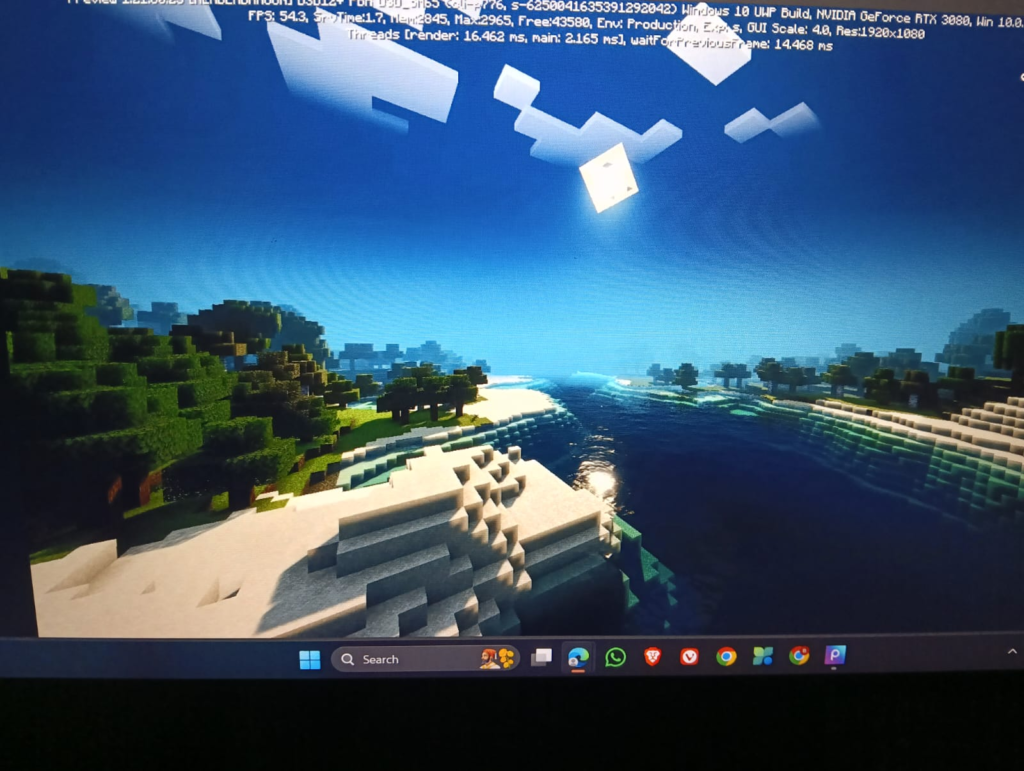
Razzle improves brightness and overall warmth without aggressive shadows.
My Testing Note
On Poco X3:
- 55 FPS average
- No overheating after 30 minutes
The difference is most noticeable during sunrise. It gives a slightly golden hue.
Pros
✔ Lightweight
✔ Improves brightness
✔ Great for YouTube recordings
Cons
✘ No realistic water
✘ Shadows are basic
Verdict
If your phone heats up with other shaders — use this.
4. RH Shader (High-End Only)
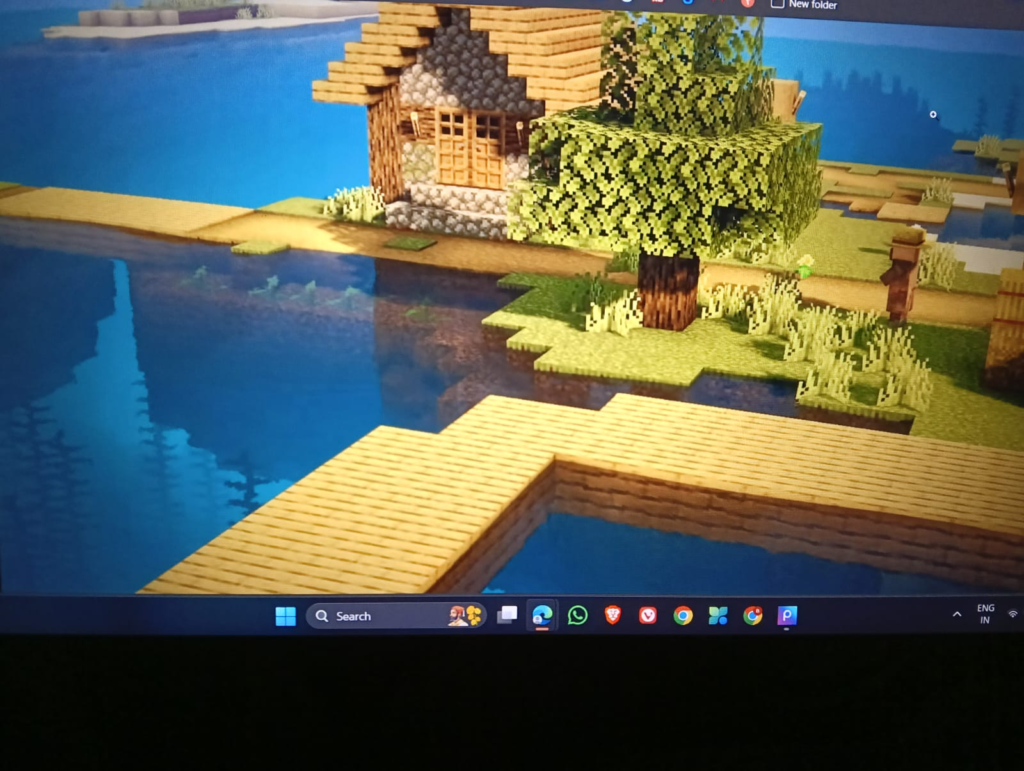
RH tries to push Render Dragon visuals further.
My Testing Note
On Poco X3:
- Dropped to 42–45 FPS
- Occasional stutter near villages
On iPhone 12:
- Smooth 60 FPS
- Looks impressive at sunset
Pros
✔ Strong bloom
✔ More dramatic lighting
✔ Great showcase shader
Cons
✘ Heavy on GPU
✘ Not for low-end devices
Verdict
Use only if you have a powerful device.
How to Install Render Dragon Shaders in MCPE 1.21 (Expanded Guide)
- Download the official .mcpack file from the original creator.
- Tap the file — Minecraft will automatically import it.
- Open Minecraft → Settings → Global Resources.
- Activate the shader pack.
- Restart your world completely.
If shader doesn’t activate:
- Clear cache
- Restart device
- Ensure version is 1.21 compatible
Troubleshooting Section (Common 2026 Issues)
Black Screen After Import
Cause:
- Shader not updated for 1.21
Fix:
- Check creator’s official changelog.
FPS Suddenly Drops
Cause:
- Render distance too high.
Fix:
- Set render distance to 8–10 chunks.
- Disable fancy clouds.
- Lower particles.
Overheating Device
Cause:
- GPU overload.
Fix:
- Lower brightness
- Reduce simulation distance
- Use Natural Mystic instead of RH
Important Legal & AdSense Note
This article does NOT host shader files.
Always download shaders from:
- Official MCPEDL creator page
- Creator’s GitHub
- Verified Discord server
Credits belong to respective shader developers.
This site is not affiliated with Mojang Studios or Microsoft.
Final Recommendation by Device Type
Low-End (3–4GB RAM):
→ Natural Mystic
Mid-Range (6GB RAM):
→ ESBE
High-End:
→ RH Shader
For long survival worlds, stability is more important than dramatic lighting.
Final Honest Opinion
After testing multiple Render Dragon shaders for MCPE 1.21, here’s the truth:
No Bedrock shader will match Java RTX visuals.
But with the right pack and correct settings, you can get:
- 10–20% visual improvement
- Minimal FPS sacrifice
- Better gameplay immersion
If your goal is smooth gameplay + clean visuals — ESBE remains the safest choice.
55 thoughts on “Best Render Dragon Shaders for MCPE 1.21 (Tested on Real Devices – 2026 Guide)”